Get your order today. Same-Day Pick Up* or Delivery** available.

Learn More

SAVE UP TO 60% WITH BLACK FRIDAY.

SHOP NOW
Weiser

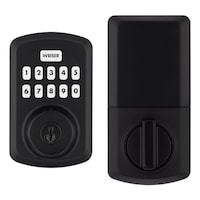
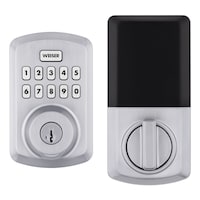
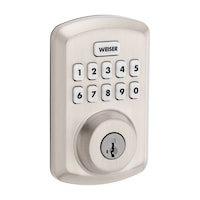
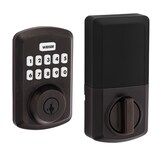
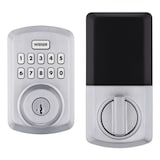
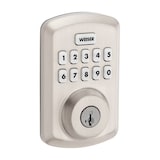
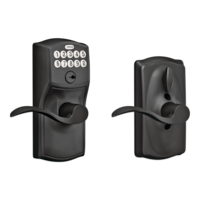
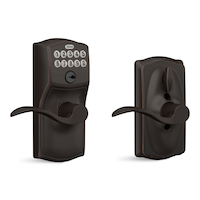
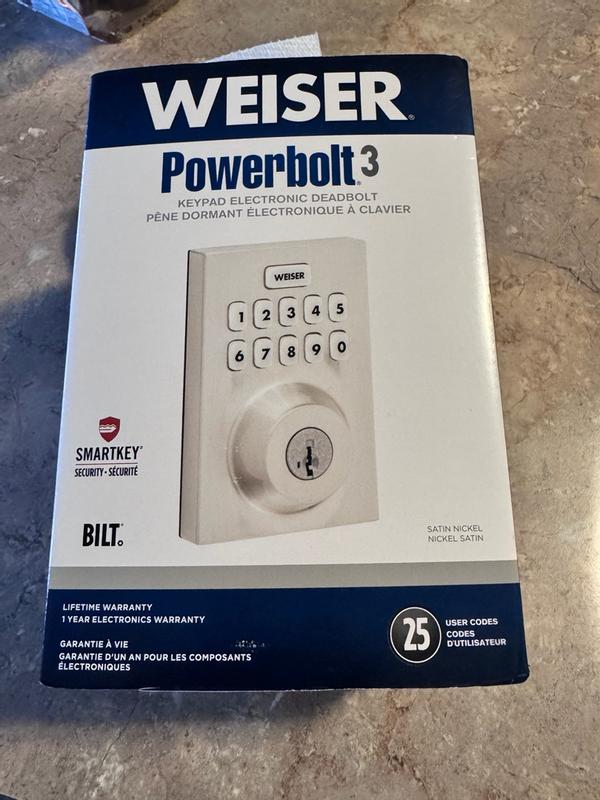
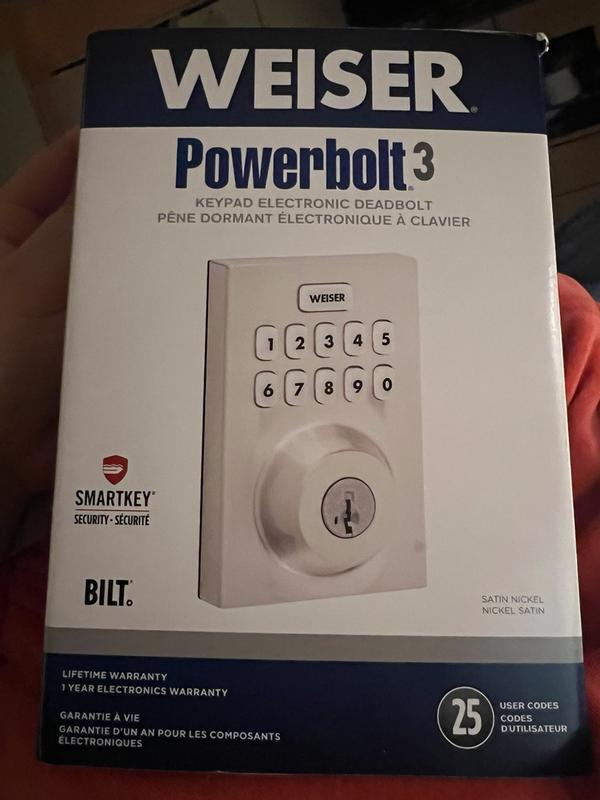
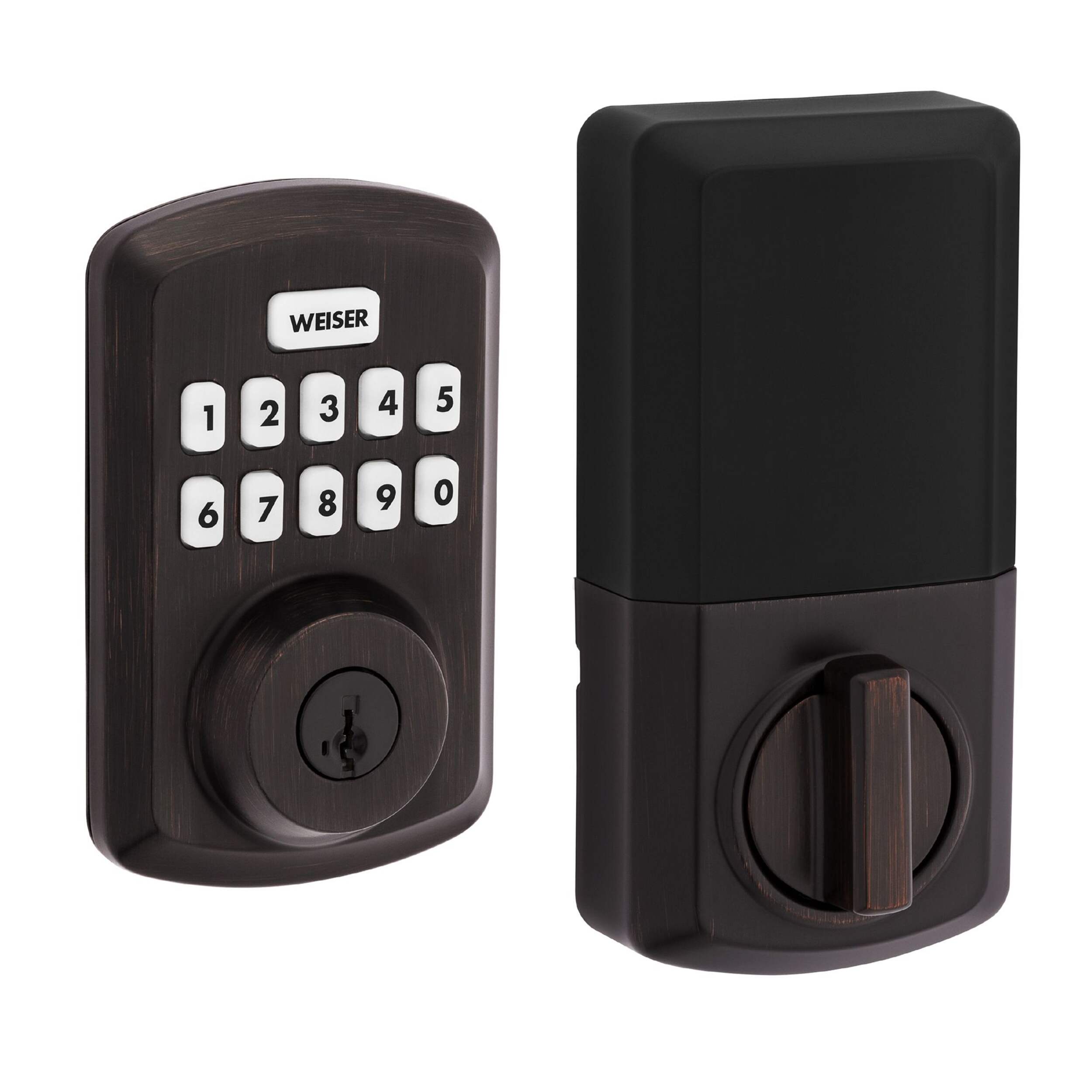
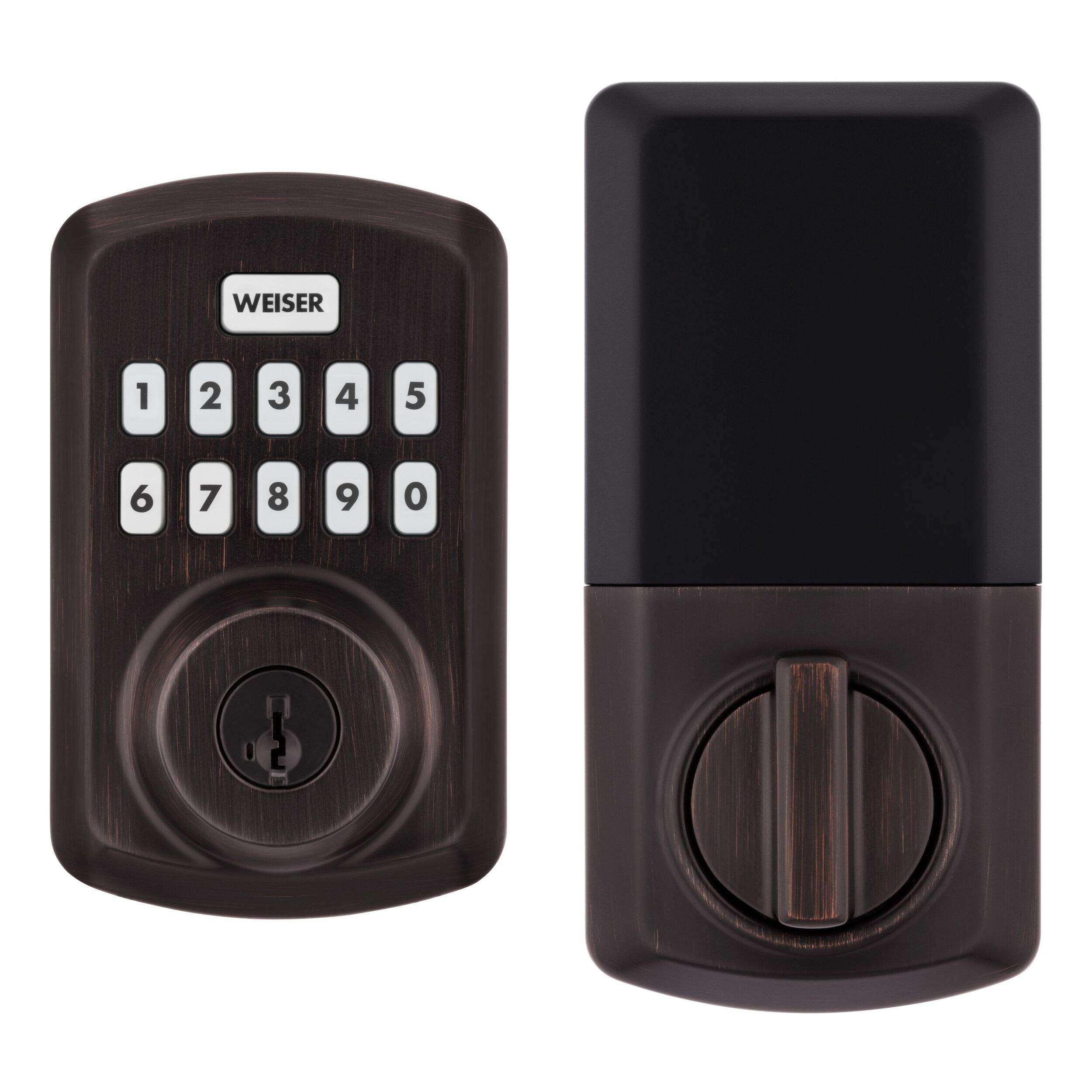
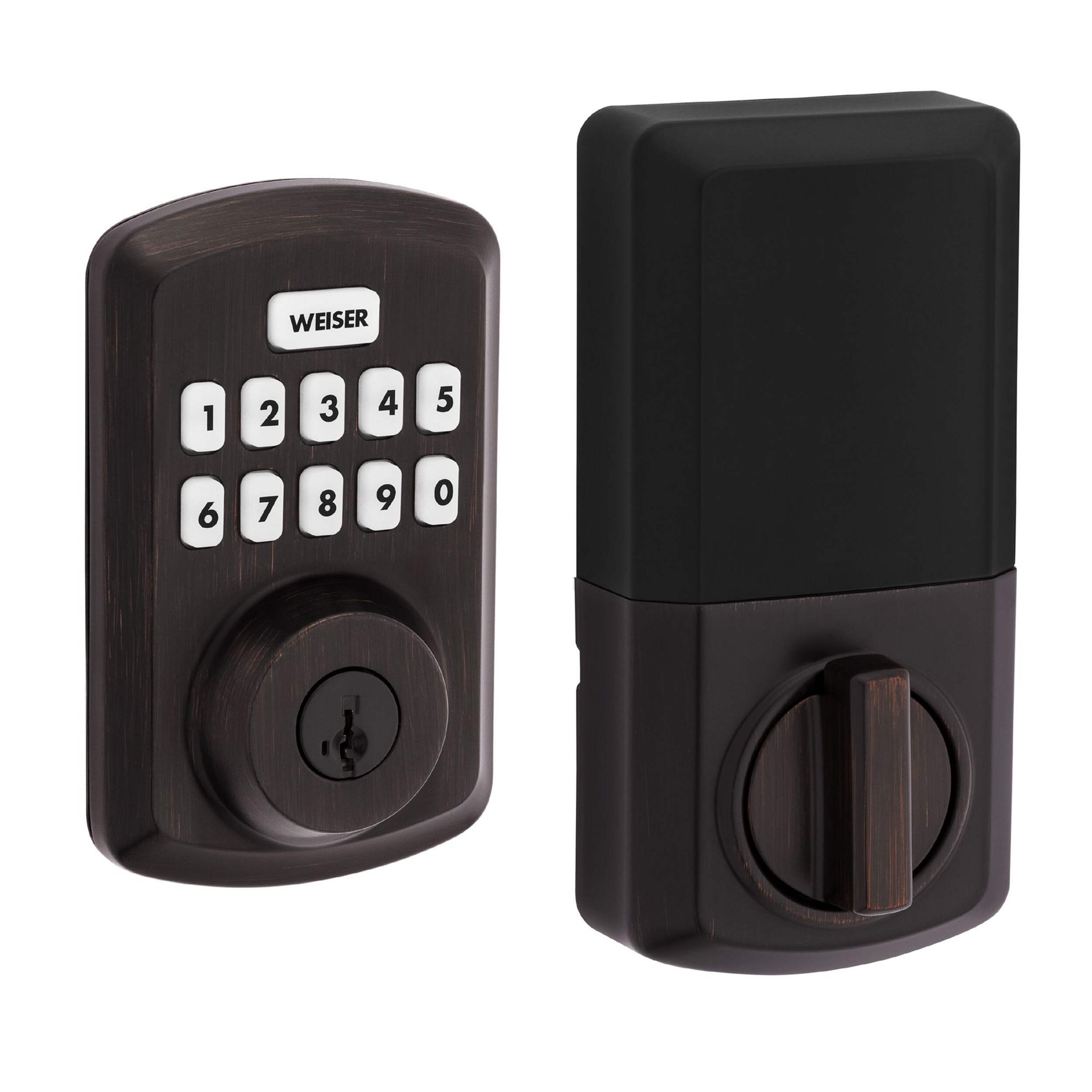
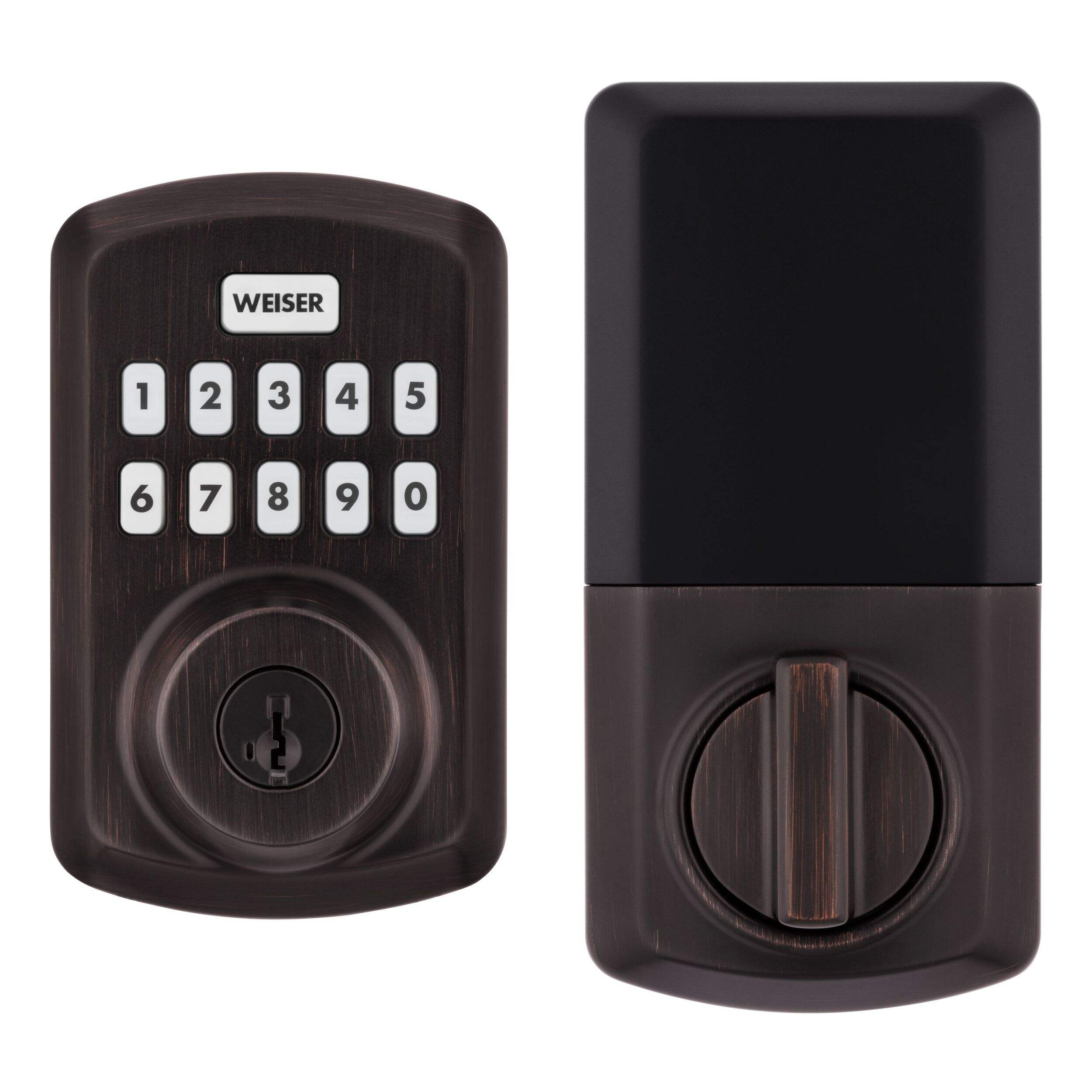
Weiser Powerbolt 3 Keyless Entry Deadbolt Lock, 10-Button Keypad Door Lock with Auto Lock and 12-Month Battery Life, Venetian Bronze

#046-7619-0
Weiser Powerbolt 3 Keyless Entry Deadbolt Lock, 10-Button Keypad Door Lock with Auto Lock and 12-Month Battery Life, Venetian Bronze
$109.99
Top Rated
Buy Online :
Pick up at Leduc, AB
4 In Stock
Get it Today !

Pick up available 05:30 p.m., Dec 04

Quantity updated to 1
New digital payments available on checkout page:
Also Find It in Store:

Only 4 left 

at Leduc, AB
Aisle 52
Add to Registry

Quebec residents: For information on maintenance and repair click here.

Weiser
Weiser

Weiser Powerbolt 3 Keyless Entry Deadbolt Lock, 10-Button Keypad Door Lock with Auto Lock and 12-Month Battery Life, Venetian Bronze

$109.99

Product Details

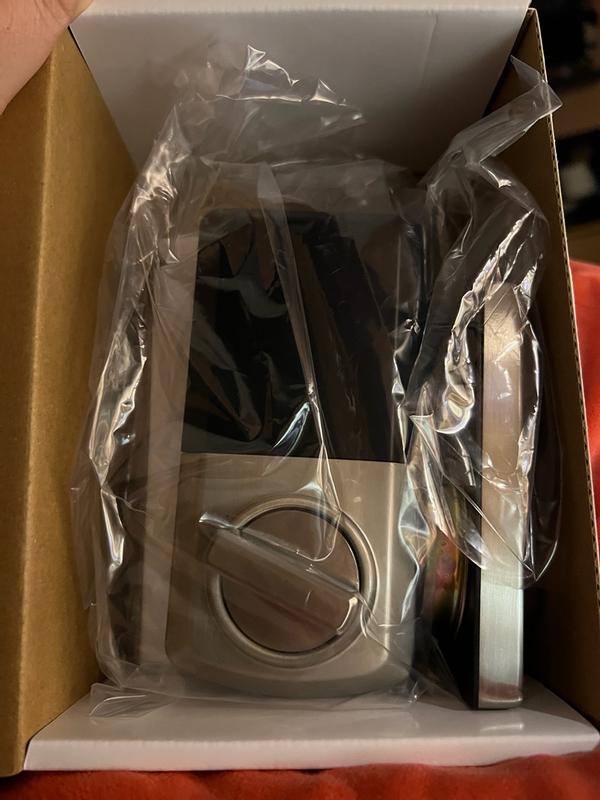
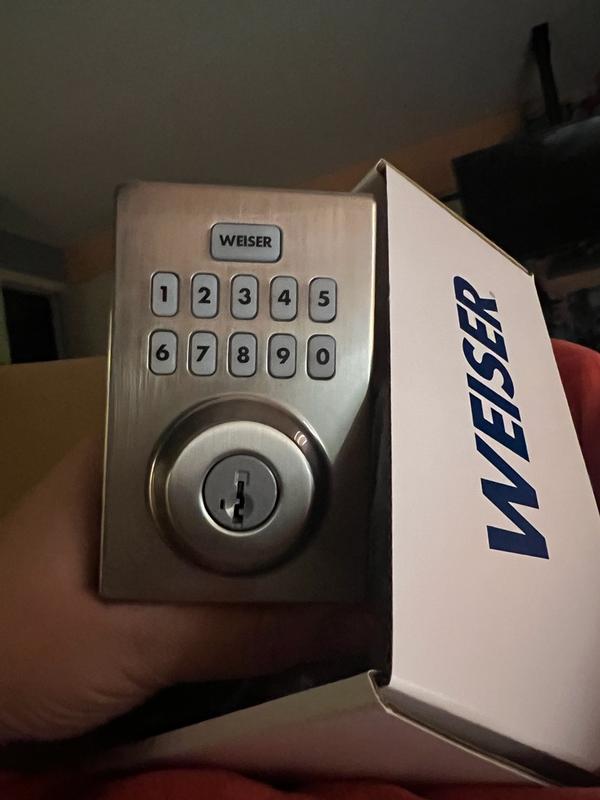
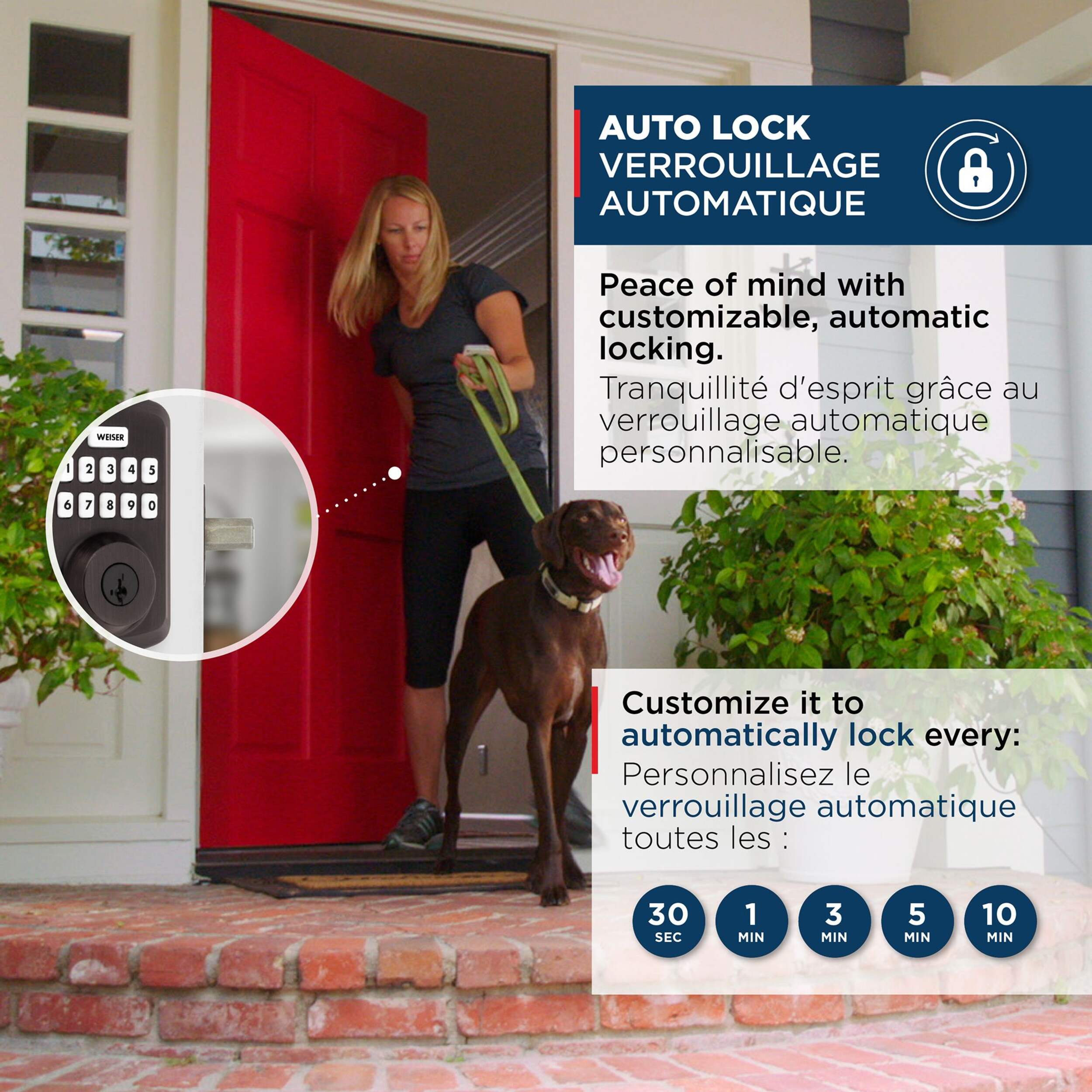
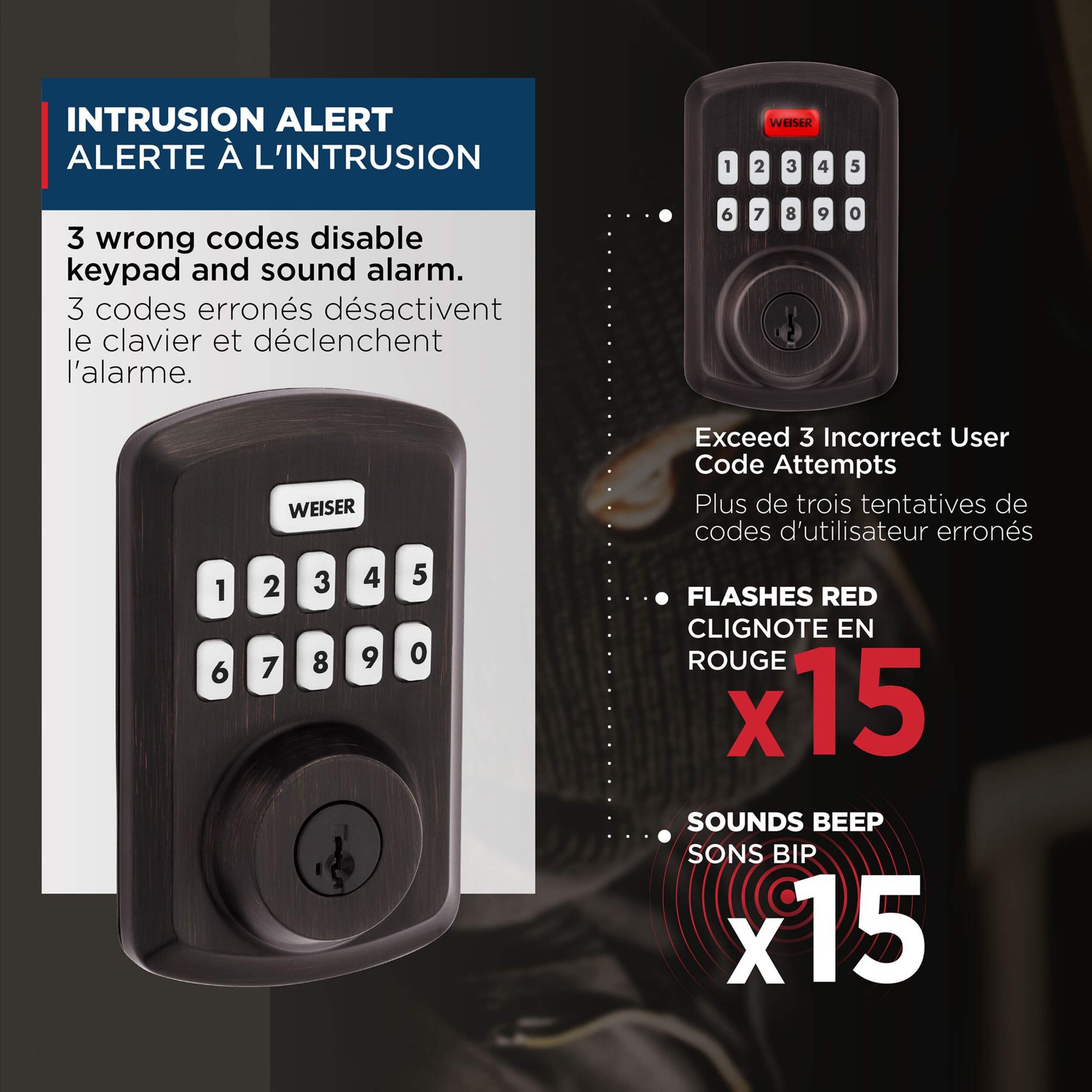
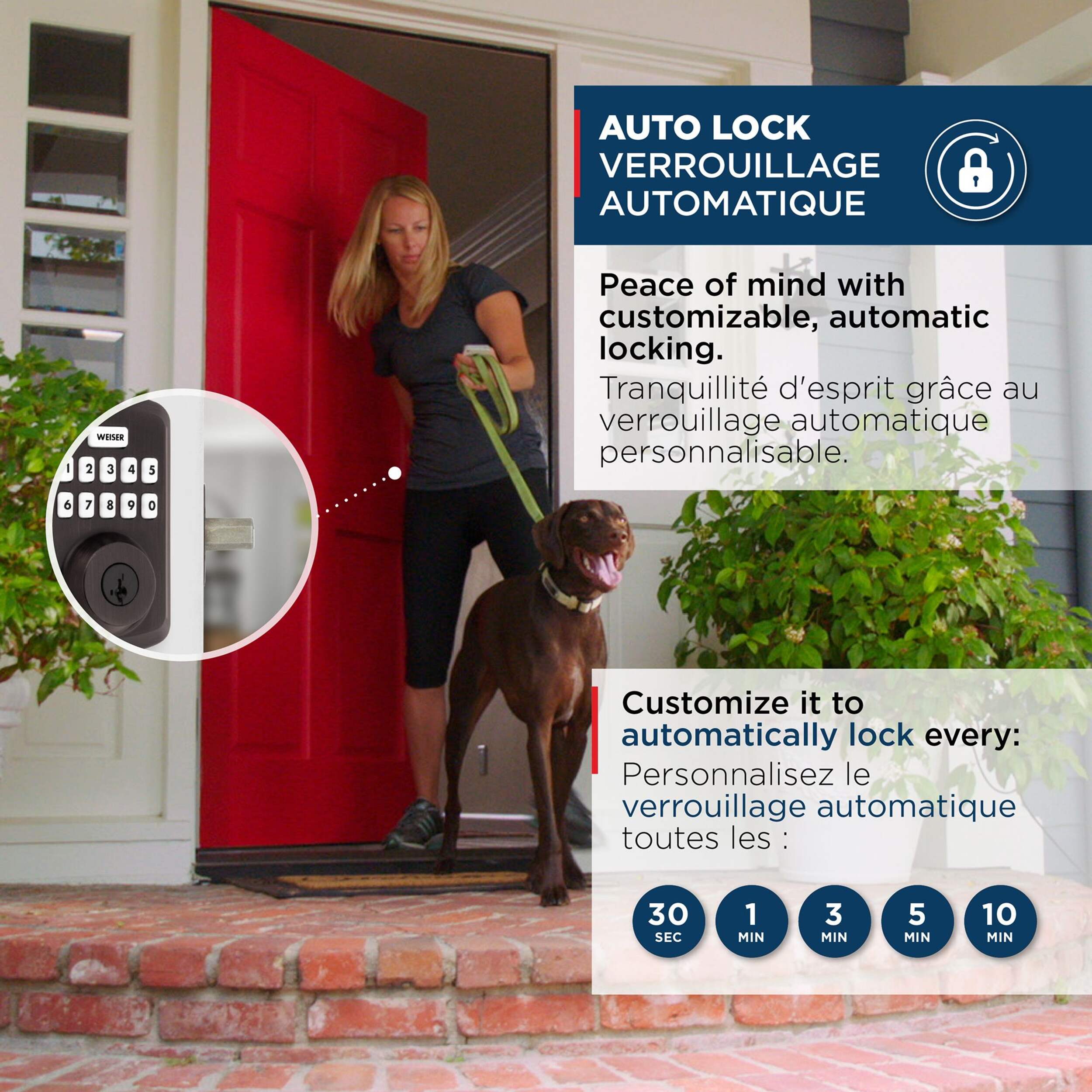
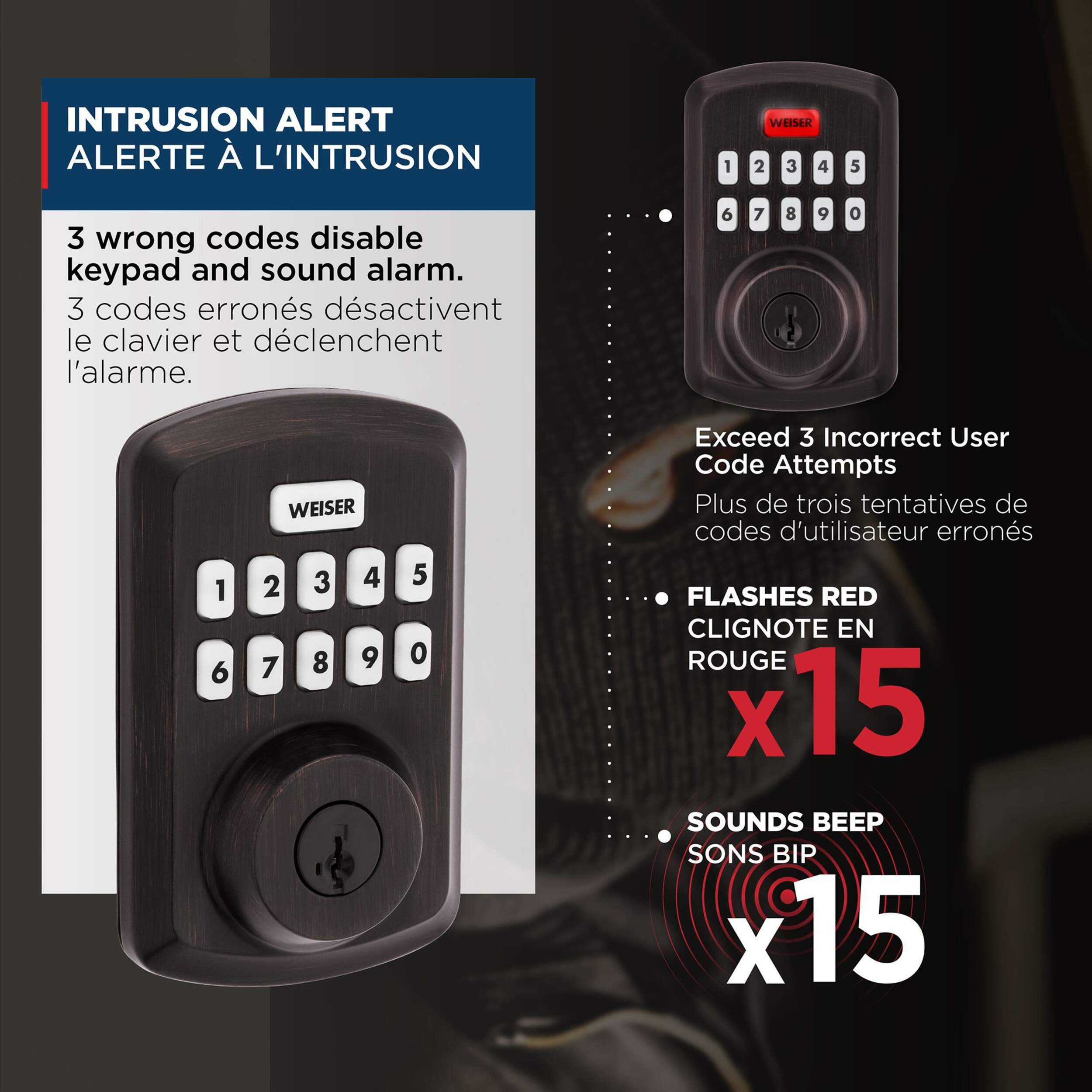
Upgrade your home security with the Weiser Powerbolt 3 Electronic Deadbolt Door Lock. Effortlessly access your home using keypad entry and customizable access codes for hassle-free entry. The auto-lock feature secures your door after a preset delay, enhancing safety. With SmartKey technology, you can easily re-key the lock for added convenience. Plus, built-in intrusion alerts activate a 1-minute alarm and lockout after three incorrect code entries, helping to ensure your home remains secure at all times.

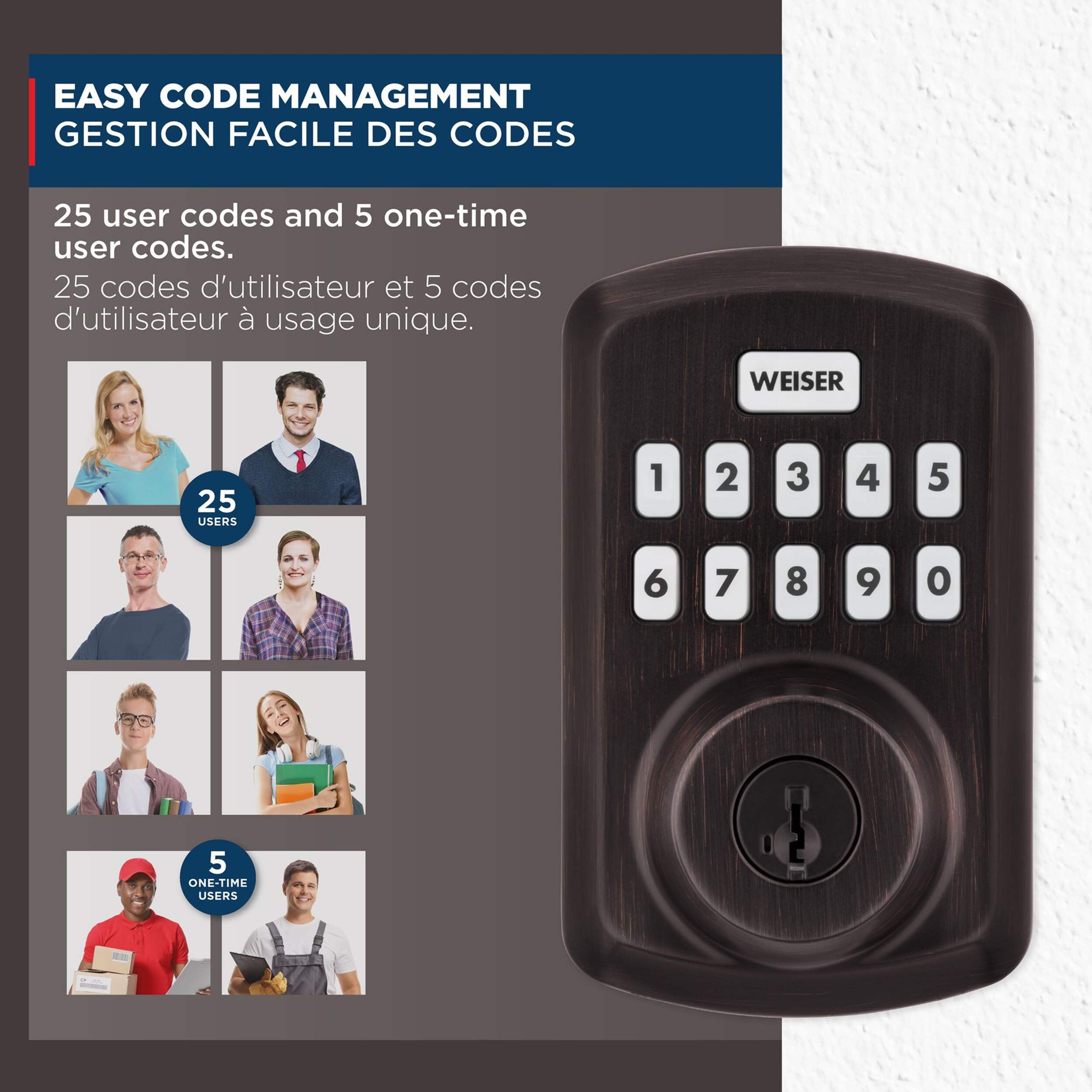
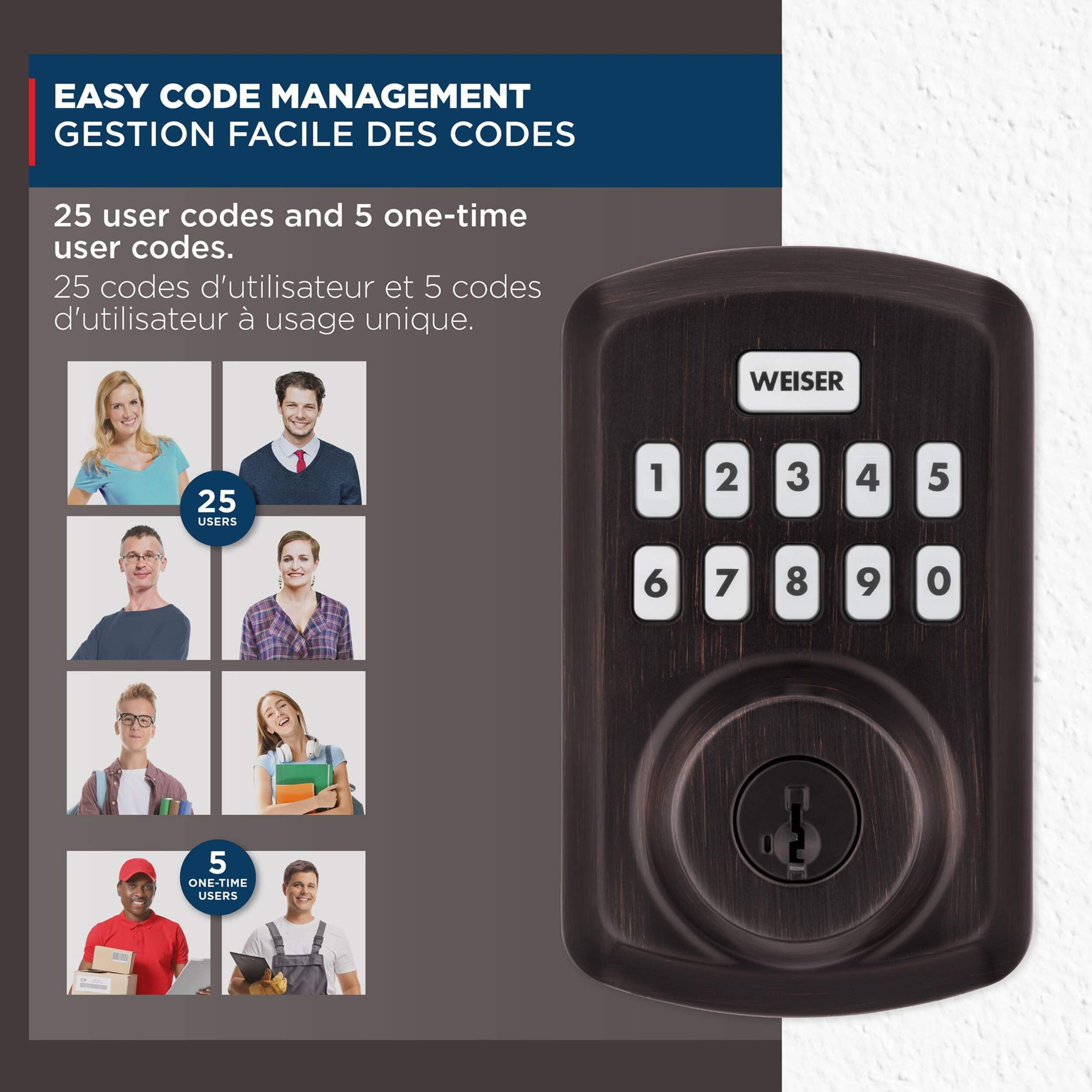
  • Customize up to 25 user codes, 5 one-time user codes and 1 programming code that lets you edit or delete user codes whenever you need to

  • Customize it to automatically lock every 30 sec, 1 min, 3 min, 5 min or 10 min

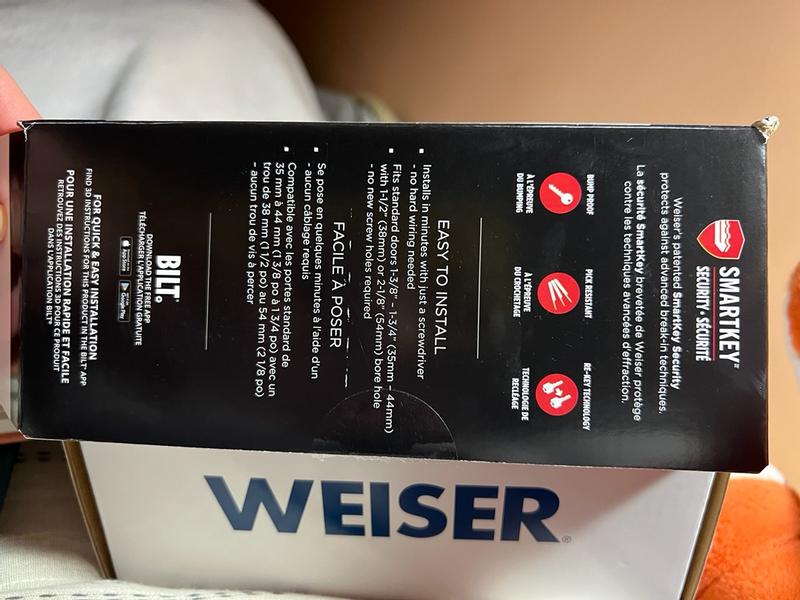
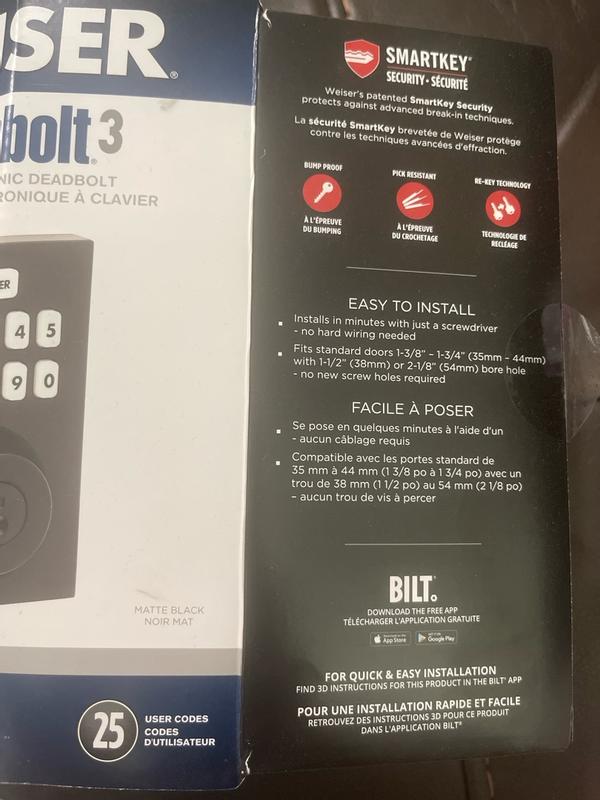
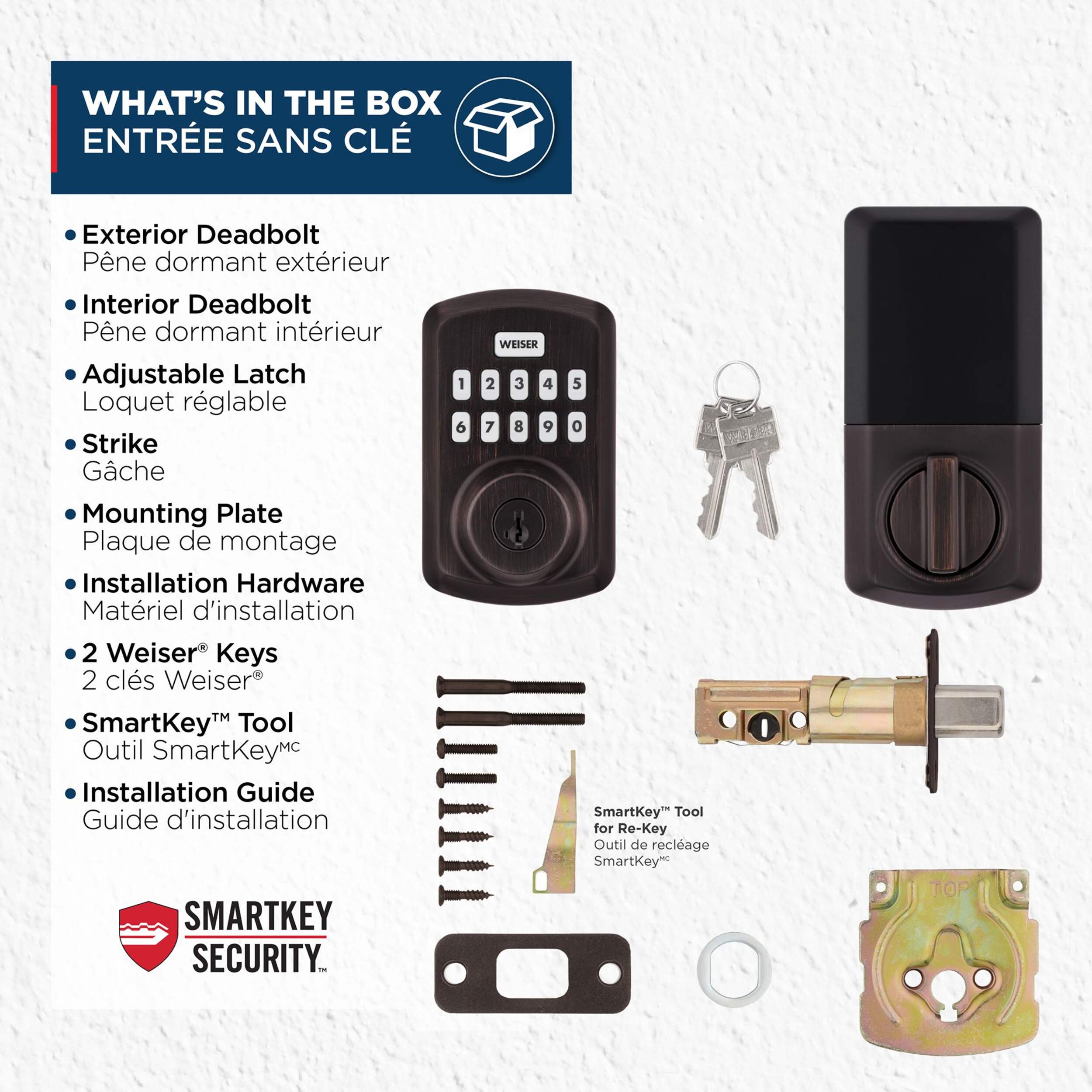
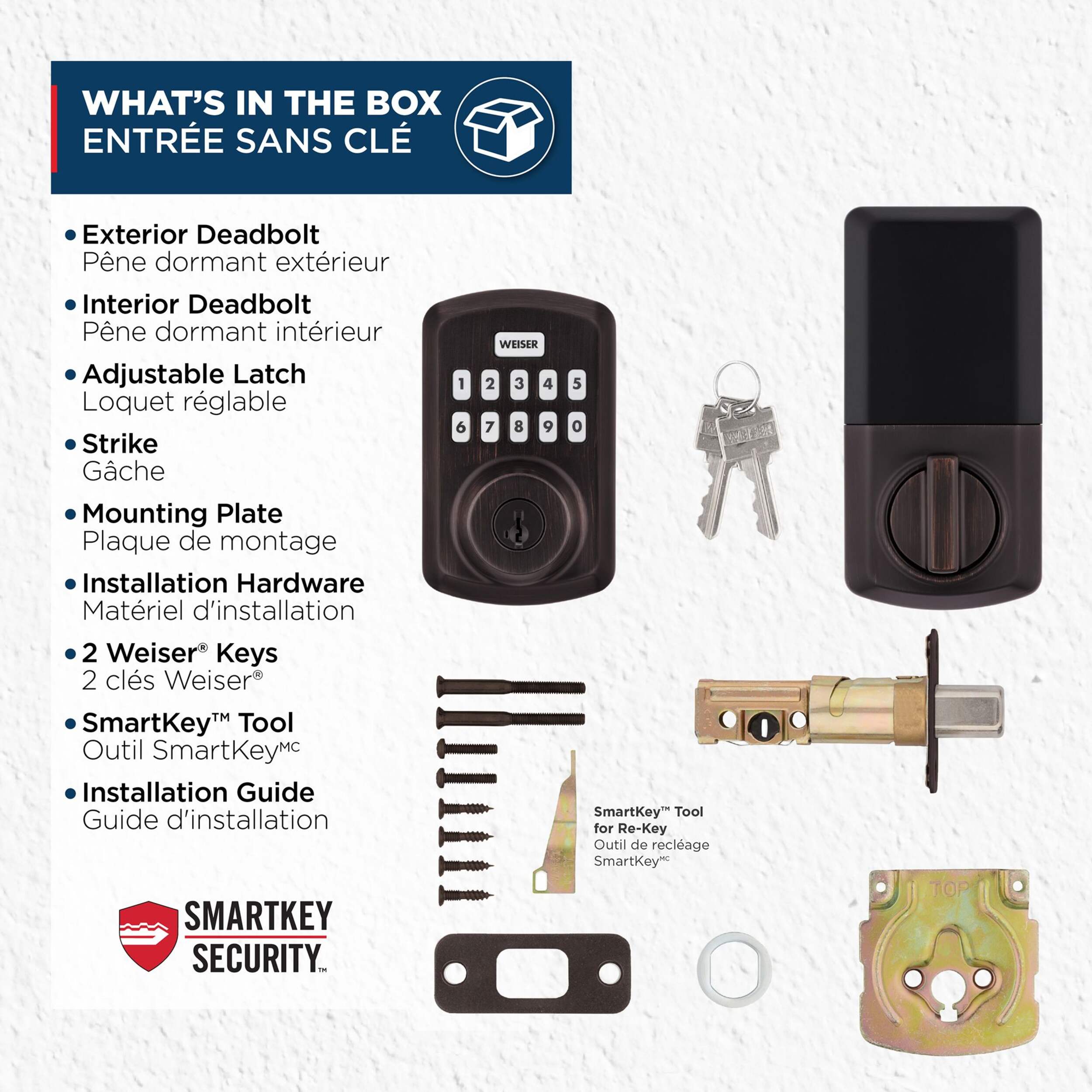
  • FEATURING SMARTKEY SECURITY: Allows you to re-key your lock yourself in seconds to previously or future purchased Weiser Locks

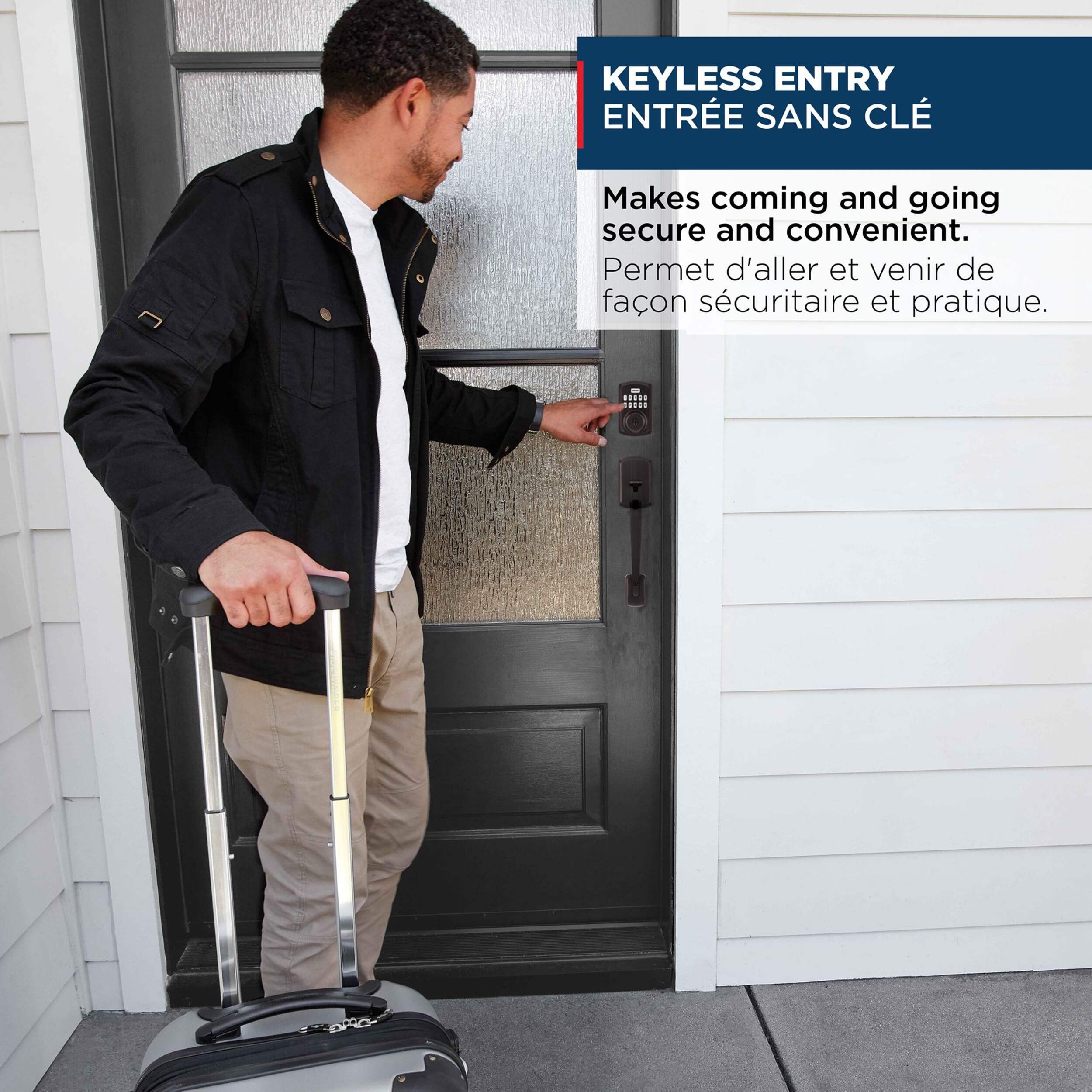
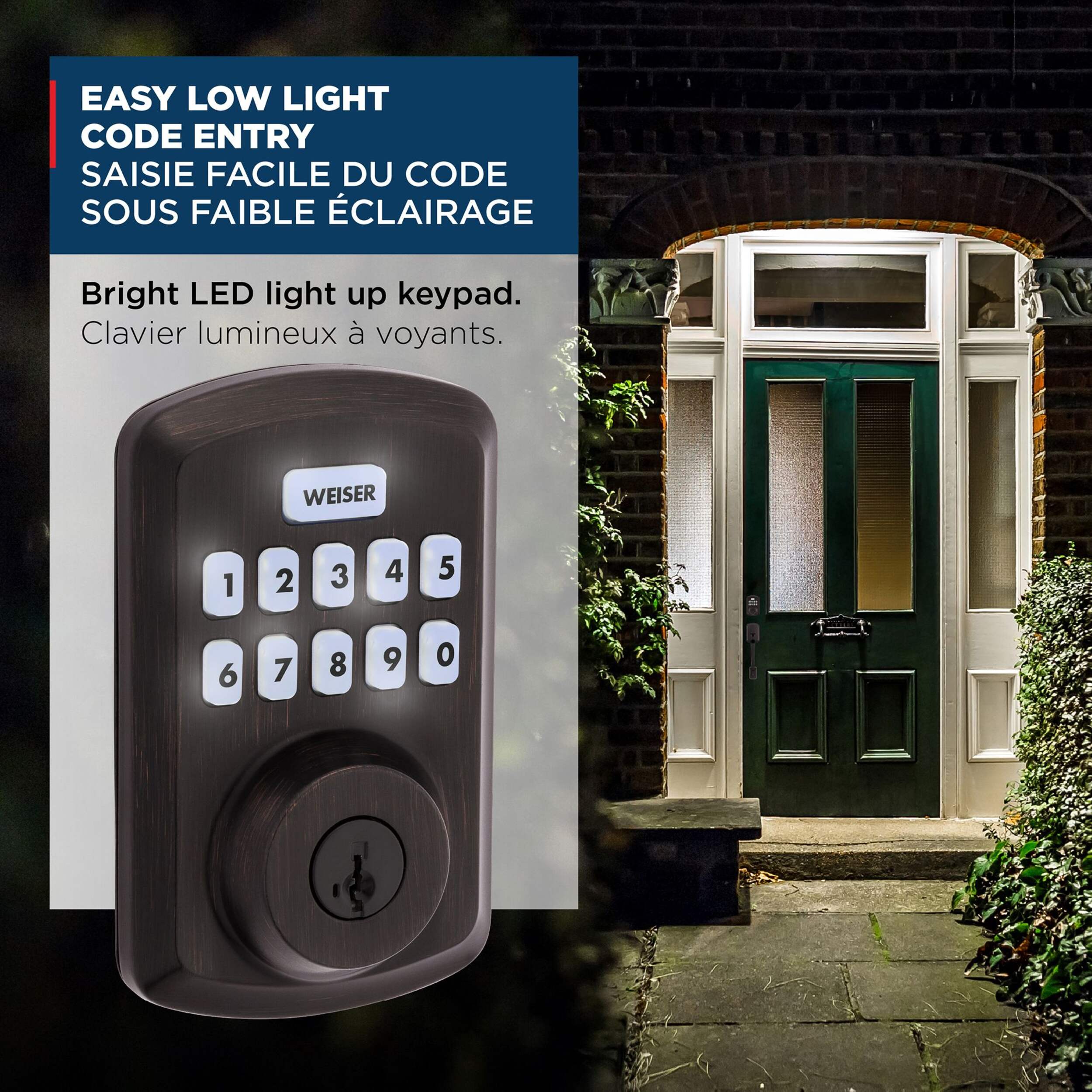
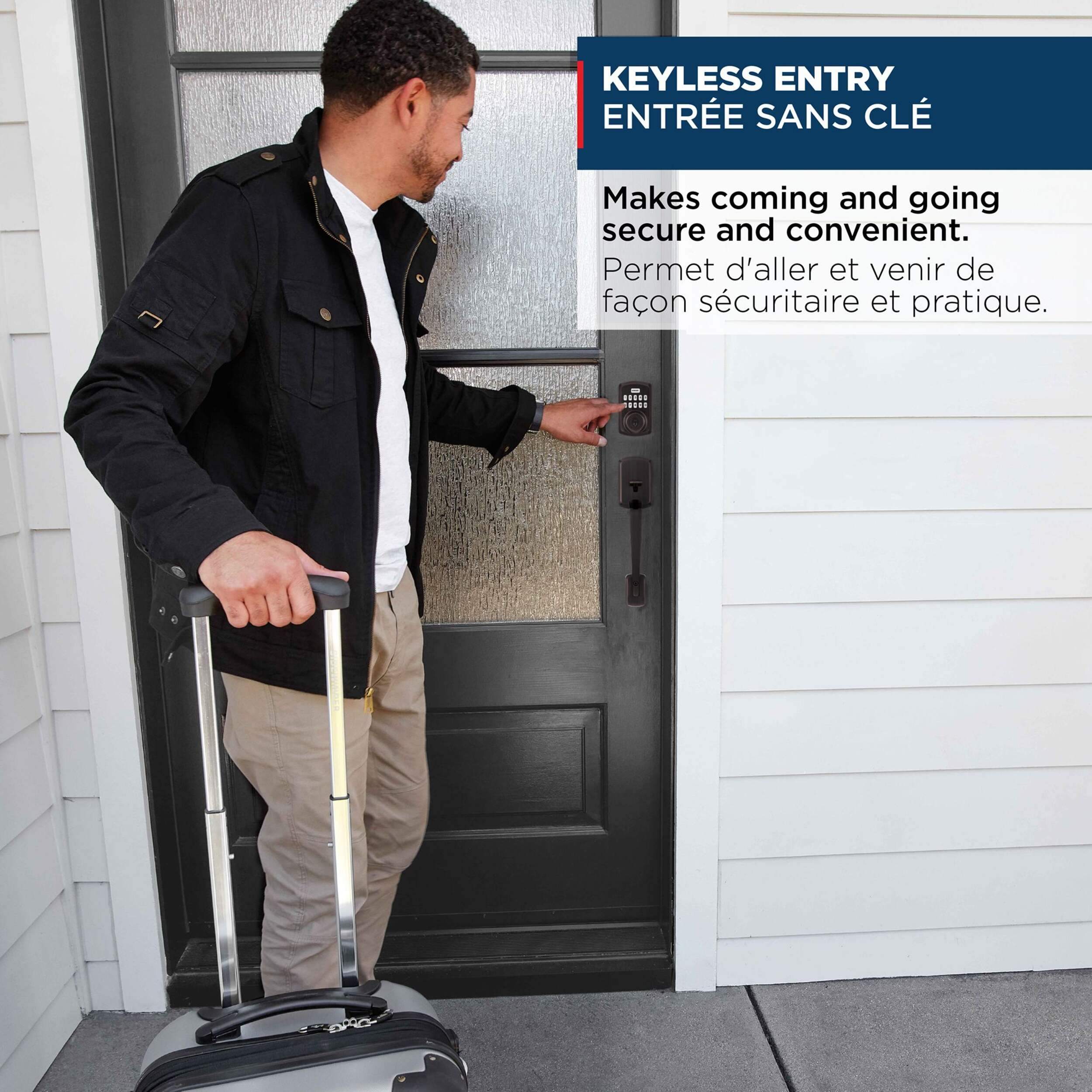
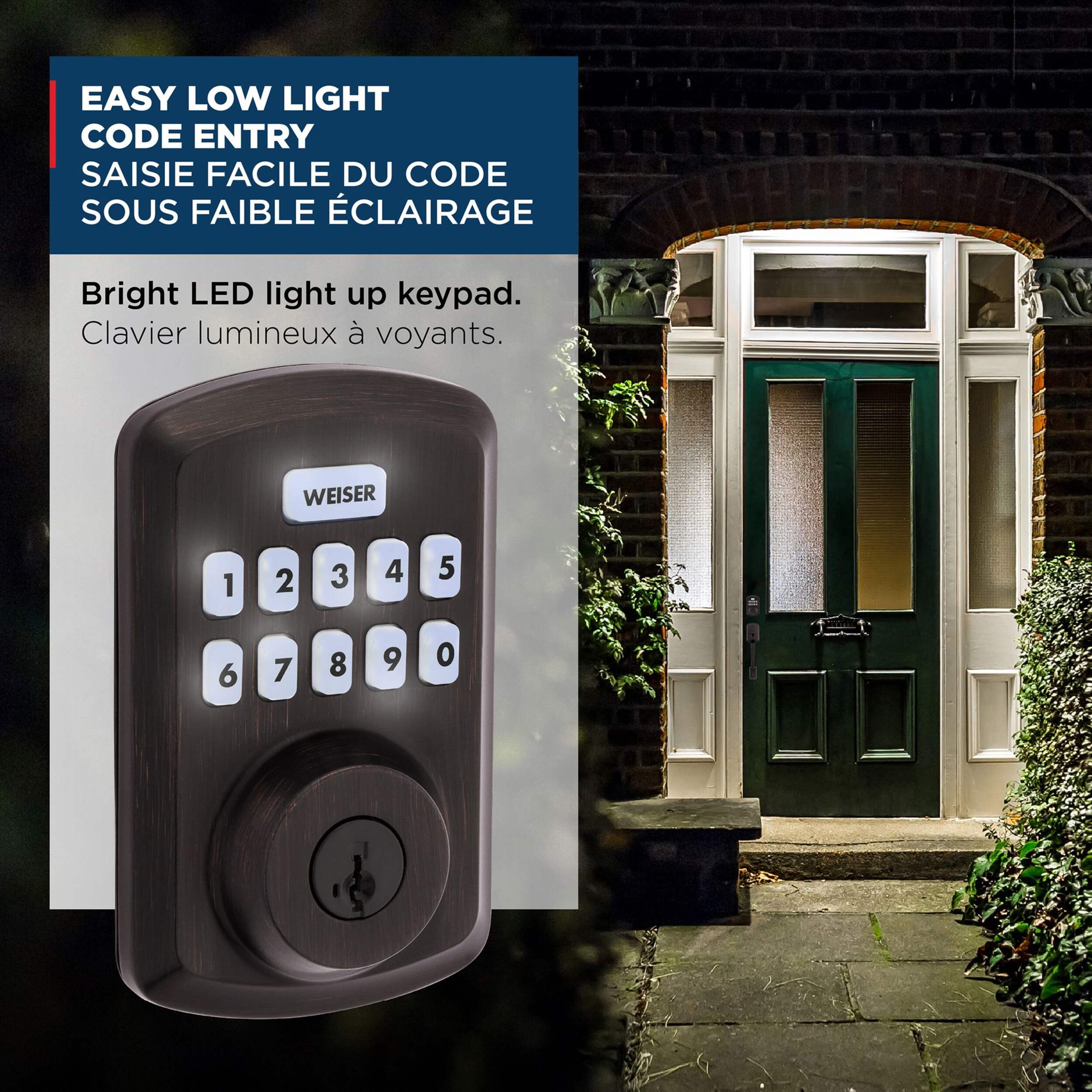
  • CONVENIENT KEYLESS ENTRY: Keypad entry makes coming and going secure and simple. Easily lock and unlock your door without having to take out your keys

  • Easy to install with a screwdriver

  • Limited Lifetime Finish Warranty and 1‐Year Limited Electronics Warranty.

  • Battery lasts at least 12 months, giving you more time in between battery replacements

  • Uses 4x AA alkaline batteries (batteries not included)

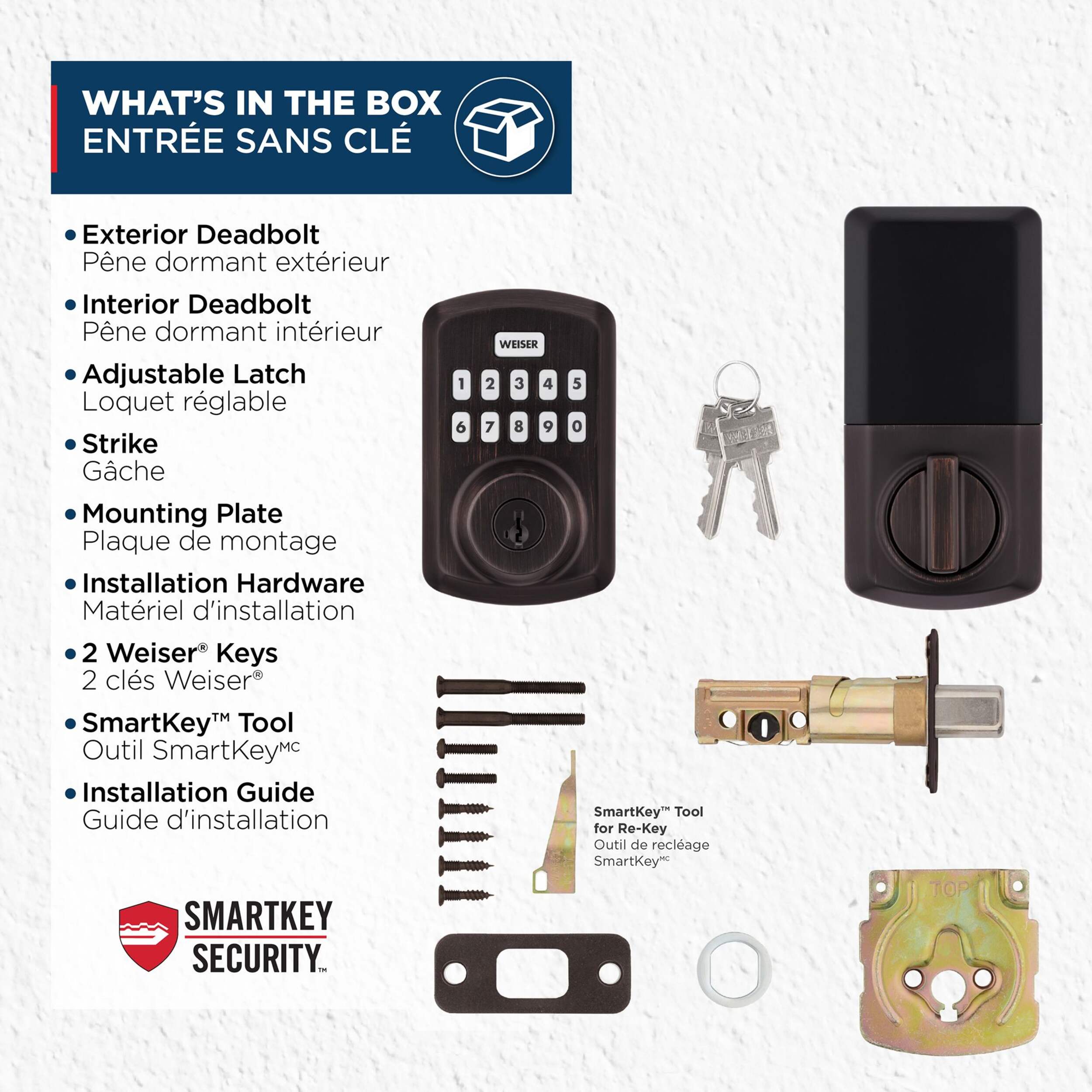
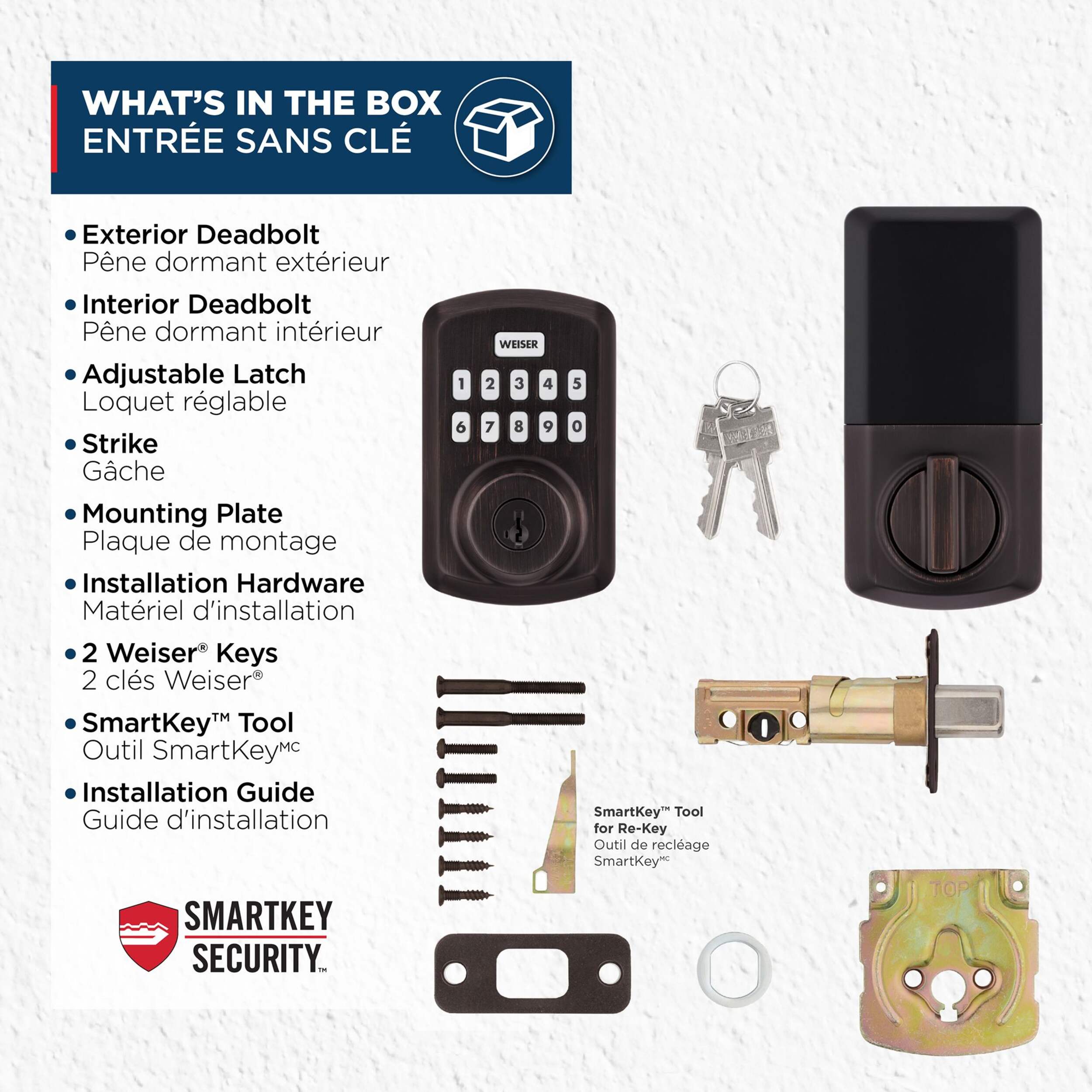
  • Comes with 2 keys

  • Venetian bronze finish

Part Number 9GED92500004
Handle Type Iluminated
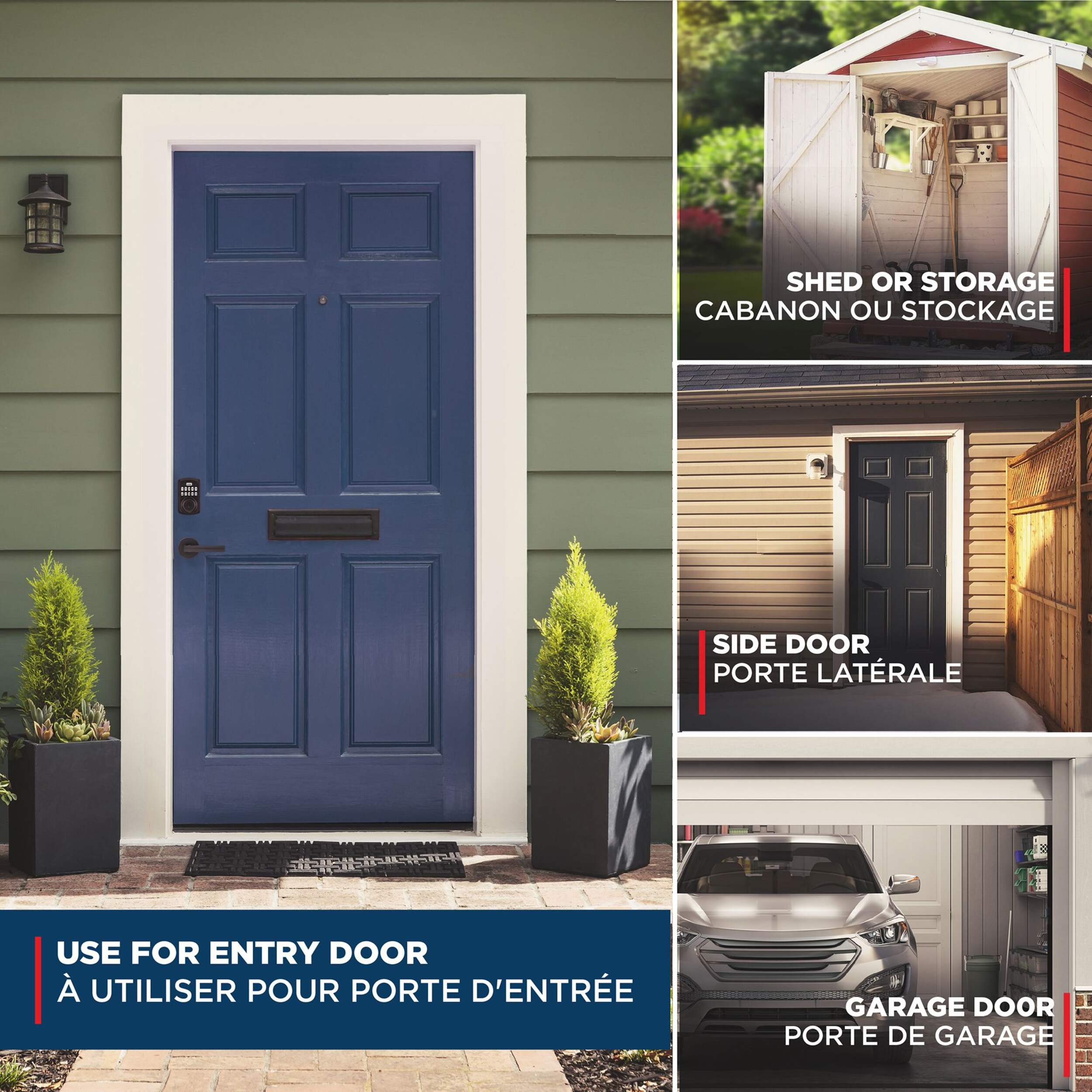
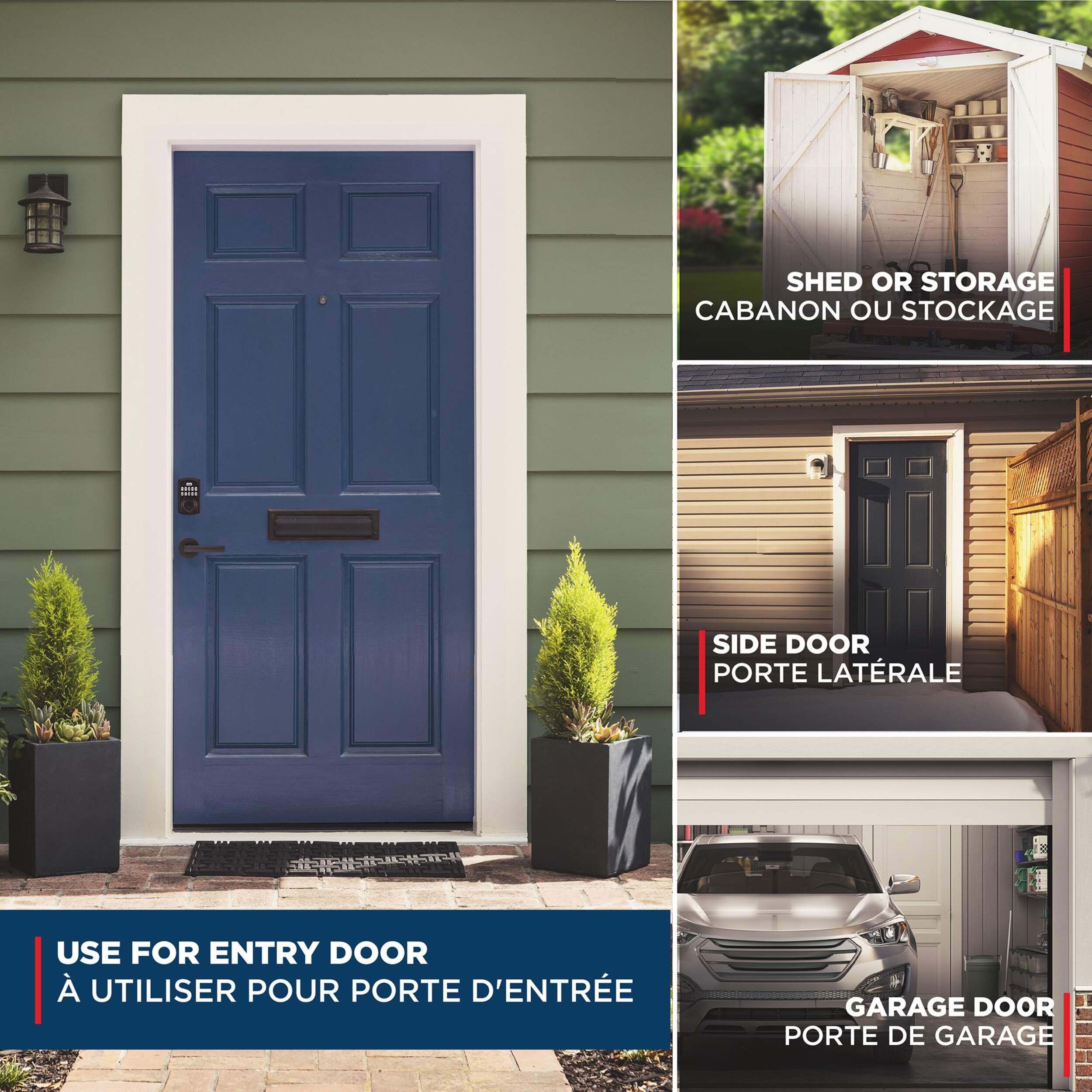
Door Type Entry, Exterior
Primary Colour Bronze
Finish Bronze
Design Style Transitional
Handing Reversible
Primary Material Stainless Steel
Lock Type Electronic
Pieces Included Installation Hardware
Latch Type Drive-In Latch
Accessories List No Accessories Included
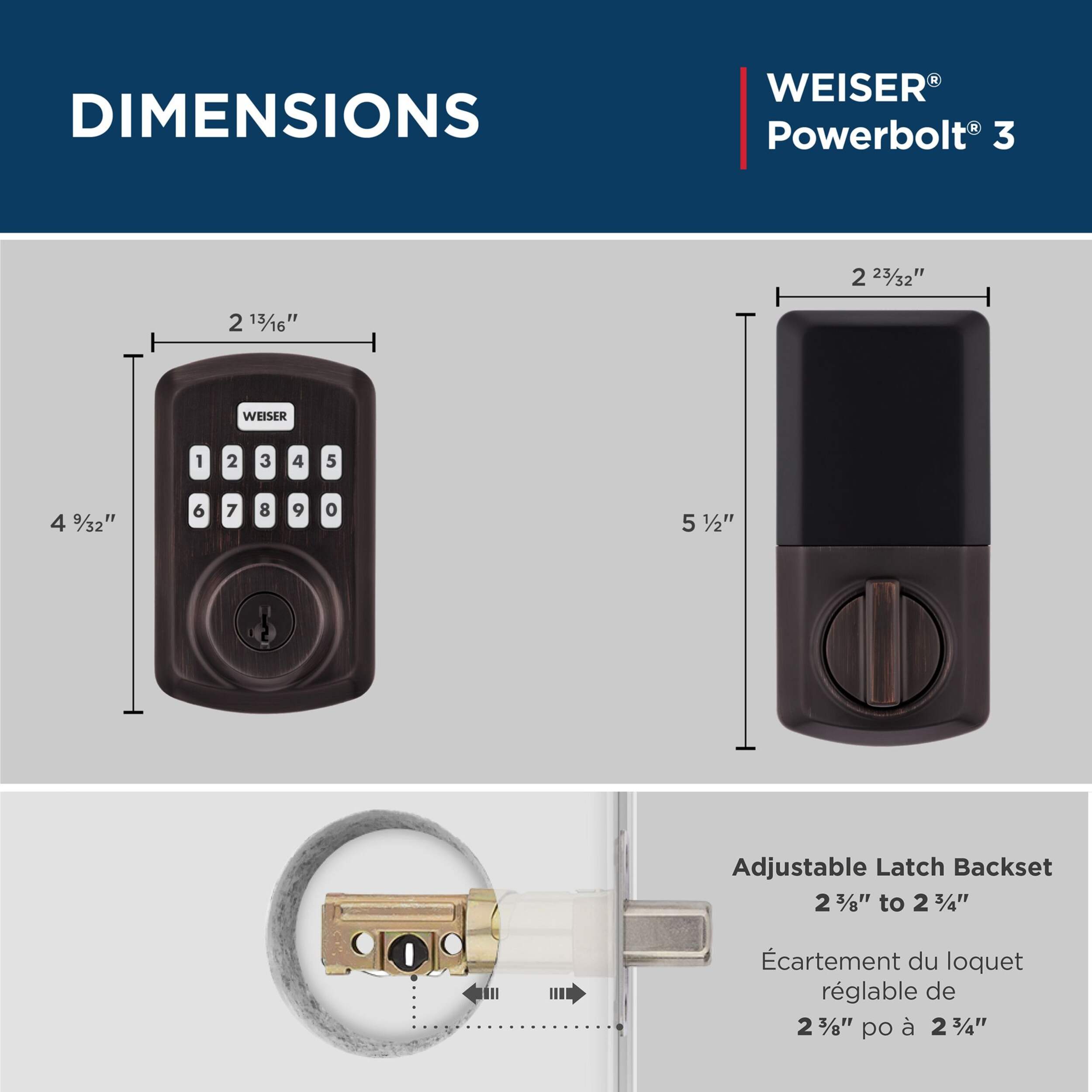
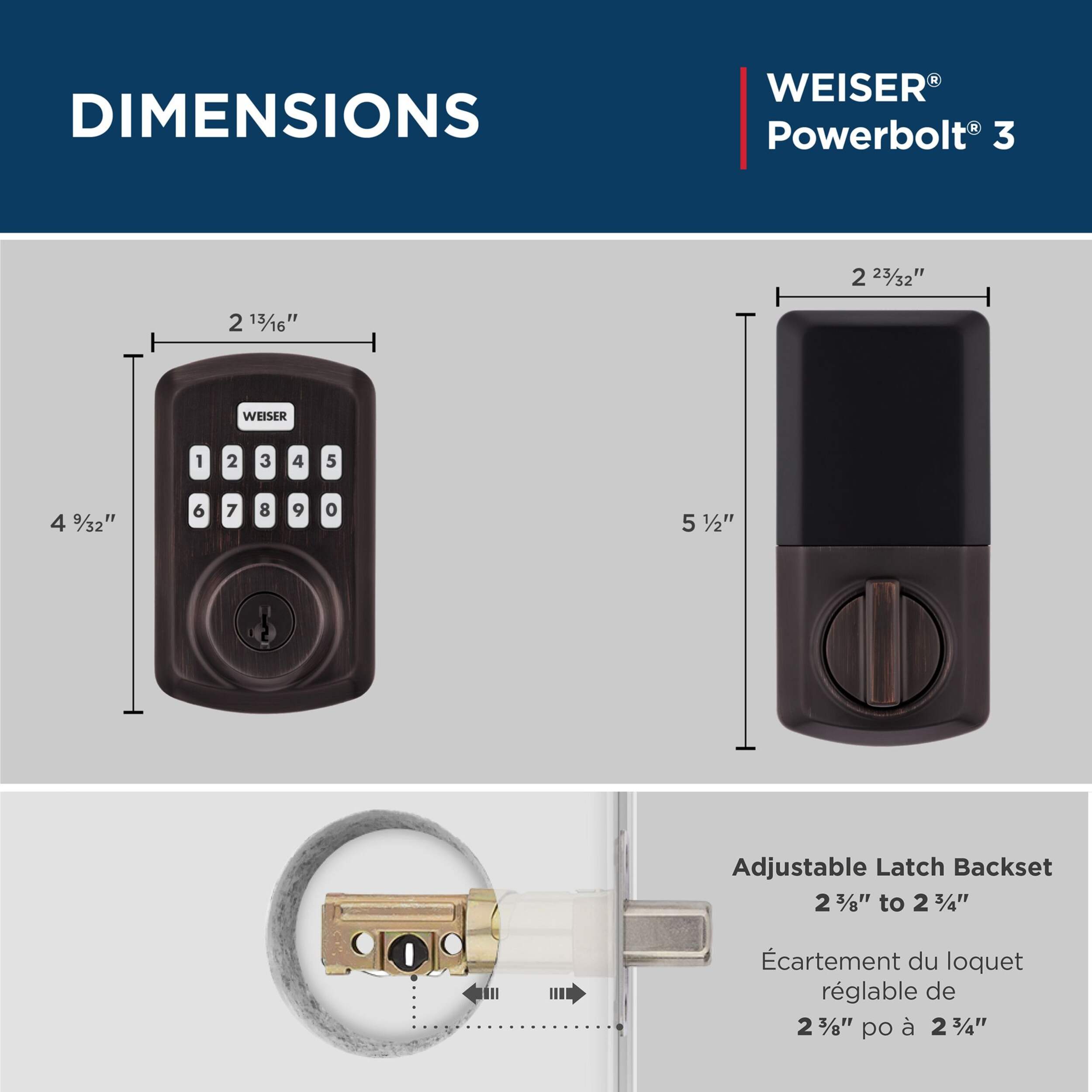
Advanced Features Adjustable Backset, Both Key and Keypad Entry, Key Entry, Keypad Entry, Lighted
Advanced Technology No Advanced Technology
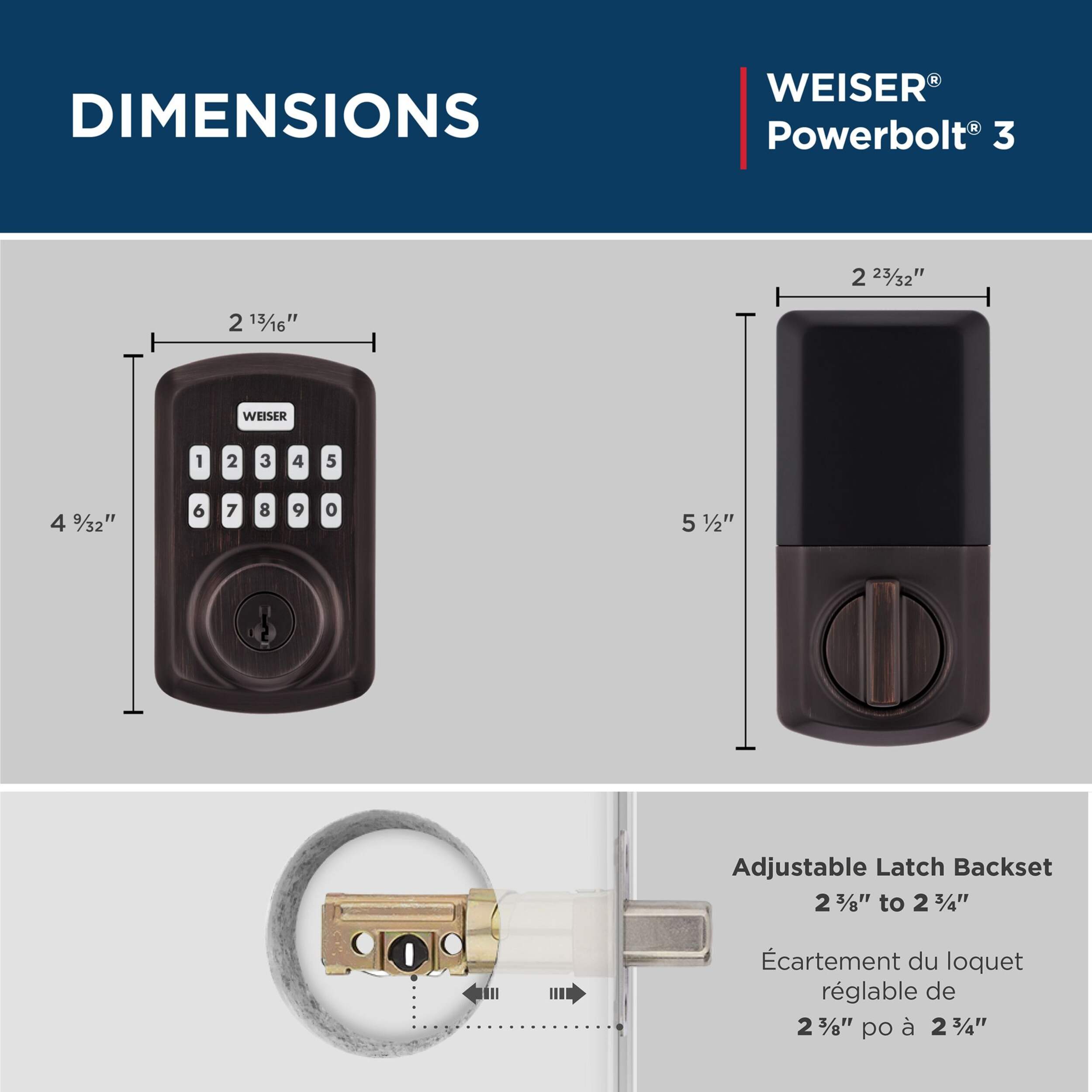
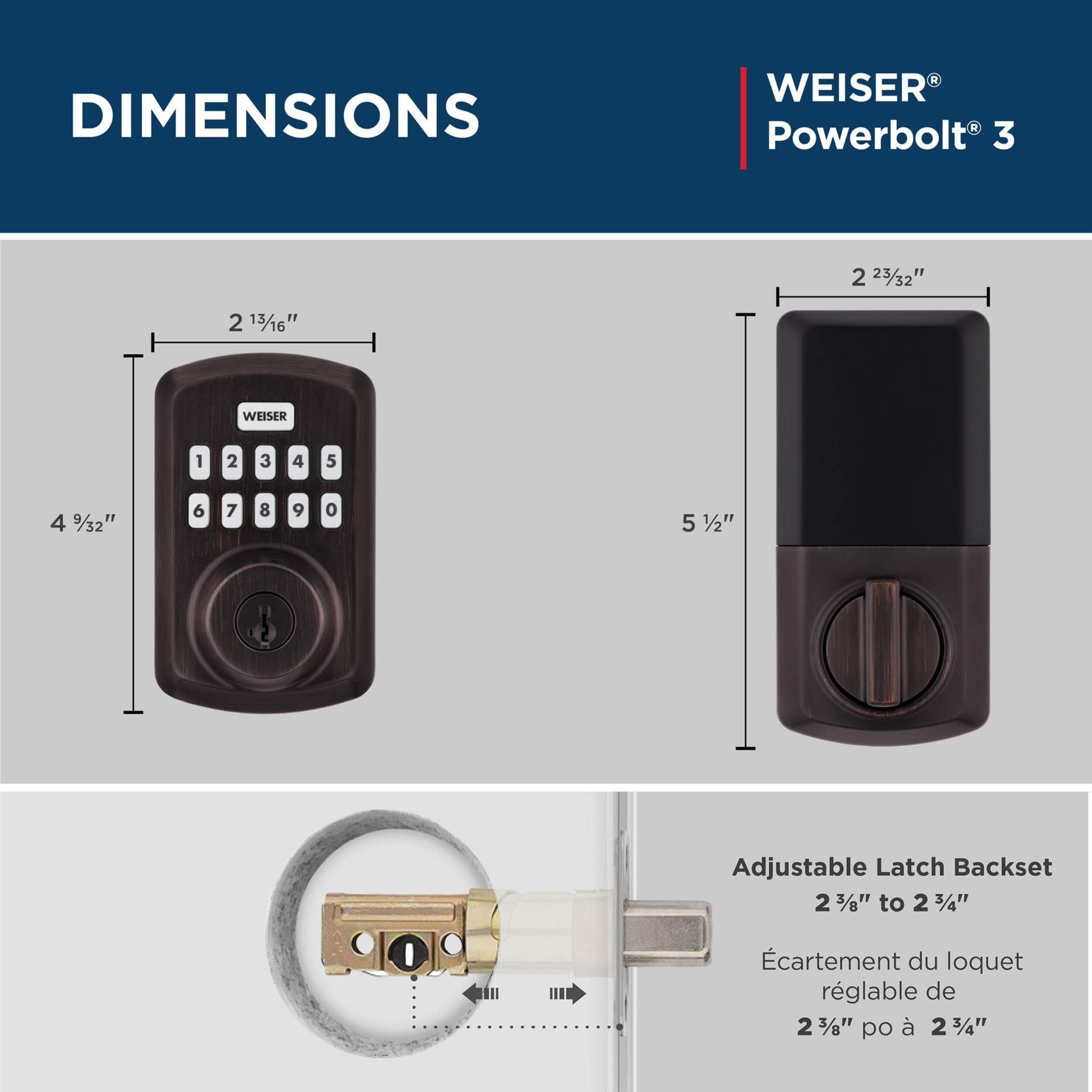
Assembled Height (in) 4.59 in
Assembled Length (in) 2.81 in
Assembled Weight (lb) 1.80 lb
Assembled Width (in) 0.99 in
Maximum Door Thickness (in) 1.75 in
Minimum Door Thickness (in) 1.37 in
Number of Buttons 11
Number of Codes 25
Product Use(s) Residential
Smart System Compatibility No Smart Technology
Warranty
  • This product carries a 1 year exchange warranty redeemable at any Canadian Tire store.
Online Ordering
  • Pick Up is free at most stores (some stores require a minimum order value before tax)
  • Shipping fee is based on size and weight of products and distance from address to store
  • Same-Day Delivery costs $9.99 per order
  • Online Ordering Information
Returns
  • Most products can be returned or exchanged at any Canadian Tire store within 90 days of purchase
  • Some products are non-refundable and non-exchangeable
  • The return policy outlined above may not apply to the product you are currently viewing. For complete details and eligibility, please refer to our Return Policy for exceptions.

Weekly Deals

Reviews

Rating Snapshot

Select a row below to filter reviews.
104 reviews with 5 stars.
24 reviews with 4 stars.
5 reviews with 3 stars.
3 reviews with 2 stars.
6 reviews with 1 star.

Overall Rating

4.5
3 out of 8 (38%) reviewers recommend this product

Review this product

Select to rate the item with 1 star. This action will open submission form.
Select to rate the item with 2 stars. This action will open submission form.
Select to rate the item with 3 stars. This action will open submission form.
Select to rate the item with 4 stars. This action will open submission form.
Select to rate the item with 5 stars. This action will open submission form.
Adding a review will require a valid email for verification

Customer Images and Videos

Filter Reviews

  • instructions
  • purchase
  • product support
  • installation
  • performance
  • product features
  • quality
  • returns
1 to 5 of 142 Reviews
1 – 5 of 142 Reviews

Not funtioning, Powerbolt 3

26 days ago
Simple to install and the electronics seem to work but the bolt does not move . There is no sound indicating that there is any motor action. It operates fine with the key, there does not seem to be any binding. It just does not function.

No, I do not recommend this product.

Originally posted on Spectrum Brands (US)

Response from Spectrum Brands (US):
9 days ago
Consumer Service
Hello Lorne1, We're happy to help you resolve this! Please follow these steps: 1. Check installation: Ensure the flat blade is vertical with the deadbolt locked. Loosen mounting bolts slightly to prevent binding. 2. Reset and rehand with new batteries: Perform the Factory Reset and Door Rehanding (Step 15), then add a User Code. https://weiserlock.blob.core.windows.net/documents/we_ig_5053764_ged250.pdf 3. Test the lock: Try it with the door open, then closed. Adjust as needed. https://ca.weiserlock.com/support/troubleshooting/support-articles/smart-locks-door-alignment Thank you, Weiser

Weiser Powerbolt Keyless Deadbolt Lock

a month ago
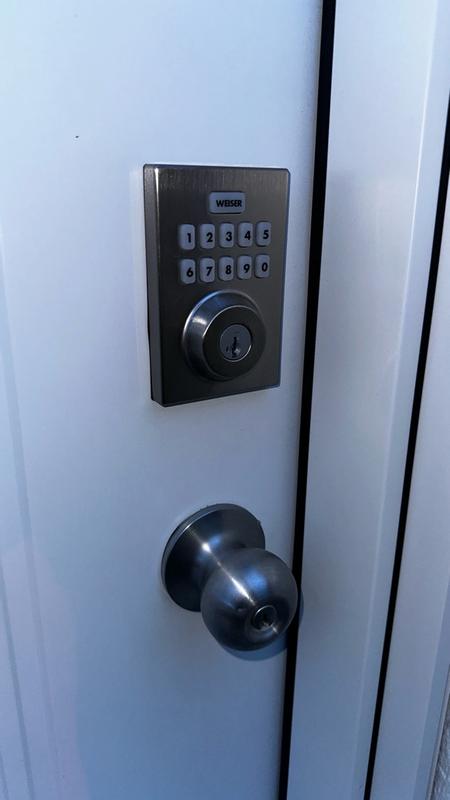
Easy to install for a DYI. It programing is great and locks with a push of a buttom making your home security fast and easy. The pad lights up making this easier for night time use.
Helpful?

Done

2 months ago
Lived up to my expectations.
Helpful?

Programming Did Not Work

2 months ago
Programming did not work. When I put in the first code the unit is supposed to lock and unlock to configure the orientation. It did not do this. After several attempts it did perform this action but it was still reversed. The lock would lock when the code was entered and unlock when the Weiser button was pushed, the exact opposite of how it should operate. There is no troubleshooting available anywhere on the website. I did watch the instructional video and saw the part on how to re-configure for door orientation and the unit performed the function as it should but it didn't change how the unit worked. Unit was returned.

Originally posted on Spectrum Brands (US)

Response from Spectrum Brands (US):
2 months ago
Consumer Service
Hello Taylor57, Thank you for sharing your experience, and we're sorry to hear the lock was not handing properly and had to be returned. Please know that our Support Team is always available to assist with installation, programming, troubleshooting, and warranty support. If you choose another Weiser product in the future and need help, we’d be happy to support you further. You can reach us here: https://ca.weiserlock.com/support Thank you, Weiser

Defective Motor? 🤷‍♂️

2 months ago
Purchase this product, worked all day on it. Did ALL trouble shooting, nothing binding the actual dead bolt. Deadbolt locks, opens and then won’t retract. Like it’s caught in something, but works perfectly with key and manual locking and unlocking. Looked at some troubleshooting and I guess I have a Motor defect. Hoping can get a replacement.

No, I do not recommend this product.

Originally posted on Spectrum Brands (US)
Response from Spectrum Brands (US):
2 months ago
Consumer Service
Hello RWoody, We’re sorry to hear you’re experiencing trouble with your lock. To help resolve this, please try the following steps: 1. Check the installation: Make sure the flat blade is installed vertically, and that the deadbolt latch is in the locked position. Loosen the mounting bolts about a quarter turn—this can help ensure the lock isn’t binding. 2. Rehand the door: Follow the Door Rehanding process outlined in Step 15: https://weiserlock.blob.core.windows.net/documents/we_ig_5053764_ged250.pdf 3. Test the lock: First, test it with the door open. Then, test it with the door closed and make any necessary adjustments. This may help: https://ca.weiserlock.com/support/troubleshooting/support-articles/smart-locks-door-alignment If you need further assistance, please don’t hesitate to reach out. https://ca.weiserlock.com/support Thank you, Weiser
1 – 5 of 142 Reviews

No questions have been asked about this product.

Questions

Top