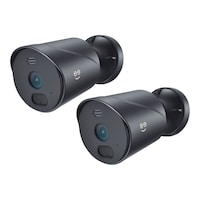
Geeni Hawk 2 1080p HD Smart Wi-Fi Outdoor Security Camera, Black
Unfortunately, this product is discontinued in your selected store and nearby stores.
You may be interested in these similar products shown below.Similar Items



Quebec residents: For information on maintenance and repair click here.
Similar Items
Product Details
Keep watch outdoors, get alerts when there's movement at home, share access and see what's happening, even in the dark, with the Geeni HD Hawk 2 Smart Wi-Fi Outdoor Security Camera
Check in using your smartphone from anywhere at anytime
Camera offers up to 1080p (1920 x 1080) recording
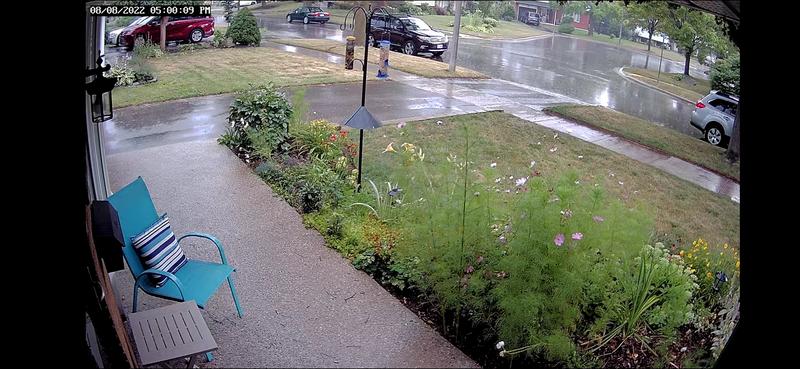
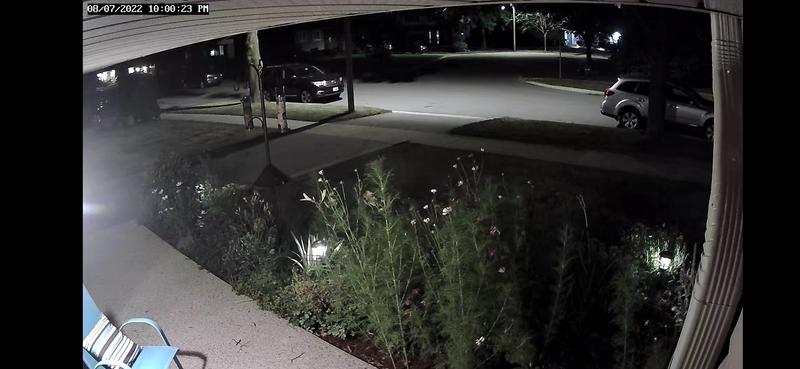
Automatic night vision with motion detection for security and clarity
Works with Wi-Fi 2.4GHz home network (not compatible with 5GHz Wi-Fi networks)
Certified IP66 weather-proof design ensures protection from outdoor elements
114-degree field of view
Storage supports up to 128GB micro SD card (not included)
| Part Number | GNCCW020101 |
|---|---|
| Security Camera System Type | Video Cameras |
| Mount Style | Wall Mount |
| Smart System Compatibility | Amazon Alexa, Android App, Google Assistant, iOS App, Wi-Fi |
| Wireless Standard Compatibility | Wi-Fi |
| Resolution | 1080p |
| Range (ft) | 29.99 ft |
| Night Vision Range (ft) | 29.99 ft |
| Video Signal Type | HD |
| Video Storage Type | Memory Card Slot |
| Video Output | Mobile |
|---|---|
| Memory Card Type | Micro SD |
| Memory Card Capacity (Gigabyte) | 128 GB |
| Hard Drive Size (Terabyte) | 0.13 TB |
| Audio Type | No Audio |
| Power Source | Hardwired |
| Batteries Required Quantity | 0 |
| Wattage | 0 W |
| Colour | Black |
| Enclosure Material | Plastic |
| Product Use(s) | Outdoor |
| Number of Cameras | 1 |
| Accessories List | Mounting Hardware, Charging Cable, Accessory Cable |
| Advanced Features | Motion Detection, Night Vision, Weatherproof |
| Horizontal Sensing Angle (degree) | 0 ° |
| Vertical Sensing Angle (degree) | 0 ° |
| Digital Zoom Rating | Not Applicable |
| Optical Zoom Rating | No Optical Zoom |
| Minimum Operating Temperature (°C) | -20.00 °C |
| Maximum Operating Temperature (°C) | 50.00 °C |
| Maximum Operating Humidity | 90 |
| Assembled Length (in) | 6.75 in |
| Assembled Width (in) | 2.25 in |
| Assembled Height (in) | 2.25 in |
| Assembled Weight (lb) | 0.57 lb |
- This product carries a 1 year exchange warranty redeemable at any Canadian Tire store.
- Pick Up is free at most stores (some stores require a minimum order value before tax)
- Shipping fee is based on size and weight of products and distance from address to store
- Same-Day Delivery costs $9.99 per order
- Online Ordering Information
- Most products can be returned or exchanged at any Canadian Tire store within 90 days of purchase
- Some products are non-refundable and non-exchangeable
- The return policy outlined above may not apply to the product you are currently viewing. For complete details and eligibility, please refer to our Return Policy for exceptions.
Shop Related Products
- Weekly Deals
- Customers Also Viewed
- Top Trending Products
- More From This Brand
Weekly Deals




Review Highlights
Reviews
Customer Images and Videos
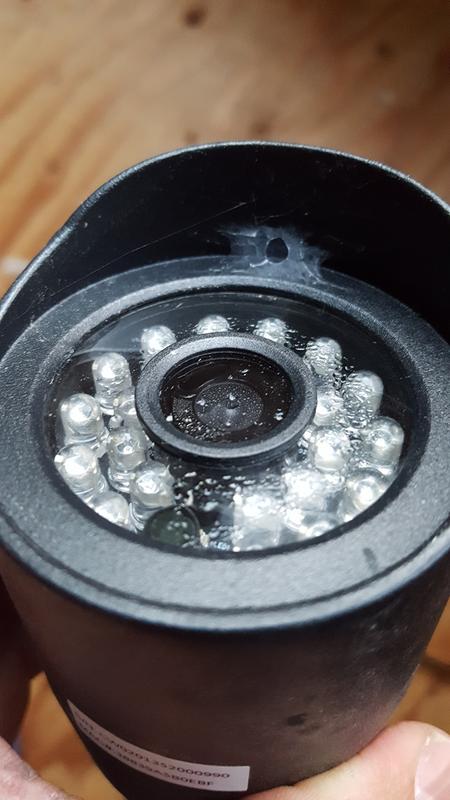
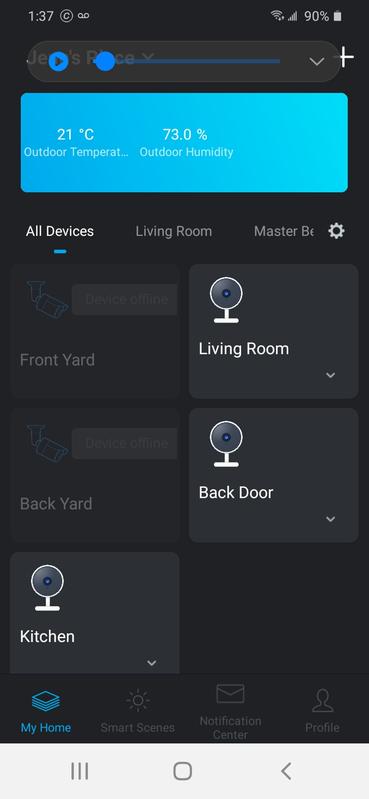
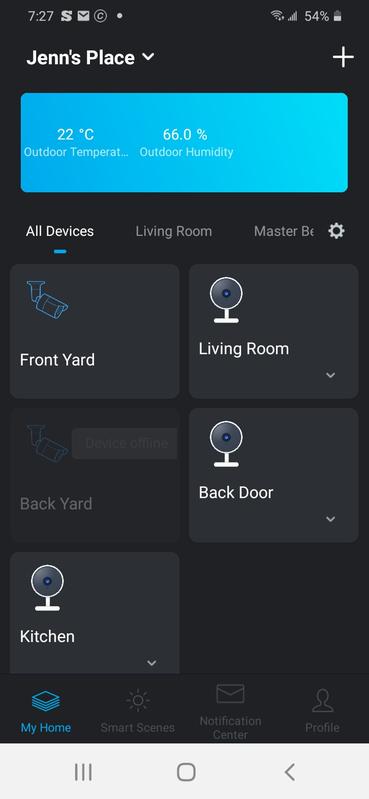
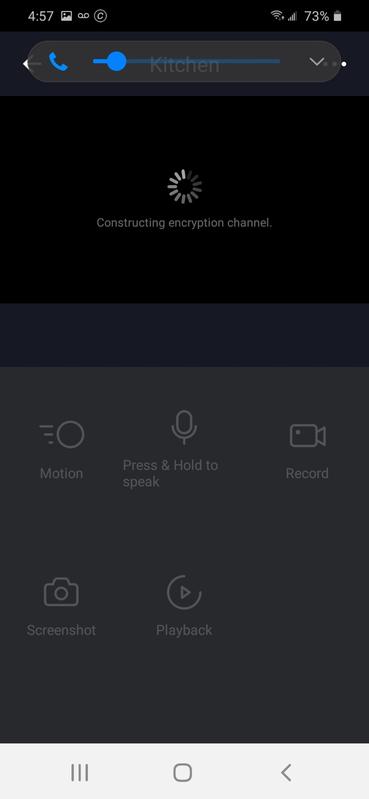
Filter Reviews
- purchase
- price
- satisfaction
- installation
- returns
- setup
- quality
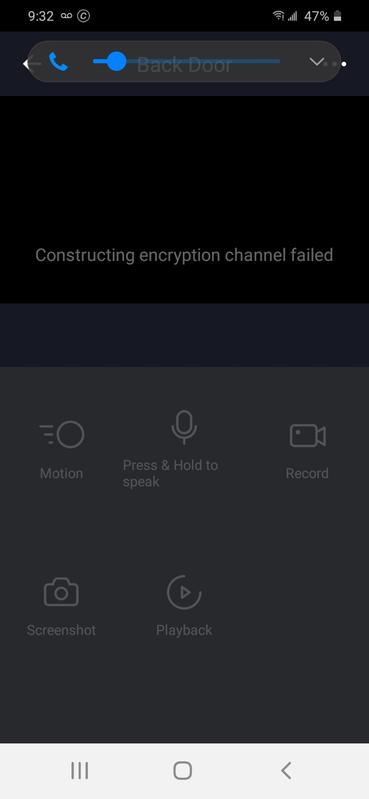
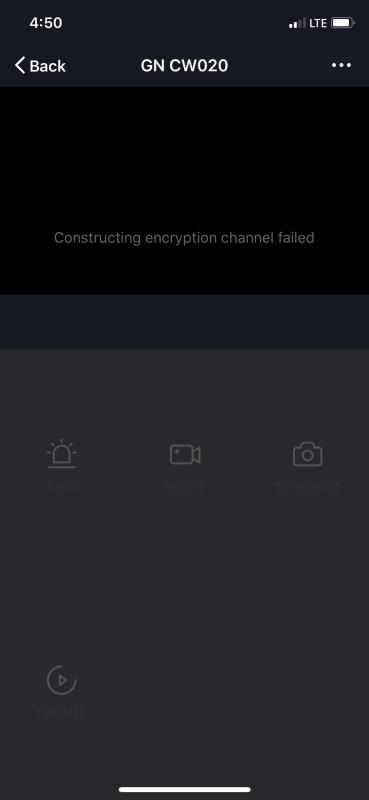
- disappointing
Didn’t last.
No, I do not recommend this product.

just that
Camara
No, I do not recommend this product.
Just buy the Hawk 3 instead!
Easy setup. Great for the front door or back
Questions
Q: is there sound on the Camera and can another party share my viewing on the camera
4 years agoA: Yes some one else can see your camera just down load the apps and yes there’s sound
4 years agoHelpful?
Q: Is this camera compatible with Alexa?
4 years agoA: Hello! I am glad that you gave this feedback so we can clarify this issue for you. To answer your question, yes our smart Geeni cameras are all compatible with Alexa. If you need assistance, please contact us via email at support@mygeeni.com or you may also visit our support website support.mygeeni.com for live chat support. We are available from Mon-Sun from 10:00 AM to 7:00 PM EST.
4 years agoHelpful?

Q: I see the cam is used on smart phone but will it work on a hp computer
2 years agoA: Thank you for your inquiry. Using the Geeni app on your smartphone, you must first set up your camera before viewing it on your laptop or computer via the camview.mygeeni.com website. To get quick support, please go to support.mygeeni.com. Every day, from 10 AM to 7 PM EST, we are open.
a year agoHelpful?
Q: How easy is it to install? Can I monitor this on my desktop and phone or does it have to be just one device?
3 years agoA: It was easy to install. Just plug it in to power source and connect through the app. Unfortunately the app is the only way to view the footage i think.
3 years agoHelpful?
Q: Do you need to pay a monthly monitoring fee for this to work with the app, or just buy the camera?
3 years agoA: You don’t need to pay monthly, you just need to download the app and follow the easy instructions to sync your phone or tablet to the camera. You must have wifi for this camera to work
3 years agoHelpful?
Q: Fonctionne avec réseau domestique Wi-Fi de 2,4 Ghz (incompatible avec les réseaux Wi-Fi de 5 GHz) donc mon reseau est 5g je serais mieu de passer au magasin l,echanger c sa
Anonymous4 years ago- Translate with Google
A: Bonjour Kenzan, je suis heureux que vous souleviez cette question pour nous. Tous les appareils Geeni sont conçus pour fonctionner pour les réseaux 2.4 GHz pour une plus grande portée car les réseaux 5 GHz ne peuvent pas pénétrer à travers les murs et les sols. La bonne nouvelle est que la plupart des routeurs d'aujourd'hui sont à double bande et à cet égard, nous pouvons simplement demander à vos fournisseurs de services Internet de séparer les deux réseaux (2,4 GHz et 5 GHz). Cela permettra automatiquement à vos appareils de se connecter aux réseaux 2,4 GHz. Et la connexion de la caméra en mode QR. Nous pouvons en discuter avec vous en détail, veuillez nous appeler au +1 (888) 232-3143 ou nous envoyer un e-mail à support@mygeeni.com. Vous pouvez également visiter notre site Web d'assistance support.mygeeni.com pour une assistance par chat en direct. Nous sommes disponibles du lundi au dimanche de 10h00 à 19h00 HNE.
4 years agoHelpful?
Q: I'm wondering if you can save individual files to send to a computer to play if you need to share footage of an incident. Security Camera footage is useful to send to police for investigation. Also at night can a person tall the camera is recording?
5 years agoA: Yes you go into playback of that camera and you will see a option to record or screen shot, you can record the time code of whats playing, you will then find the video a short time later in you photos/albums and you can view the recording and upload it to your PC via dropbox or google drive
4 years agoHelpful?
Q: What is the difference between the Hawk 2 and Hawk 3, the specs look the same?
4 years agoA: Hi Pat, Thank you for your interest in our products. The difference is, the Geeni hawk 2 doesn't have a 2-way communication feature compare to Hawk 3. For more details, please call us at +1 (888) 232-3143 or send us an email at support@mygeeni.com. You may also visit our support website support.mygeeni.com for live chat support. We are available from Mon-Sun from 9:00 AM to 6:00 PM EST.
4 years agoHelpful?
Q: How does this camera hold up in the winter time?
5 years agoA: Thank you for your interest in one of our products, Bernie. The operating temperature of all our Geeni products is 14 -104ºF (-10 – +40ºC). If you have other issues or concerns, please contact us via email at support@mygeeni.com, phone +1 (888) 232-3143, support.mygeeni.com for online chat support. We are available from Mon-Sun, 9:00 AM to 9:00 PM EST.
5 years agoHelpful?
Q: Does this camera work with google assistant
5 years agoA: Hello Dough. This is a good question. Yes! Our Geeni devices will work with smart speakers like Google Home and Amazon Alexa, and please make sure that the smart camera is connected on your Geeni app then sync the app on your Alexa or Google Home. Should you have any questions or concerns, feel free to contact our revamped support channels via email at support@mygeeni.com, or call us at +1 (888) 232-3143, available from Mon-Sun 9:00AM to 9:00 PM EST. You may also visit our support website at support.mygeeni.com for troubleshooting steps online and for our online chat support.
5 years agoHelpful?