

Canon
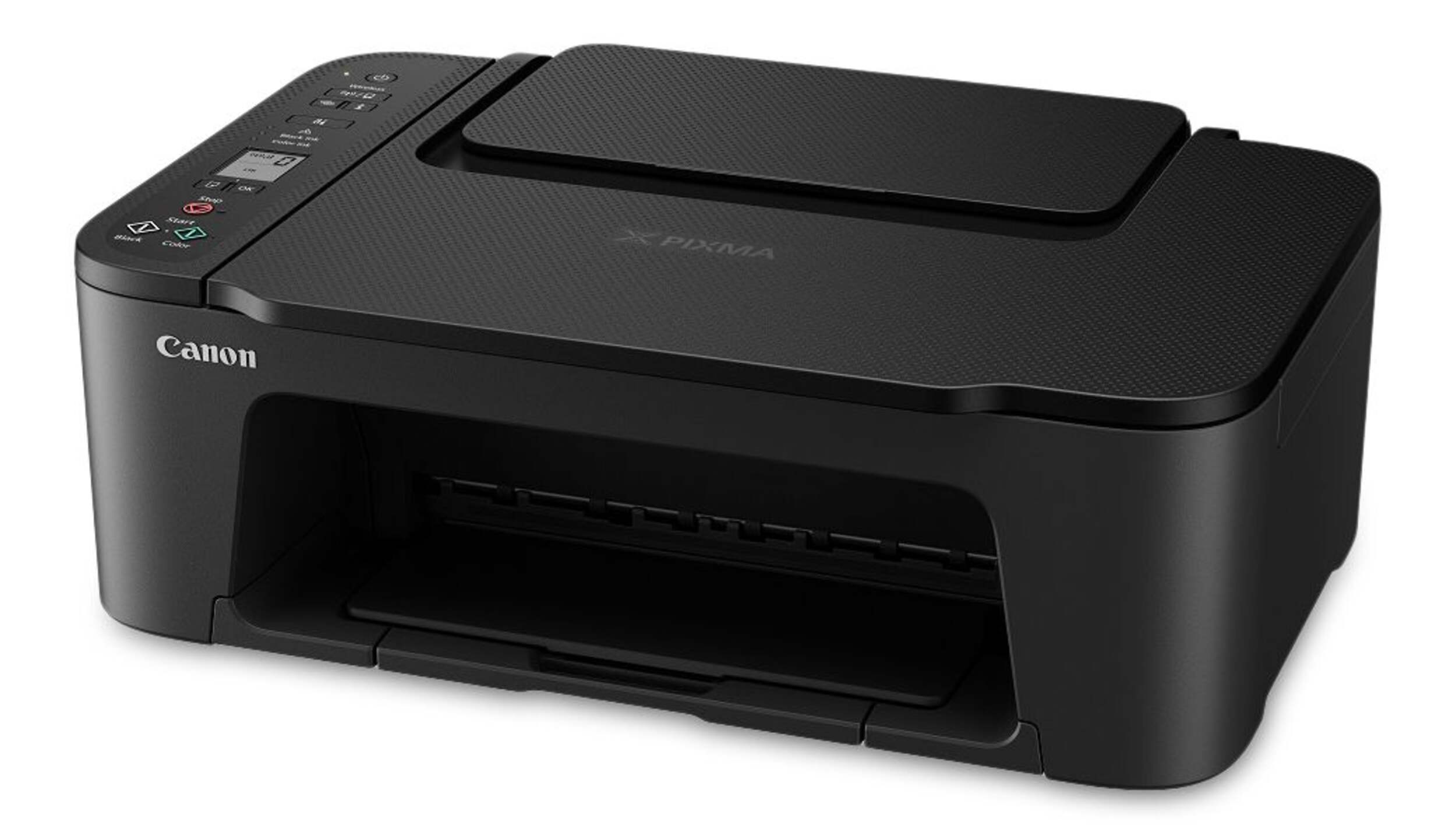
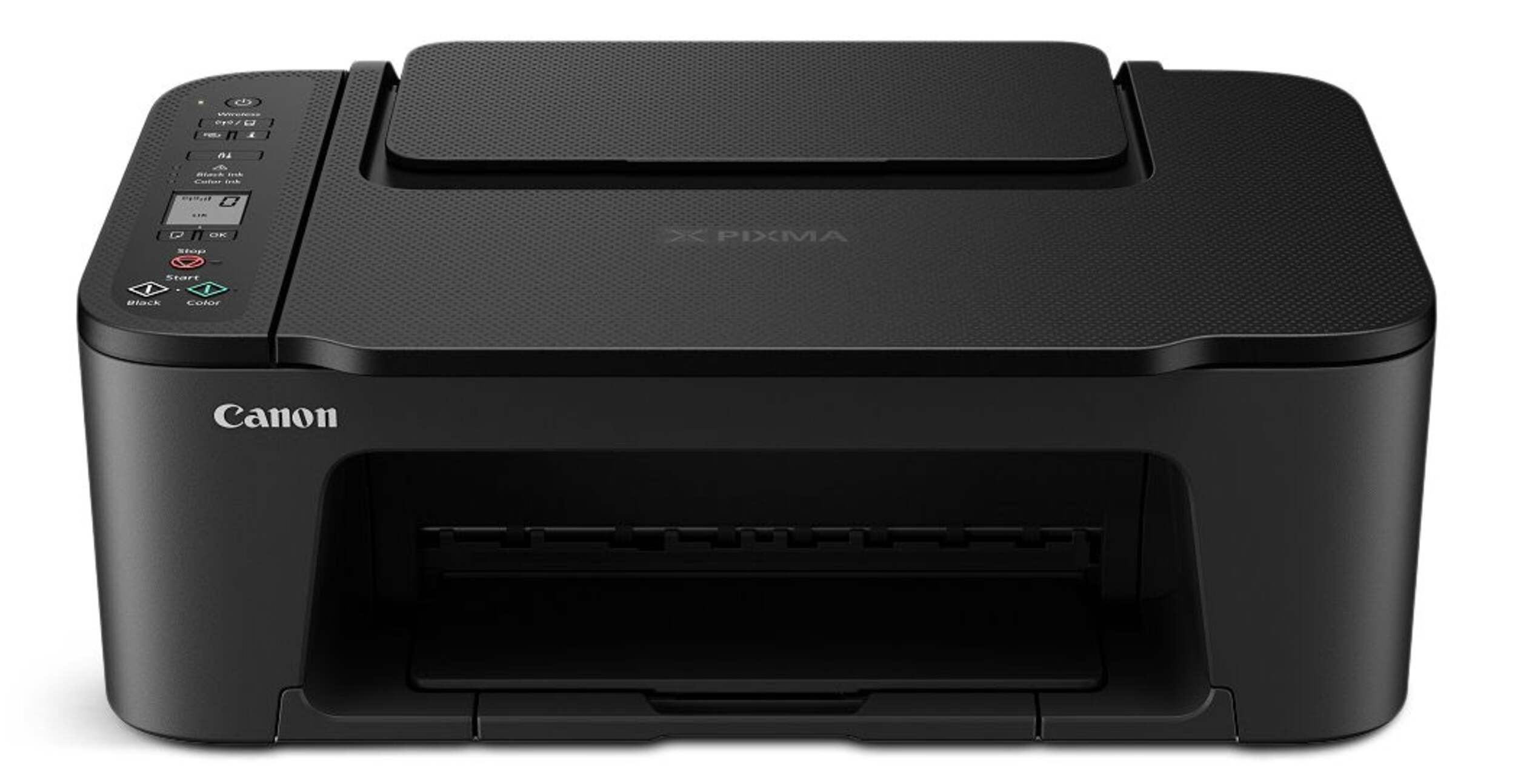
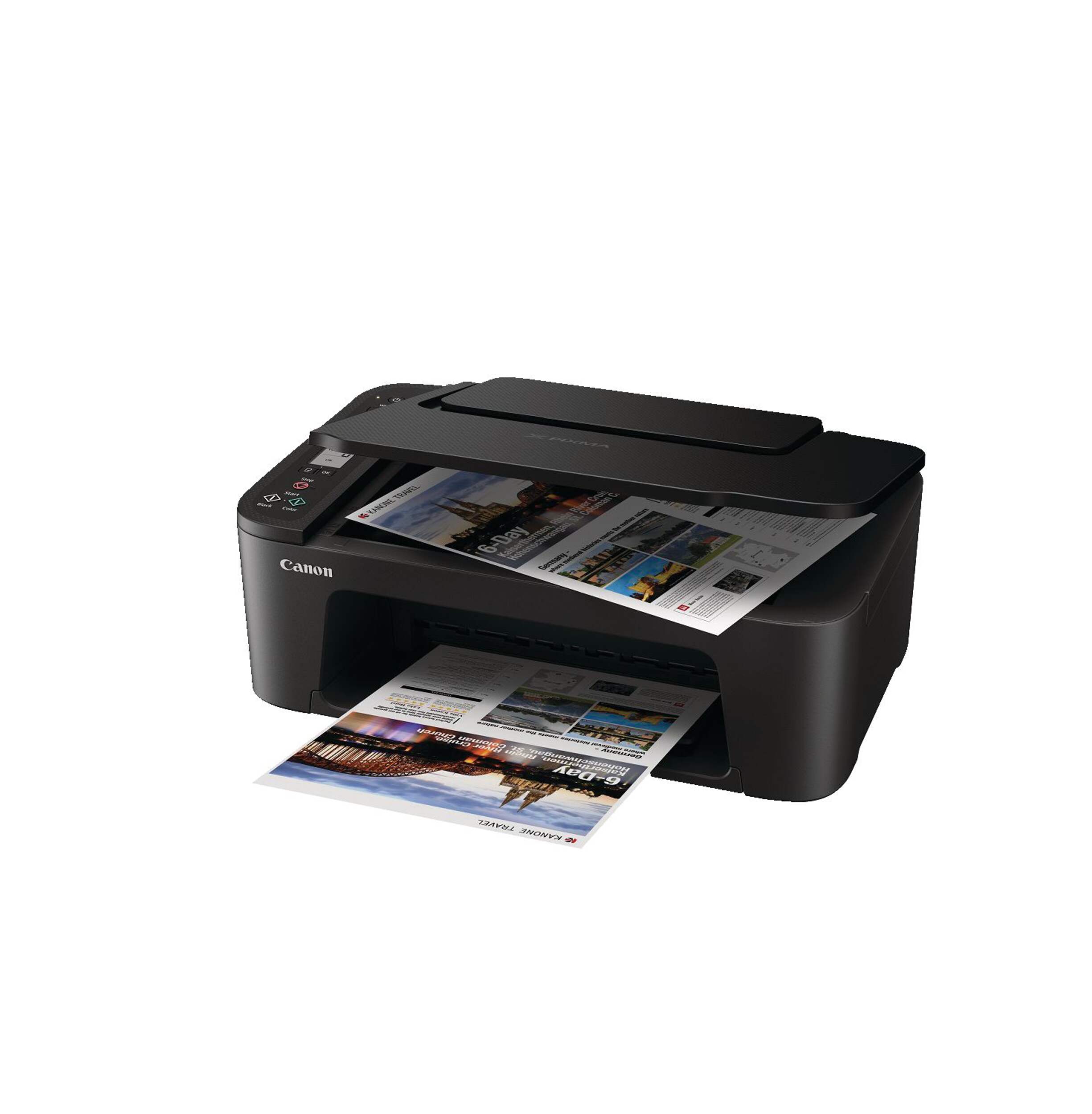
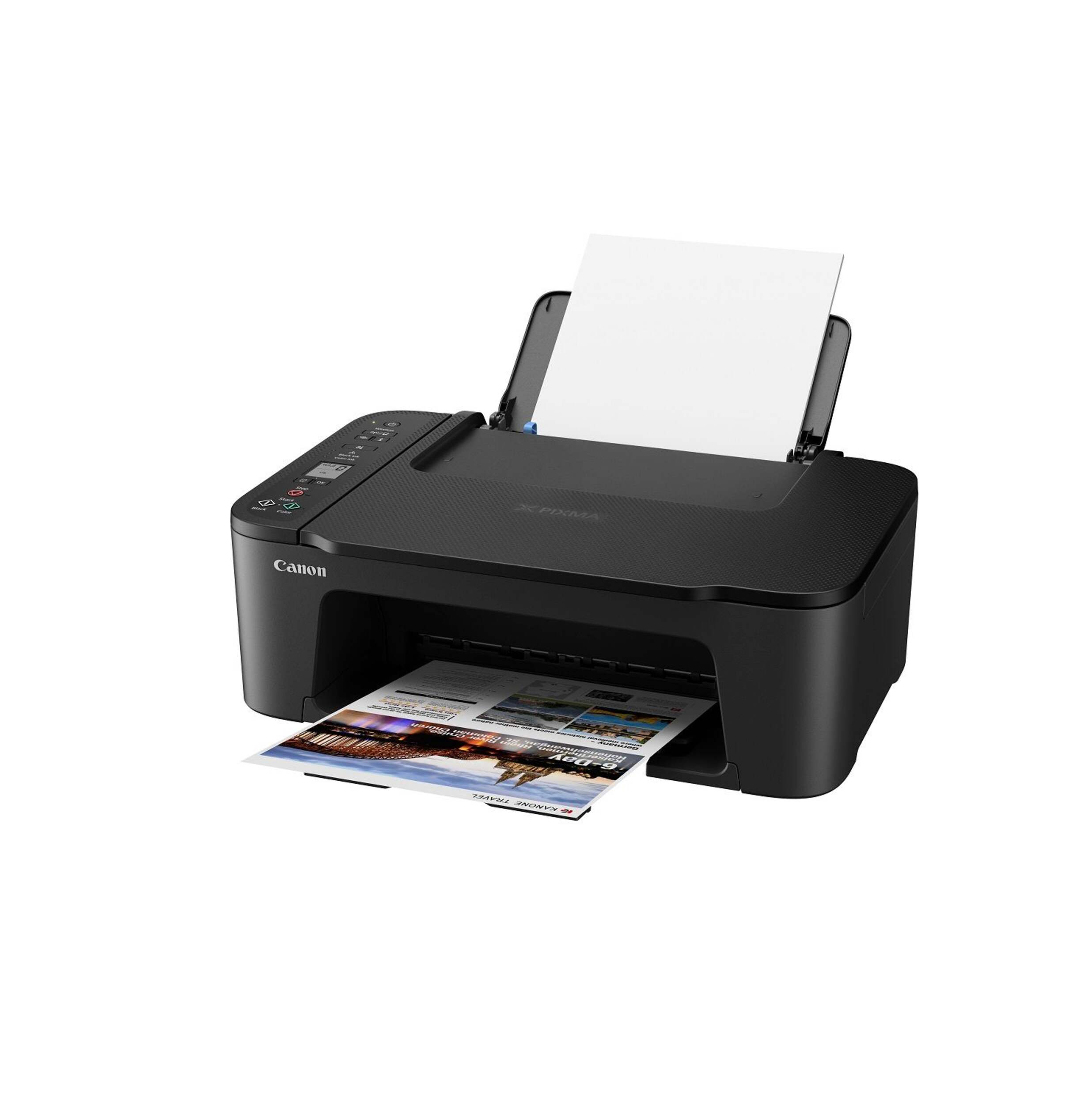
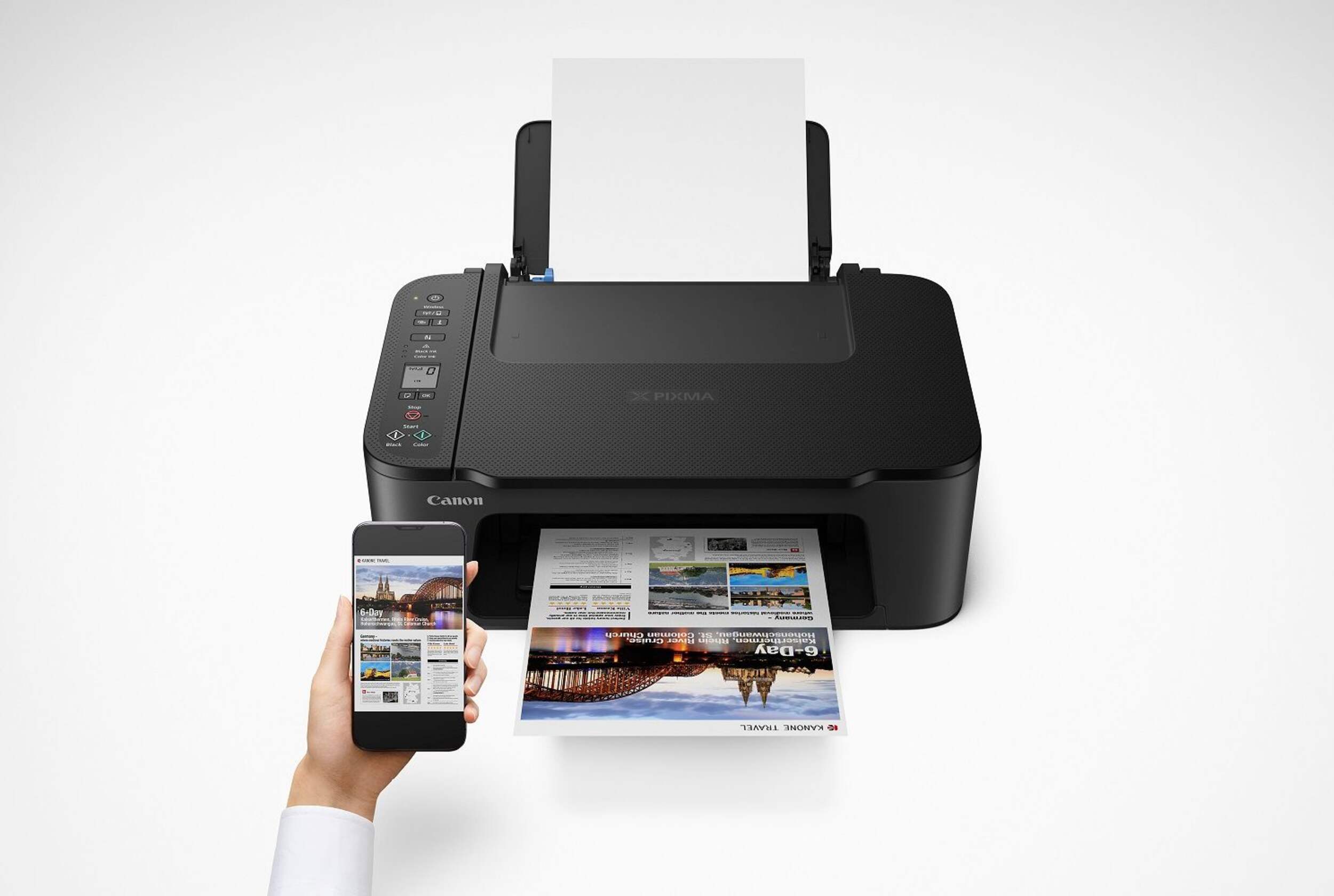
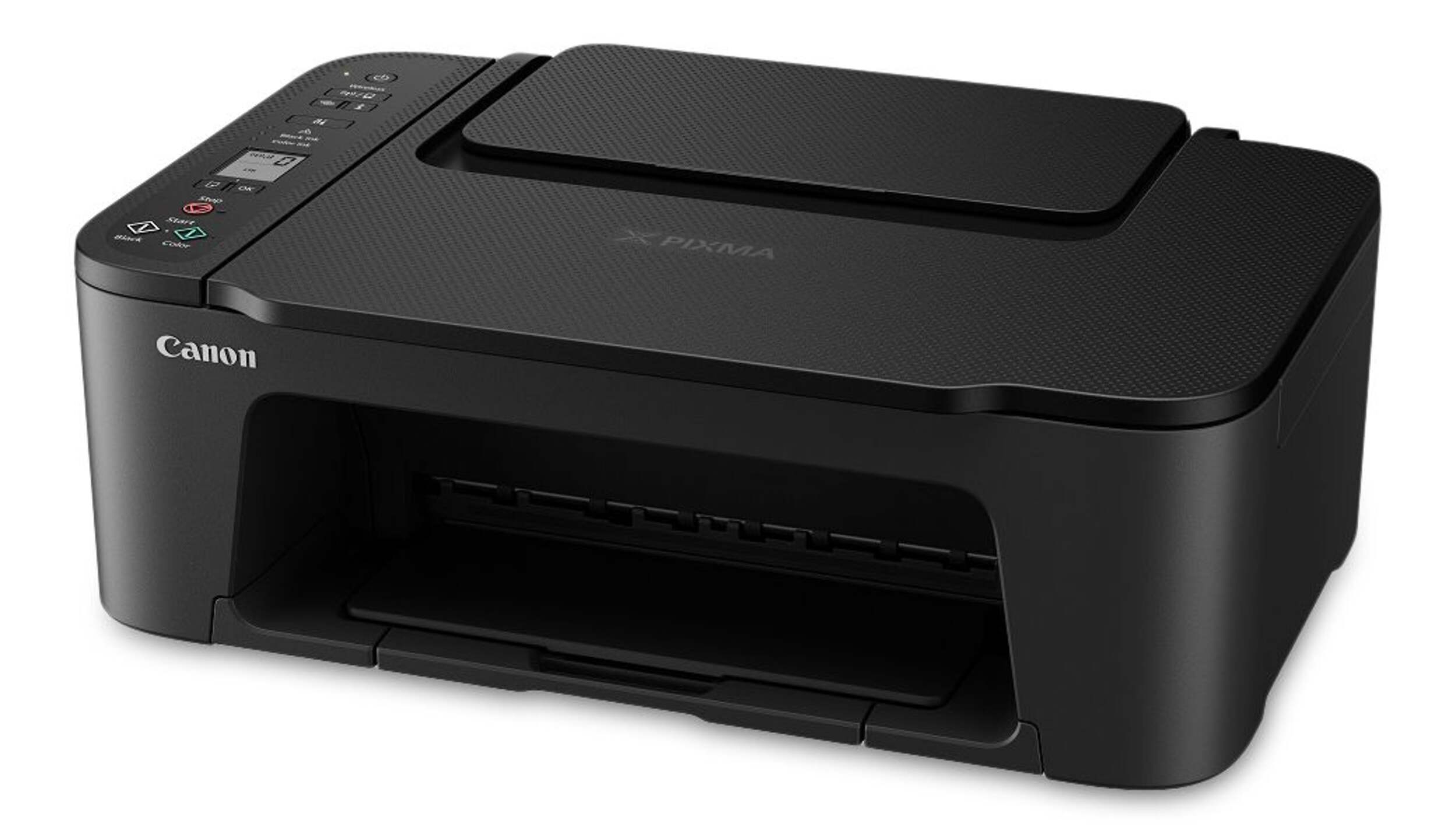
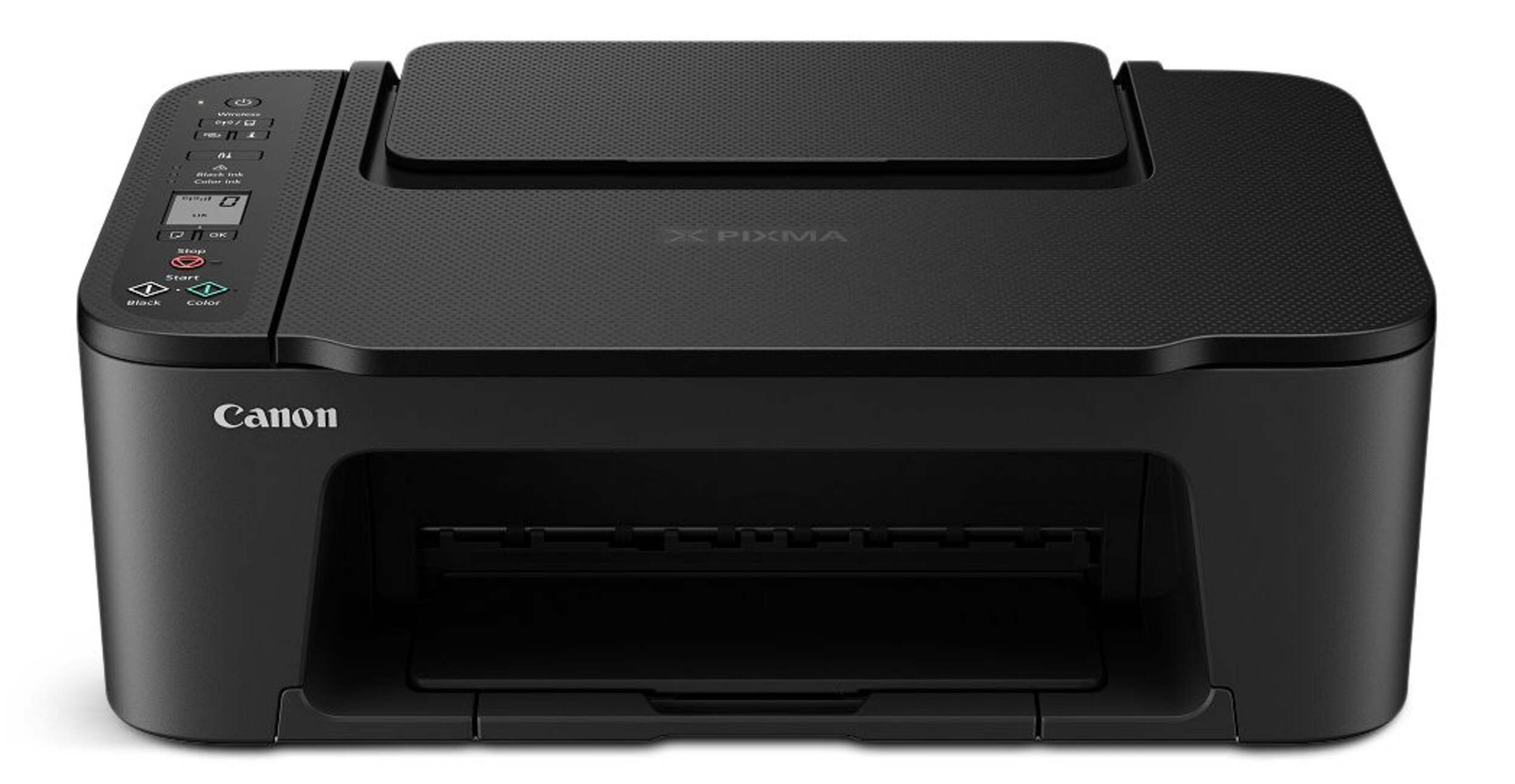
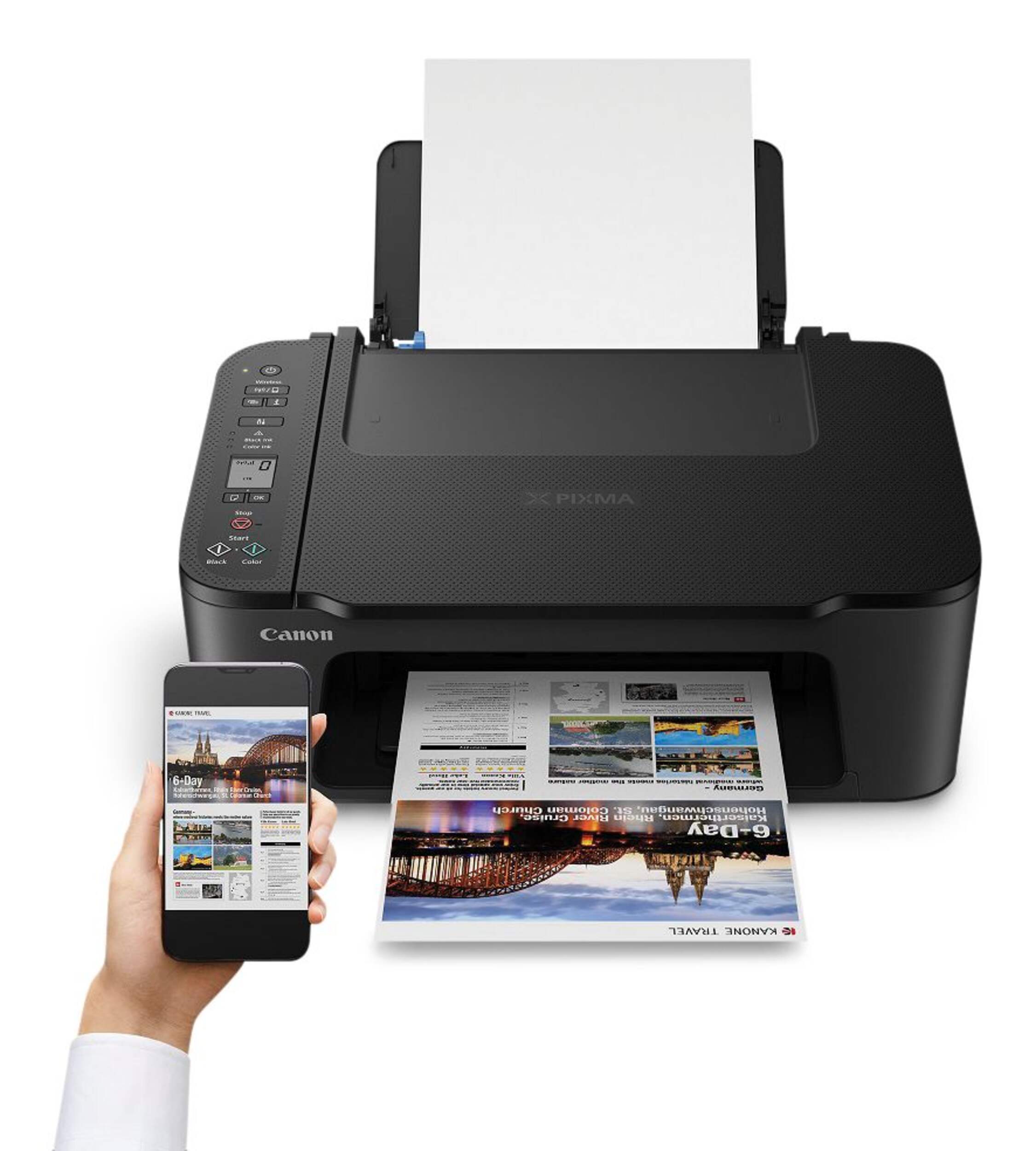
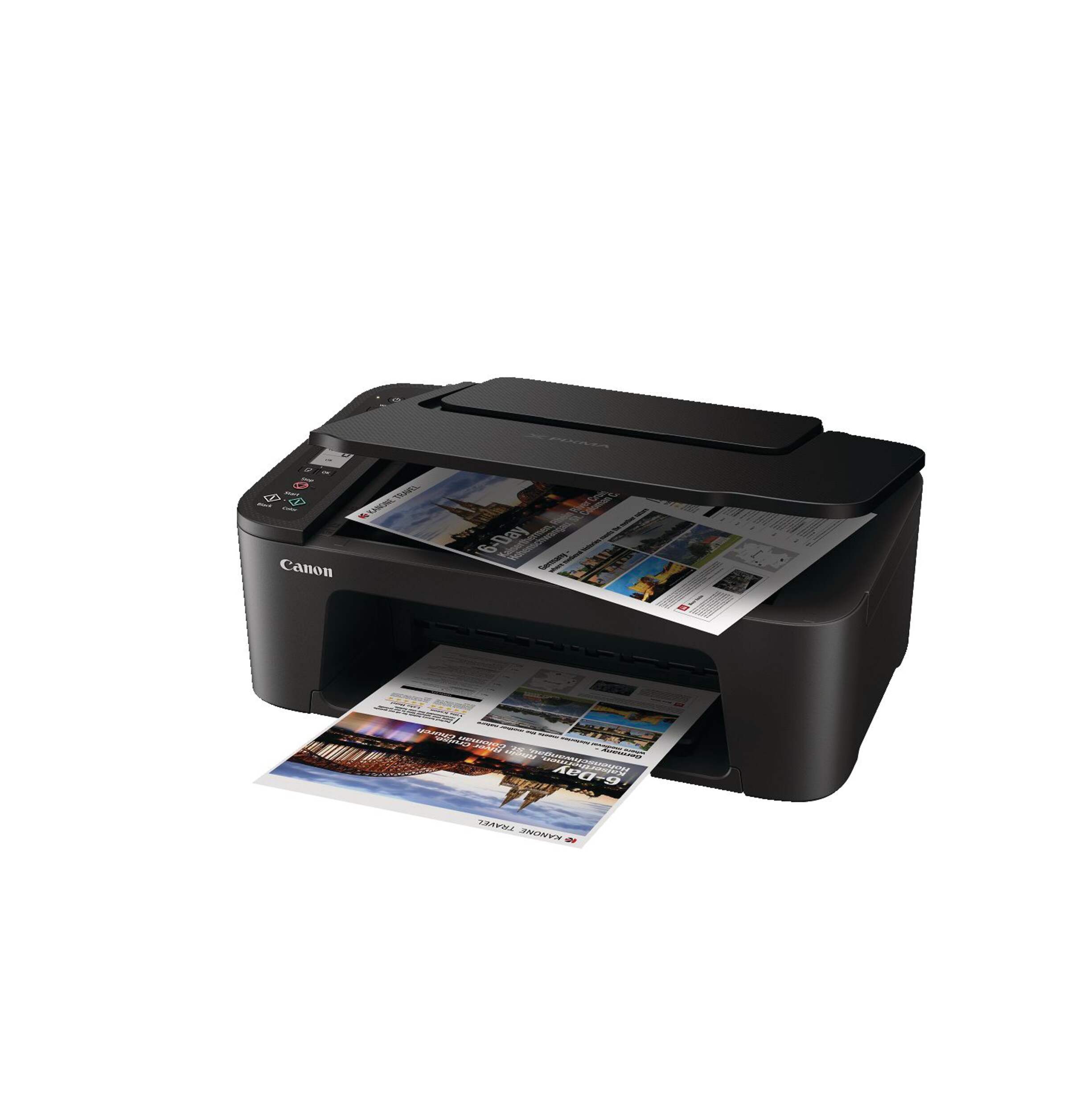
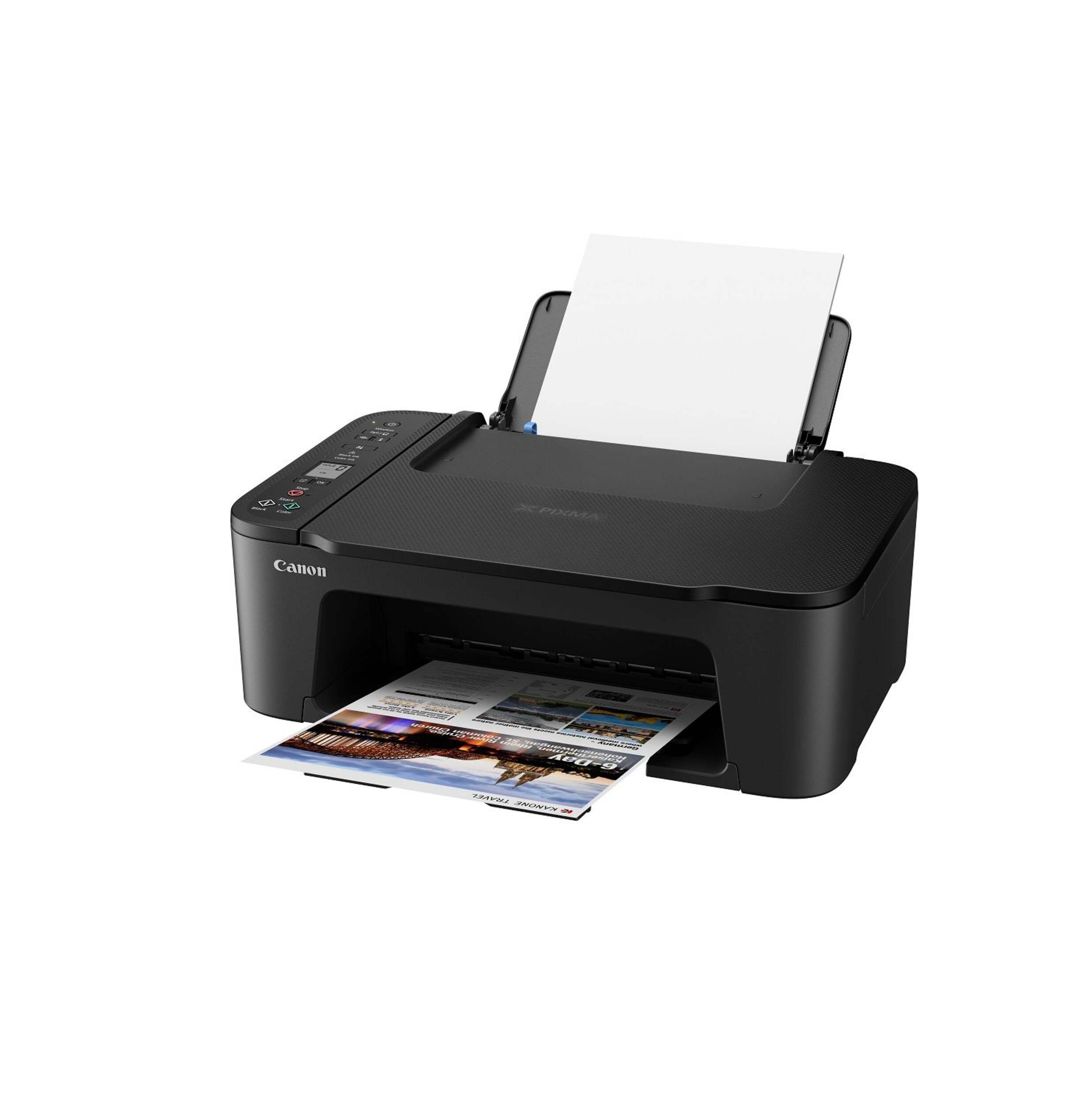
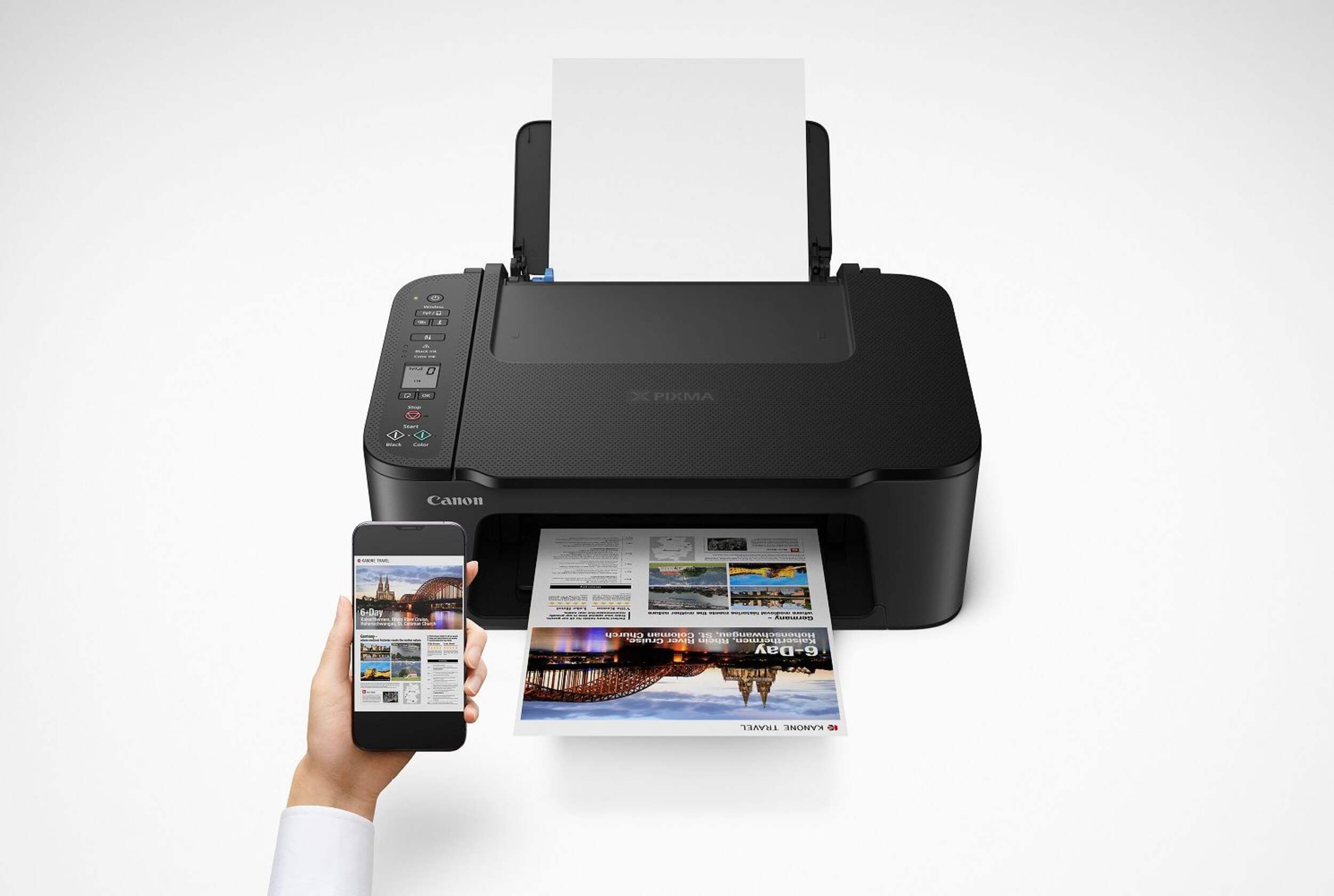
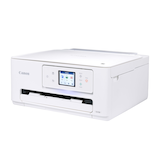
Canon Pixma TS3420 Wireless Inkjet All-In-One Printer
Unfortunately, this product is discontinued in your selected store and nearby stores.
You may be interested in these similar products shown below.Similar Items



Quebec residents: For information on maintenance and repair click here.
Similar Items
Product Details
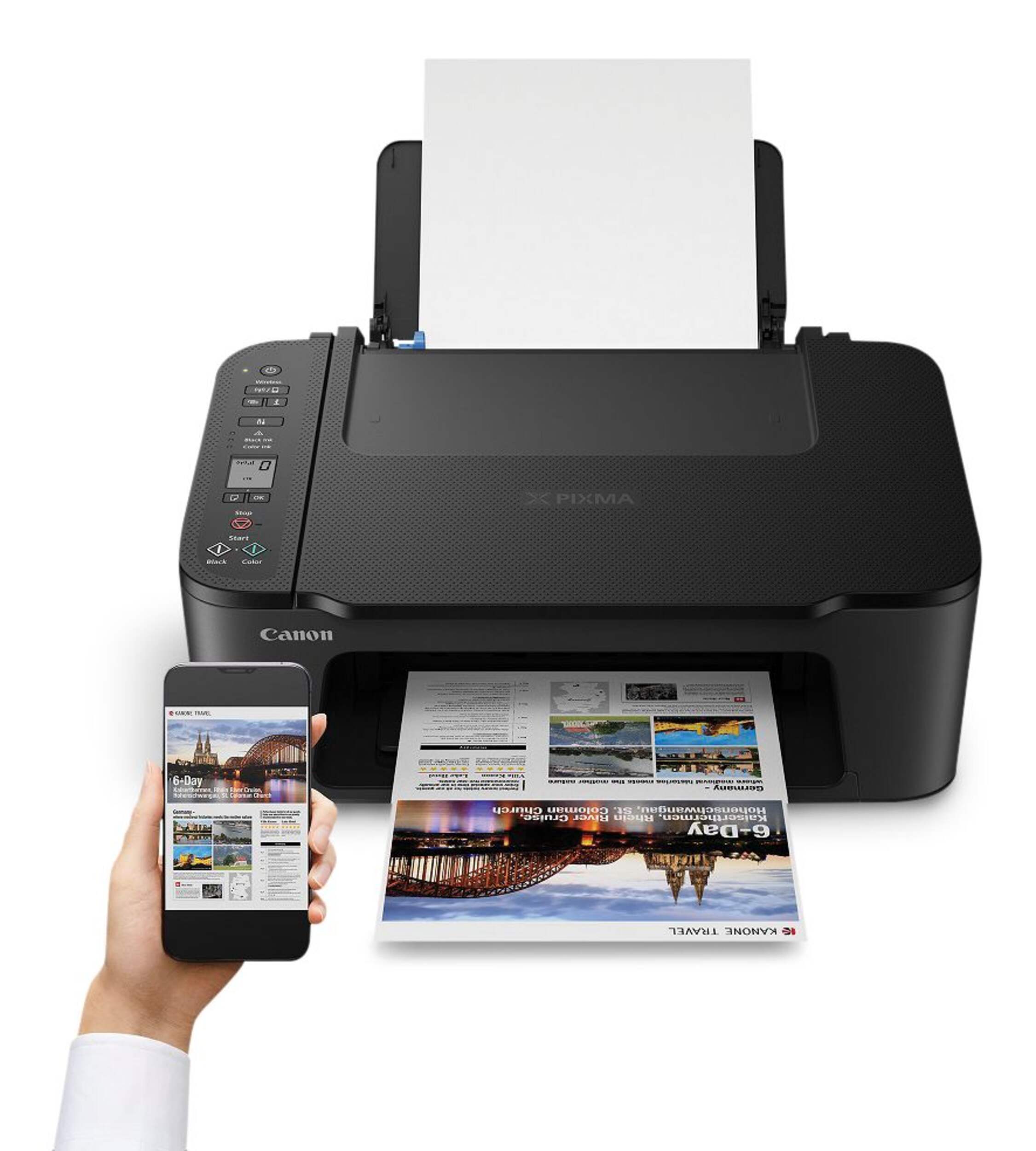
Canon PIXMA TS3420 Wireless Inkjet All-In-One Printer offers seamless printing, scanning, and copying in a compact, easy-to-use design. Perfect for both home and small office environments, this printer delivers high-quality prints with vibrant colours and sharp text. Its wireless connectivity allows for printing from your smartphone or tablet via the Canon PRINT app, AirPrint, or Google Cloud Print, making it incredibly convenient. Whether you’re printing photos, documents, or creative projects, this all-in-one printer delivers reliable performance.
Affordable and economical ink cartridge options
Designed to be user-friendly with simple setup and intuitive controls
Print on re-stickable paper
Supports Canon re-stickable paper
Quick and easy setup
Quiet mode for reduced noise during operation
| Part Number | Can-4463C003 |
|---|---|
| Accessories List | Ink, Manual, Power Cord, Software CD |
| Advanced Features | Mobile Printing, Wireless Printing |
| Assembled Height (cm) | 5.80 cm |
| Assembled Height (ft) | 0.19 ft |
| Assembled Height (in) | 2.28 in |
| Assembled Length (cm) | 32.77 cm |
| Assembled Length (ft) | 1.08 ft |
| Assembled Length (in) | 12.90 in |
| Assembled Weight (kg) | 5.00 kg |
| Assembled Weight (lb) | 11.02 lb |
|---|---|
| Assembled Width (cm) | 43.69 cm |
| Assembled Width (in) | 17.20 in |
| Assembled Width (mm) | 436.90 mm |
| Certifications | Energy Star |
| Copy Resolution | 600 X 1200 |
| Display Type | Backlit Colour LCD, Backlit LCD |
| Document Scanners Style | Flatbed |
| Fax Resolution | Not Applicable |
| Interfaces Type | Ethernet |
| Monthly Duty Cycle (Pages) | 0 |
| Number of Paper Trays | 1 |
| Number of Pieces | 1 |
| Operating System | Mac, Windows |
| Package Depth (cm) | 19.60 cm |
| Package Depth (in) | 7.72 in |
| Package Height (cm) | 38.60 cm |
| Package Height (in) | 15.20 in |
| Package Weight (kg) | 5.14 kg |
| Package Weight (lb) | 11.33 lb |
| Package Width (cm) | 48.50 cm |
| Package Width (in) | 19.09 in |
| Primary Colour | Black |
| Print Speed - Black | 8 |
| Print Speed - Colour | 4 |
| Printer Functions | Colour Printing, Print, Scan |
| Printer Resolution (Black) | 4800 x 1200 |
| Printer Resolution (Colour) | 4800 x 1200 |
| Printer Type | Inkjet |
| Scan Speed | 3 |
| Scanning Resolution | 1200 x 600 |
| Wireless Standard Compatibility | 802.11b/g/n |
- This product carries a 1 year exchange warranty redeemable at any Canadian Tire store.
- Pick Up is free at most stores (some stores require a minimum order value before tax)
- Shipping fee is based on size and weight of products and distance from address to store
- Same-Day Delivery costs $9.99 per order
- Online Ordering Information
- Most products can be returned or exchanged at any Canadian Tire store within 90 days of purchase
- Some products are non-refundable and non-exchangeable
- The return policy outlined above may not apply to the product you are currently viewing. For complete details and eligibility, please refer to our Return Policy for exceptions.
Compare Similar Products
Only Show Differences | Currently Viewing | |||||
| Ratings | ||||||
| Accessories List | Ink, Manual, Power Cord, Software CD | |||||
| Advanced Features | Mobile Printing, Wireless Printing | |||||
| Assembled Height (cm) | 5.80 cm |

Shop Related Products
- Weekly Deals
- Customers Also Viewed
- Top Trending Products
- More From This Brand
Weekly Deals



Review Highlights
Pros
Cons
Reviews
Customer Images and Videos
Filter Reviews
- quality
- color
- paperwork
- purchase
- wait time
- cable
- wireless feature
- connections
Good Printer
Good Printer
Bad Print Quality
No, I do not recommend this product.
imprimante sans file non recommandé
No, I do not recommend this product.
Questions
Q: Est-ce que l'impression recto-verso est possible?
a year ago- Translate with Google
A: L'impression recto-verso est disponible avec le contrôle manuel. Lorsque l'option Impression recto-verso (manuelle) a été sélectionnée, le document est d'abord imprimé sur une face de la feuille de papier. Après l'impression d'une face, rechargez le papier correctement en fonction du message. Appuyez sur le bouton OK de l'imprimante pour imprimer le côté opposé. Lien vers le manuel : https://ij.manual.canon/ij/webmanual/PrinterDriver/W/TS3400%20series/1.0/EN/PPG/dg-c_duplex.html
Anonymousa year agoHelpful?
Q: Est-ce que je peux m en servir avec mon cellulaire seulement
2 years ago- Translate with Google
A: Le Canon TS3420 peut se connecter via Wifi, Cellulaire et peut être connecté via un câble USB. L'appareil permet également l'impression Apple Air Print.
Anonymous2 years agoHelpful?