NOMA Block Heater Cord
Unfortunately, this product is discontinued in your selected store and nearby stores.
You may be interested in these similar products shown below.Available Alternative Items

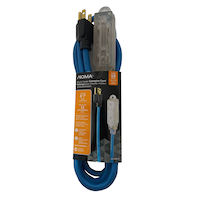

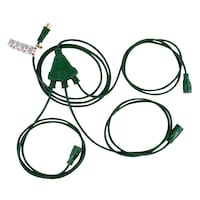
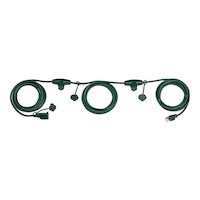

Quebec residents: For information on maintenance and repair click here.
Similar Items

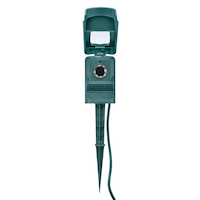


Product Details
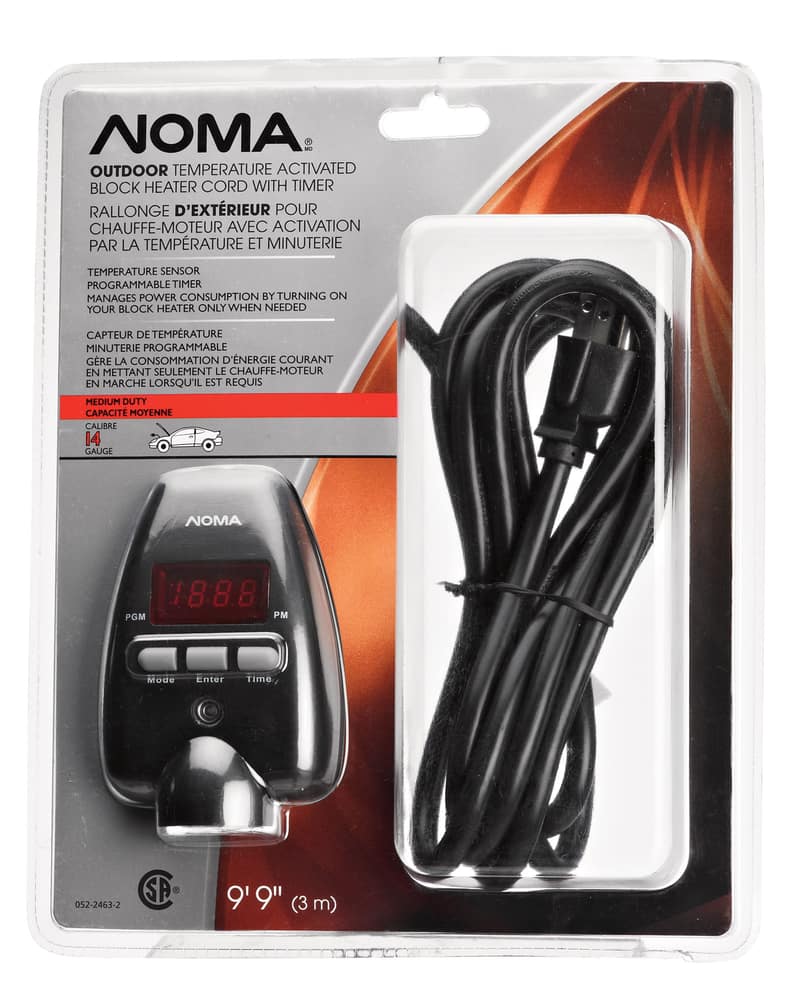
NOMA Block Heater Cord features temperature sensor and timer
Turn on and off manually, or through a programmed timer
Can be triggered automatically by a temperature sensor when it reaches the level that you have programmed
Use the best setting that meets your specific needs
Manages power consumption by turning on your car's block heater only when needed so you will never have to worry about your car being too cold to start in the morning.
Reduces energy consumption by turning on the block heater only when it reaches -10°C (14°F), or in conjunction with the timer
Weather-resistant for use in temperatures as low as -40°C (-40°F)
CSA approved
- This product carries a 1 year exchange warranty redeemable at any Canadian Tire store.
- Pick Up is free at most stores (some stores require a minimum order value before tax)
- Shipping fee is based on size and weight of products and distance from address to store
- Same-Day Delivery costs $9.99 per order
- Online Ordering Information
- Most products can be returned or exchanged at any Canadian Tire store within 90 days of purchase
- Some products are non-refundable and non-exchangeable
- The return policy outlined above may not apply to the product you are currently viewing. For complete details and eligibility, please refer to our Return Policy for exceptions.
Compare Similar Products
Only Show Differences | Currently Viewing | |||||
| Ratings | ||||||
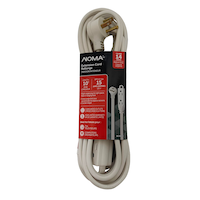
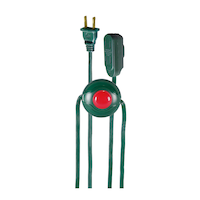
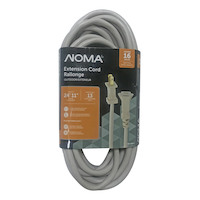
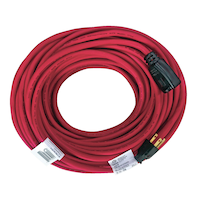
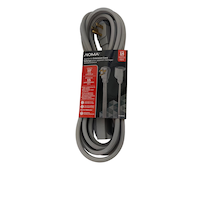
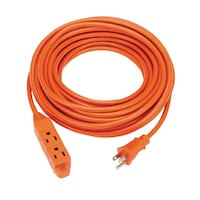
| Cord Length (m) | 4.57 m | 2.00 m | 10.00 m | 3.05 m | ||
| Number of Outlets | 3 | 3 | 3 | 3 | ||
| Number of Conductors | 3 | 3 | 3 | 3 |


Shop Related Products
- Weekly Deals
- Customers Also Viewed
- Top Trending Products
- More From This Brand
Weekly Deals




Review Highlights
Reviews
Customer Images and Videos
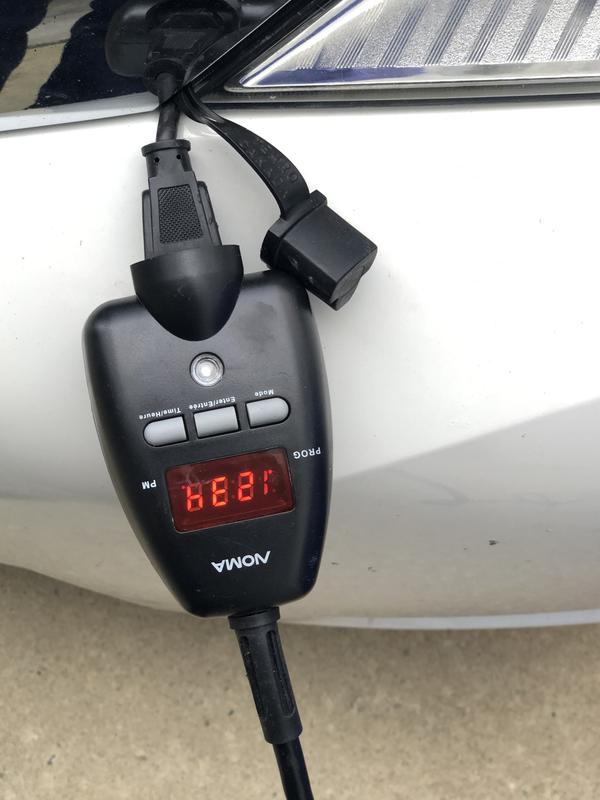
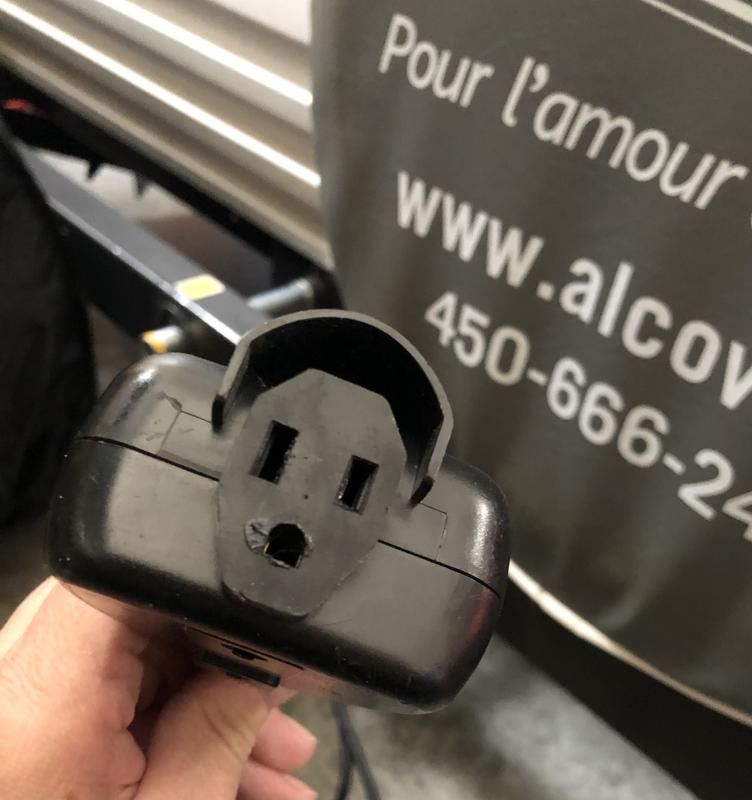
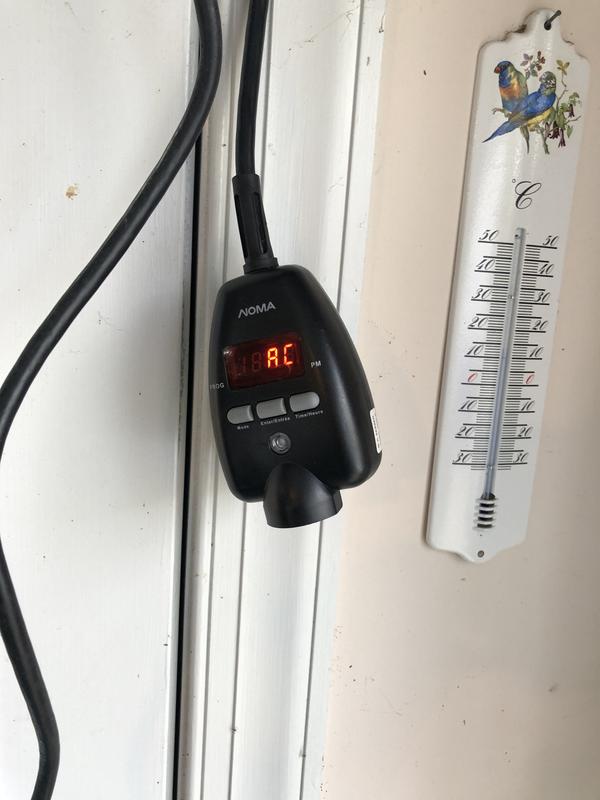
Filter Reviews
- purchase
- price
- for cold weather
- settings
- returns
- turning
- instructions
- product features
Works as advertised
Yes, I recommend this product.
good extension with on off switch
Bad noma 052-2463-2 timer
No, I do not recommend this product.
Complicated to program and use
No, I do not recommend this product.
minuterie qui bogue par grand froid
No, I do not recommend this product.
Questions
Q: Noma timer 52 2463-2 from Cdn Tire. Will this timer hold the programmed times in when a power-out occurs, or does it need to be re-programmed?
15 years agoA: There is a battery backup that will hold your settings for about 1 week.. Note the operative word about. This will work fine when new.. but as the battery gets old.. (This will shorten) to the point of not at all when dead.. Not sure if you could get a new battery.. But more than likely not worth the effort.
14 years agoHelpful?
Q: Do the temperature activated and programable timer features work in conjunction? i.e. If the timer is set to 6am-8am, will it turn on only during that window as well ONLY if the temperature is below -10c? Or are the features an either / or where if the timer is set it will always turn on between 6am - 8am in my example..
15 years agoA: Yes The timer has 3 working modes Auto mode (AU) Auto and Temperature mode (AC) Manual mode (LL) AU- Works with timer only AC- The one you want. LL- you press the button On/Off
14 years agoHelpful?
Q: time consistantly off? I was wondering if anyone else is having issues with the time being off? Had it plugged in for two weeks and now it seems to be about 2 hours slow. Wondering if this is usual or should return for another one?
14 years agoA: Mine runs slow as well. in as little as a couple of weeks it's off by more than an hour. Would appear this is a common problem.
13 years agoHelpful?
Q: Is there a cold reset on these timers to wipe out the program that was installed and start over
15 years agoA: Yes Press and hold the "Enter" button for 5 seconds from the time mode.
14 years agoHelpful?
Q: Can I set this so it will only come on Monday to Friday? I would like to be able to plug my truck in Friday night and not have it come on untill Monday morning.
15 years agoA: No,it has no knowlege of the day or setting for them.
14 years agoHelpful?
Q: Can the batteries be changed in this unit??
13 years agoA: Doesnt use batteries... it's powerline powered... Garbage product that loses time and electronics reset in it. RETURN IT for a refund while you can! GREAT idea but poor quality design or quality control!
12 years agoHelpful?
Q: Lost setting instructions, can you please provide.
13 years agoA: Function and operation 1 - This timer has 3 working modes a - Auto Mode(AU) b - Auto and Temperature Control Mode (AC) c - Manual Mode (LL) Press "MODE" button and the LED display will cycle through these three modes. 2 - There is an output indicator light which turns Green (On all modes) and red (Off - manual mode) 3 - There is a bettery backup that can retain programs for about 1 week after power outage. Operation 1 - On first use . Connect the unit to 125V AC power source. The LED display blinks 'C'. The unit at this moment is in initial state, where time and program need to be set. 2 - Press the "TIME" button, the LED display will now show "12.00", now the unit is entering time setting mode a - The time interval for this product is 15 minutes b - Press "TIME" button again. LED dislays 12:15 with each press of the time button the time increases by 15 minutes. If you press and hold the time button for 2 seconds the LED will increase rapidly. c - After setting the time, press the enter button and the LED will display current time setting. d - To change the clock press the "Enter" and the "TIME" buttons simultanously to enter the editing mode. Press the "TIME" button to adjust the time. Press the enter button to confirm 3 - To program press "mode" button once and the LED will display "AU" which stands for Auto Mode, press the "MODE" button once again and the LED will display "AC" which is the Auto and Temperature Control Mode. Press the "MODE" button once more and the LED will display "LL" which is Manual Mode. Press enter to confirm the selected mode. Press "MODE" button to role over these three options. a - Auto Mode Press "MODE" button and the unit will enter Auto Mode, LED displays "AU" - Press "ENTER" button to confirm. LED displays "P". Press "TIME" button to set program ON time. - After the program ON time is set press "ENTER" button to enter program ending time. LED will display "E". Press the "TIME" button to set the ending time. - Press "ENTER" button to return to normal time display mode. - The program indicator will be turned on after the ON time and ending time have been programmed - Press the "TIME" button to review the program ON time setting and program ending time setting. The LED displays "P" and "E" respectively. After that the LED displays the current time. - In case you want to modify the setting repeat step "a". *** Note: When entering your program if no action takes place within 15 seconds it will go back to the time screen. b - Auto and Temperature Control Mode Press the "MODE" button and the LED will display "AU". Press the "MODE" button again and the LED will display "AC". press the "ENTER" button to confirm. - The timer activates the load only when the folloewing two conditions are met: 1 The temperature is below -10 2 The program on time p is reached For instructionsn on how to set the program ON time and the program ending time please refer to the Auto Mode fucntion - The program indicator will be turned on after the ON time and the ending time have been programmed. - When the program ending time is not yet reached, the load will be deactivated if the temperature rises above -7 and will be activated again if the temperature drops below -10. Once the prgram ending time is reached the load will be deactivated regardless of the temperature. C - Manual Mode Press the "MODE" button to select Manual Mode. When the LED displays "LL" press the "ENTER" to confim. The LED returns to show the current time. Press the "TIME" button to activate the timer the LEd will display ON. Press the "TIME" button again the LED will display off. - In Manual Mode the output indicator will display red when the load is deactivated and green when activated. - To exit manual mode press "TIME" and "MODE" buttons simultanously and the unit will return to Auto mode. The loading will be activated and deavtivated according to the previous setting. 4 Output indicator 1 - In Auto Mode ort Auto Temperature Control Mode when the loadind is deactivated the output indicator tunrs off. 2 - In Manual mode the outpur indicator turns red when loading is deactivated. 3 - In Manual Mode, Auto Mode and Auto Temperature Control Mode the output indicator turns green when the output is activated. To reset all of your settigns including current time and programs, press and hold the "ENTER" button for 5 seconds from the "TIME" mode.
13 years agoHelpful?
Q: Is this powerful enough to plug in my ford expedition block heater?
14 years agoA: I don't see why not. It's intended use is for "Block Heaters". I'm sure your block heater is not anymore powerful than my Mustang's.
13 years agoHelpful?
Q: I want the timer to be controlled by temp. only. How do I do this?
14 years agoA: You cannot set this to operate by temperature only. You can program this to operate 23h45min per day, so that it will effectively seem to be controlled by temperature only. Or you can buy a thermocube that does what you are looking for.
14 years agoHelpful?
Q: What is the rated wattage of this unit?
14 years agoA: 1875 watts (Max Resistive load) aka (for block heater) 8A 1000 watts (Tungsten) aka (if used for lights)
14 years agoHelpful?