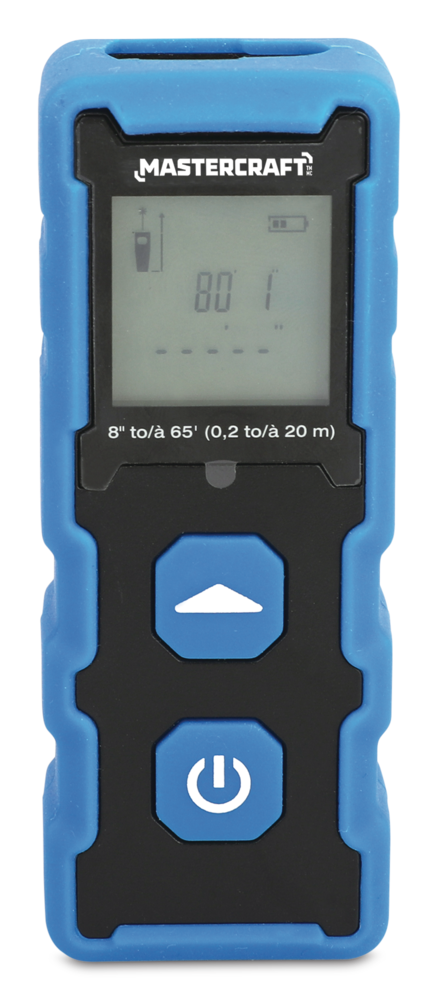


Mastercraft Laser Distance Meter/Measurer, 65-ft
Unfortunately, this product is discontinued in your selected store and nearby stores.
You may be interested in these similar products shown below.Available Alternative Items
Quebec residents: For information on maintenance and repair click here.
Similar Items

Product Details
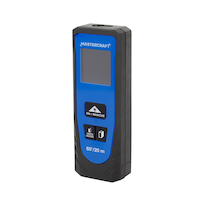
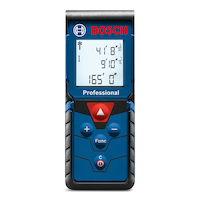
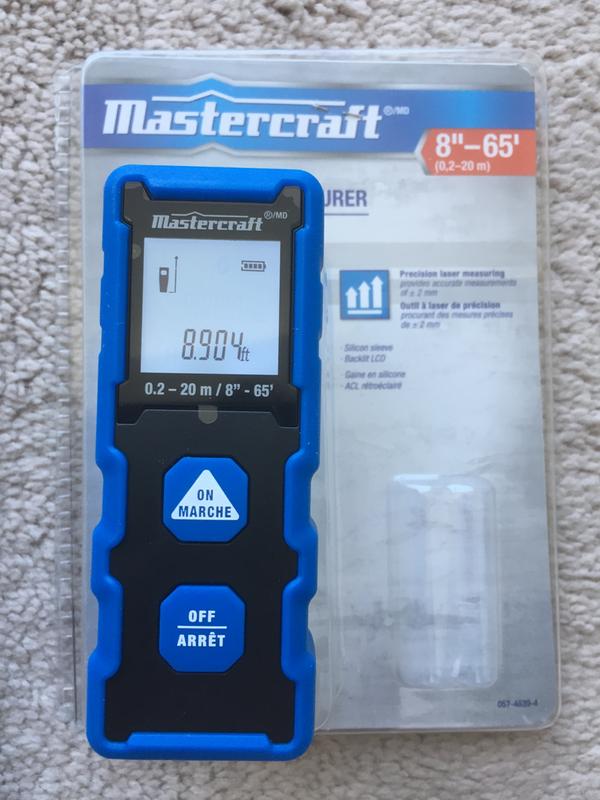
Instantly measure the length and area of a room with the Mastercraft Laser Distance Measurer, 65-ft. This laser distance meter has a reach of 8”-65’ (0.2-20m). This laser measure offers precision laser measuring with an accuracy of +/-2mm. A backlit LCD screen allows this laser distance measurer to provide visibility in dark areas. This distance meter features a power level indicator and a silicone sleeve. Compact and portable, this laser measuring tool will come in handy for a variety of projects on the jobsite or at home.
The Mastercraft Laser Distance Measurer provides a quick solution for measuring the length and area of a room, operating at an accuracy of +/-2mm
A backlit LCD screen provides visibility in dark areas
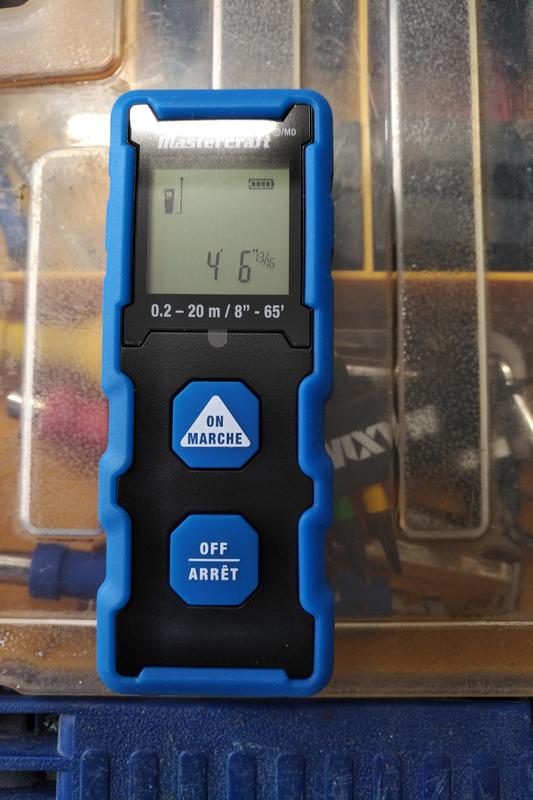
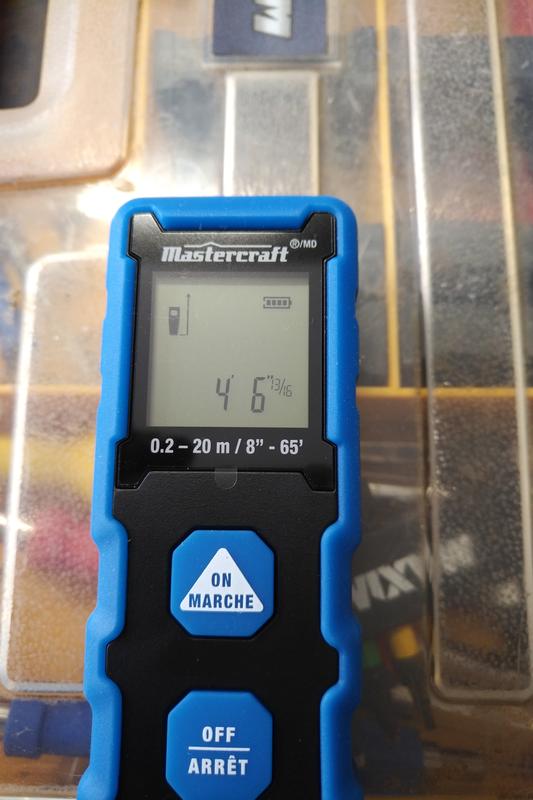
Displays both metric and standard measurements
Pocket-sized and portable
Maximum measurable distance: 65' (20m)
Protective silicone sleeve
Power level indicator
| Part Number | 0574639 |
|---|---|
| Objects Detected | Electrical, Live Wires, Metal, Metal Studs, Stud Center, Stud Edges, Wood Studs |
| Display Type | LCD |
| Maximum Scan Depth (in) | 787.40 in |
| Accessories List | Batteries Included |
| Battery Technology | Alkaline |
| Battery Type/Battery Size | AAA |
| Batteries Required Quantity | 2 |
| Primary Colour | Blue |
| Grade Rating | Contractor |
| Advanced Features | Audible Alert, Automatic Off, Visual Alert, Low Battery Indicator |
|---|---|
| Assembled Length (in) | 3.82 in |
| Assembled Width (in) | 1.38 in |
| Assembled Height (in) | 0.79 in |
| Assembled Weight (lb) | 0.18 lb |
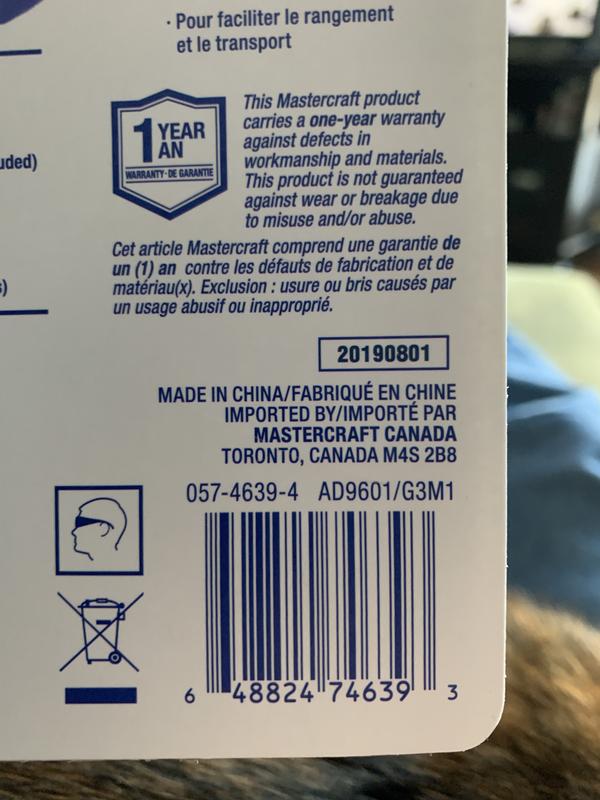
- This product carries a 1 year exchange warranty redeemable at any Canadian Tire store.
- Pick Up is free at most stores (some stores require a minimum order value before tax)
- Shipping fee is based on size and weight of products and distance from address to store
- Same-Day Delivery costs $9.99 per order
- Online Ordering Information
- Most products can be returned or exchanged at any Canadian Tire store within 90 days of purchase
- Some products are non-refundable and non-exchangeable
- The return policy outlined above may not apply to the product you are currently viewing. For complete details and eligibility, please refer to our Return Policy for exceptions.
Compare Similar Products
Only Show Differences | Currently Viewing | |||||
| Ratings | ||||||
| Objects Detected | Electrical, Live Wires, Metal, Metal Studs, Stud Center, Stud Edges, Wood Studs | |||||
| Display Type | LCD | |||||
| Maximum Scan Depth (in) | 787.40 in |


Shop Related Products
- Weekly Deals
- Customers Also Viewed
- Top Trending Products
- More From This Brand
Weekly Deals

Review Highlights
Pros
Cons
Reviews
Customer Images and Videos

Filter Reviews
- accuracy
- price
- measuring
- purchase
- functional
- quality
- ease of use
- small
Utiles
Nice and compact
reste seulement en mètre
No, I do not recommend this product.
Does the job.
Bonne prix facil utilisation
No, I do not recommend this product.
Questions
Q: Does this device come with instructions in the package? Based on the questions I think that it does not.
4 years agoA: It does. The instructions are detailed anc simple.
4 years agoHelpful?
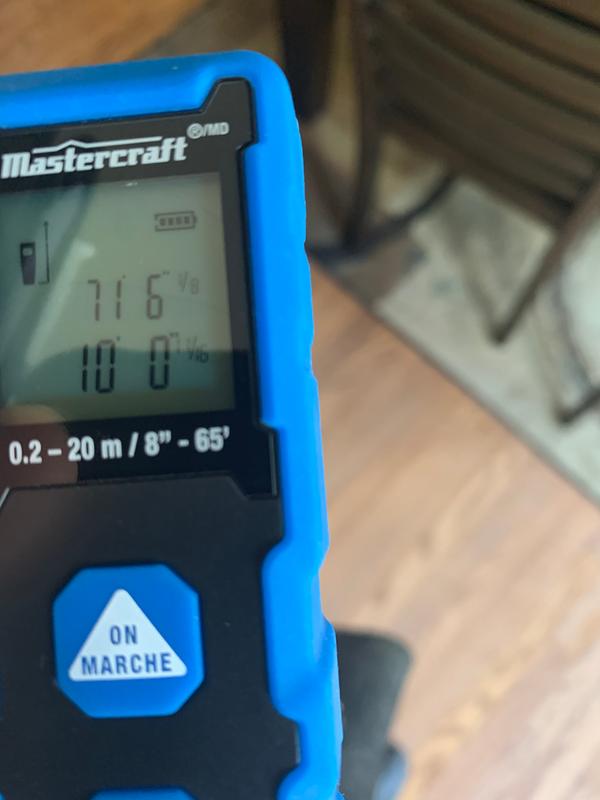
Q: It measures meters as well as feet, but the problem I have with it is the feet measurements are shown in decimal units instead of fractional. Ex. 1.883 ft. in order to be usable I have to convert it manually to 1'-10 9/16". Anyone knows how to change it?
4 years agoA: Umm... mine measures in all 3, meters, feet and inches in decimal and fractions, 1/16ths. Press and hold the on button and tap the off button to scroll through the options.
4 years agoHelpful?
Q: Can this instrument be used to measure depth in silo's
3 years agoA: They work fine in total darkness. However, depending on the depth of the silo…you cannot exceed the distance rating. It also depends on the surface of what you are trying to measure. A reflective surface gives the max distance, something soft/fuzzy doesn’t reflect the laser very well. I found that placing a reflective “target” square on what I wanted to measure helped greatly. Perhaps you could drop a target on a string down the silo.
3 years agoHelpful?
Q: I can't find the manual online to help explain Error code 500. All that happens is I try to measure, the error pops up and the device shuts off. Has anyone else had this issue or perhaps the manual?
3 years agoA: The pamphlet that came with it says code 500 is caused by a "hardware error" and lists the following corrective measures: "Switch on/off the device several times. If the symbol still appears, please contact your distributor."
3 years agoHelpful?
Q: My unit only shows meters. Can't seem to find a way to change it to feet. Anyone know how?
4 years agoA: Press and hold the On button while you press the Off button 2x. Will then switch between m & ft.
4 years agoHelpful?
Q: How do you tuen the bluetooth on? Or what app to use? If you tilt the screen a bit you can see the bluetooth sign right next to battery, so wondering if it is there or not.
4 years agoA: There is no Bluetooth on the unit I have
4 years agoHelpful?
Q: I have a master craft laser measuring device that gives you your requested distance and then displays " Error 204"....
4 years agoA: I am not sure about the error, but I think it happens when aiming at distance exceeds the 65 feet limit or the receiver LED on the tester didn't have clear reception.
4 years agoHelpful?
Q: Is it possible for the laser to display all in inches without feet. For example, displaying 38" rather than 3' 4". Also, can it be switched to 1/16" accuracy rather than 1/32"?
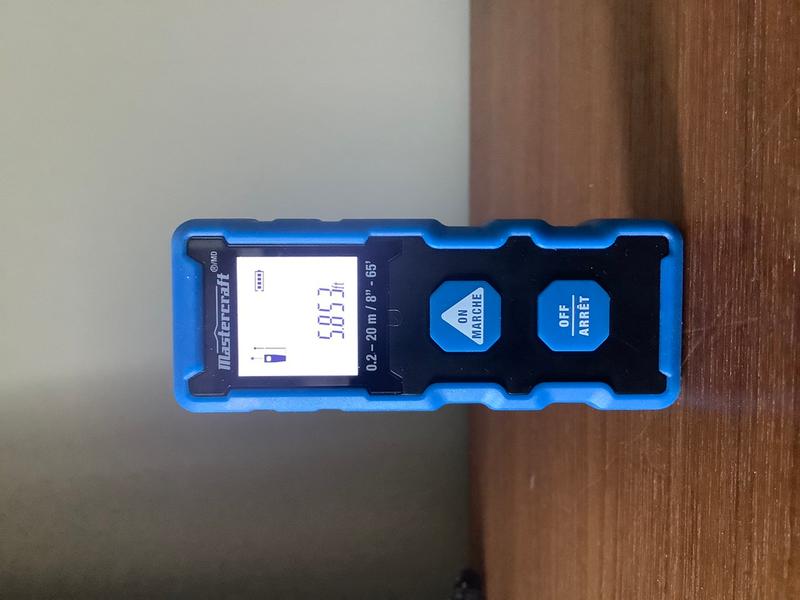
5 years agoA: No. You cannot change to all inches, nor can it be switched to sixteenths. Unless they have changed the unit, you cannot even make it read 4’ 6”, it reads in decimal, 4.5’. That is the disadvantage of this low priced unit, if you want more options, look at something like the Bosch GKM 50C
5 years agoHelpful?
Q: Can I measure the distance from the top of my well crib to the top of the water surface in the well?
6 years agoA: Only way you could do this is take a small piece of wood, attach a line to it and throw that down the well. You could get a measurement of the wood floating at the surface for a distance, and use the line to fish it back up.
6 years agoHelpful?
Q: Where can I find the manual for download ?
7 years agoA: Is it possible to scroll through a history of measurements?
6 years agoHelpful?