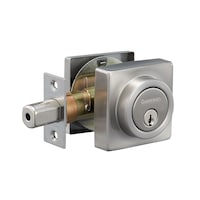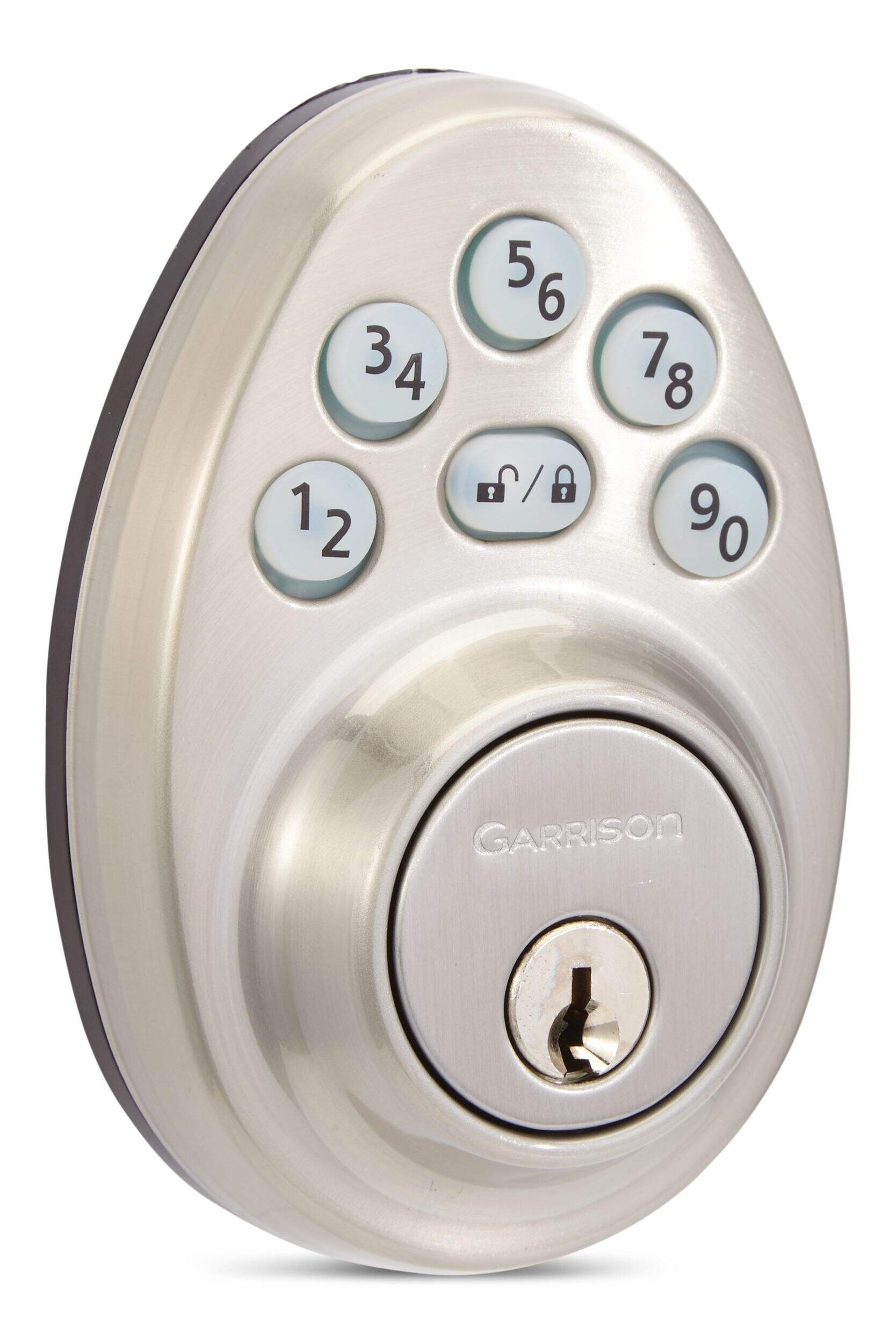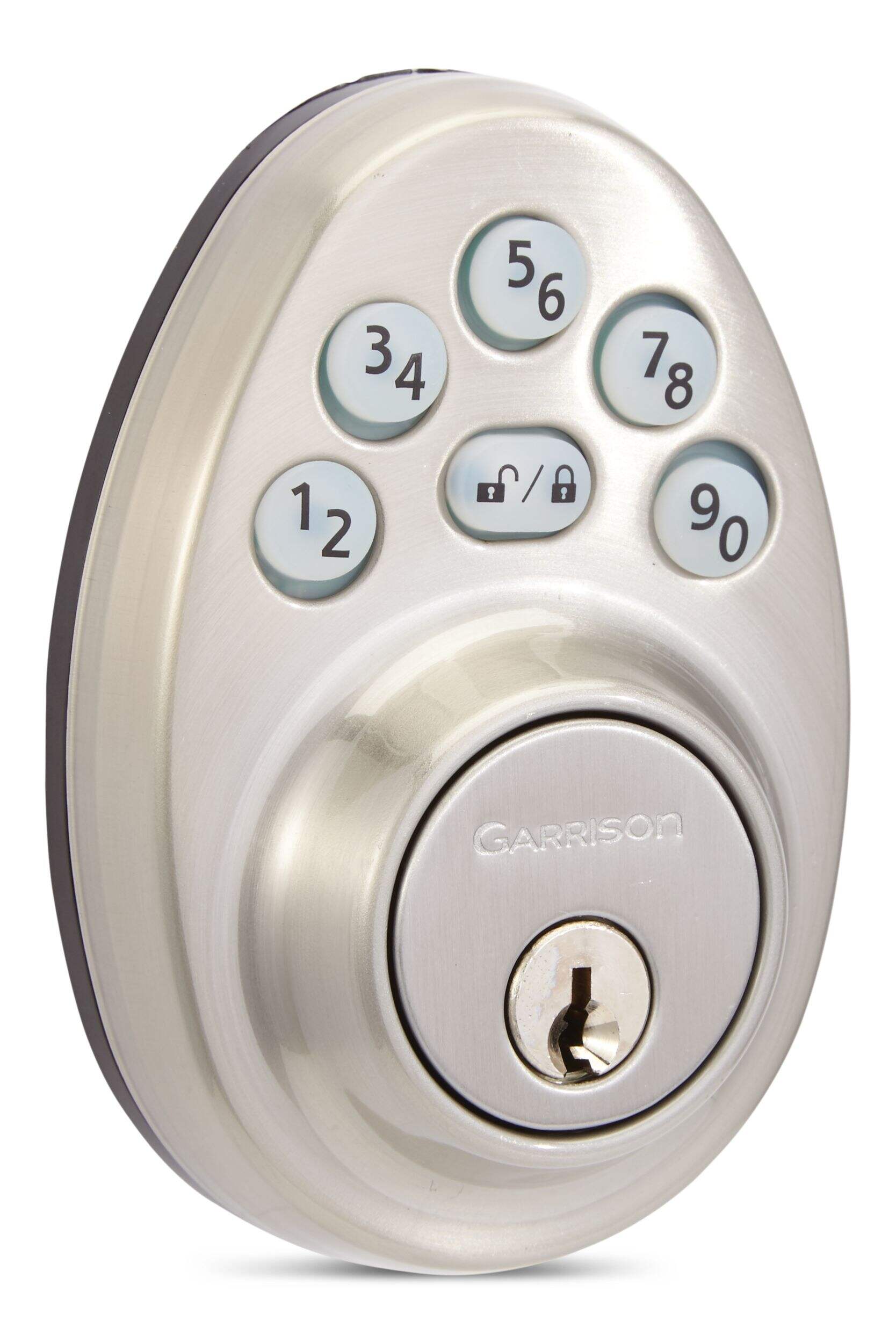
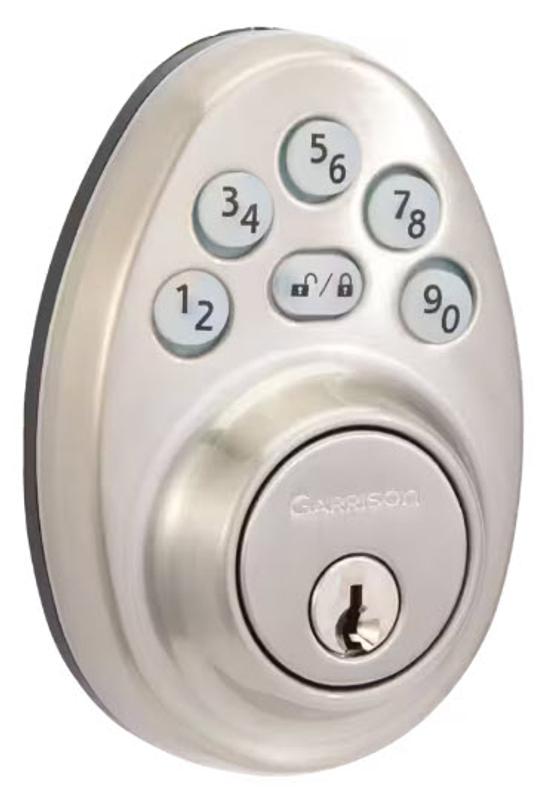
Serrure à pêne dormant électronique ronde Garrison, nickel satiné
- GratuitOffert
- Offert
- Offert
Ramassage disponible à 09 h 00, 05 janv.


Il n’en reste que 7
À l'attention des personnes résidant au Québec: pour obtenir des renseignements sur l'entretien et la réparation, cliquez ici.

Objets similaires




Produit Détails
Protégez votre maison avec la serrure à pêne dormant à clavier électronique ronde Garrison. Cette serrure facile à programmer offre un accès sans clé sans logiciel supplémentaire. Conçue selon les normes ANSI/BHMA de catégorie 3, elle offre une protection fiable avec résistance aux coups et aux chocs pour une sécurité accrue. Le fini nickel satiné ajoute une touche intemporelle à votre porte, combinant style et fonctionnalité pour une utilisation de longue durée.
Facile à installer
Verrou à 6 directions universel convenant à toutes les portes standard
Construction durable
Pour les portes de 35 mm (1-3/8 po) à 45 mm (1-3/4 po)
Matériel de fixation et manuel d'instructions compris
Comprend : Comprend 2 clés, pêne à 6 voies et gâche
| Numéro de modèle de l’article | PLU0S10 |
|---|---|
| Type de poignée | Encastré |
| Type de porte | Intérieur |
| Couleur principale | Nickel |
| Fini | Satiné |
| Modèle | Moderne |
| Orientation | Réversible |
| Type de verrou | Électronique |
| Pièces comprises | Pêne dormant à barillet unique |
| Type de loquet | Loquet universel |
| Compatibilité aux systèmes intelligents | Aucune technologie intelligente |
|---|---|
| Fonctionnalités avancées | Lumineux, Accès par clé et clavier, Poignée fictive, Dossier réglable |
| Largeur une fois assemblé (po) | 7,44 po |
| Liste d’accessoires | Aucun accessoire inclus |
| Longueur une fois assemblé (po) | 2,87 po |
| Nombre de boutons | 6 |
| Nombre de codes | 6 |
| Poids une fois assemblé (lb) | 2,14 lb |
| Profondeur une fois assemblé (po) | 0,98 po |
| Utilisations du produit | Résidentiel |
| Épaisseur de porte maximale (po) | 1,77 po |
| Épaisseur de porte minimale (po) | 1,38 po |
- Si cet article est défectueux, il est couvert par la garantie du fabricant. Dans le cas où aucune garantie n'est indiquée, cet article est couvert par une garantie Canadian Tire de cinq ans honorée dans tout magasin Canadian Tire et il peut y avoir une garantie prolongée du fabricant.
- Le ramassage est gratuit dans la plupart des magasins (certains magasins exigent un montant minimum de commande avant taxes).
- Les tarifs d’expédition dépendent de la taille et du poids des articles, ainsi que de la distance entre l’adresse de livraison et le magasin.
- La livraison le jour même coûte 9,99 $ par commande.
- Informations sur une commande en ligne
- La plupart des articles peuvent être retournés ou échangés dans tous les magasins Canadian Tire dans les 90 jours suivant l’achat.
- Certains articles ne sont pas remboursables ni échangeables.
- La politique de retour décrite ci-dessus peut ne pas s’appliquer à l’article que vous consultez présentement. Pour obtenir tous les détails et connaître les critères d’admissibilité, veuillez consulter notre Politique de retour pour connaître les exceptions.
Comparer des articles semblables
Only Show Differences | Consultation en cours | |||||
| Ratings | ||||||
| Type de poignée | Encastré | Encastré | Encastré | Encastré | Encastré | |
| Type de porte | Intérieur | Intérieur | Intérieur | récurrente, Battante | Intérieur | |
| Couleur principale | Nickel | Noir | Nickel | Noir | Noir |



Acheter des produits connexes
- Offres hebdomadaires
- Les clients ont aussi consulté
- Vers les produits tendances
- Plus de cette marque
Points saillants de l'evaluation
Avantages
Désavantages
Évaluations
Images et vidéos du client
Filtrer les avis
- prix
- installation
- achat
- la satisfaction
- instructions
- qualité
- taille
- facilité d'utilisation
Excellent!
No more hassle
Disappointed
Goid product, reasonably priced, make sure the slot is alighned.
good buy . seems to work great,.
Questions
Q : I cannot get the bolt to work ,I enter numbers but nothing happens yet I have lights etc ,,garrison round model
il y a 4 ans- Traduire avec Google
R : I assume you are trying to enter your own user code. Every time you want to change your user code you need to perform Door Identification process and than change your user code
il y a 4 ansUtile?
Q : If I buy one for the front door and one for the back, how do I make the manual keys match? How do I match the key to existing garage?
il y a 4 ans- Traduire avec Google
R : I'm gonna have to say that you need a locksmith to match keys for everything. Tbf, you buy one of these so you wont need a manual key very often.
il y a 4 ansUtile?
Q : when programming my lock how do i know number im pressing when therte are two numbers on one button
il y a 4 ans- Traduire avec Google
R : Each button registers as 2 numbers, for example If your set up user code to be 1133 it would be the same as 2244, you would press 1/2 button twice and the 3/4 button twice.
il y a 4 ansUtile?
Q : wouldnt program ,we tried it a hunderd times with the directionsboth my wife and me.
il y a 2 ans- Traduire avec Google
R : The first lock we bought installed and programmed beautifully. The second one gave us some grief with the programming. It took a while to get it programmed and we were ready to return it but we tried one more time to program it and it worked perfectly. I think it was human error on our part. The instructions can be hard to understand.
il y a 2 ansUtile?
Q : Hi, the buttons on my lock are green all the time since the last month, and I cannot find why in the documentation. I've resetted the device completely using the R button but in vain.Do you know how I can fix that?
il y a 5 ans- Traduire avec Google
R : Please re-install the lock (remove the lock and re-install it) and make sure to connect the harness and connector properly. After that, follow the below procedure: 1. Please reinstall a “fresh” set of batteries 2. Hold the “Reset” button in the interior for 5 seconds, and the lock will indicate 3 beeps (these 3 beeps indicate a successful RESET) 3. Run the “door handing” function with “default Programming Code 0000” + “0” 4. Lock the lock and unlock it with “default User Code 1234” 5. If everything is good, then the user can proceed the change of Programming Code and add new User Code
il y a 5 ansUtile?
Q : Why would you have multiple user codes when it makes no mention of retrieving any saved data from the device. There would be no way to determine who unlocked the door, or at least who's code was last used to unlock. Kinda seems futile doesn't it?
il y a 5 ans- Traduire avec Google
R : This lock is for residential home user with simple electronic keypad features and multiple user codes for sharing with family members or friends.
il y a 5 ansUtile?
Q : When I enter the password and press lock it locks the door. When I just press the lock button it unlocks it It's completely backwards. Help!!
il y a 5 ans- Traduire avec Google
R : Please follow below steps or refer to attached installation manual. You may need to reset. 1. Be sure to have door handing identification process first (circle in red) a. Enter PC -> Press unlock lock button -> Press (9/0 button -> pre unlock lock button 2. And then set up new user code (circle in blue) a. Enter PC -> press unlock lock button -> Press 1 /2 button -> Press unlock lock button -> Enter new Passcode -> press lock unlock button 3. Next you can change or delete user code and programming code If you are still having problems, please contact our support line at 1 800 268 6591 for assistance.
il y a 5 ansUtile?
Q : Do have anot electronic copy of the manual? I would like to use the auto lock feature but the product code on he box brings up other models and the codes are not compatible.
il y a 6 ans- Traduire avec Google
R : To obtain a copy of the manual, please email customerservice@canadiantire.ca or by calling 1-800-387-8803 if you wish to obtain a mailed copy.
il y a 6 ansUtile?
Q : How do you change the programming code from 0000 and delete the default user code from 1234 as well as program your own codes....help!! Thank You
il y a 6 ans- Traduire avec Google
R : Please follow below steps or refer to attached installation manual. 1. Be sure to have door handing identification process first (circle in red) a. Enter PC -> Press unlock lock button -> Press (9/0 button -> pre unlock lock button 2. And then set up new user code (circle in blue) a. Enter PC -> press unlock lock button -> Press 1 /2 button -> Press unlock lock button -> Enter new Passcode -> press lock unlock button 3. Next you can change or delete user code and programming code
il y a 6 ansUtile?
Q : What is the width and height of the Garrison electronic deadbolt lock model 046-7494-4? Thnx Phil
il y a 6 ans- Traduire avec Google
R : The outside deadbolt width is 72.2mm and height 104.5mm. The inside width is 73mm and height is 189mm.
il y a 6 ansUtile?