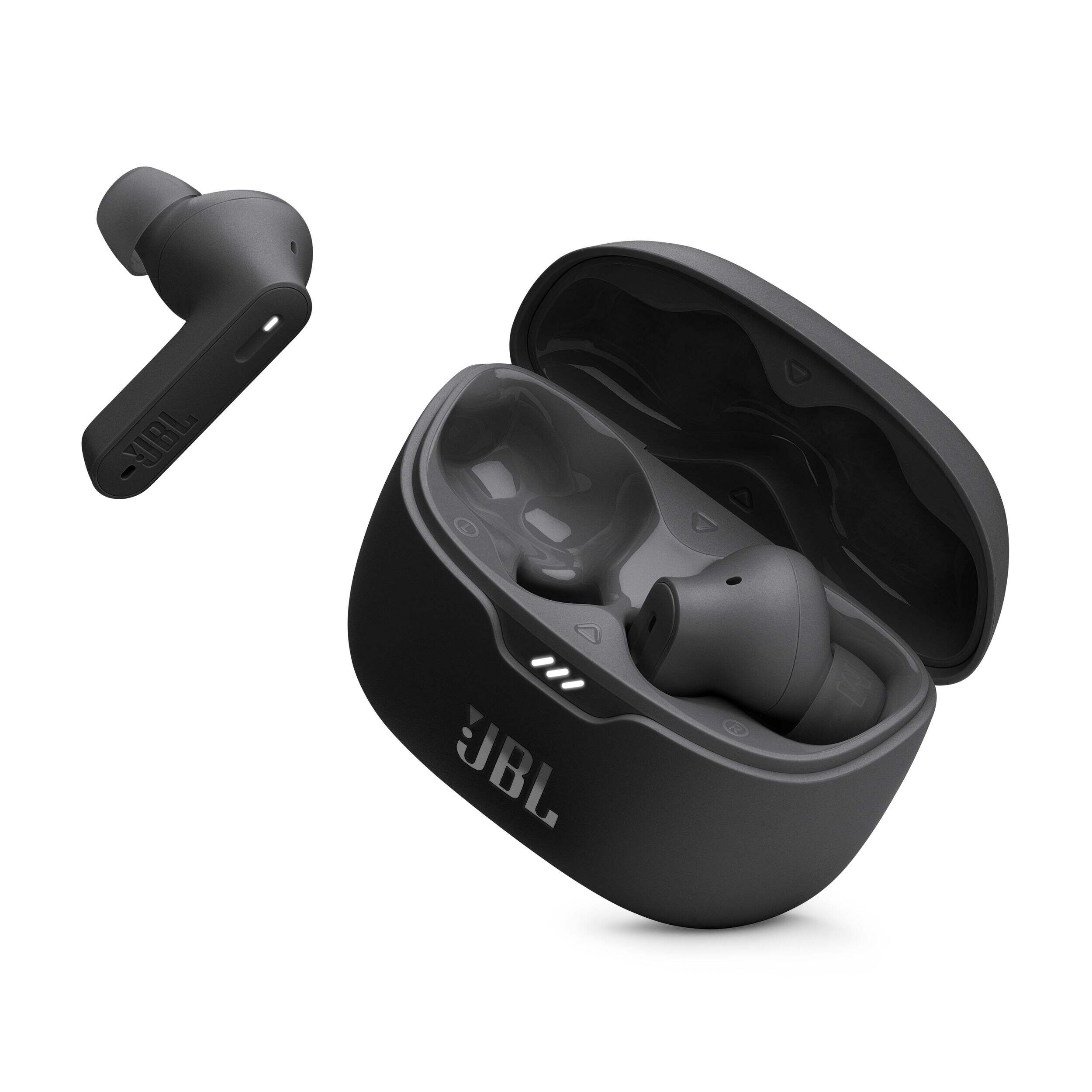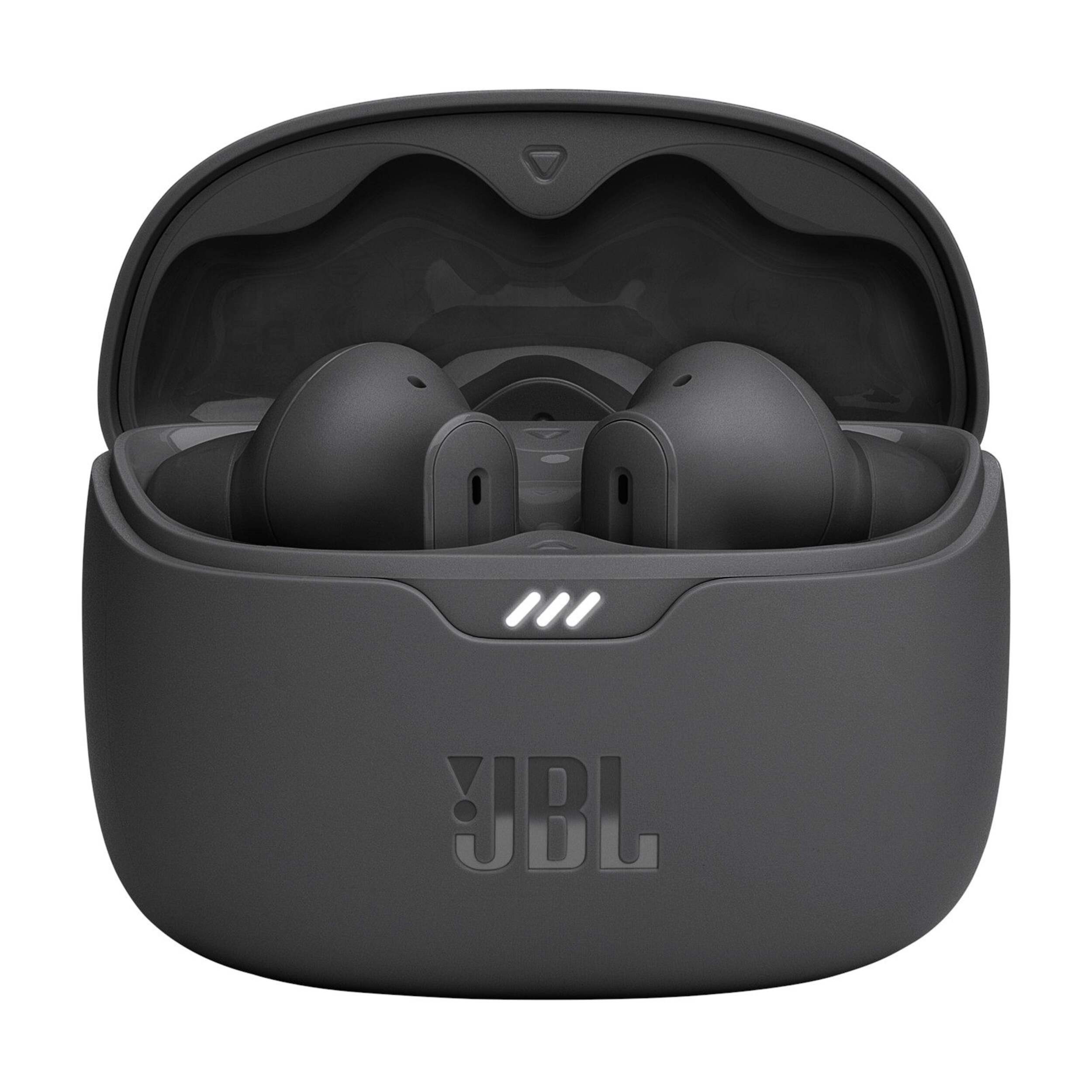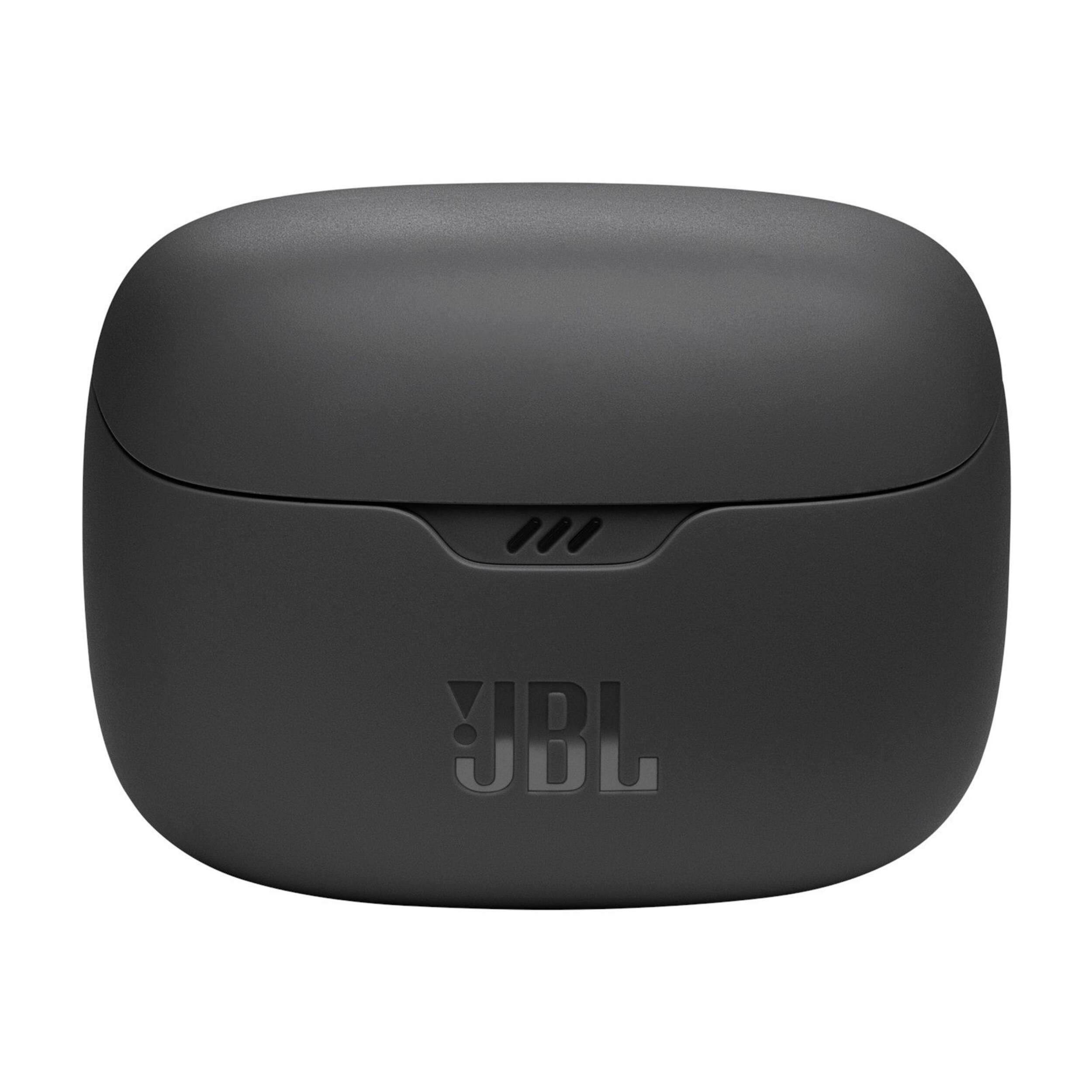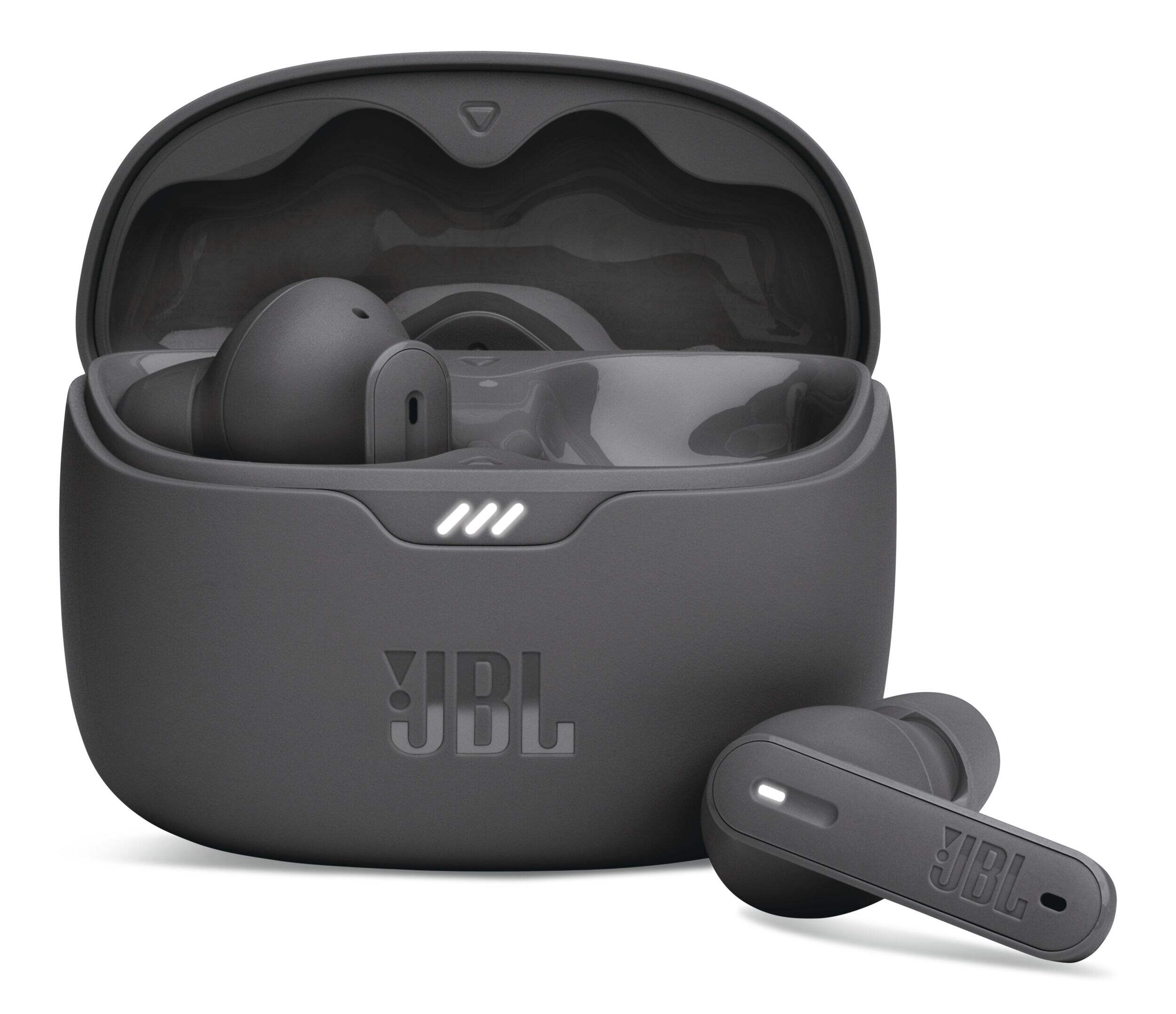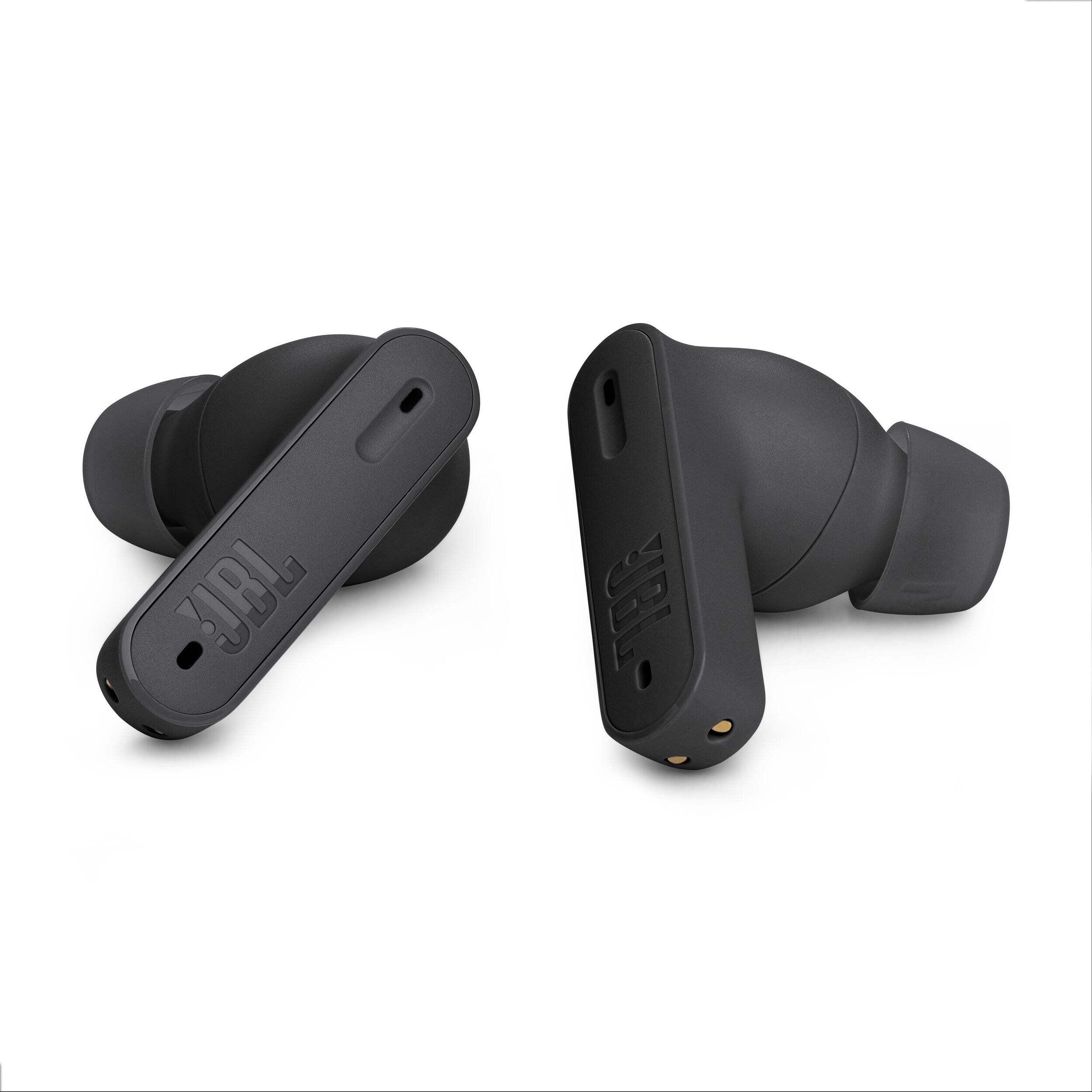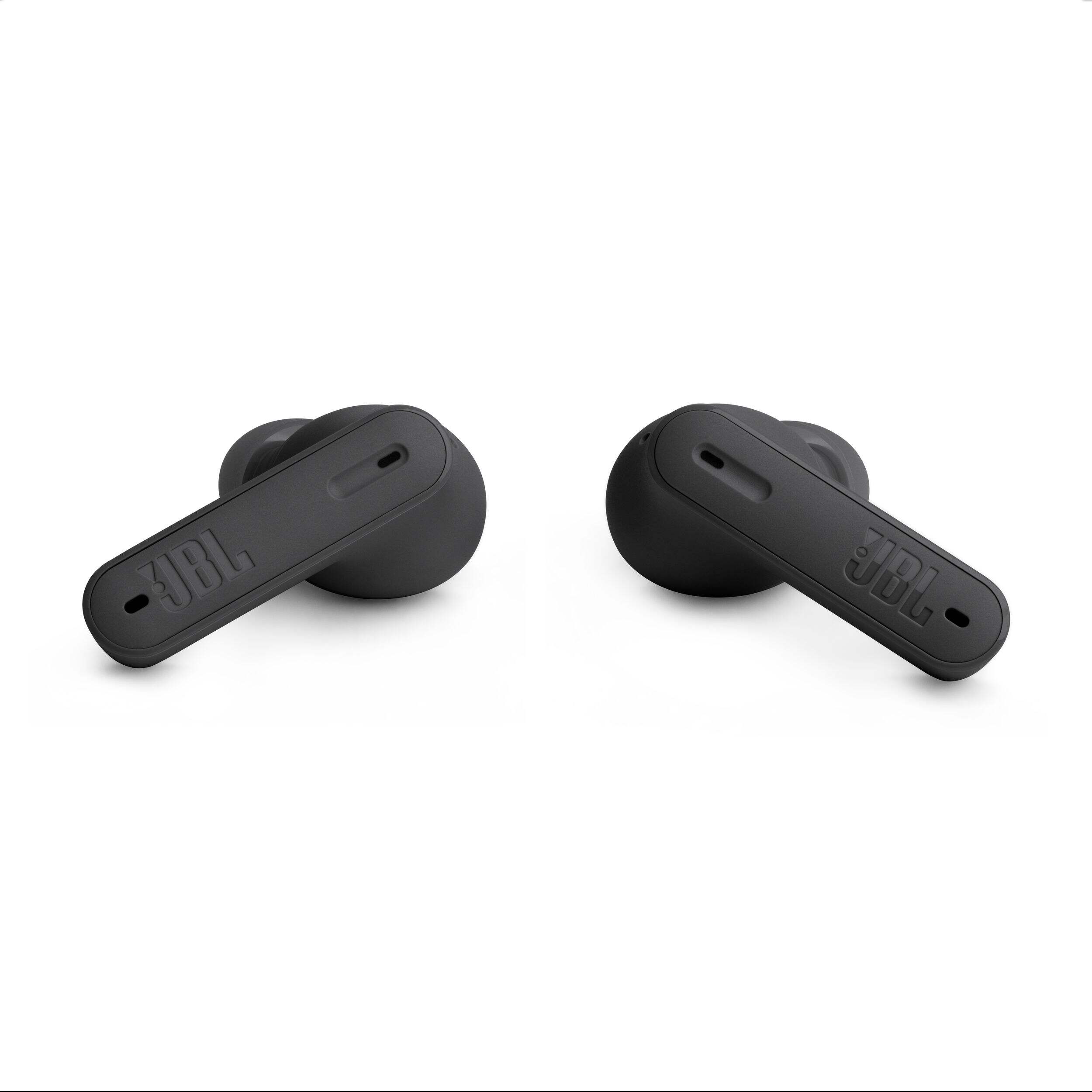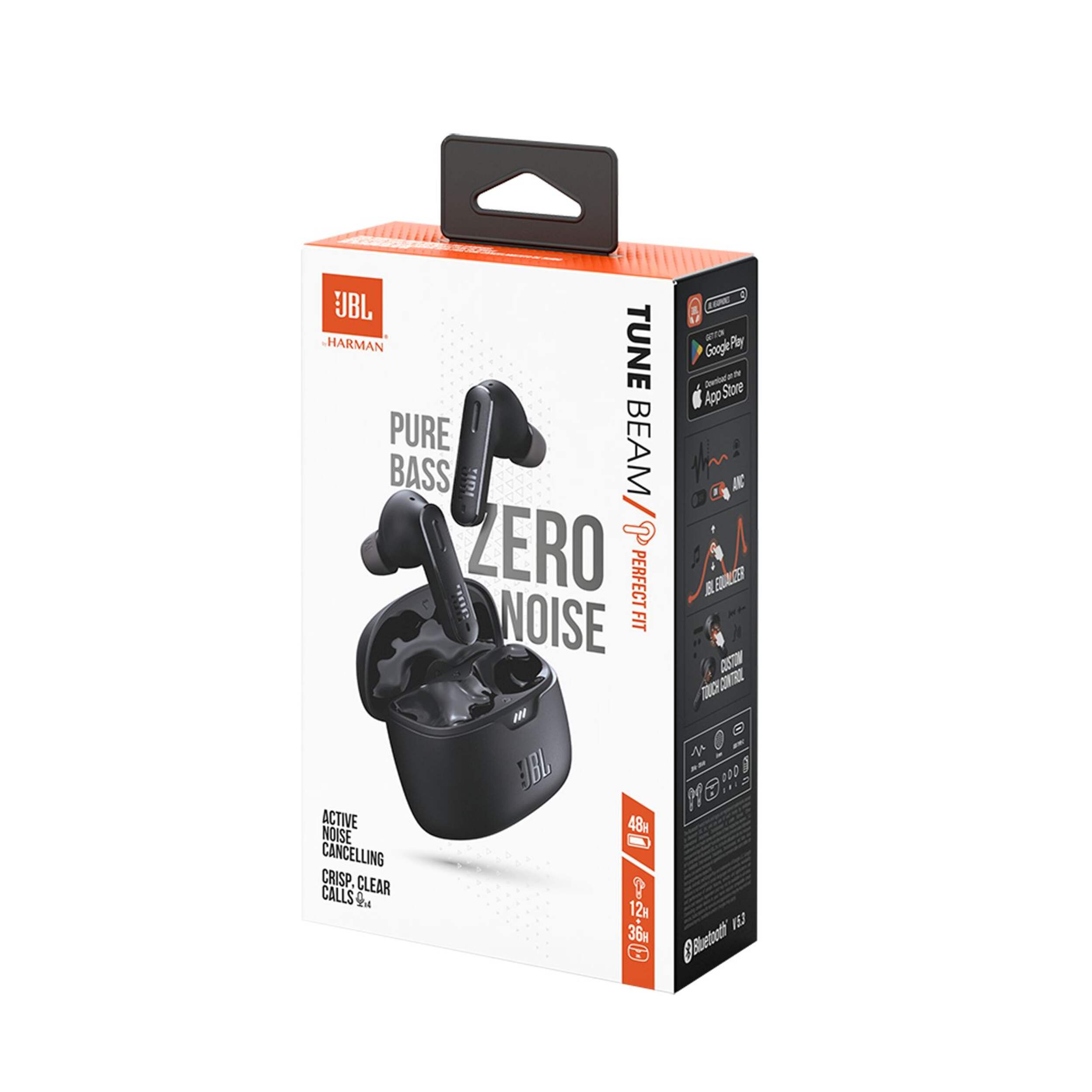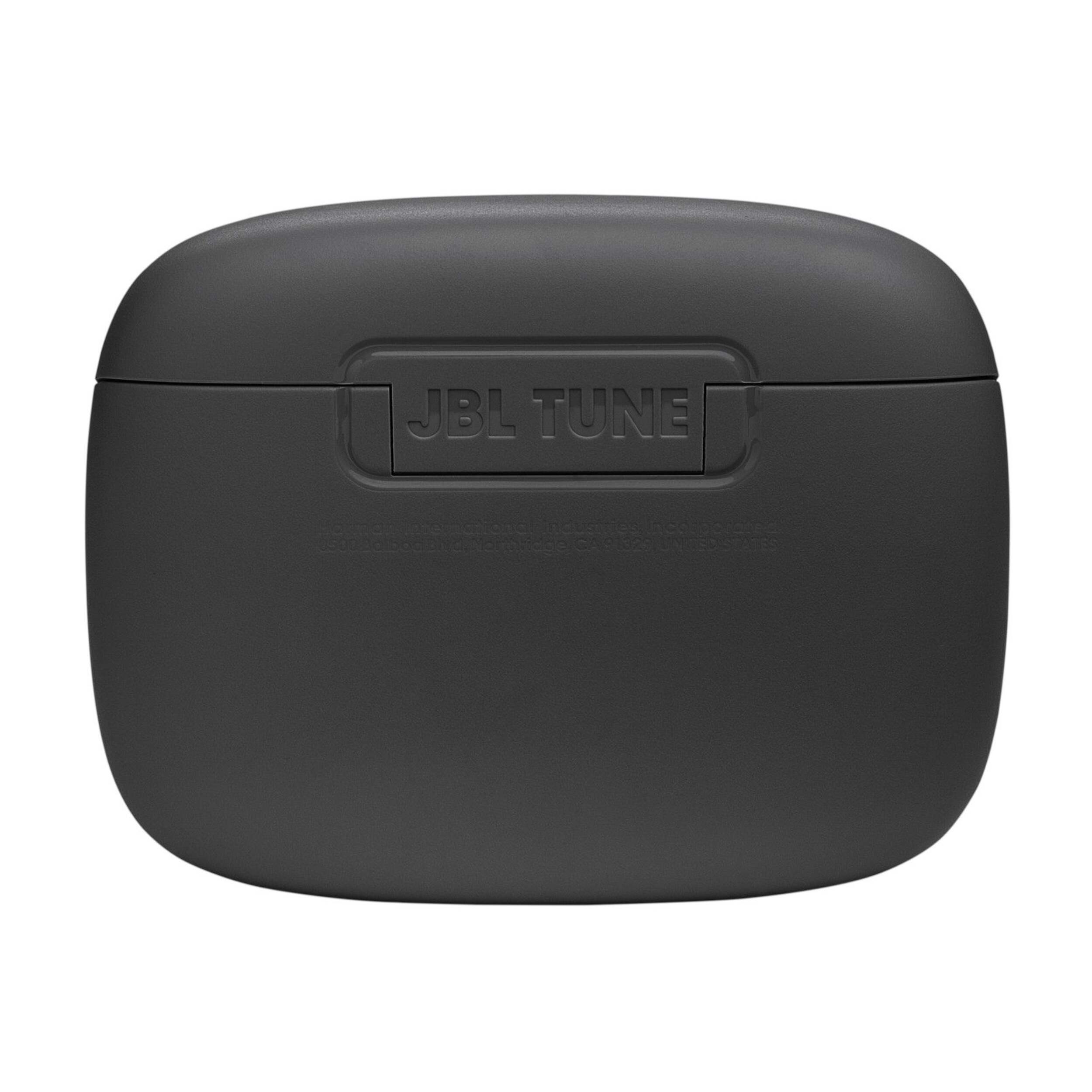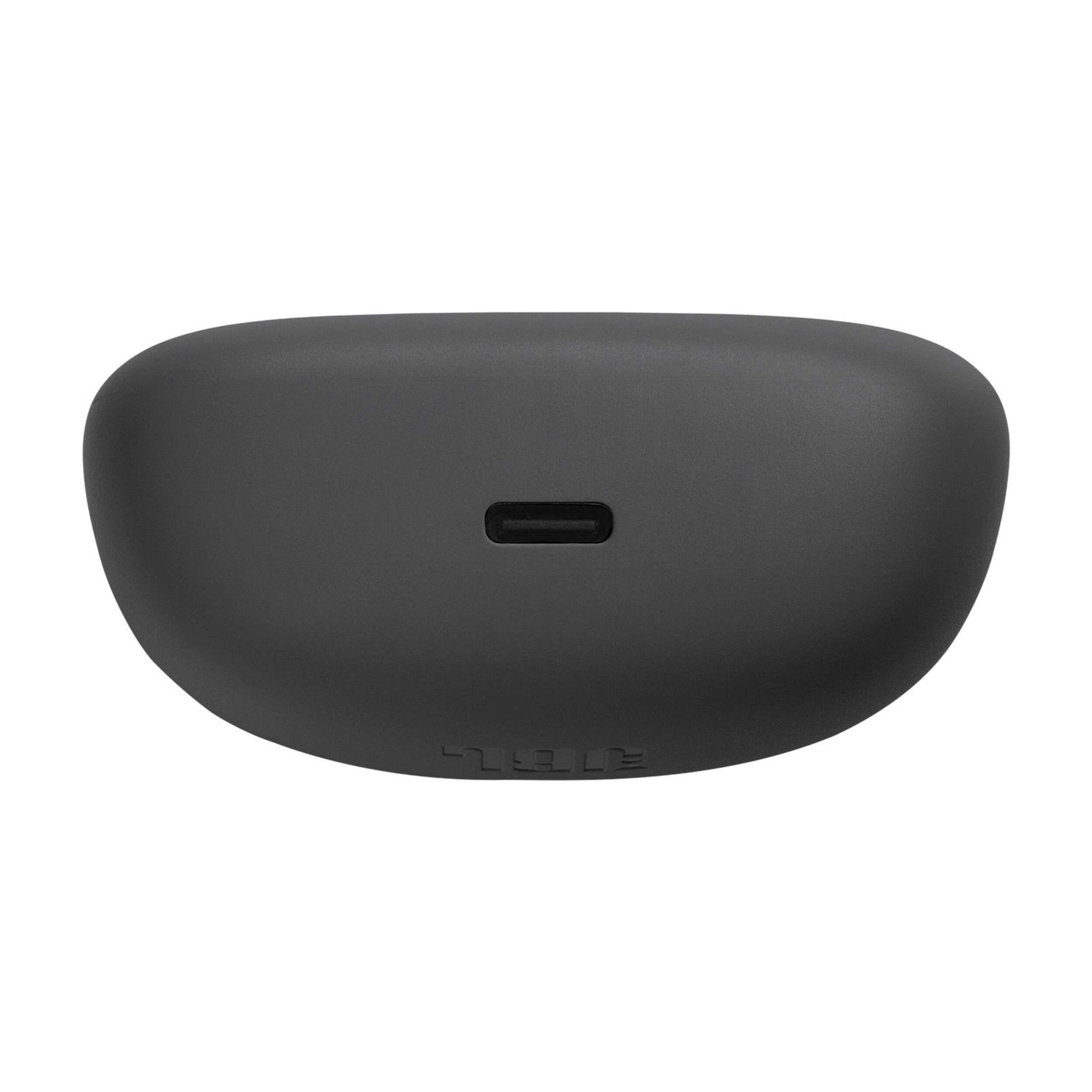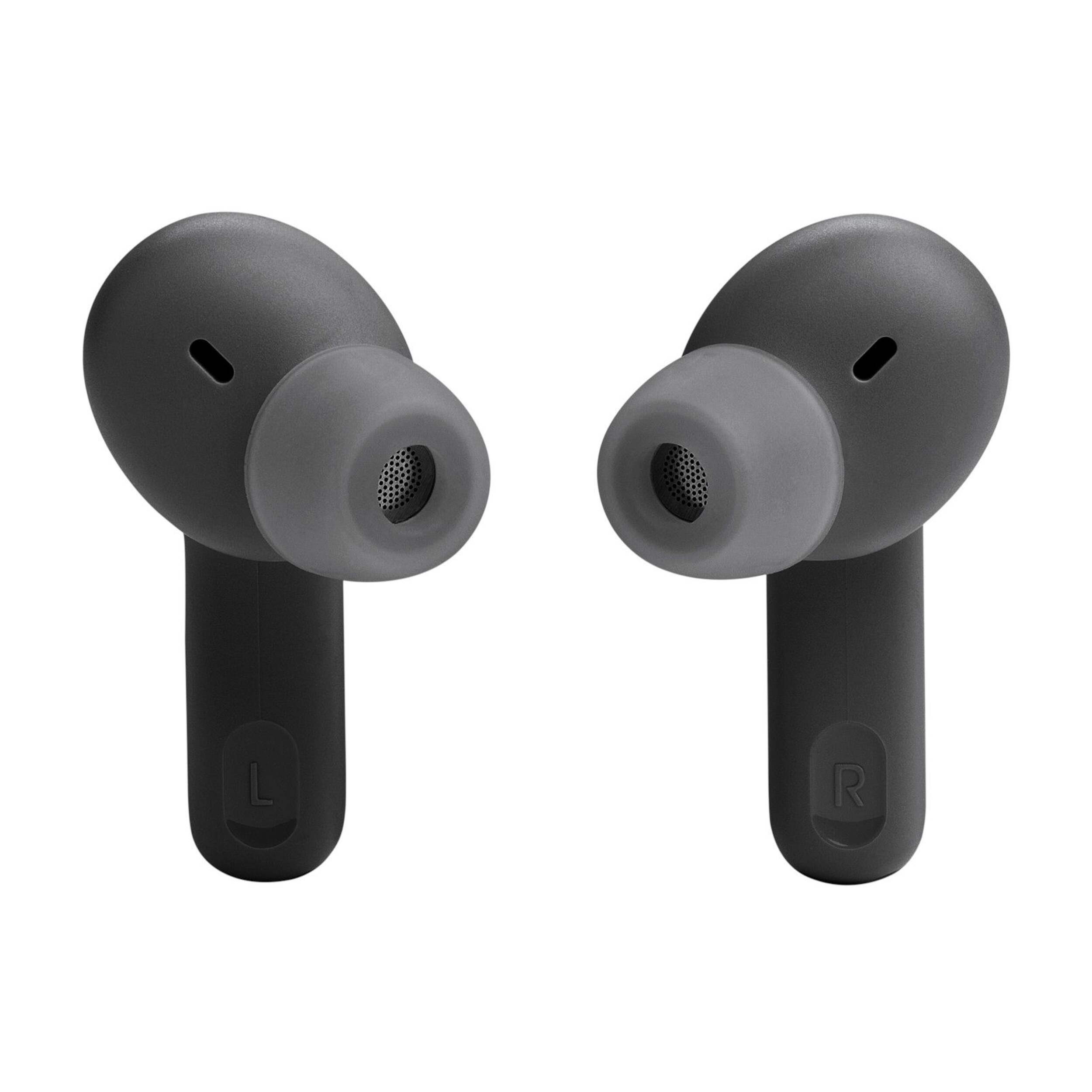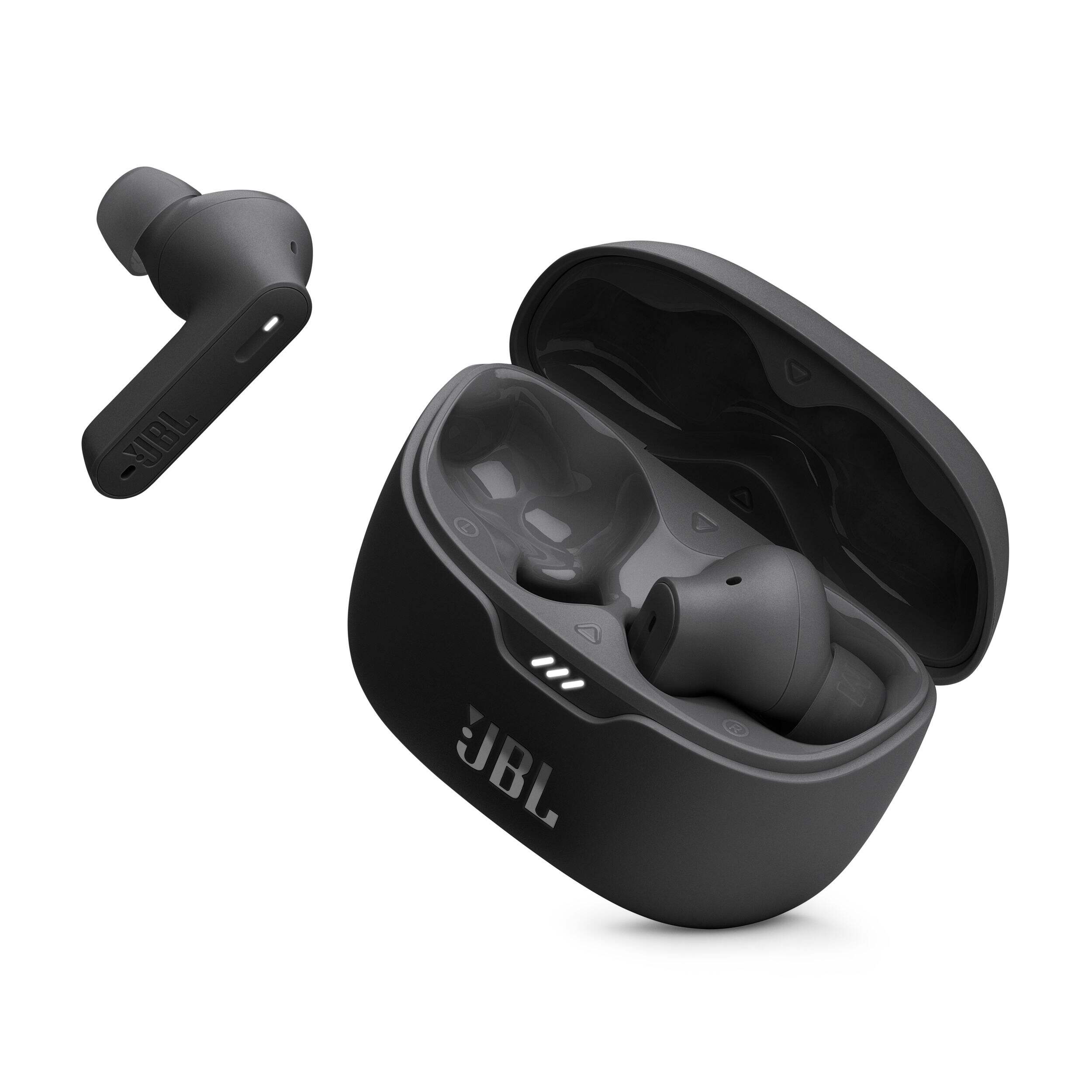


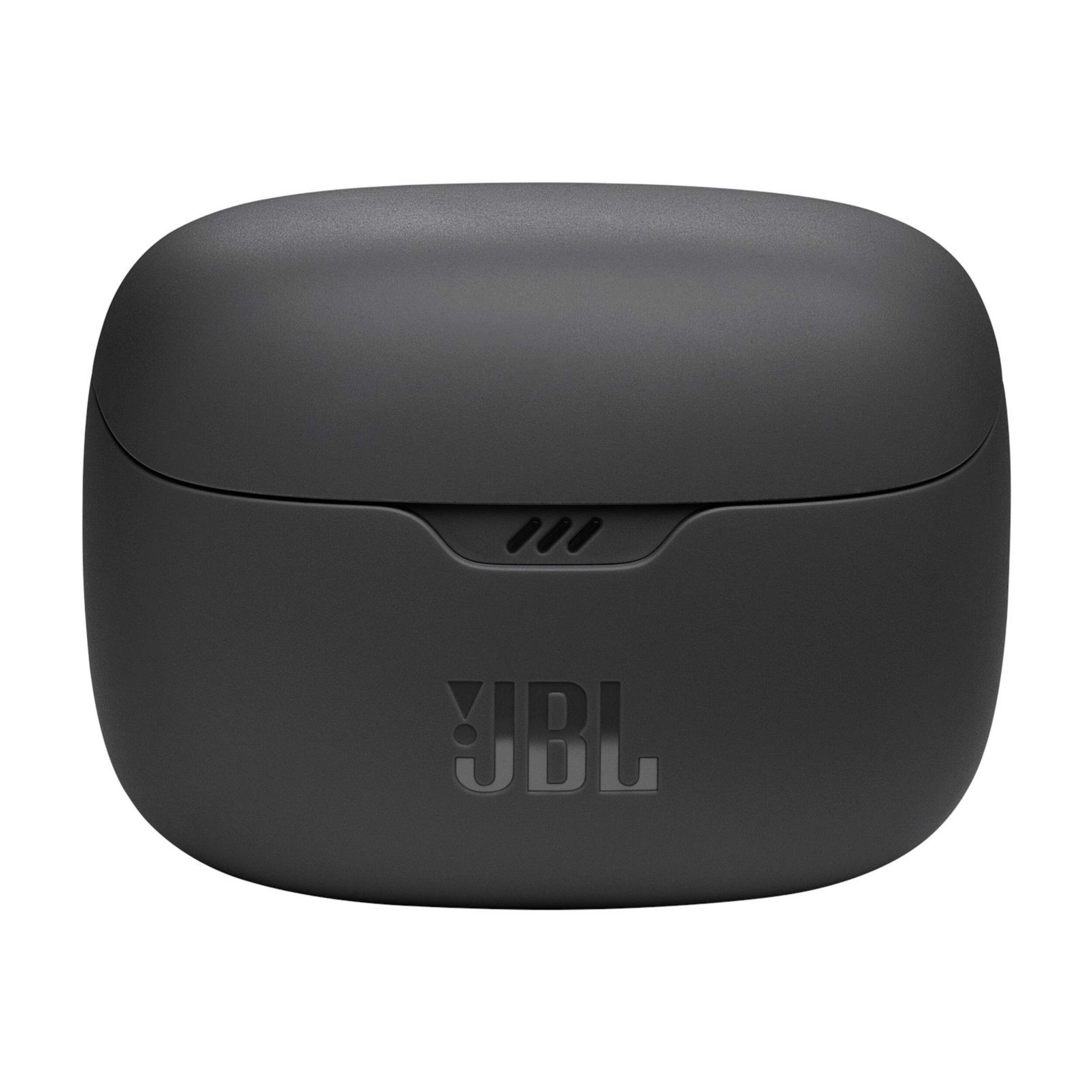

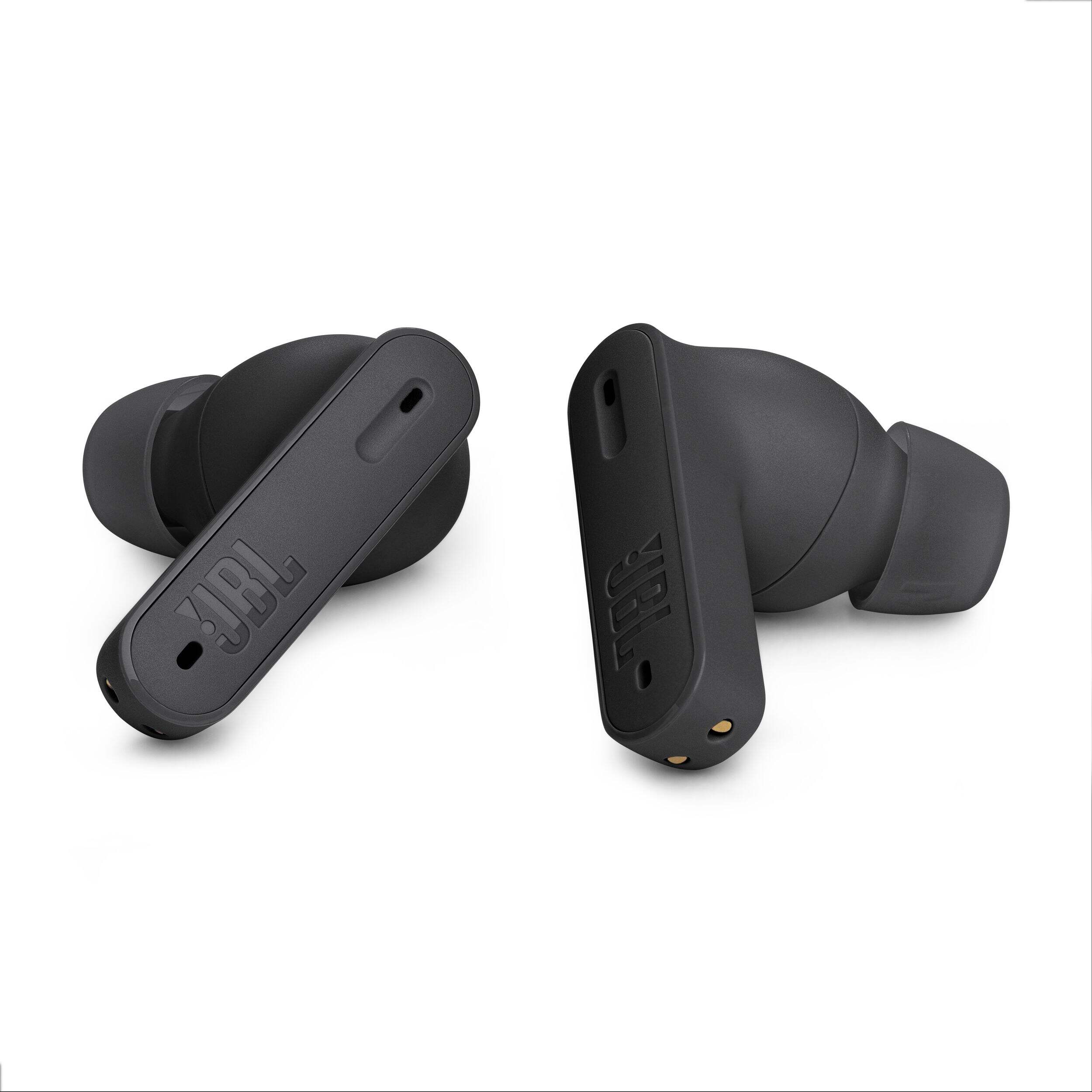
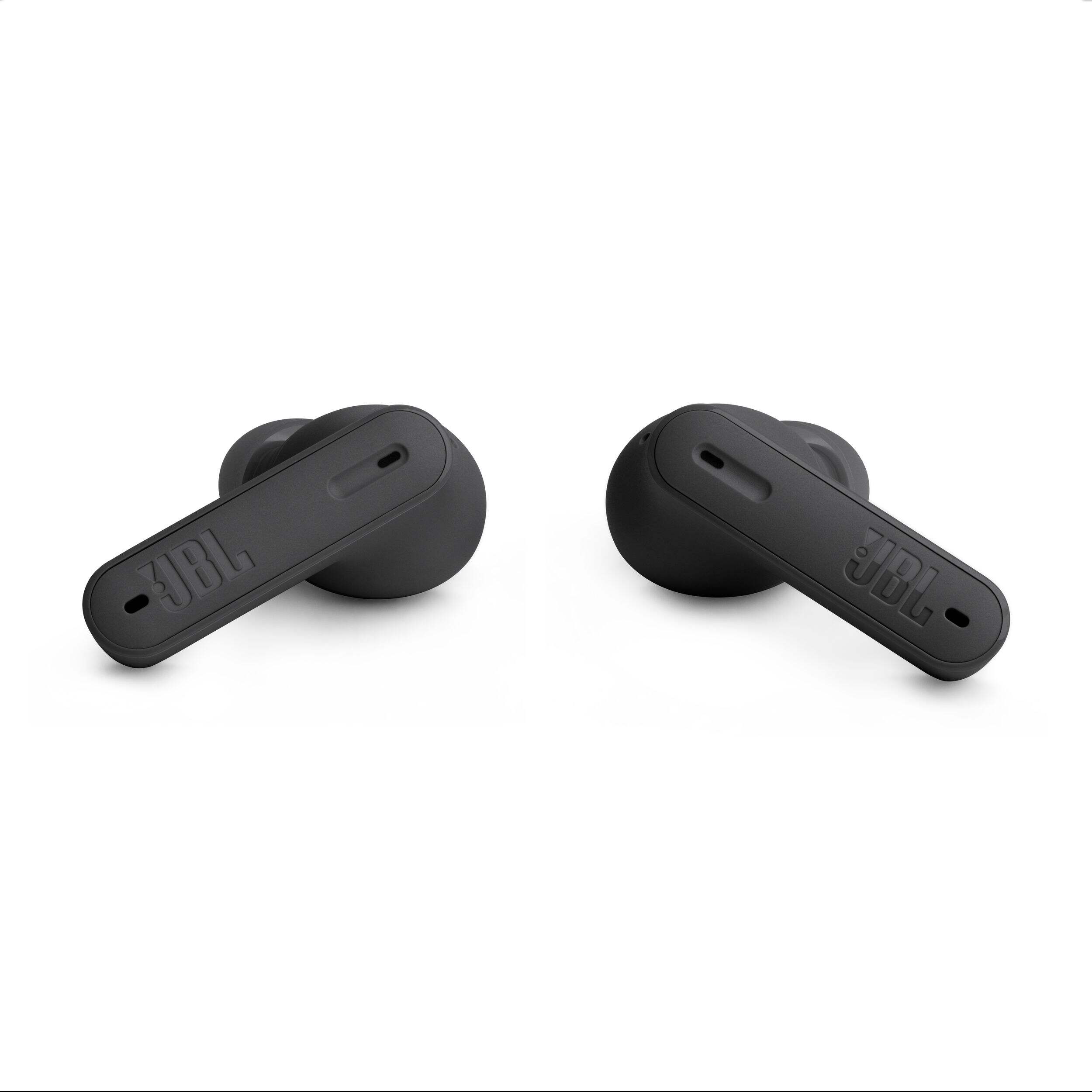
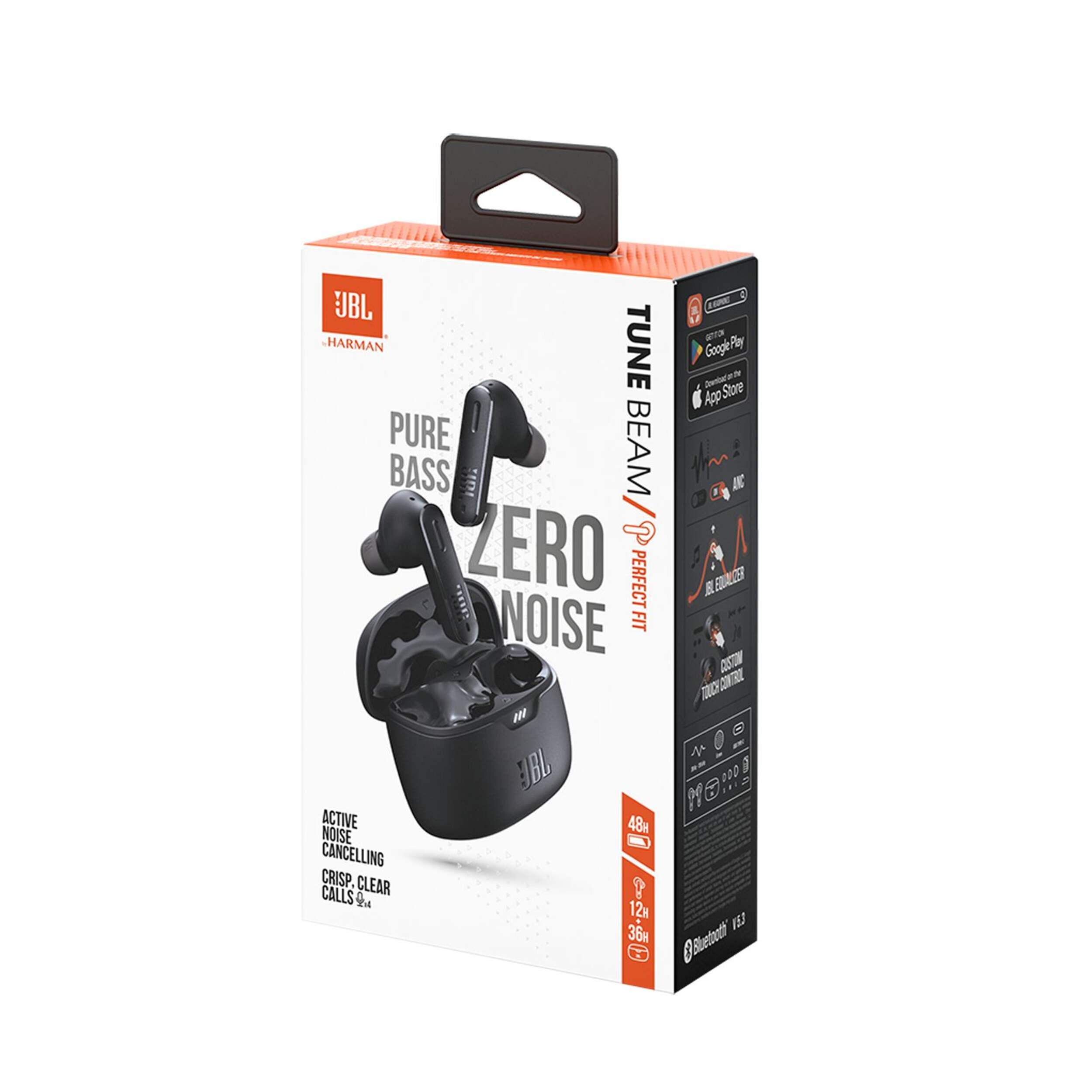
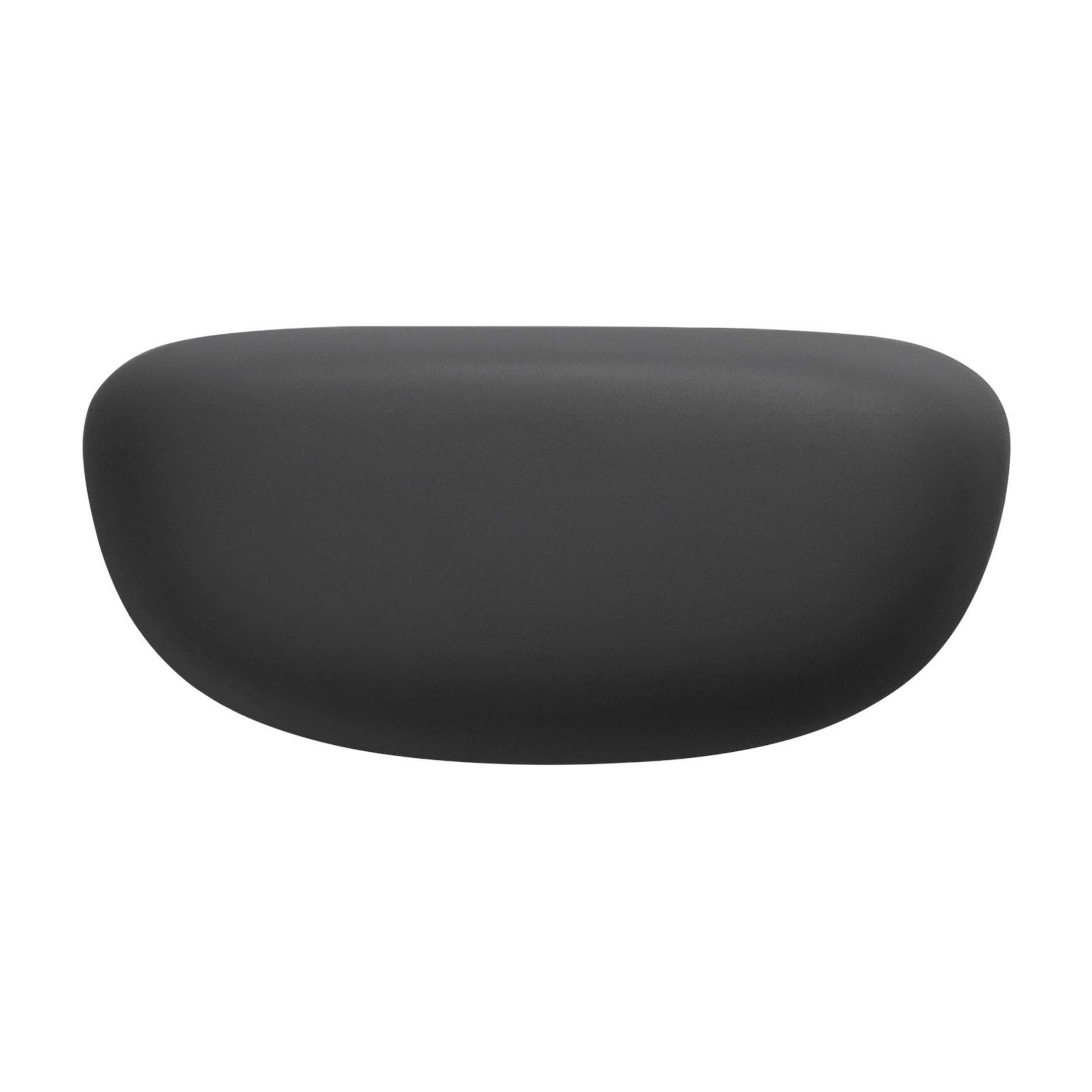
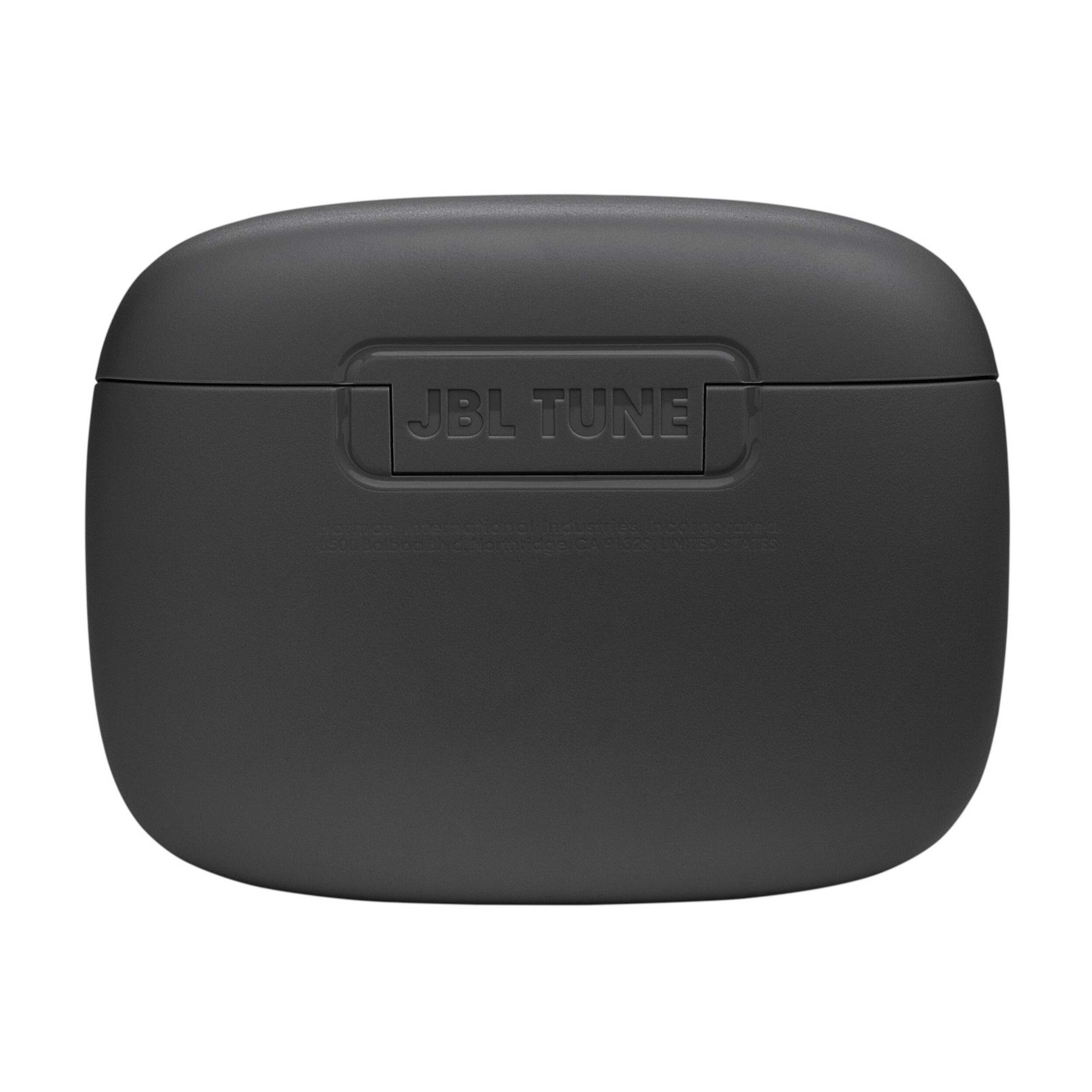
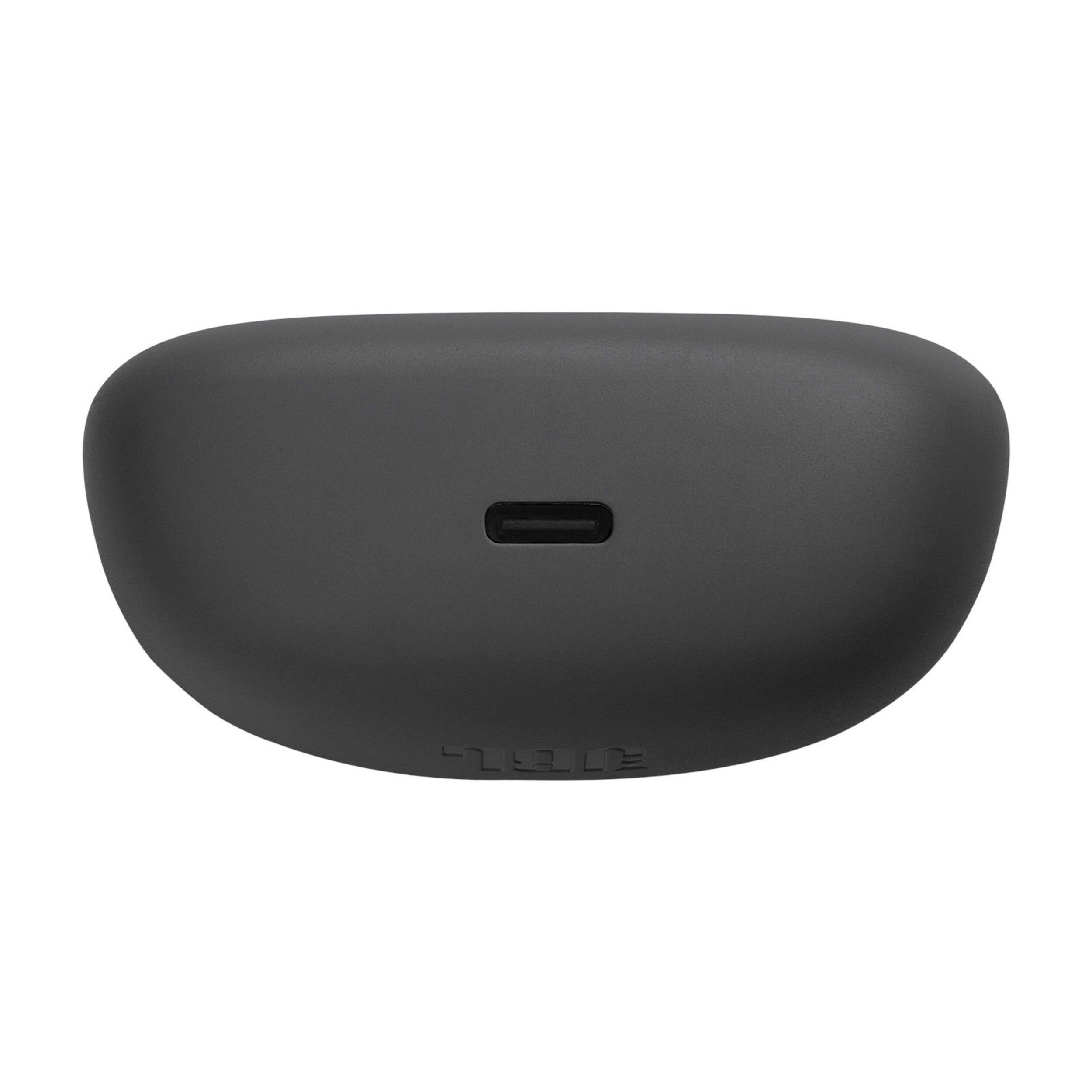
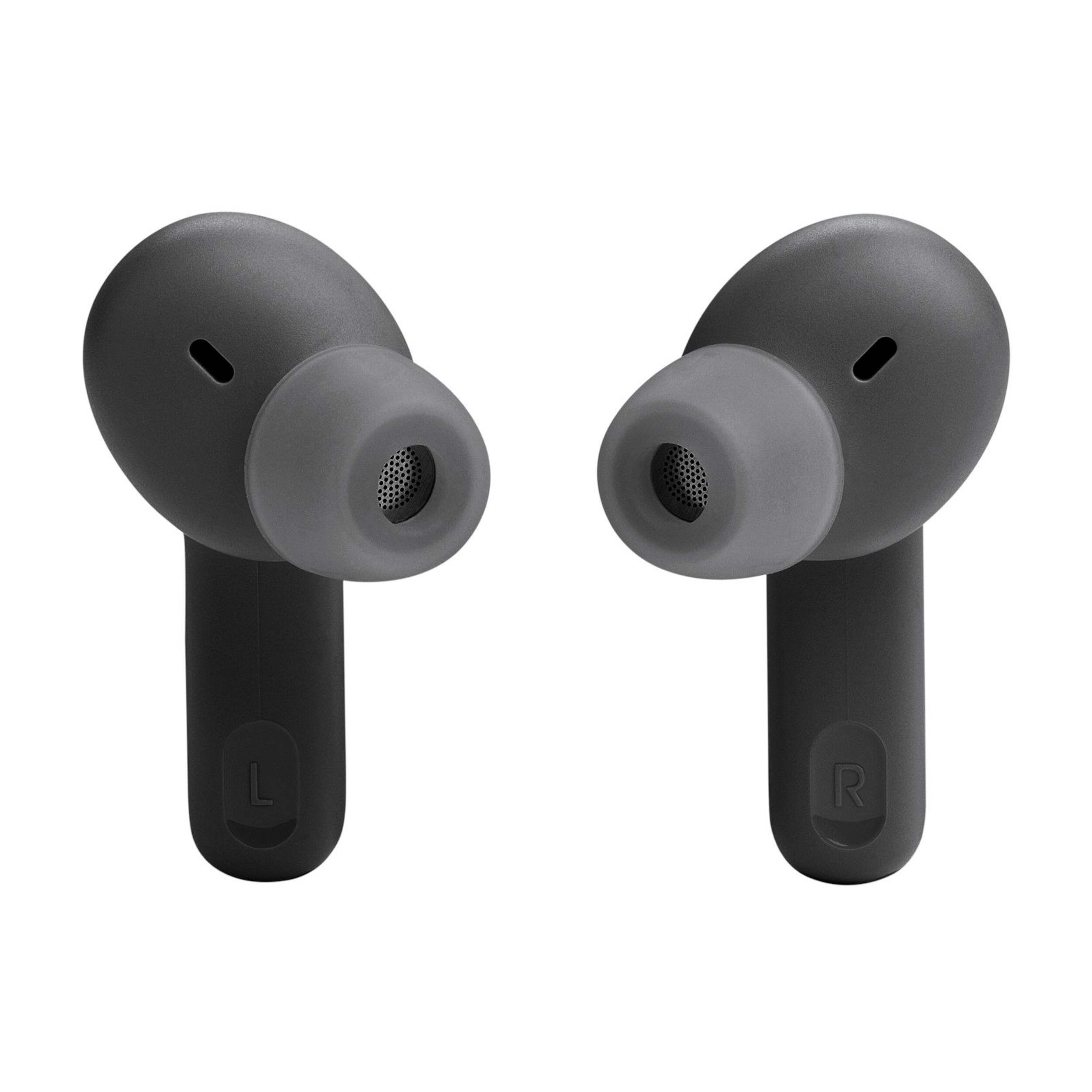
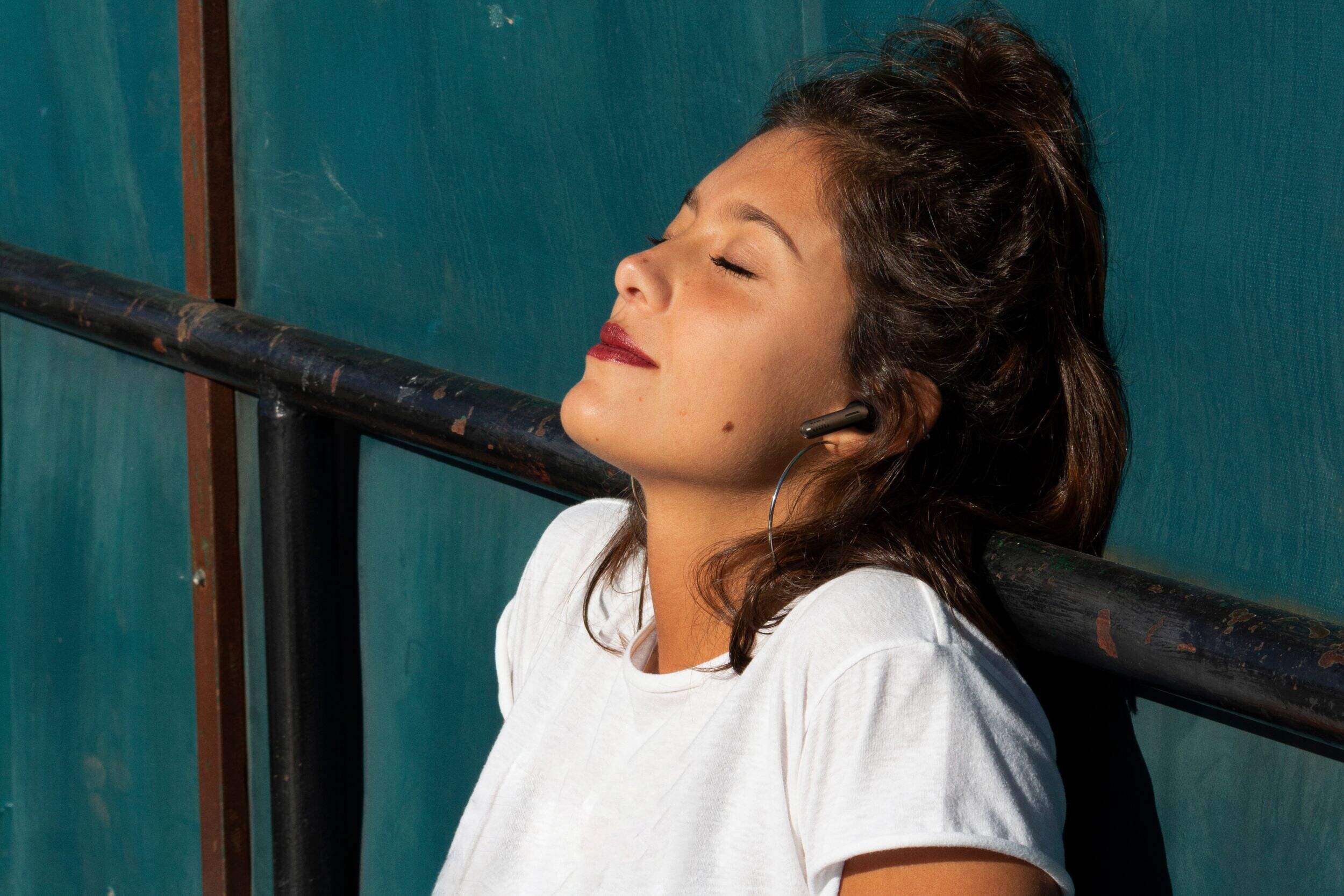


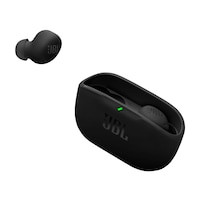
JBL Vibe Beam True Wireless Bluetooth Noise-Cancelling Earbuds with 48-Hour Battery Life & Pure Bass Sound, Black
Unfortunately, this product is discontinued in your selected store and nearby stores.
You may be interested in these similar products shown below.Similar Items

Quebec residents: For information on maintenance and repair click here.
Product Details
Choose superior sound with the JBL Vibe Beam True Wireless Bluetooth Earbuds. Designed to deliver a powerful bass sound, these reliable earbuds can last up to 48 hours with a single charge. Featuring a secure and comfortable fit, these earbuds are splash and dust resistant, making them perfect for any adventure. With Smart Ambient technology, you can stay aware of your surroundings while enjoying crystal-clear hands-free calls.
Provides a rich and immersive audio experience
Extended battery life ensures that you can enjoy your favourite music or podcasts throughout the day without worrying about frequent recharging
Equipped with Active Noise Cancelling technology
4-Mic technology allows you to enjoy clear and high-quality calls with access to voice assistants like Siri or Google Assistant
The JBL Headphones app offers additional customization options, allowing you to adjust settings, personalize sound preferences, and update firmware for their earbuds
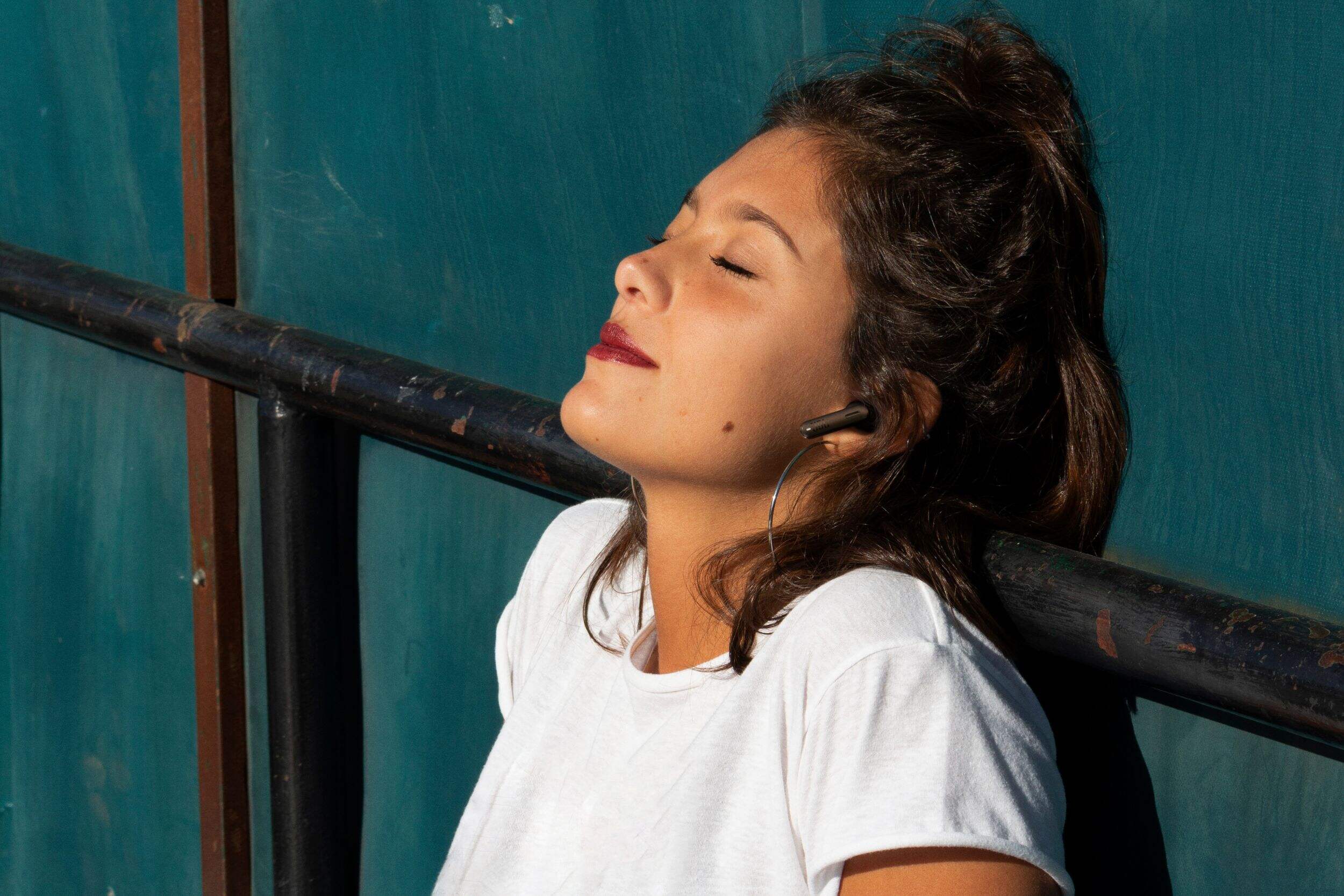
Lightweight and comfortable
| Part Number | JBLTBEAMBLK |
|---|---|
| Headphone Type | Earbuds |
| Smart System Compatibility | Android, Apple iOS, Bluetooth, Google Assistant, iOS App, IPhone |
| Battery Life (hr) | 48 h |
| Battery Charge Time (hr) | 2 h |
| Colour | Black |
| Advanced Features | Bass Boost, Built-in Microphone, Compact Design, Decibel Rated, Lightweight, Long Battery Life, Noise Cancelling, Wireless |
| Assembled Length (in) | 0.79 in |
| Assembled Width (in) | 1.18 in |
| Assembled Height (in) | 0.79 in |
| Effective Wireless Range (ft.) | 30.00 ft |
|---|---|
| Power Source | Battery |
| Battery Type/Battery Size | Integrated Rechargeable |
| Cord Length (ft.) | 0.50 ft |
| Cushion Material | Silicon |
| Accessories List | Charging Cable, Charging Case, USB Charging Cable |
| Number of Pieces | 1 |
| Wattage | 1 W |
| Minimum Frequency Range (MHz) | 0.00 MHz |
| Maximum Frequency Range (MHz) | 0.02 MHz |
- This product carries a 1 year exchange warranty redeemable at any Canadian Tire store.
- Pick Up is free at most stores (some stores require a minimum order value before tax)
- Shipping fee is based on size and weight of products and distance from address to store
- Same-Day Delivery costs $9.99 per order
- Online Ordering Information
- Most products can be returned or exchanged at any Canadian Tire store within 90 days of purchase
- Some products are non-refundable and non-exchangeable
- The return policy outlined above may not apply to the product you are currently viewing. For complete details and eligibility, please refer to our Return Policy for exceptions.
Shop Related Products
- Weekly Deals
- Customers Also Viewed
- Top Trending Products
- More From This Brand
Review Highlights
Pros
Cons
Reviews
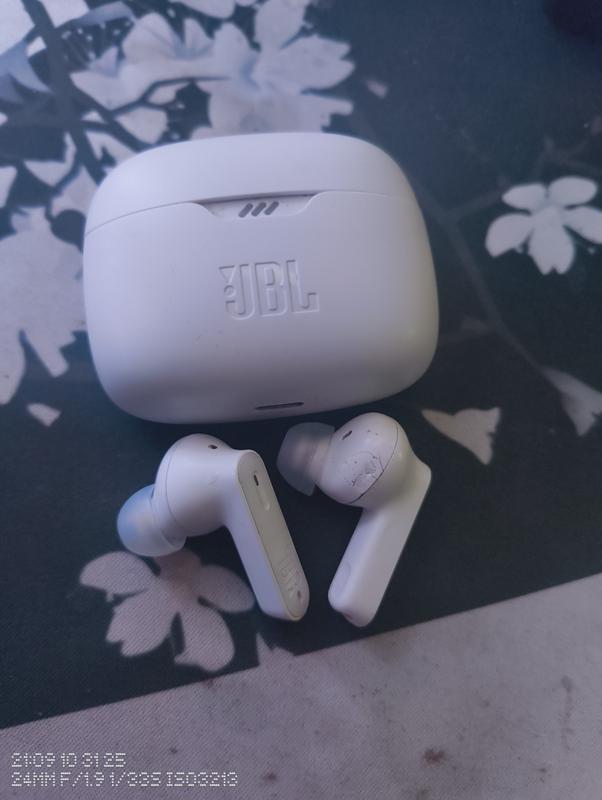
Customer Images and Videos
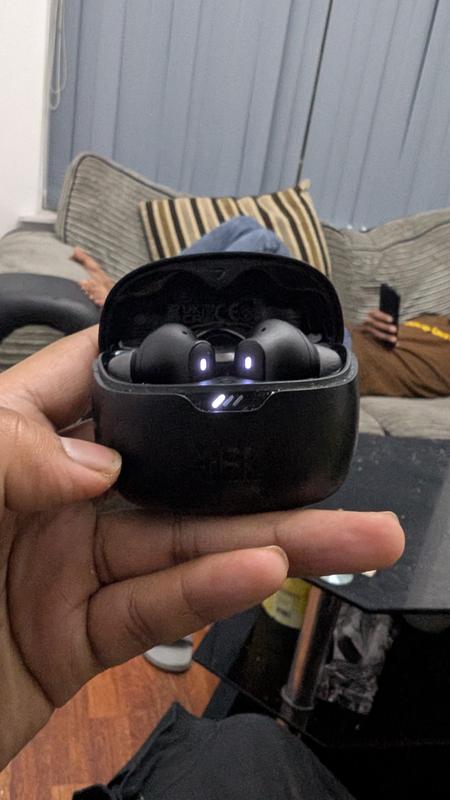
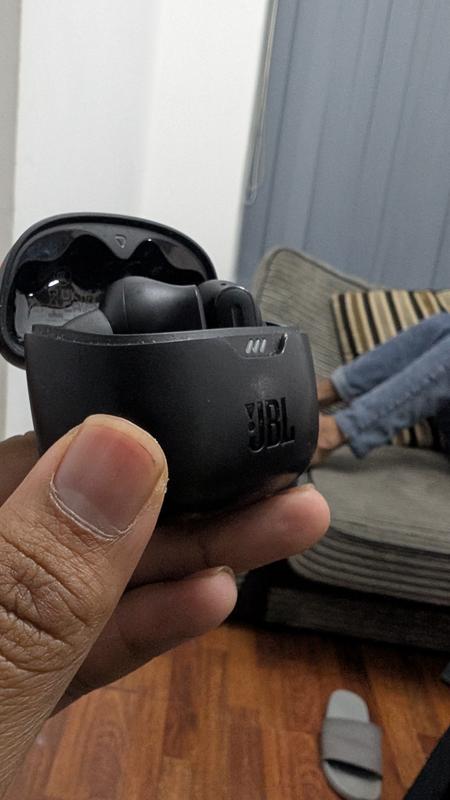
Filter Reviews
- purchase
- satisfaction
- price
- noise level
- charging
- quality
- sound quality
- connections
Worthless garbage, don't buy!

Originally posted on jbl.com
So poor sound quality
Originally posted on jbl.com
The incredible story of the hard life and service
Originally posted on jbl.com
Great value for money
Originally posted on jbl.com
Originally posted on jbl.com
Questions
Q: do they have auto play pause feature
2 years agoA: They do not have In-ear detection, as you must be referring to as Auto play and pause. However, you can tap on the earbud to play or pause the audio or video.
2 years ago
Q: Bonjour, Comment faire pour régler le volume sur les oreillettes?
2 years ago- Translate with Google
A: Bonjour, donc j'ai acheter ces écouteurs il y a quelque jours, et j'ai la réponse à ta question. Il faut que tu connecte tes écouteurs, ailles dans l'application JBL Headphones, parmis les options disponibles tu trouveras " Mouvements ", tu peux choisir ce que le tactile de chacun de tes écouteurs fait, côté gauche ou droit. De base ils viennent avec à gauche "Ambiant Aware, TalkTrue, ANC/ appelé commande de son ambiant" et à droite "Pause, Suivant, Précédent / appelé Commande de lecture et de l'assistant vocal" pour le contenu multimédia, mais en allant dans mouvement tu peux remplacer ce que ton côté d'écouteur fait, et mettre "Commande de volume" qui comme son nom l'indique te permet de modifier le volume à partir de tes écouteurs sans à avoir à toucher ton téléphone. Seul bémol, c'est que comme dit plus tôt tu as trois mode, mais seulement 2 écouteurs, et peut en mettre qu'un seul par écouteur, donc il faut personnaliser en fonction de ses besoins. Pour moi avoir le contrôle du son ambiant et les commandes de lectures est ce que je veux de mes écouteurs, je peux baisser le volume à partir de mon téléphone, si toi ça ne te dérange de changer les modes AmbiantAware/etc à partir de l'appli, et bien tu peux remplacer par le volume. Personnellement j'aime bien le côté personnalisation des écouteurs, juste que ça aurait été pas mal d'avoir la possibilité de switch entre les mode de son ambiant, et volumes en appuyant 3 fois de suite par exemple pour passer en mode secondaire de l'oreillete, ce qui n'aurait pas forcé l'utilisateur de laisser un mode sur la touche.
2 years ago
Q: My left ear buds is not playing sound but still has control features can I buy a replacement earbud
a month agoA: Thanks for your feedback. Both earbuds should be playing audio as soon as your device is connected. If you can no longer hear out of one earbud, you may check if the bud with no sound is charging, the earbud may not have charged properly. Suppose you determine that the earbud with no sound is not charging. In that case, you may try to clean the charging terminals on the earbuds using a swab dipped in rubbing alcohol, as foreign matter on the metal charging contacts may affect the charging process. If the issue remains, please contact us for further assistance at (800) 336-4525, Mon-Fri: 9:00 am - 11:00 pm (EST), Sat-Sun: 9:00 am - 5:00 pm (EST)
a month ago
Q: Can I use these with my 2022 Macbook Air (Sonoma)? In the user guide it only shows pairing with Android, iPhone, and Windows PCs, so isn't it possible to connect to Macbook?
a year agoA: Thank you for your question. Yes you can connect to Macbook, remember ask to Apple for A2DP drivers. For further support, we welcome you to contact our JBL Customer Support team: https://support.jbl.com/gb/en/
a year ago
Q: When will the white tune beam be back in stock?
a year agoA: Thank you for your question. They will be available on 07/02/2024. For further support, we welcome you to contact our JBL Customer Support team: https://support.jbl.com/gb/en/ Thank you.
a year ago
Q: how to answer call from messanger
a year agoA: Thanks for your inquiry. You can enable advanced controls first by connecting your JBL Tune BEAM to the JBL Headphones App. Once enabled, you can double-tap the right earbud to answer a call.
a year ago
Q: Bonjour peut-on se procurer uniquement le boîtier pour charger les écouteurs s'il vous plaît ?
a year ago- Translate with Google
A: Merci pour votre question. Votre demande nécessitant une intervention de nos spécialistes produits, nous vous invitons à contacter le Service Clientèle JBL: https://support.jbl.com/fr/fr/ Merci
a year ago
Q: latency??
a year agoA: Thanks for reaching out. When using our JBL Tune Beam via Bluetooth within the range, there shouldn't be latency when streaming music from your source device. To add you might experience audio-video delays when watching videos as these headphones don't have low-latency codecs. If you need more help, please contact our customer support.
a year ago
Q: Parfois mes écouteurs ne se rechargent pas
a year ago- Translate with Google
A: Merci pour votre question. Votre demande nécessitant une intervention de nos spécialistes produits, nous vous invitons à contacter le Service Clientèle JBL: https://support.jbl.com/fr/fr/ Merci
a year ago
Q: Cannot get my JBL Vibe Beam earbuds to connect to my app or my iPhone
2 years agoA: We're here to help with your JBL Vibe Beam. Please try tapping one of the earbuds once and holding for 5 seconds. The light indicator should be blue and blinking. If you need more help, please contact our customer support for assistance.
2 years ago