




JBL
JBL E45 Bluetooth Headphones
#044-1346-8
$139.99
Top Rated
Unfortunately, this product is discontinued in your selected store and nearby stores.
You may be interested in these similar products shown below.Similar Items

Quebec residents: For information on maintenance and repair click here.

Similar Items
Product Details
Warranty
- This product carries a 1 year exchange warranty redeemable in-store.
Online Ordering
- Pick Up is free at most stores (some stores require a minimum order value before tax)
- Shipping fee is based on size and weight of products and distance from address to store
- Same-Day Delivery costs $9.99 per order
- Online Ordering Information
Returns
- Most products can be returned or exchanged at any Canadian Tire store within 90 days of purchase
- Some products are non-refundable and non-exchangeable
- The return policy outlined above may not apply to the product you are currently viewing. For complete details and eligibility, please refer to our Return Policy for exceptions.
Compare Similar Products
Only Show Differences | Currently Viewing | |||||
| Ratings | ||||||
| Package Depth (cm) | 18.69 cm | |||||
| Package Depth (in) | 7.36 in | |||||
| Package Height (cm) | 21.69 cm |


Shop Related Products
- Weekly Deals
- Customers Also Viewed
- Top Trending Products
- More From This Brand
Weekly Deals
Review Highlights
Reviews
Customer Images and Videos

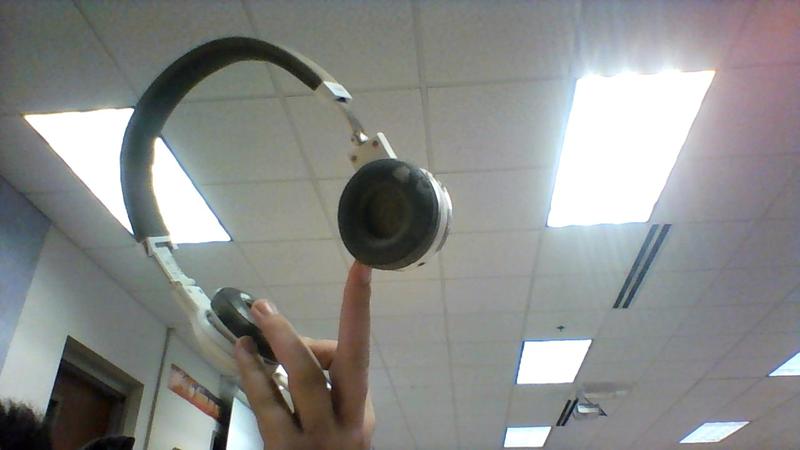
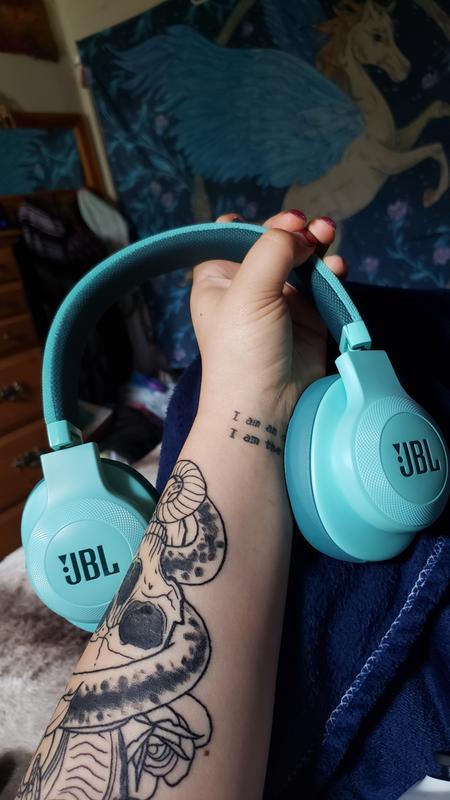
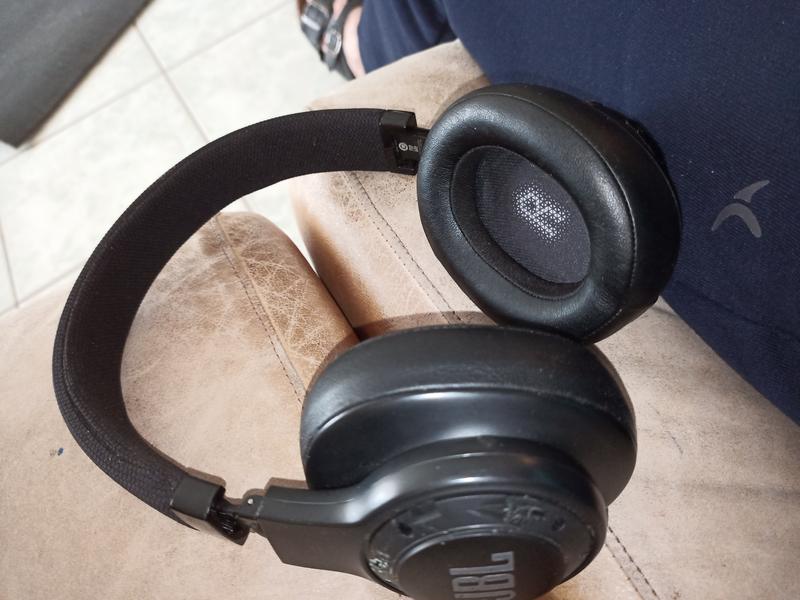
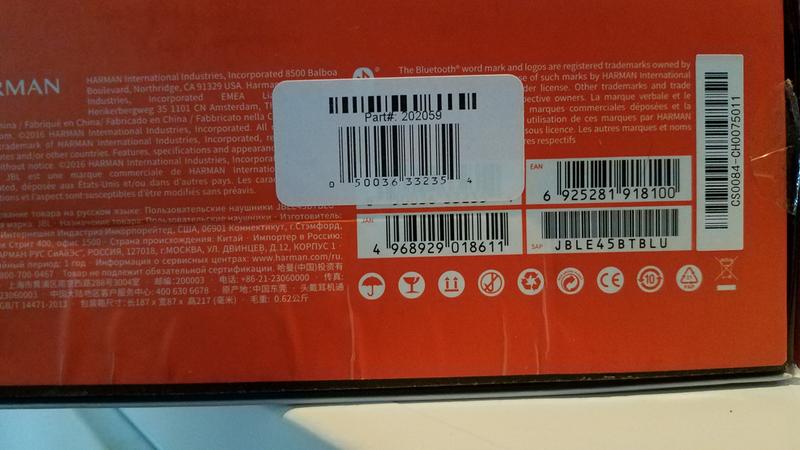
Filter Reviews
- satisfaction
- purchase
- comfort
- price
- sound quality
- quality
- bluetooth
- length
Rating
Locale
1 to 5 of 703 Reviews
1 – 5 of 703 Reviews
Most Recent
2 out of 5 stars.
Ear pads llow quality
2 years ago
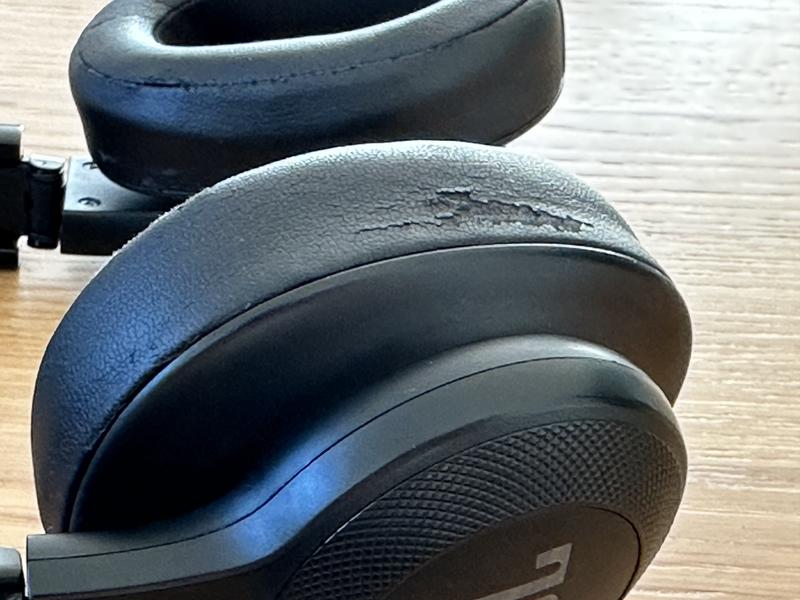
Ear pads with low quality! need to be replaced! All face will be covered with black dots.

Originally posted on jbl.com
Response from jbl.com:
2 years ago
JBL
We're sorry to hear about the earpads of your JBL E55BT. Please reach out to our Customer Support so we can assist. Thank you!
5 out of 5 stars.
Jjj
3 years ago
JhvjhvjhvjhvjhvjhvjhvkhvhjvjhvjhvjhctumfbcjshikjJij
Originally posted on jbl.com
4 out of 5 stars.
4 years ago
I love this headphone, it's very light and has a long battery cycle
Originally posted on jbl.com
4 out of 5 stars.
My first JBL
4 years ago
It was a gift from my girlfriend when she was in USA the best gift she ever gave me i am using it 3 years and i am mostly extremly satisfied only the lether is poor quality.
But i have both also jb flip and two earbuds
Originally posted on jbl.com
4 out of 5 stars.
2 pair
4 years ago
they overall good, but I hope they last more than 2 years this time around.
Yes, I recommend this product.
Originally posted on jbl.com
1 – 5 of 703 Reviews
Questions
Start typing your question and we'll check if it was already asked and answered.
1 - 10 of 517 Questions
Most helpful answers
Q: The sound from the left speaker is much stronger than from the right one. Is there a way to fix the sound balance (equalizer)?
8 years agoOriginally posted on jbl.com
9 Answers
A: You have to go to sound settings in settings on your phone.
6 years ago
Q: my 5 months old E45BT Headphone wont turn on, only work when connect to AUX. how to resolve this problem??!! is there any methd to reset to factory setting?
8 years agoOriginally posted on jbl.com
5 Answers
A: Just get another pair of headphones. The E45BT have allot of issues with poor build quality and poor wiring. If you look at the hinges you can see the wires. Often times with these headphones the wires are pinched, jamed and knotted up. I went through two pairs of these headphones and both had the same wiring issues! I own a bunch of JBL products and these were the ONLY JBL product I owned with such poor build quality!
6 years ago
Q: After having them for only 6 months my headset is having bluetooth connection issues. Don't understand why?
6 years agoOriginally posted on jbl.com
3 Answers
A: There is a BIG bluetooth connectivity issue with this headset. Connecting it to various Bluetooth devices (starting with my iPhone 11 Pro Max) has become a time consuming and a big headache pain point for me. Connectivity with my iPhone 7 was never a problem. It is almost as though the Bluetooth version increase on the phone brings about these problems. Great headphones (sound, battery life and all...) but sucky bluetooth connetivity experience.
5 years ago
Q: Can you use for tv watching
7 years agoOriginally posted on jbl.com
3 Answers
A: If you stream tv with roku you can connect wireless to any tv program by bring up the roku app ( download from play store on your phone ).Its at the bottom of the player control. You can listen from your phone or connect to your phone with wireless connecttion and listen with headset.
6 years ago
Q: Say I want to play xbox with these and use these aas a headset to talk to people. Is there a mic in wired mode to do that
7 years agoOriginally posted on jbl.com
3 Answers
A: Yes they work. Just plug in the jack onto your Xbox controller and they should work just fine. No need for workarounds
7 years ago
Q: I just got this headset. I'm charging them via my desktop but when I slide the "on" switch, the headphones won't turn on. They work with the audio cable connected. Without the cable the on switch doesn't work and there's no blue light.
8 years agoOriginally posted on jbl.com
3 Answers
A: I am facing same problem and felling very depressed, i hope it will resolve soon
7 years ago
Q: Can I pair two T450BT with a single device (in my case, my iMac). A question before I purchase a second one for my wife.
8 years agoOriginally posted on jbl.com
3 Answers
A: Setting up your own aggregate audio device in OSX is really simple. Just follow these steps: Open up Audio MIDI Setup (in Your Hard Drive -> Applications -> Utilities). Click the + button in the bottom left-hand corner and choose "Create Aggregate Device." Double click on the name "Aggregate Device" to rename it (if you want to). In the panel on the right side-side, choose any input and output devices you want to be able to access through this aggregate device. Once you've made your selections, you're done!
8 years ago
Q: Is there a microphone on the headphone unit itself? Or is the mic only on the cable attachment (i.e. only via "wired mode")?
8 years agoOriginally posted on jbl.com
3 Answers
A: There's a microphone on the headphone unit it self and it is working very well on Bluetooth mode and when having a conversation on the phone.
8 years ago
Q: Do they have surround sound?
6 years agoOriginally posted on jbl.com
2 Answers
A: No not really, however I have noticed that you can put them on backwards and then flip the cups up and hear the music just fine without actually having them on. I use them like this when I am in my office alone. This works best for me because the headphones are a tad big and slip off my head sometimes when using as earphones.
6 years ago
Q: Do we have to download any app to know the charging status
7 years agoOriginally posted on jbl.com
2 Answers
A: Yes. Checking the battery level will cause the headphones to emit a beep and return the battery level rounded to multiples of 10%. Personally, I find the beep quite annoying and had to reduce the refresh rate of my BT battery monitoring app to about 2 hours.
6 years ago
1 - 10 of 517 Questions


