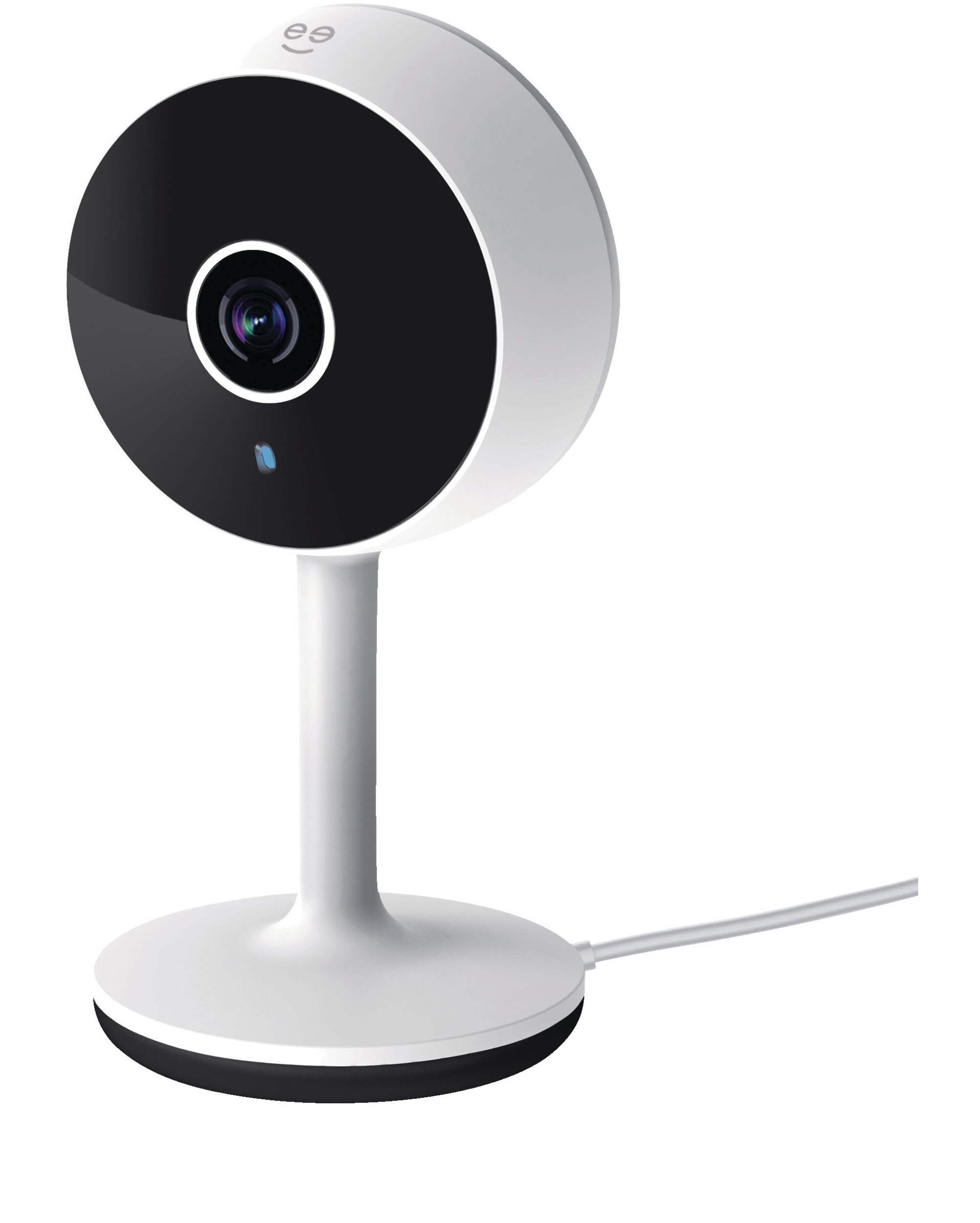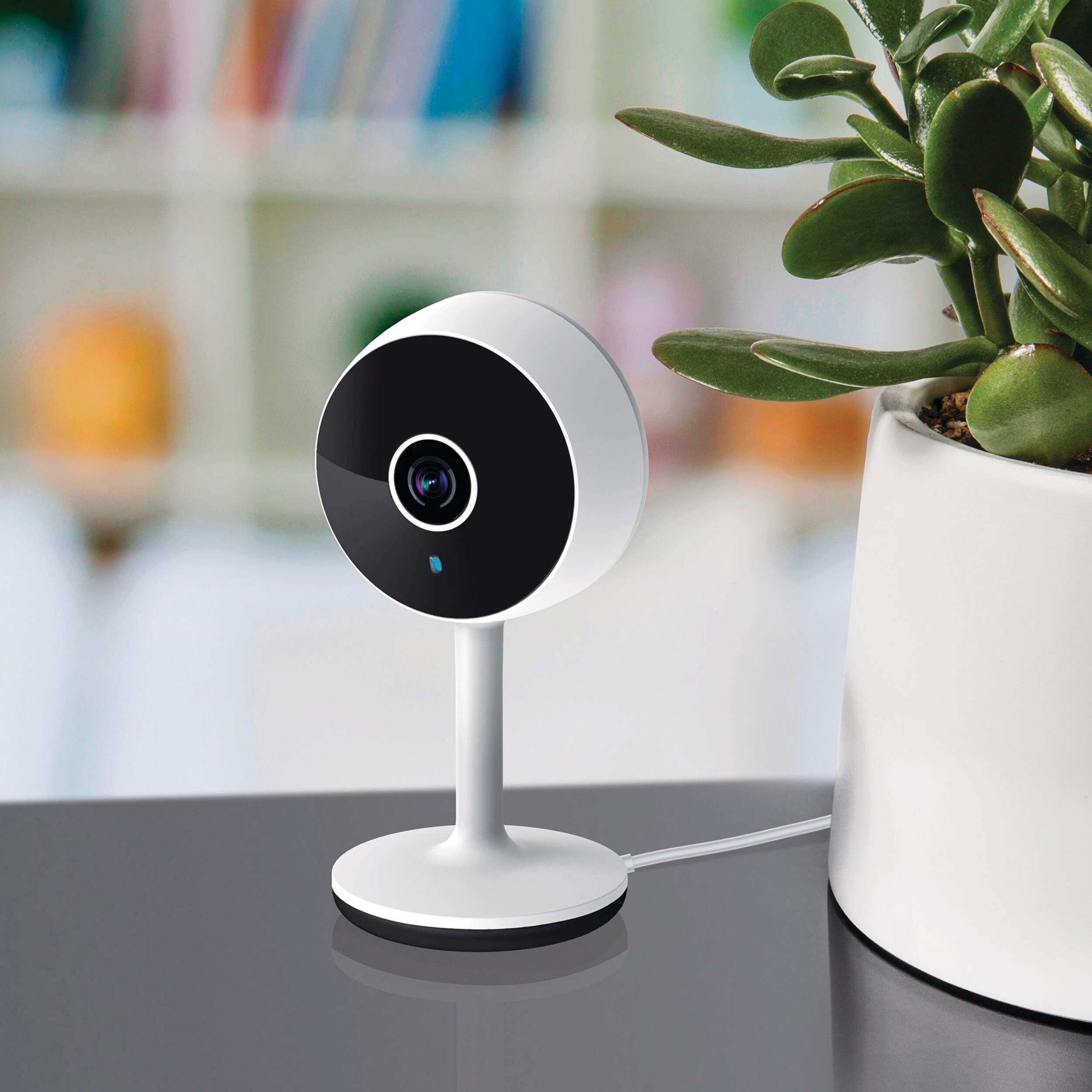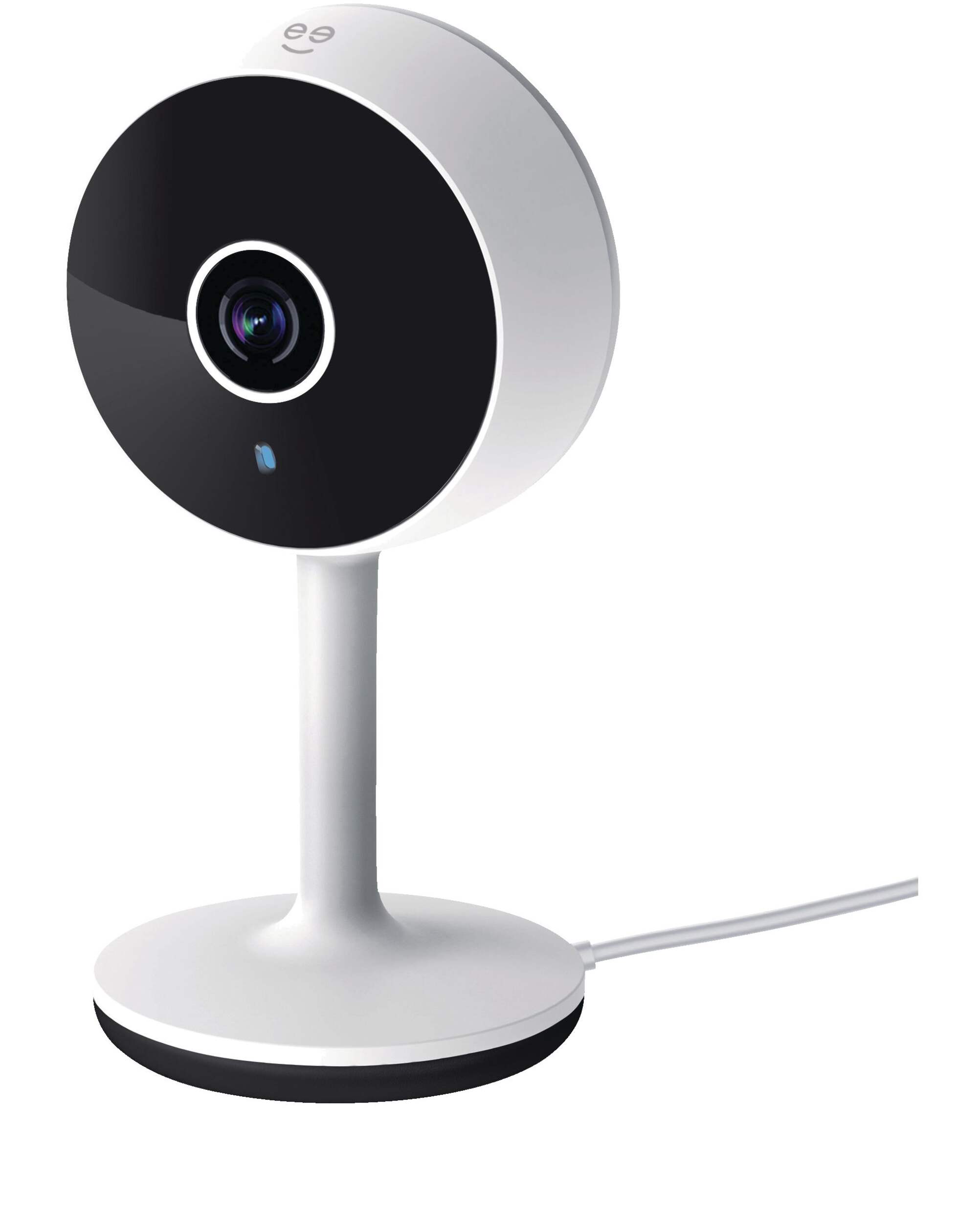
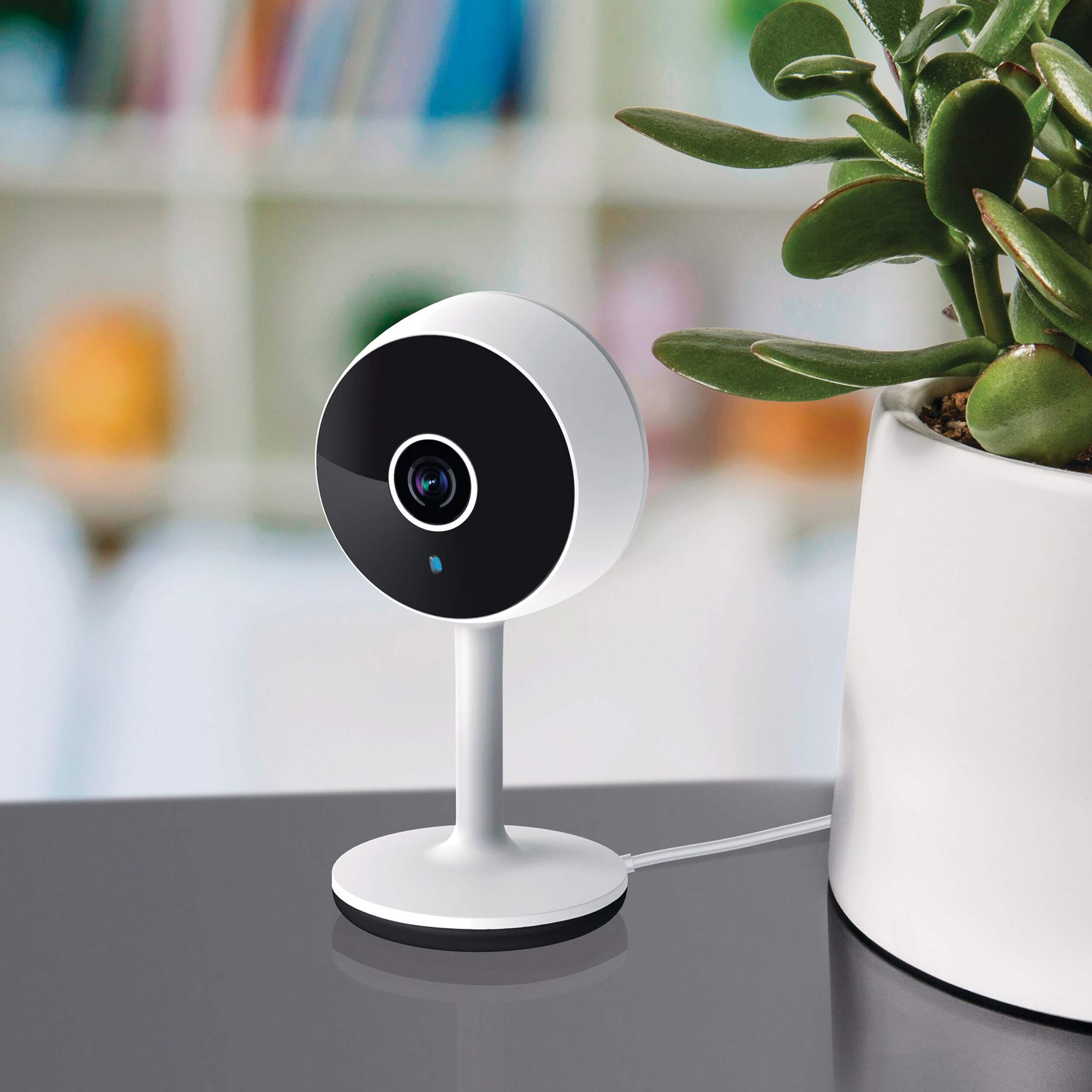
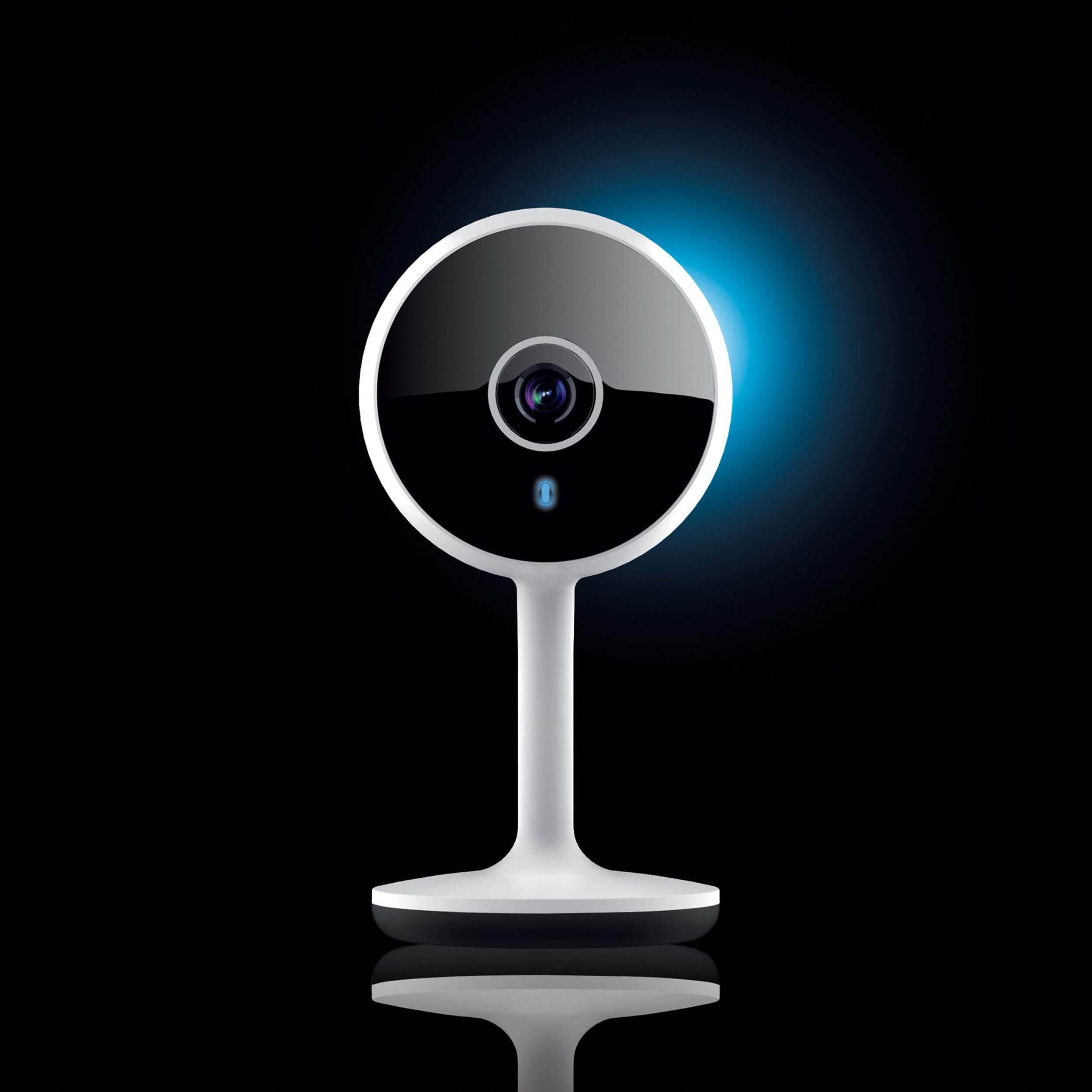


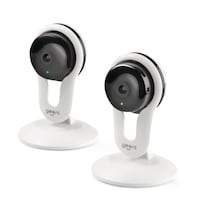
Geeni 1080p HD Smart Wi-Fi Home Security Camera, White
- FREEAvailable
- Available
- Available
Pick up available 09:00 a.m., Jan 29


Only 5 left
Quebec residents: For information on maintenance and repair click here.
Similar Items






Product Details
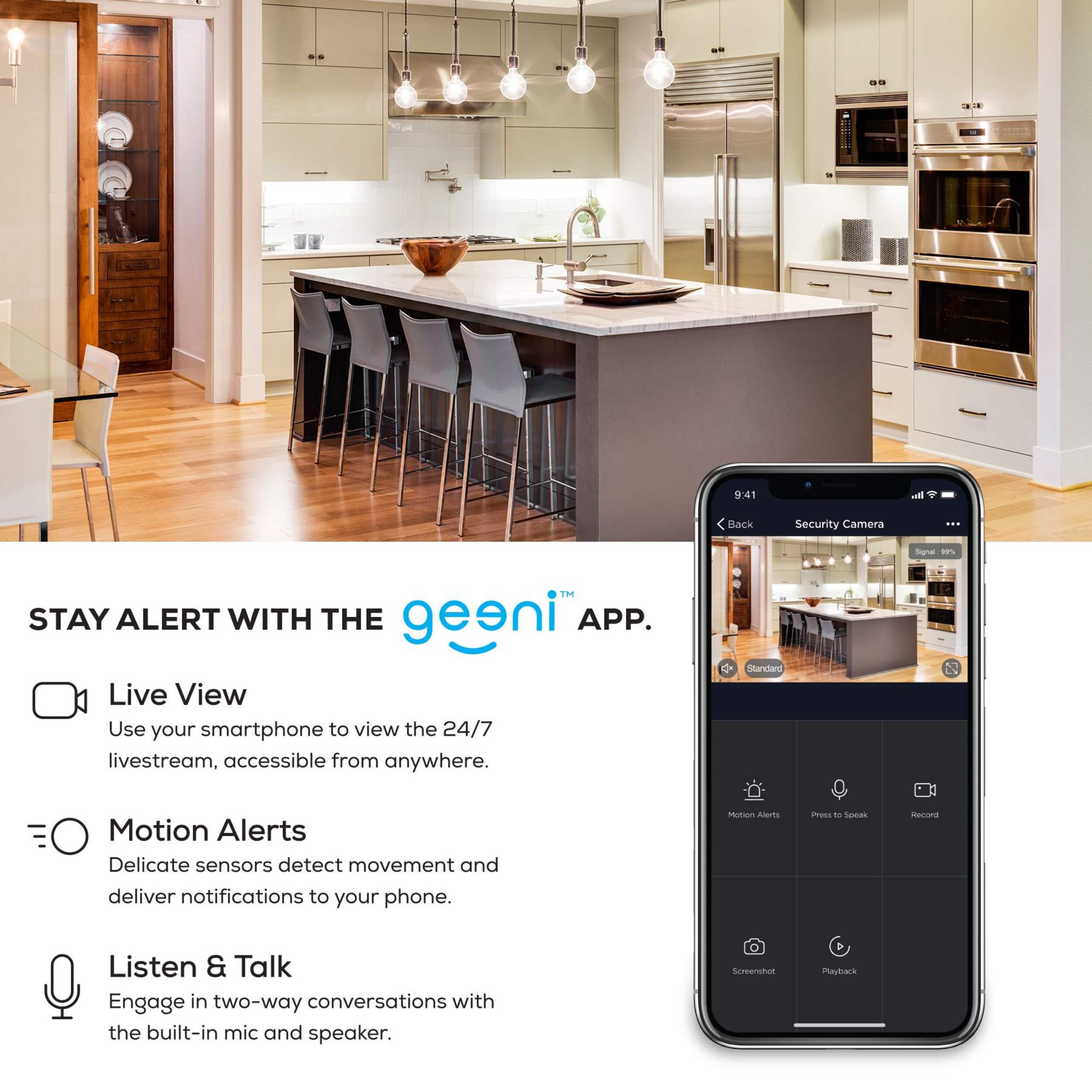
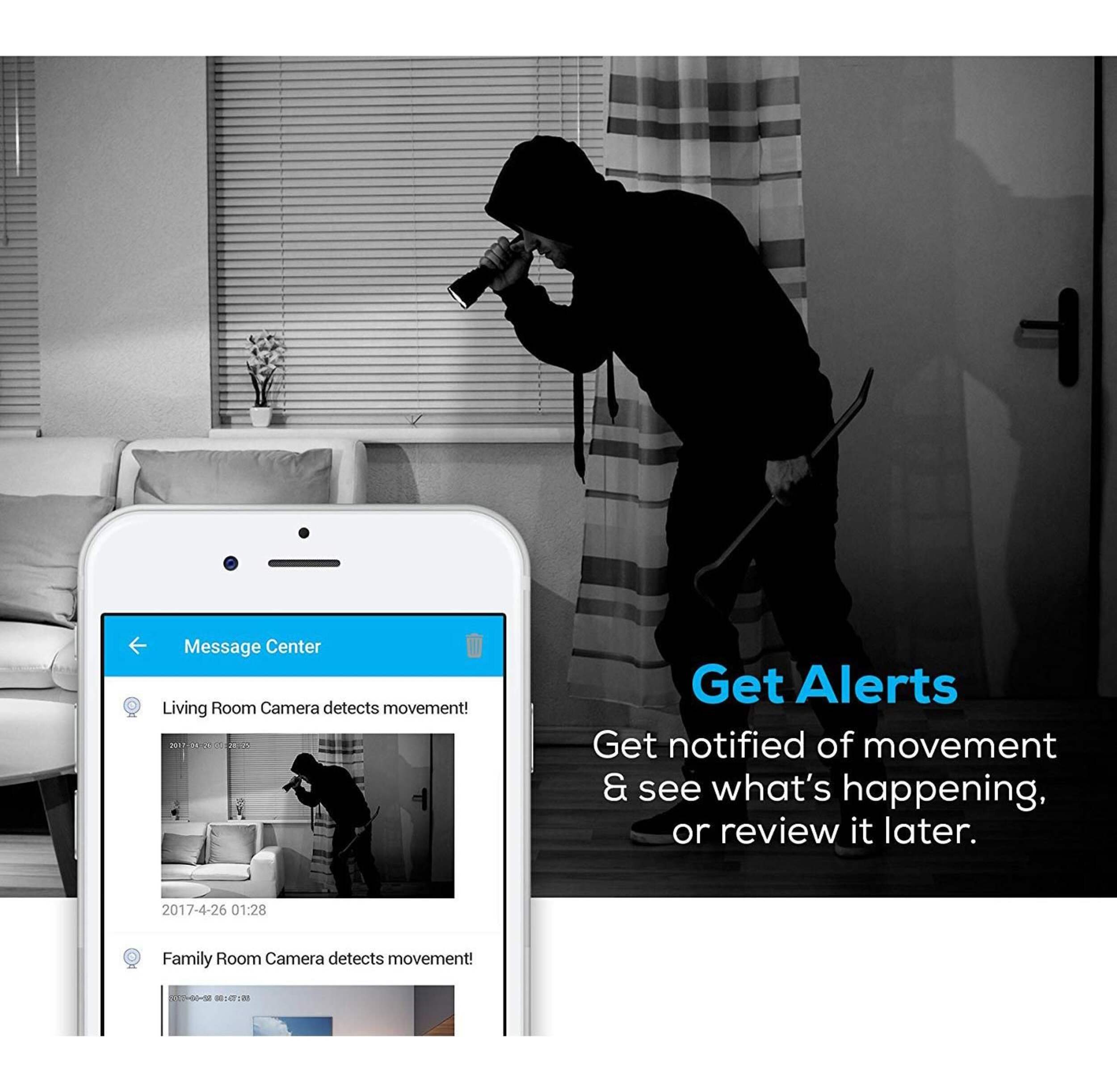
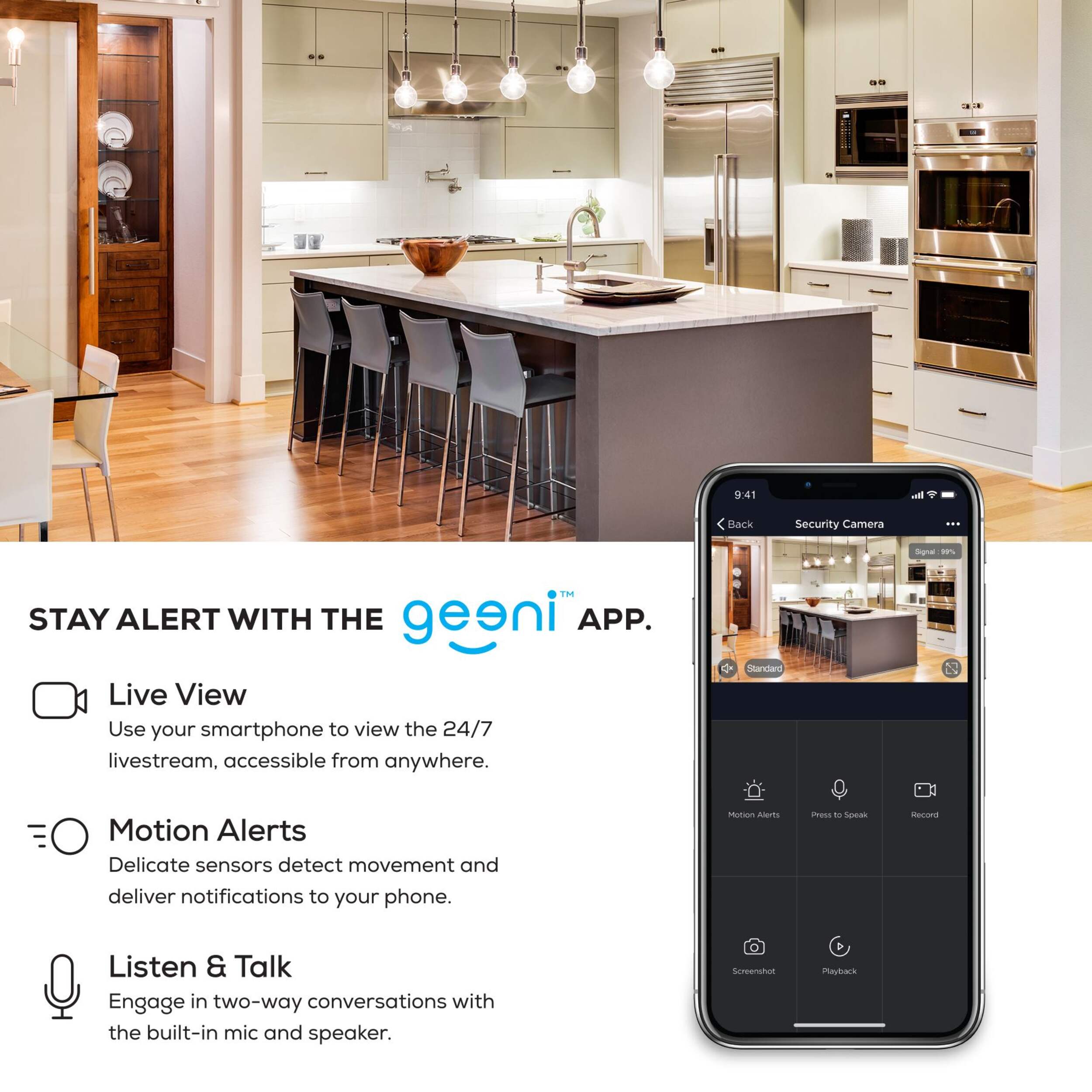
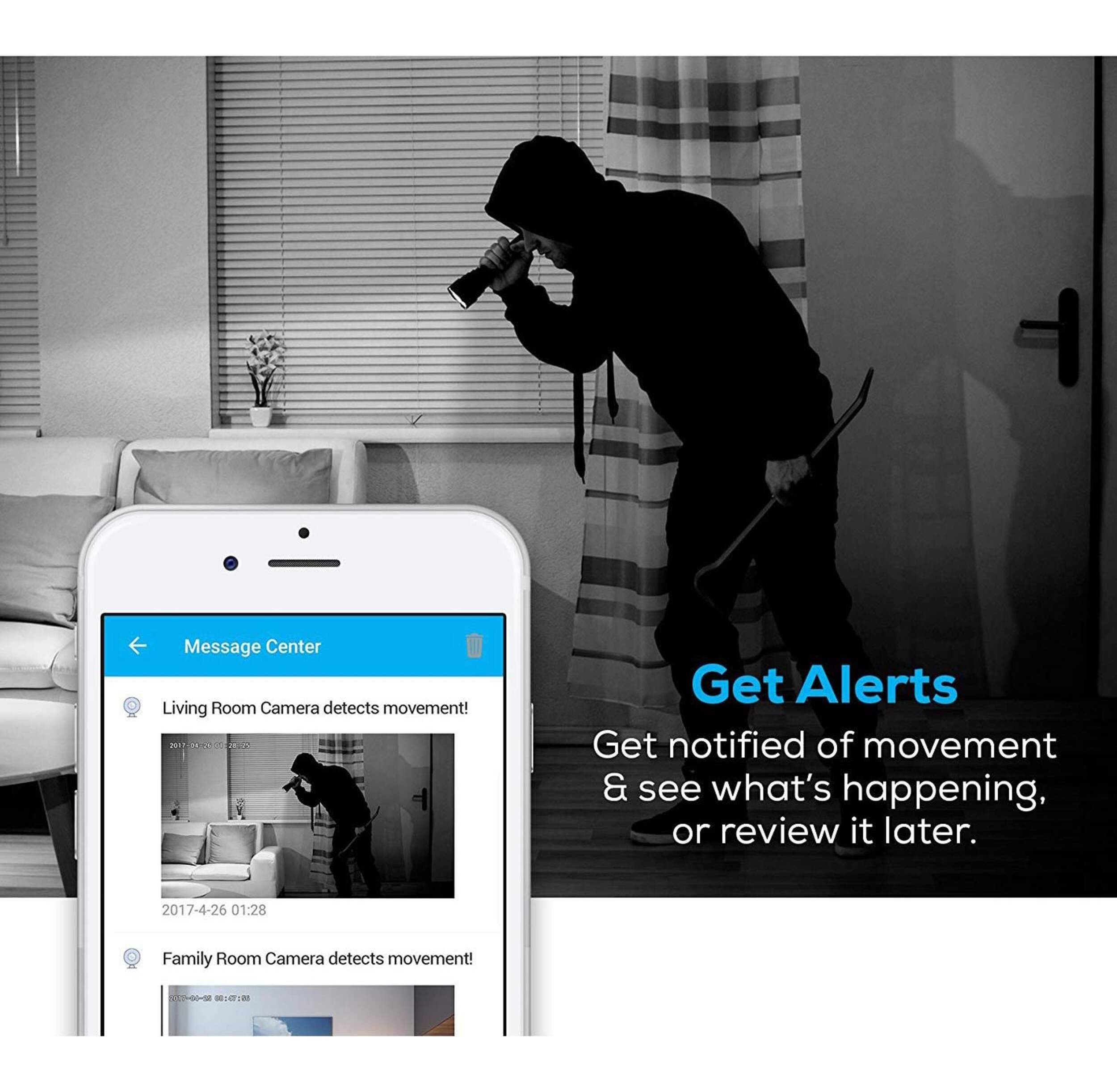
Get alerts when there is movement at home, share access and see what is happening, even in the dark, with the Geeni HD 1080P Smart Wi-Fi Security Camera
Option to view what is happening live or review it later once alert is sent that motion has been detected
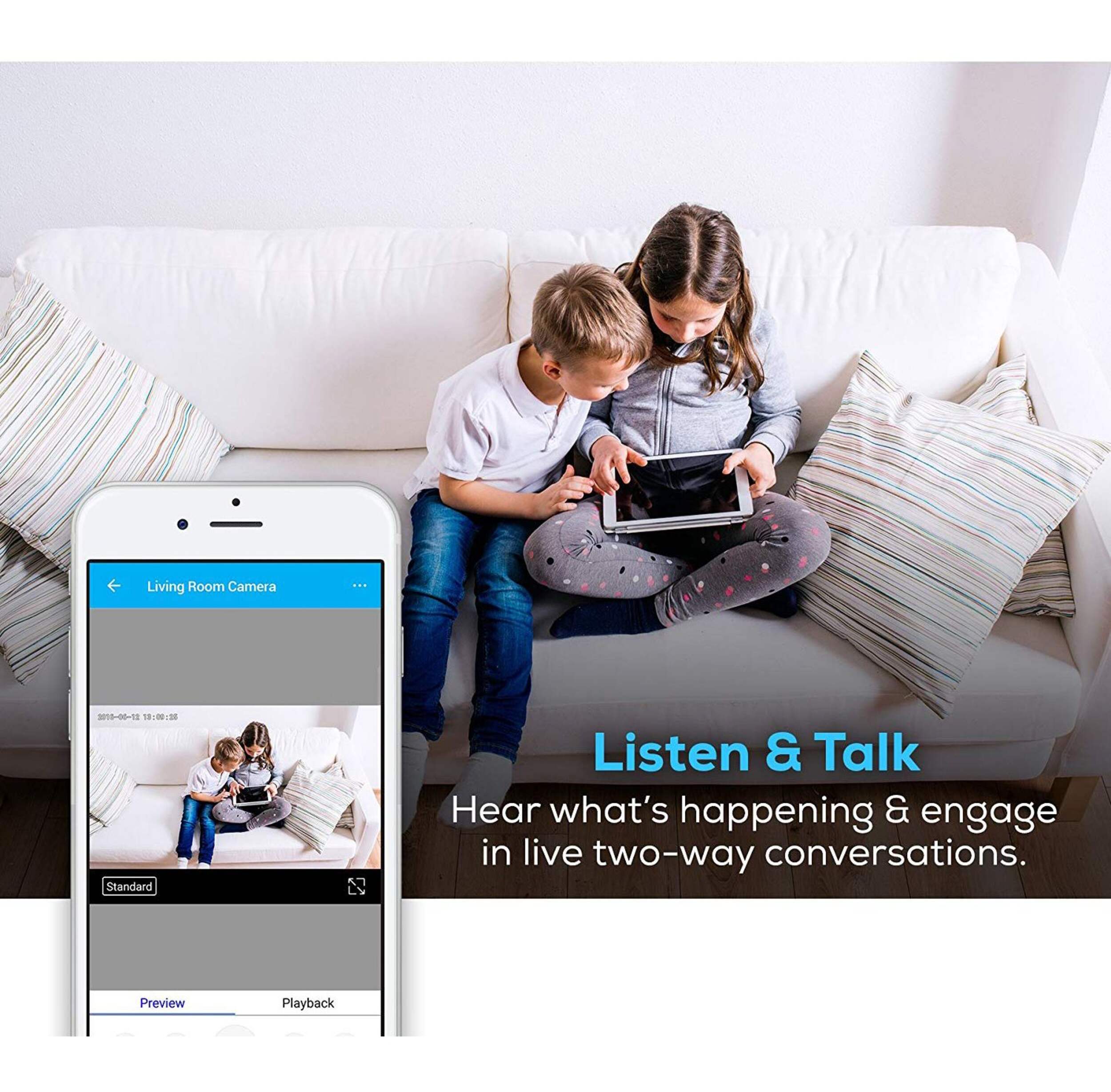
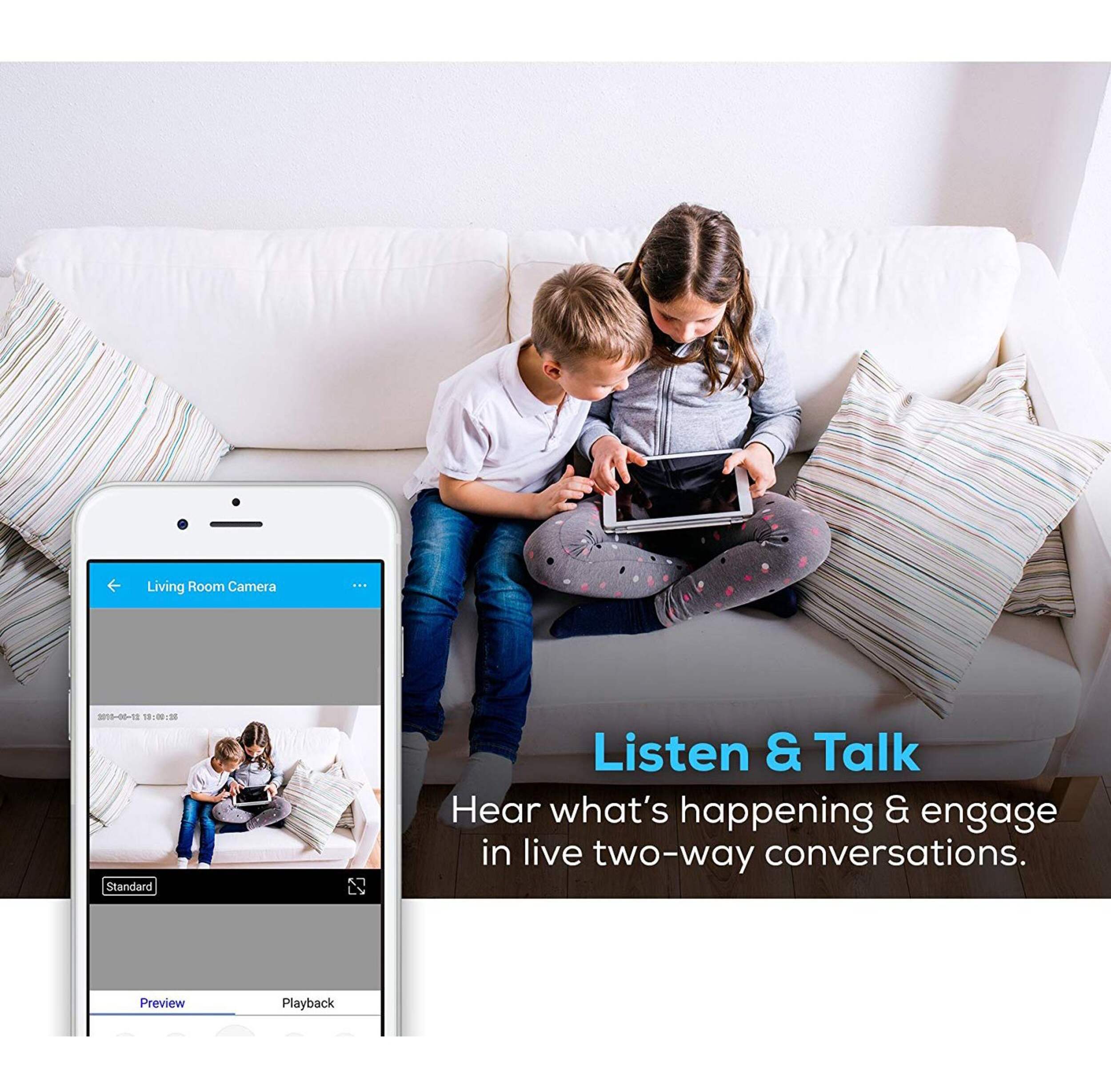
Built-in mic and speaker enables two-way communication to hear what is happening and engage if desired
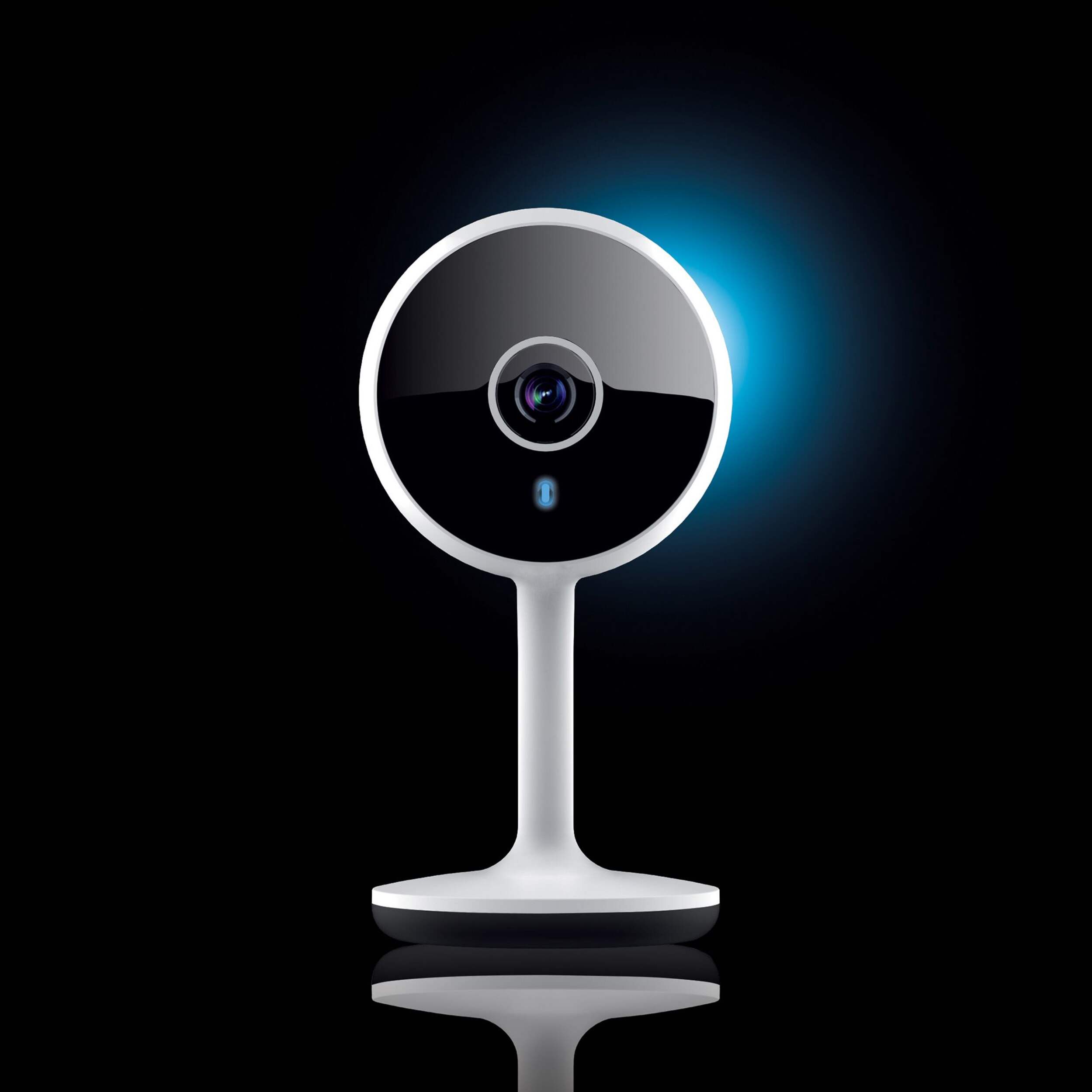
Night vision allows for protection even in dark or low light conditions
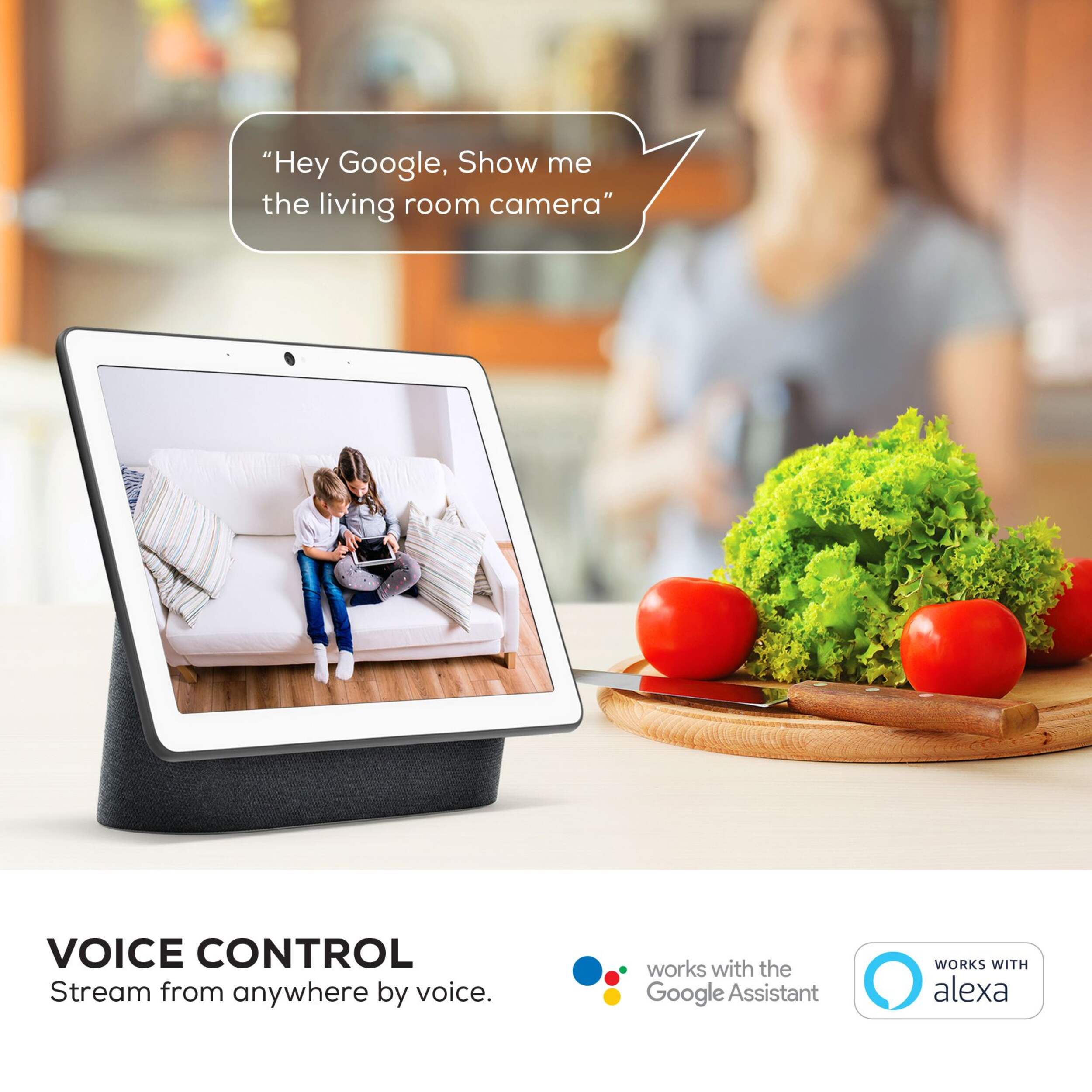
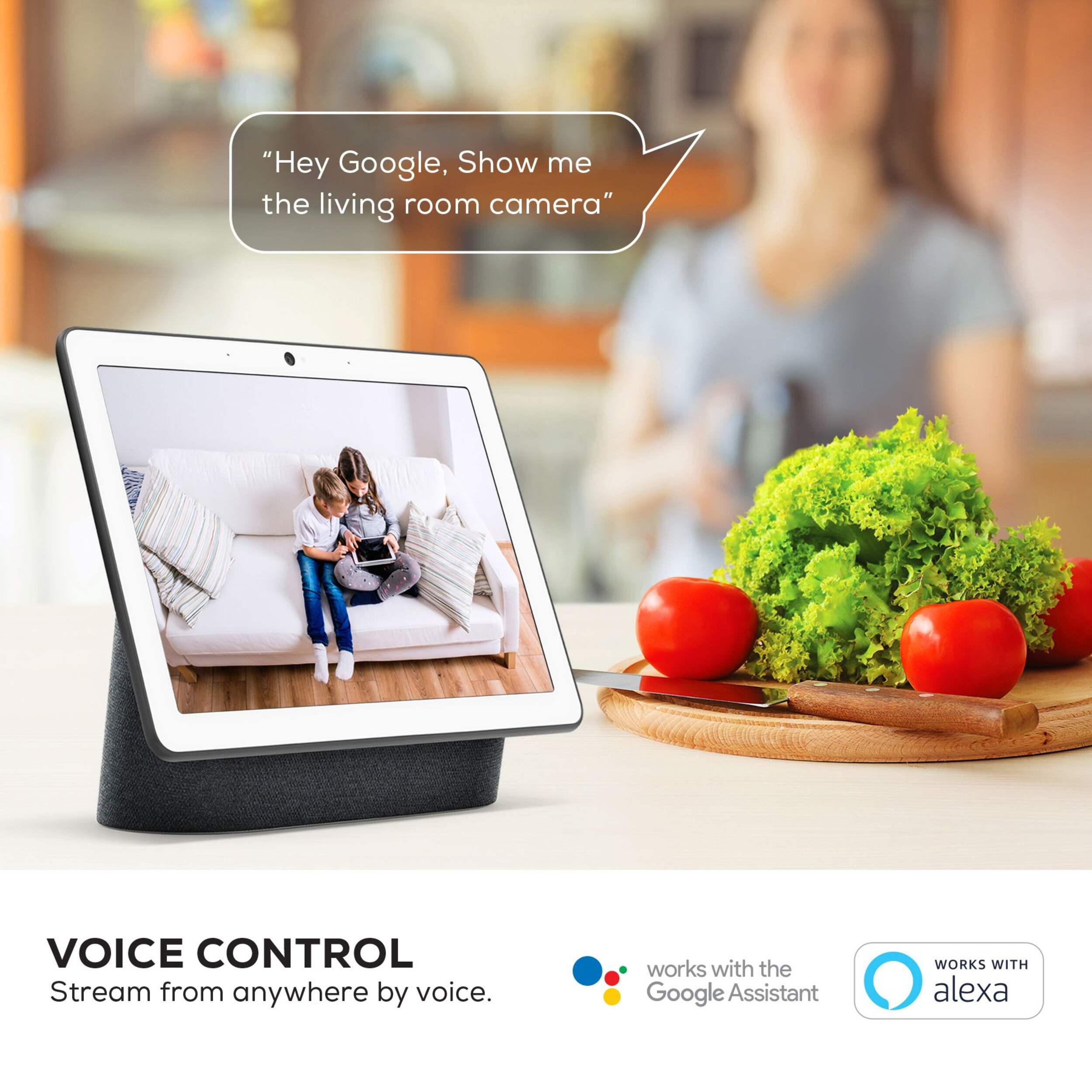
Works with Google Assistant and Amazon Alexa
115 degree diagonal field of view
No hub required - works with existing Wi-Fi home network (not compatible with 5 GHz Wi-Fi network).
| Part Number | GNCCW017199 |
|---|---|
| Security Camera System Type | Surveillance System Set |
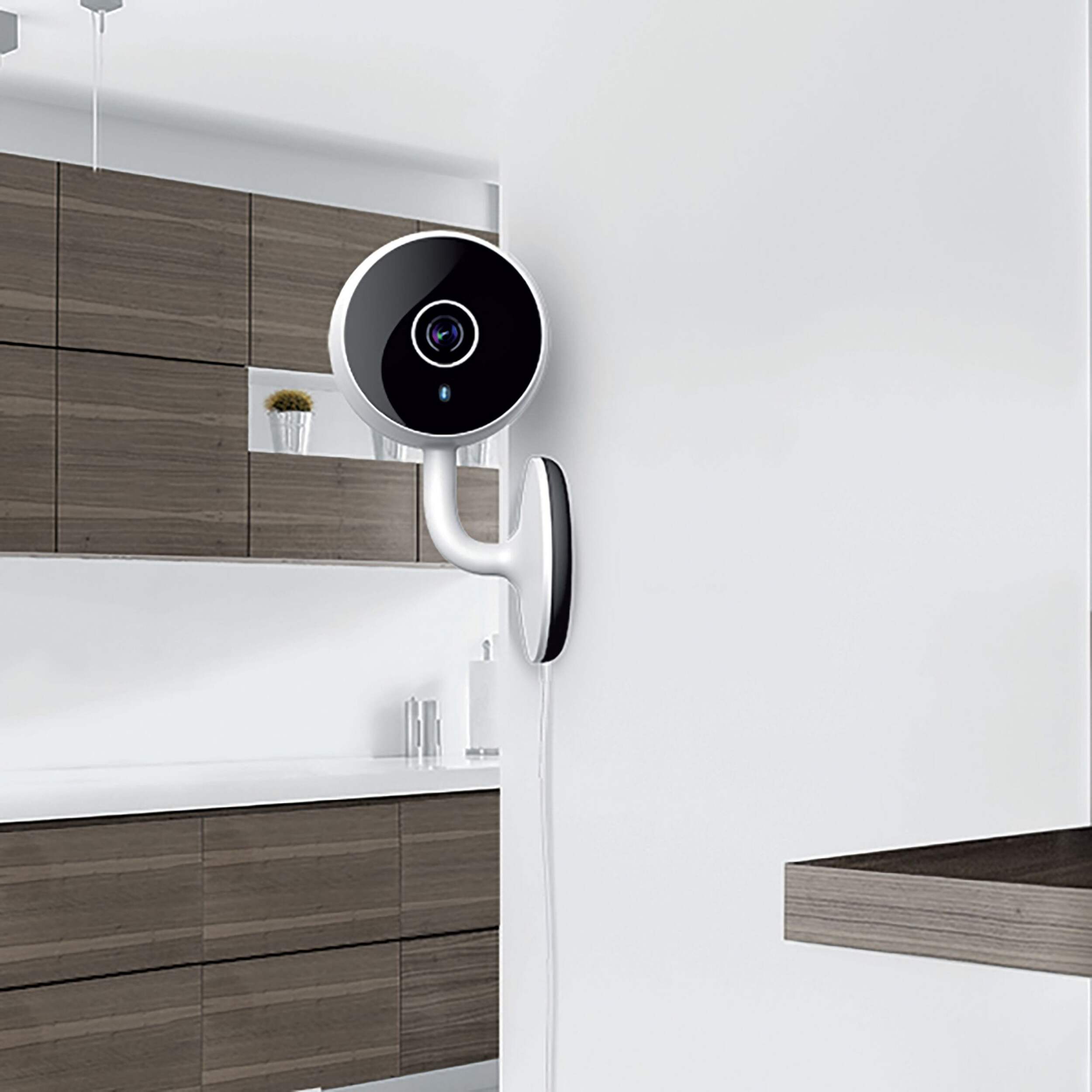
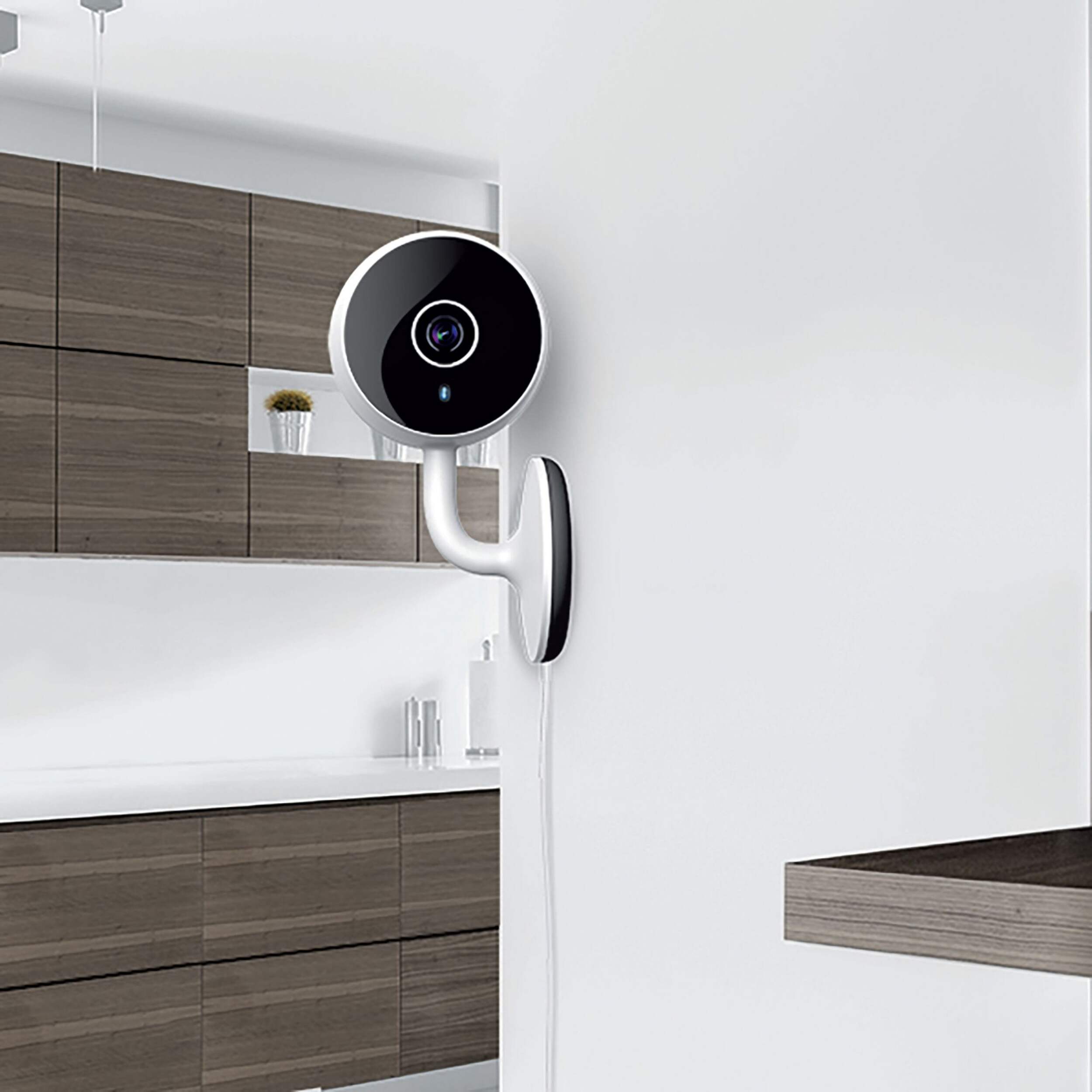
| Mount Style | Freestanding, Wall Mount |
| Smart System Compatibility | Amazon Alexa, Android App, Google Assistant, iOS App, Wi-Fi |
| Wireless Standard Compatibility | Wi-Fi |
| Resolution | 1080p |
| Range (ft) | 29.99 ft |
| Night Vision Range (ft) | 29.99 ft |
| Video Signal Type | HD |
| Video Storage Type | Memory Card Slot |
| Video Output | Mobile |
|---|---|
| Memory Card Type | Micro SD |
| Memory Card Capacity (Gigabyte) | 128 GB |
| Hard Drive Size (Terabyte) | 0.00 TB |
| Audio Type | Two-Way |
| Power Source | Plug In |
| Voltage (V) | 5 V |
| Wattage | 3 W |
| Colour | White |
| Enclosure Material | Plastic |
| Product Use(s) | Indoor |
| Number of Cameras | 1 |
| Accessories List | Mounting Hardware, Accessory Cable |
| Advanced Features | Motion Detection, Night Vision, Voice Controlled |
| Horizontal Sensing Angle (degree) | 115 ° |
| Vertical Sensing Angle (degree) | 115 ° |
| Digital Zoom Rating | No Digital Zoom |
| Optical Zoom Rating | No Optical Zoom |
| Minimum Operating Temperature (°C) | -20.00 °C |
| Maximum Operating Temperature (°C) | 55.00 °C |
| Maximum Operating Humidity | 85 |
| Assembled Length (in) | 2.00 in |
| Assembled Width (in) | 2.00 in |
| Assembled Height (in) | 4.13 in |
| Assembled Weight (lb) | 0.31 lb |
- This product carries a 1 year exchange warranty redeemable at any Canadian Tire store.
- Pick Up is free at most stores (some stores require a minimum order value before tax)
- Shipping fee is based on size and weight of products and distance from address to store
- Same-Day Delivery costs $9.99 per order
- Online Ordering Information
- Most products can be returned or exchanged at any Canadian Tire store within 90 days of purchase
- Some products are non-refundable and non-exchangeable
- The return policy outlined above may not apply to the product you are currently viewing. For complete details and eligibility, please refer to our Return Policy for exceptions.
Compare Similar Products
Only Show Differences | ||||||
| Ratings | ||||||
| Security Camera System Type | Surveillance System Set | Video Cameras | Video Cameras | Video Cameras | Surveillance System Set | |
| Mount Style | Freestanding, Wall Mount | Wall Mount | Wall Mount | Wall Mount | Wall Mount, Freestanding | |
| Smart System Compatibility | Amazon Alexa, Android App, Google Assistant, iOS App, Wi-Fi | Amazon Alexa, Android App, Google Assistant, iOS App, Wi-Fi | Amazon Alexa, Android App, Google Assistant, iOS App, Wi-Fi | Amazon Alexa, Google Assistant, iOS App, Android App, Wi-Fi | Amazon Alexa, Google Assistant, Wi-Fi |


Shop Related Products
- Weekly Deals
- Customers Also Viewed
- Top Trending Products
- More From This Brand
Weekly Deals





Review Highlights
Reviews
Customer Images and Videos

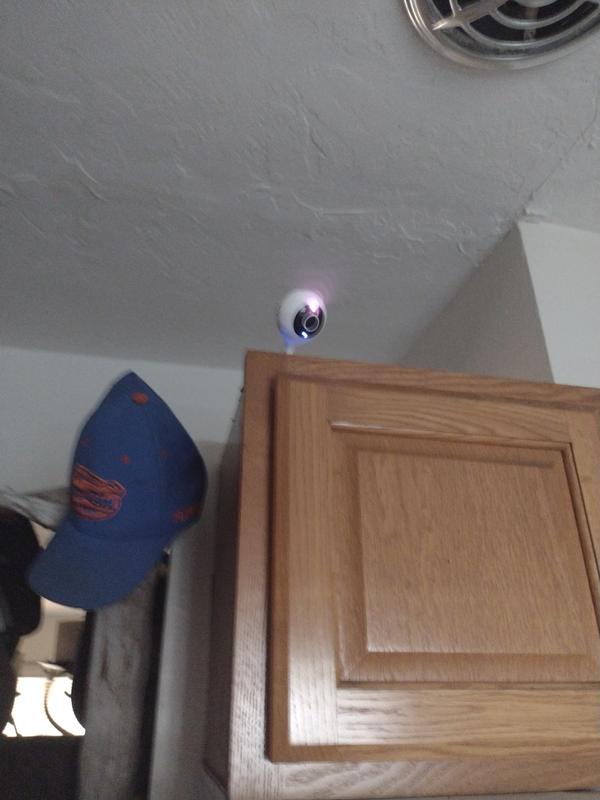
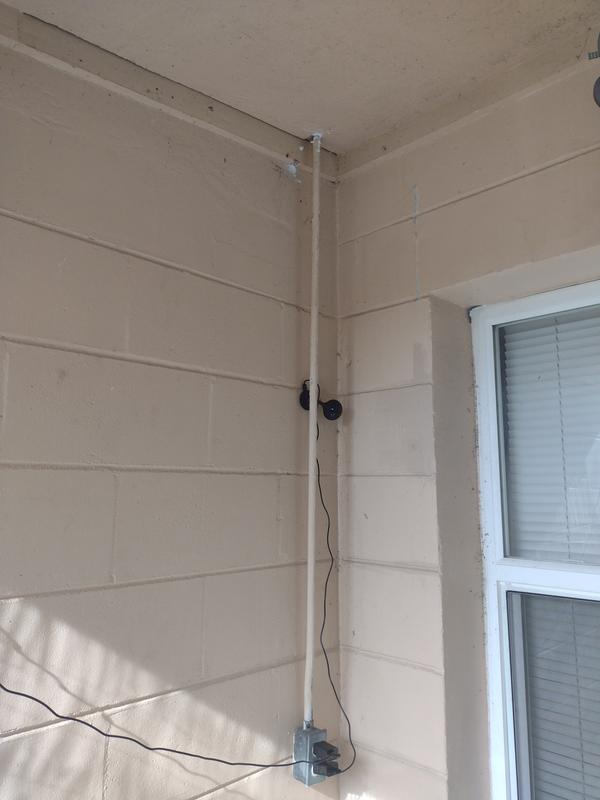
Filter Reviews
- purchase
- price
- satisfaction
- high-definition
- setup
- quality
- clarity
- notifications
Good wi-fi security camera
won't detect
No, I do not recommend this product.
1) Wi-Fi Network: Ensure your camera is connected to a stable 2.4GHz Wi-Fi network (it may not be compatible with 5GHz).
2) Reset the Camera: Try resetting the camera by pressing and holding the reset button for 10-15 seconds.
3) Geeni App: Make sure you're using the latest version of the Geeni app.
4) Proximity: Ensure the camera is within 60 feet from your router during the setup process.
If you'd like to give it another try, our customer support team is available to assist you with the setup process, available every day from 10 AM to 7 PM EST.

Nice little camera.
works well, simple, no subscription required
Yes, I recommend this product.
Great
Questions
Q: Is it possible to turn the camera off? I don’t really want it recording when I’m home. It’s mainly for my dog when I’m out of the apartment.
4 years agoA: Hello Jenna! Thank you for your interest in our smart devices. To answer your question, the only way that you can turn off and on the camera is to unplug and plug it back it from the power outlet. If you need assistance, please contact us via email at support@mygeeni.com or you may also visit our support website support.mygeeni.com for live chat support. We are available from Mon-Sun from 09:00 AM to 09:00 PM EST.
4 years agoHelpful?

Q: I live in an apartment so how can I be sure no one else's will have access to the footage. Is there a password protected?
4 years agoA: the footage is only accessable via app on login/password or cloud via login or password & lastly directly on the Micro SD card
4 years agoHelpful?
Q: Does this camera have an electric plug in just incase I wouldn’t be able to connect to wifi?
4 years agoA: Hello Jackie, thank you for your interest in one of our products. This camera needs to be plugged into an outlet and connect to your 2.4 GHz internet WiFi connection to make it work, For more details, please call us at +1 (888) 232-3143 or send us an email at support@mygeeni.com. You may also visit our support website support.mygeeni.com for live chat support. We are available from Mon-Sun from 10:00 AM to 7:00 PM EST.
4 years agoHelpful?
Q: Bonjour, Est-ce que cette caméra fonctionne avec un ordinateur (je n'ai pas de cellulaire ni de tablette)?
4 years ago- Translate with Google
A: Malheureusement, il n'existe pas d'application Geeni pour PC ou MAC. Un smartphone ou une tablette est nécessaire pour utiliser nos produits.
3 years agoHelpful?
Q: Does it record.
4 years agoA: yes it records & it depends on the size of the MicroSD memory card
4 years agoHelpful?
Q: Does it have built in sound effects to scare off unwanted strangers?
4 years agoA: Not that I am aware off.
4 years agoHelpful?
Q: why which app I can pair any cam I am having problems I CAN NOT pair the cam with GEENI APP. can someone help me?
4 years agoA: Im so sorry, but I had the same issue. I bought it sept las year. I've contacted geeni customer centre and it has been quite a disappointment. They delayed me until I could not have it returned to Canadian Tire. They've been promising to send me a replacement since then. 6 months later they dont even reply my emails now. If could do many things about this but I decided that those 40bucks are lost. I wont put any second more on this. Just stay away from Geeni products and tell your friends.
4 years agoHelpful?
Q: Can the recordings be uploaded to One drive or Dropbox?
5 years agoA: Regarding the encryption, here you have more information about it, https://www.youtube.com/watch?v=0_vKh2loNP0
4 years agoHelpful?
Q: Bonjour, est-ce qu'il faut un abonnement pour enregistrer des séquences?
3 years ago- Translate with Google
A: Merci de l'intérêt que vous portez à nos appareils intelligents. Pour répondre à votre question, vous pouvez utiliser une carte SD pour sauvegarder les vidéos enregistrées mais si vous voulez le service de stockage en nuage, il existe 2 forfaits : A. Plan de base (mensuel) : Enregistrement d'événements pour les 14 derniers jours. Ce service est valable pendant 30 jours. (USD2.49) B. Plan Premium (Annuel) : Enregistrement des événements pour les 14 derniers jours. Ce service est valable pendant 365 jours. Les deux forfaits offrent un essai gratuit de 30 jours. (USD19.99) Explication des détails : Le forfait A signifie que l'abonnement à l'enregistrement de 14 jours durera tout le mois (30 jours civils). Si vous souscrivez au service d'abonnement mensuel de 14 jours, cela signifie que les vidéos seront rafraîchies tous les 14 jours. Par exemple, si nous sommes le 15e jour, les vidéos du premier jour seront supprimées, et ainsi de suite. En d'autres termes, après avoir acheté le service, vous pouvez consulter les vidéos des événements stockés dans le nuage des 14 derniers jours sur l'application à tout moment dans les 30 jours. Si vous avez besoin d'aide, veuillez nous contacter par e-mail à support@mygeeni.com ou vous pouvez également visiter notre site Web d'assistance support.mygeeni.com pour une assistance par chat en direct. Nous sommes disponibles du lundi au dimanche de 09:00 AM à 09:00 PM EST.
3 years agoHelpful?
Q: Sorry to sound like a dummy but is this compatible with a Mac? Do you need an iPad or can it work with a laptop? Some apps do not work with a laptop. Does it stick to the wall how is it attached? Thanks
4 years agoA: Sticks to wall with adhevise strip on back and we set it up using our chrome book and can view cameras on cromebook and andriod ph .Wife is thhe tech savvy of us but it works well and is incredibly clear.we now have 3 geeni cameras going.
4 years agoHelpful?