

Geeni 6-Outlet Smart Wifi Power Bar with Surge Protector, 3-ft Cord, 460 Joules, Compatible with Alexa and Google Assistant, White
Unfortunately, this product is discontinued in your selected store and nearby stores.
You may be interested in these similar products shown below.Similar Items




Quebec residents: For information on maintenance and repair click here.
Similar Items
Product Details
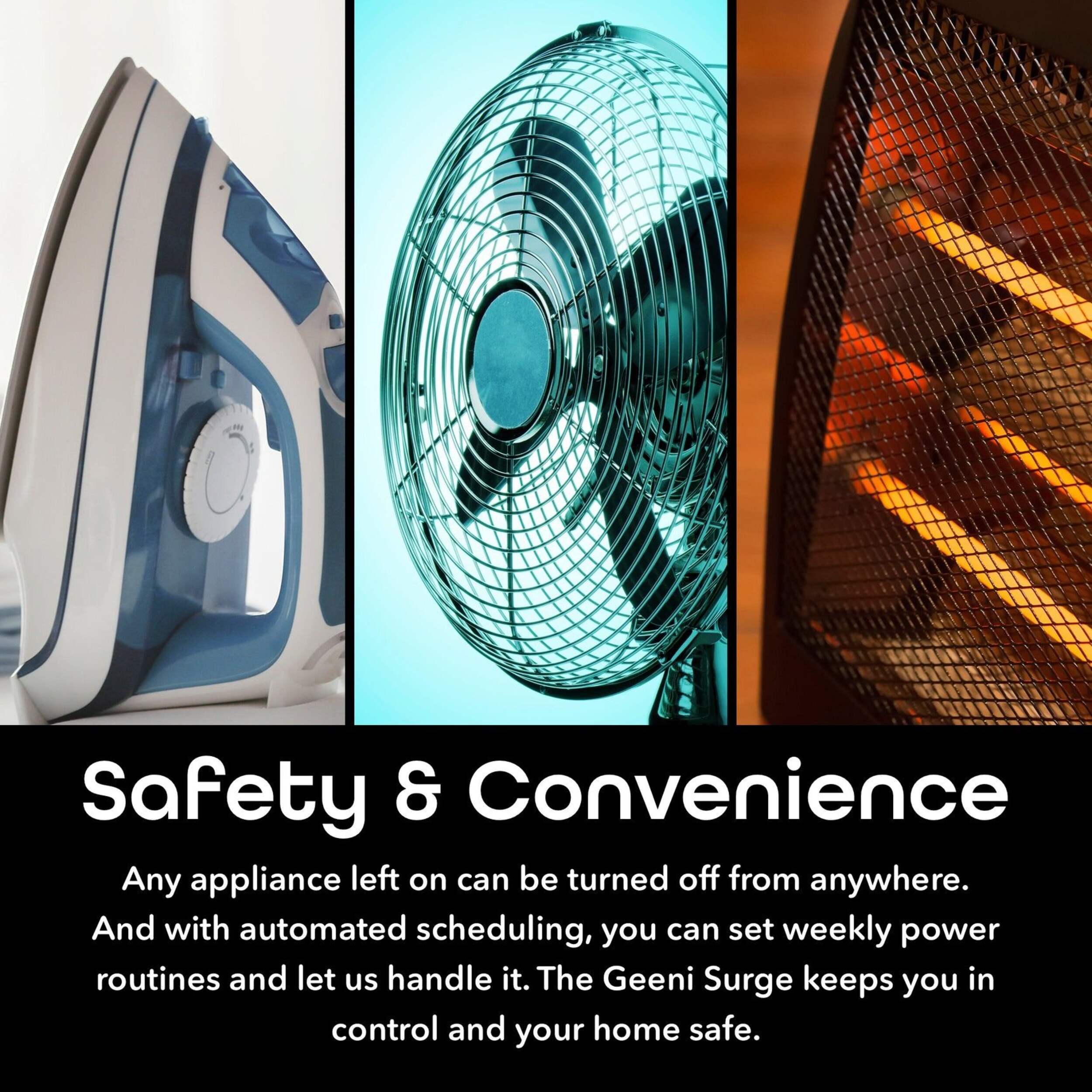
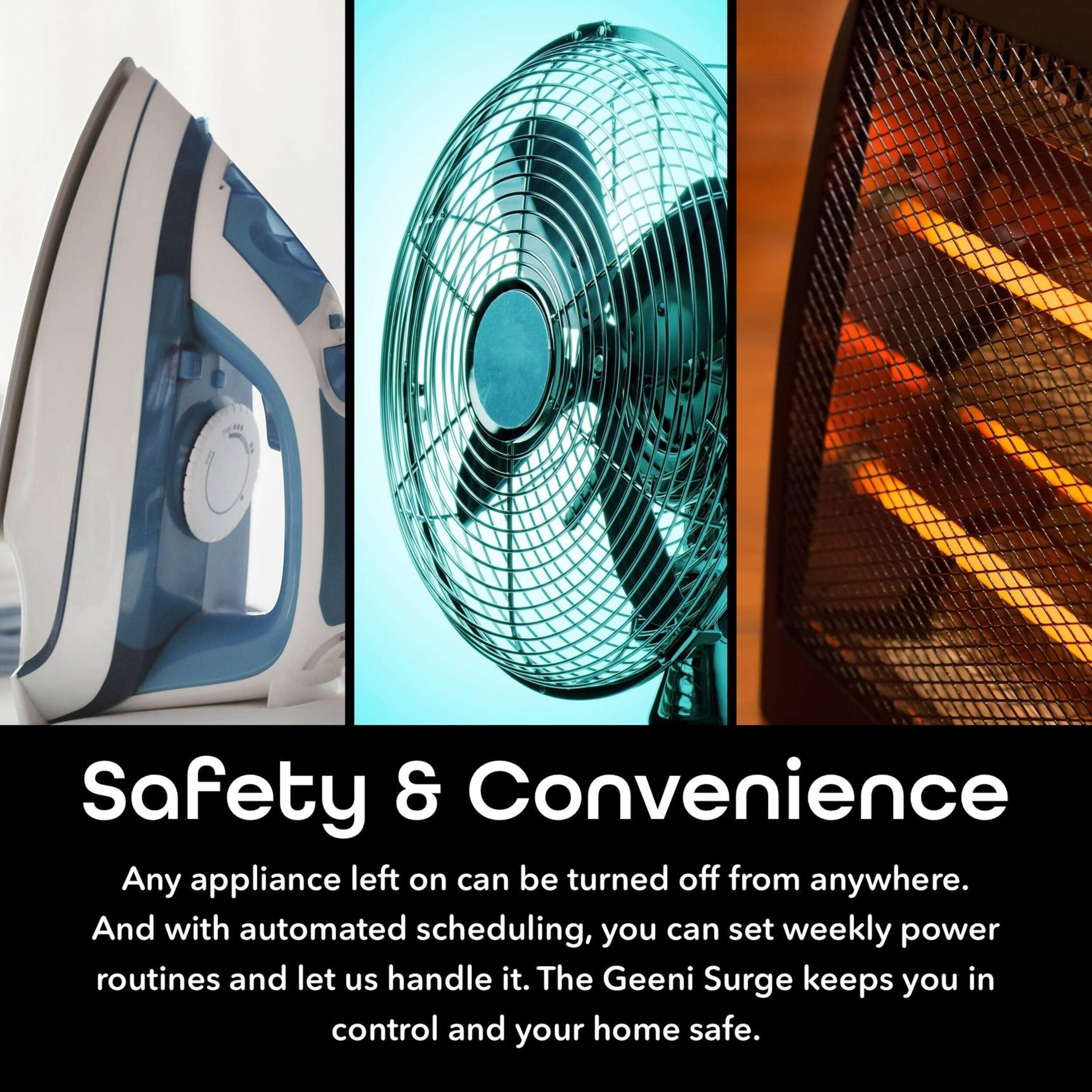
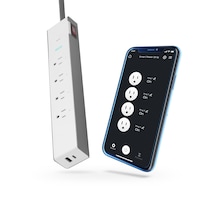
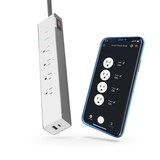
The Geeni 6-Outlet Smart Wi-Fi Power Bar allows you to manage all your devices remotely without the need for a hub. It connects directly to your home Wi-Fi and provides the convenience of voice control through Amazon Alexa or Google Assistant. Whether you're at home or away, you can easily manage your devices and create routines to simplify your day. This surge protector is an efficient solution to enhance the functionality and security of your smart home.
6 individually controlled outlets for flexible device management
Compatible with iOS and Android for remote access
460J surge protection for safeguarding electronics
Create custom schedules to optimize energy usage
3' cord for convenient placement
Built-in Wi-Fi for seamless connectivity without a hub
| Part Number | GNCSW003199 |
|---|---|
| Cord Length (m) | 0.91 m |
| Number of Outlets | 6 |
| Number of Conductors | 0 |
| Wattage Rating (w) | 1250 W |
| Wire Gauge (ga) | 12 ga |
| Power Cord Type | Surge Protector |
| Advanced Features | Power-On Indicator Light |
| Product Use(s) | Appliances |
| Number of USB Ports | 0 |
| Amp Capacity (a) | 10 A |
|---|---|
| Certifications | ETL Listed |
| Colour | White |
| Consumer Pack Size | 1 |
| Outlet Type | 1-15P |
| Power Source(s) | Plug In |
| Wire Type | Not Applicable |
- This product carries a 1 year exchange warranty redeemable at any Canadian Tire store.
- Pick Up is free at most stores (some stores require a minimum order value before tax)
- Shipping fee is based on size and weight of products and distance from address to store
- Same-Day Delivery costs $9.99 per order
- Online Ordering Information
- Most products can be returned or exchanged at any Canadian Tire store within 90 days of purchase
- Some products are non-refundable and non-exchangeable
- The return policy outlined above may not apply to the product you are currently viewing. For complete details and eligibility, please refer to our Return Policy for exceptions.
Compare Similar Products
Only Show Differences | ||||||
| Ratings | ||||||
| Cord Length (m) | 0.91 m | |||||
| Number of Outlets | 6 | |||||
| Number of Conductors | 0 |



Shop Related Products
- Weekly Deals
- Customers Also Viewed
- Top Trending Products
- More From This Brand
Review Highlights
Pros
Cons
Reviews
Customer Images and Videos
Filter Reviews
- purchase
- returns
- wi-fi
- appointment
- setup
- instructions
- function
- price
great product
Yes, I recommend this product.
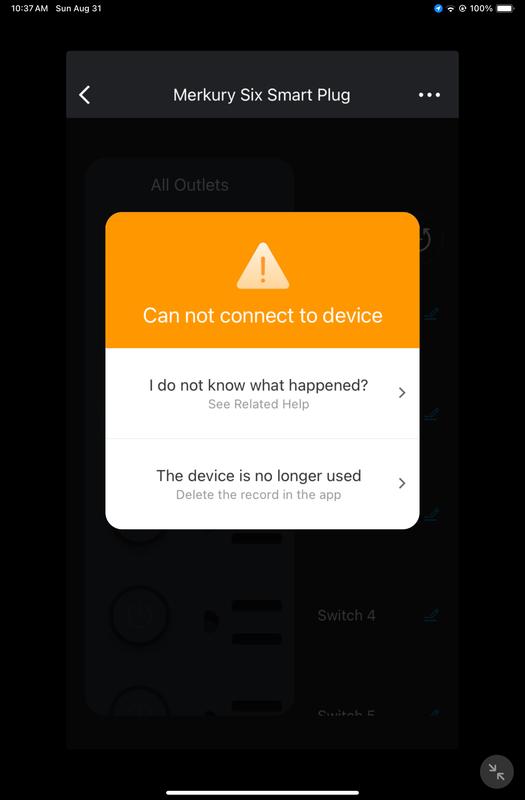
Refuses to reset

perfect
Don’t bother, won’t last you a month
No, I do not recommend this product.
Great Product
Yes, I recommend this product.
Questions
Q: Is this load sensing? Is there one plug that acts as a control for the rest? Is this considered smart strips?
2 years agoA: Hi Amy, thank you for your inquiry. Technically, there is no specific plug that can control the rest of the outlet. They have different controls for each outlets using the Geeni app. Since the device would require wi-fi network to work, we can consider this as a smart device as well. I hope you find this helpful. If you have additional queries, feel free to reach out to us we are open everyday from 10am-7pm EST
2 years agoHelpful?

Q: I have searched the internet and could not find ANYWHERE that states how to reset this other than “unplug for 5-10 seconds” or “hold the reset button..” but the only button i have is a red one and holding that does NOTHING… please help
6 months agoA: The red button is a circuit breaker only. The circular blue button, when lit, is for wi-fi function setup. To use it, you must use the Geenie App. Push and hold the function button per the apps instructions, it will recognize the power bar and connect it with your wi fi.
5 months agoHelpful?
Q: Does or have a breaker?
2 years agoA: There is a small red button on the end where the cord is. It is likely a reset button.
2 years agoHelpful?
Q: Are the outlets independant from each others? For example, I have my tv and a light on the same bar, will I be able to ask google home to turn the tv on without the light or it will turn on everything on the bar?
7 years agoA: Hello Maxime! To answer your inquiry if the individual sockets are independent, Yes, you can control the sockets individually using our Geeni app and also Google Home/Google assistant. If we may suggest is to rename the sockets individually so that there would not be any confusion if you are to command it via the Google Home. For assistance, please contact us via email at support@mygeeni.com, phone +1 (888) 232-3143, support.mygeeni.com for online chat support. We are available from Mon-Sun, 7:00 AM to 12:00 AM EST.
6 years agoHelpful?
Q: Will this power bar turn back on after a power outage? I have another brand smart power bar that needs to turn back on manually after a power outage.
6 years agoA: Hello! It will really depend on how long it was turned off if it's more than an hour, you really do need to manually reset the device by the press and hold the reset button for 5 to 10 seconds then do the normal set up. For assistance, please contact us via email at support@mygeeni.com or call us at +1 (888) 232-3143, available from Mon-Sun, 9:00 AM to 9:00 PM EST.
6 years agoHelpful?
Q: Is this product CSA approved?
6 years agoA: Hi Granth, to answer your question it is not CSA approved. However, Geeni products have undergone safety testing and certification such as UL, ETL, and FCC which is comparable to CSA. Please ensure that the product is not covered to ensure proper ventilation, and note that it is intended for indoor use only. If you have any issues moving forward, please let us know via email at support@mygeeni.com or call us at +1 (888) 232-3143, available from Mon-Sun, 9:00 AM to 9:00 PM EST.
6 years agoHelpful?
Q: Fonctionne t il avec Google home?
6 years ago- Translate with Google
A: Les appareils Geeni fonctionnent avec Google Home Mini dans la mesure où ils sont correctement installés et fonctionnent et sont accessibles ave l'app Geeni. Si vous avez besoin d’assistance, n'hésitez pas à nous contacter par courrier électronique à l’adresse suivante: support@mygeeni.com ou par téléphone au +1 (888) 232-3143, disponible du lundi au dimanche de 9h00 à 19h00. 21h00 HNE.
6 years agoHelpful?
Q: How long is the cord?
6 years agoA: Hi! How are you? The length of the smart WiFi cord is 2 Feet. If you have any issues moving forward, please letus know as we’re here to help. Feel free to contact our revamped support channels via email at support@mygeeni.com or call us at +1 (888) 232-3143, available from Mon-Sun, 7:00 AM to 12:00 Midnight EST.
6 years agoHelpful?