


Bluehive BlueBuds True Wireless Earbuds, with Charging Case and Hands-Free Headset with Mic
Unfortunately, this product is discontinued in your selected store and nearby stores.
You may be interested in these similar products shown below.Similar Items

Quebec residents: For information on maintenance and repair click here.
Similar Items
Product Details
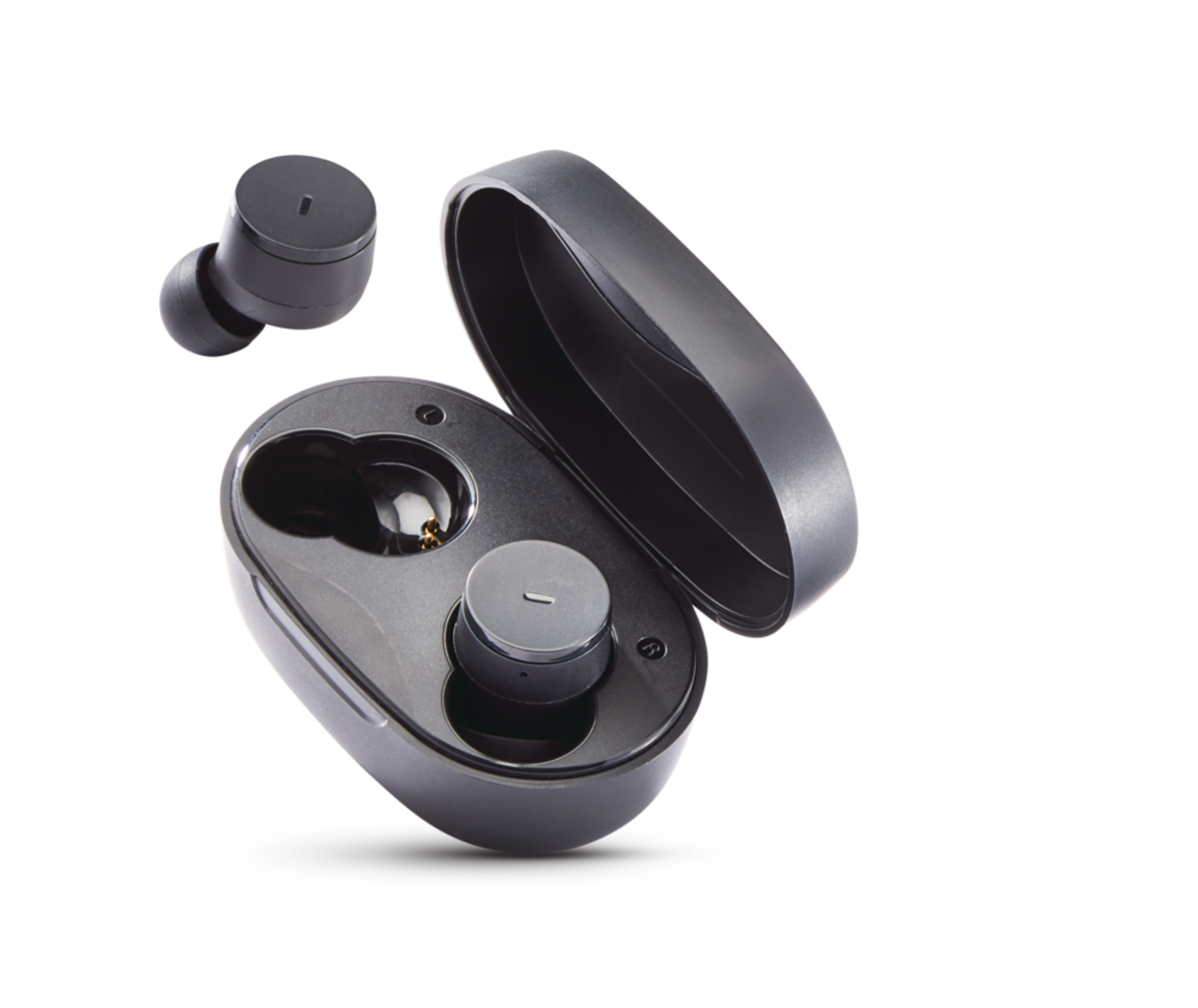
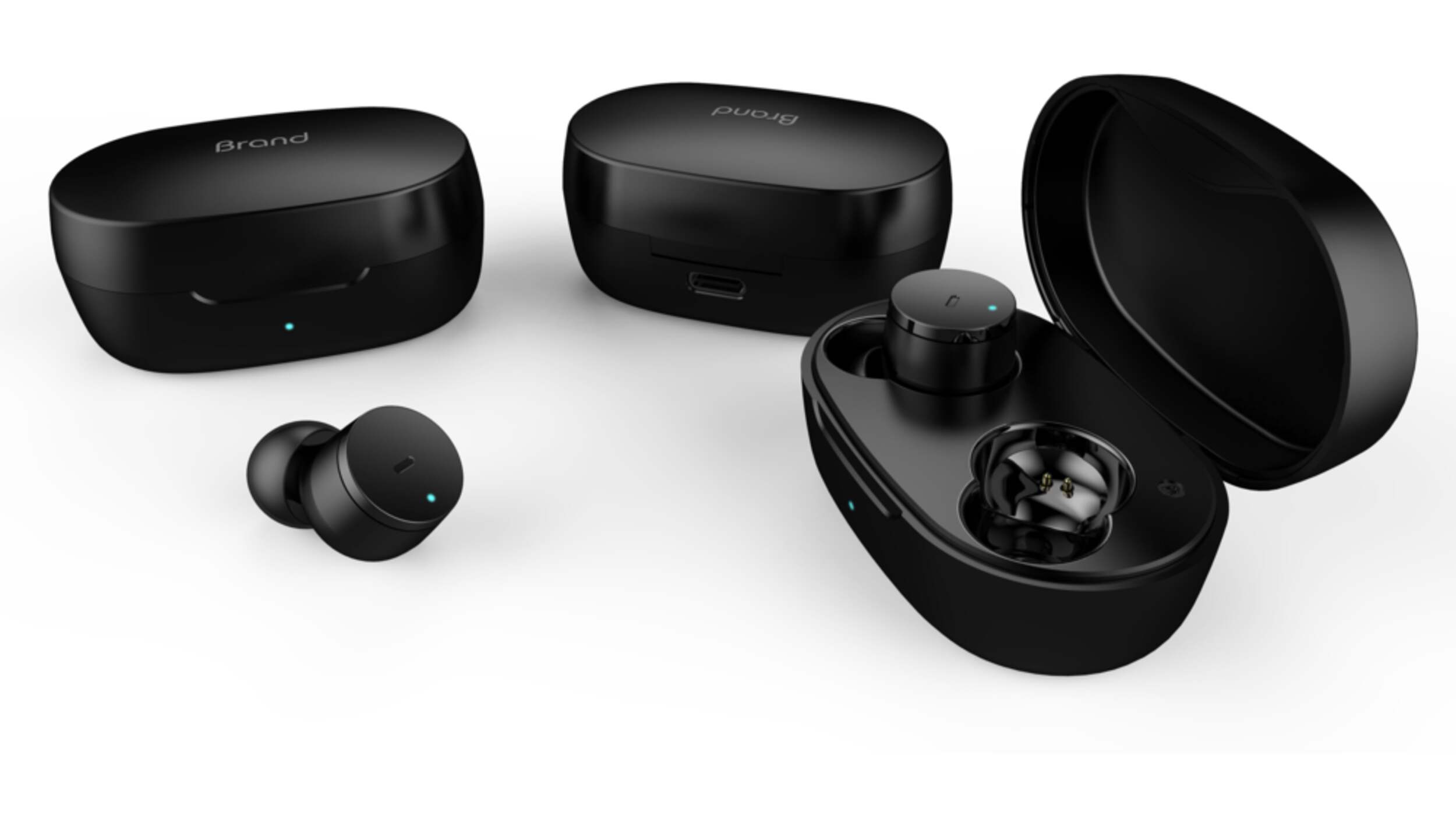
Bluehive BlueBuds True Wireless Earbuds give you the freedom of wireless audio and hassle-free connectivity. With up to 4 hours of runtime and an additional 2.5 charges in the charging case, you can enjoy continuous music playback on the go. These ergonomic wireless earbuds are also IPX5 waterproof, ensuring protection against sweat and light rain. With a wireless distance of up to 30' (9.1 m), you can stay connected without being tethered to your device, making them perfect for workouts as well. The one-tap setup allows each earbud to be used separately, providing extra flexibility and convenience. 1-year warranty included.
Bluehive BlueBuds True Wireless Earbuds offer up to 4 hours of wireless runtime with 2.5 charges in the charging case
IPX5 waterproof earbuds with rich acoustics
Smart click button controls
Wireless distance up to 30' (9.1 m)
One tap setup where each earbud can be used separately
Compatible with iOS and Android devices
Ergonomic ultra light fit and built-in mic for hands-free calling
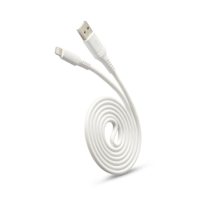
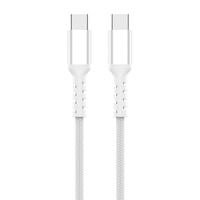
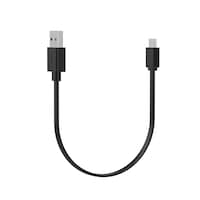
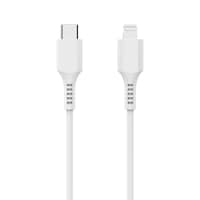
Charged via Type-C connector (cable included)
Charge light indicator with magnetic charging
Up to 14h total listening time (4h playtime in the earbuds and an additional 10h of listening time from the charging case)
Charge light indicator, magnetic charging
Ergonomic ultra light fit
Up to 14h total listening time (4h playtime in the earbuds and an additional 10h of listening time from the charging case)
| Part Number | TWS80 |
|---|---|
| Charger Type | Cell Phone/Tablet Charger |
| Charging Interfaces | Type C |
| Colour | Black |
| Cord Length (in) | 7.87 in |
| Assembled Length (in) | 2.41 in |
| Assembled Width (in) | 1.14 in |
| Assembled Height (in) | 1.52 in |
| Capacity (devices) | 1 |
| Wattage | 0 W |
| Advanced Features | Automatic Shutoff, Indicator Light, Portable |
|---|---|
| Accessories List | No Accessories Included |
| Output Amperage (amps) | 0 A |
| Output Voltage (V) | 5 V |
| Power Capacity (mAh) | 300 mAh |
- This product carries a 1 year exchange warranty redeemable at any Canadian Tire store.
- Pick Up is free at most stores (some stores require a minimum order value before tax)
- Shipping fee is based on size and weight of products and distance from address to store
- Same-Day Delivery costs $9.99 per order
- Online Ordering Information
- Most products can be returned or exchanged at any Canadian Tire store within 90 days of purchase
- Some products are non-refundable and non-exchangeable
- The return policy outlined above may not apply to the product you are currently viewing. For complete details and eligibility, please refer to our Return Policy for exceptions.
Compare Similar Products
Only Show Differences | ||||||
| Ratings | ||||||
| Charger Type | Cell Phone/Tablet Charger | |||||
| Charging Interfaces | Type C | |||||
| Colour | Black | Black | Black | Black | Black |

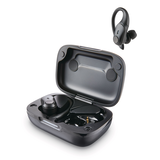
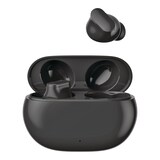

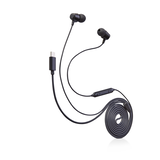
Shop Related Products
- Weekly Deals
- Customers Also Viewed
- Top Trending Products
- More From This Brand
Weekly Deals


Review Highlights
Reviews
Customer Images and Videos
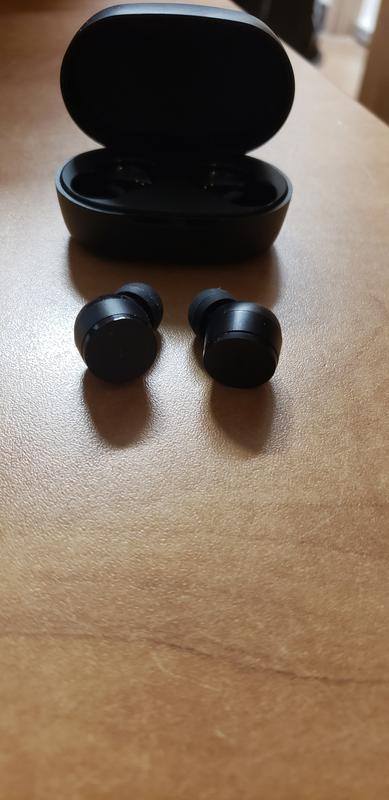
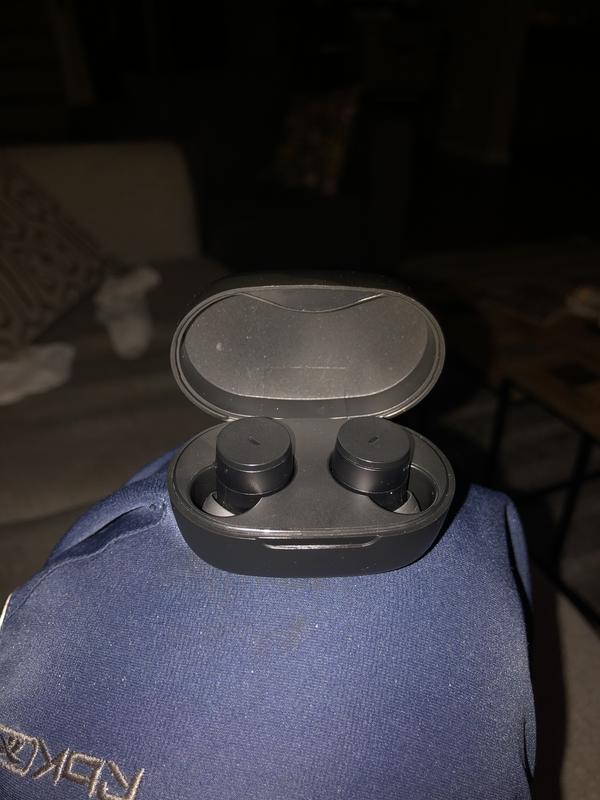
Filter Reviews
- price
- purchase
- charging
- satisfaction
- quality
- sound quality
- use with phone
- connections
Le son est bon pour le prix mais…
No, I do not recommend this product.
I’m happy
Ear buds that fit! Perfect sound in a small, comfortable package. Pricing is reasonable with multi.
Not good
Excellent deal with some great features
Yes, I recommend this product.
Questions
Q: My right side earbud is not connecting with the left side and with my Bluetooth device, the right side earbud is connecting with my Bluetooth device. Is there a way to get them to both reconnect with my Bluetooth device?
3 years agoA: Hey! This happens to me a lot. What I do is turn off both earbuds at the same time. Then I click “forget this device” or “remove device” on my Bluetooth device. Then I turn on both earbuds, making sure they both turn on at the same time. Then I “add a device” or “connect a device” to connect them back to my Bluetooth device. So essentially, I turn it off and turn it back on. It works every time. I think the issue is that the syncing between the earbuds is off, so I resync it.
3 years agoHelpful?
Q: Are these headphones low latency enough for gaming? Like real hardcore gaming as-in when I shoot my gun does the sound happen at the same time or is there lag like many cheap wireless headphones? Gamers you know who you are!
3 years agoA: I haven’t used for gaming, but I think they would be problematic for this. They did not pair very well and 1 side was always worse. Save your money.
3 years agoHelpful?
Q: I have these but my left earbud keeps disconnecting and it keeps cutting . I'm not able to find a manual online and tbh the manual it comes with is terrible does anyone know how to fix this its like it keeps disconnecting for being pair together.
4 years agoA: The first pair I got did that. I returned them. The second pair were fine.
3 years agoHelpful?
Q: Has anyone tried to connect these to a laptop? If yes, what was your experience?
4 years agoA: I use mine mostly with my phone. Have used them with my PC. They are of decent quality. I like mine. They are Bluetooth. Does your laptop have Bluetooth
4 years agoHelpful?
Q: Comment faire pour savoir si ils sont ouvert
4 years ago- Translate with Google
A: Il existe plusieurs situations d'arrêt automatique pour les oreillettes : 1. Lorsque l'état de jumelage dure 2 minutes et que le jumelage échoue, il s'éteint automatiquement ; 2. Après avoir été déconnectés du téléphone mobile pendant 3 minutes, ils s'éteignent automatiquement s'il n'y a pas de connexion ; 3. Appuyez manuellement sur la touche et maintenez-la enfoncée pendant 5 secondes pour l'éteindre ; 4. Remettez les écouteurs dans l'étui de chargement et fermez le couvercle avec les écouteurs en état de marche, il s'éteindra automatiquement après 2 minutes. En outre, les instructions de mise en marche et d'arrêt sont les suivantes : Mise sous tension : 1) Ouvrez l'étui de chargement et les écouteurs seront mis sous tension. 2) Lorsque les écouteurs sont éteints, appuyez sur la touche MFB pendant 3 secondes pour les allumer. Les indicateurs rouge et bleu s'allument pendant 1 seconde et un bip sonore retentit pour indiquer la mise sous tension. Mise hors tension : 1) Remettez les écouteurs dans l'étui de chargement et ils s'éteindront automatiquement. 2) Lorsque les écouteurs sont allumés, appuyez sur la touche MFB pendant 6 secondes pour les éteindre. Le voyant rouge s'allume pendant 1 seconde et un signal sonore retentit pour indiquer que les écouteurs sont éteints.
4 years agoHelpful?
Q: When watching tv or any video, are these BT sound buds in sync or is there a slight sound delay ?
4 years agoA: Mine are fine when first connected but fall behind about 1 second every half hour. After 4 hours of use they're about 8 seconds behind what you see on your tv screen. Disconnect/connect to start from zero.
3 years agoHelpful?
Q: Can you charge one earbud at a time? In other words, can you be using one earbud while the other one is charging in the case? Or do both have to be in the case to charge?
4 years agoA: I don't know for sure, but think so. The case is a charging case, so if you leave one in there it would probably be charging. You can't open the case to see what it's doing. The instructions don't say. I know for sure you can listen with just one earbud at a time as I just did that!
4 years agoHelpful?
Q: Can I use this for a Bluetooth TV?
4 years agoA: They are bluetooth so yes.
4 years agoHelpful?
Q: Are these earbuds waterproof
3 years agoA: I don't think so. Ours didn't last very long even in a dry setting.
3 years agoHelpful?
Q: Do they have: 1. Pause/Play track 2. Skip to next track 3. Skip previous track 4. Volume control
4 years agoA: Hi Eric, They do have these capabilities. Listed below are the instructions: 1. Play/Pause track: Single click the multifunction button on the left or right earbuds. 2. Previous track: Press the multifunction button on left earbuds for 2s. 3. Next track: Press the multifunction button on right earbuds for 2s. 4. Volume control: Double click the multifunction button on the left (for Vol+) or right (for Vol-) earbuds. Best, Canadian Tire
3 years agoHelpful?