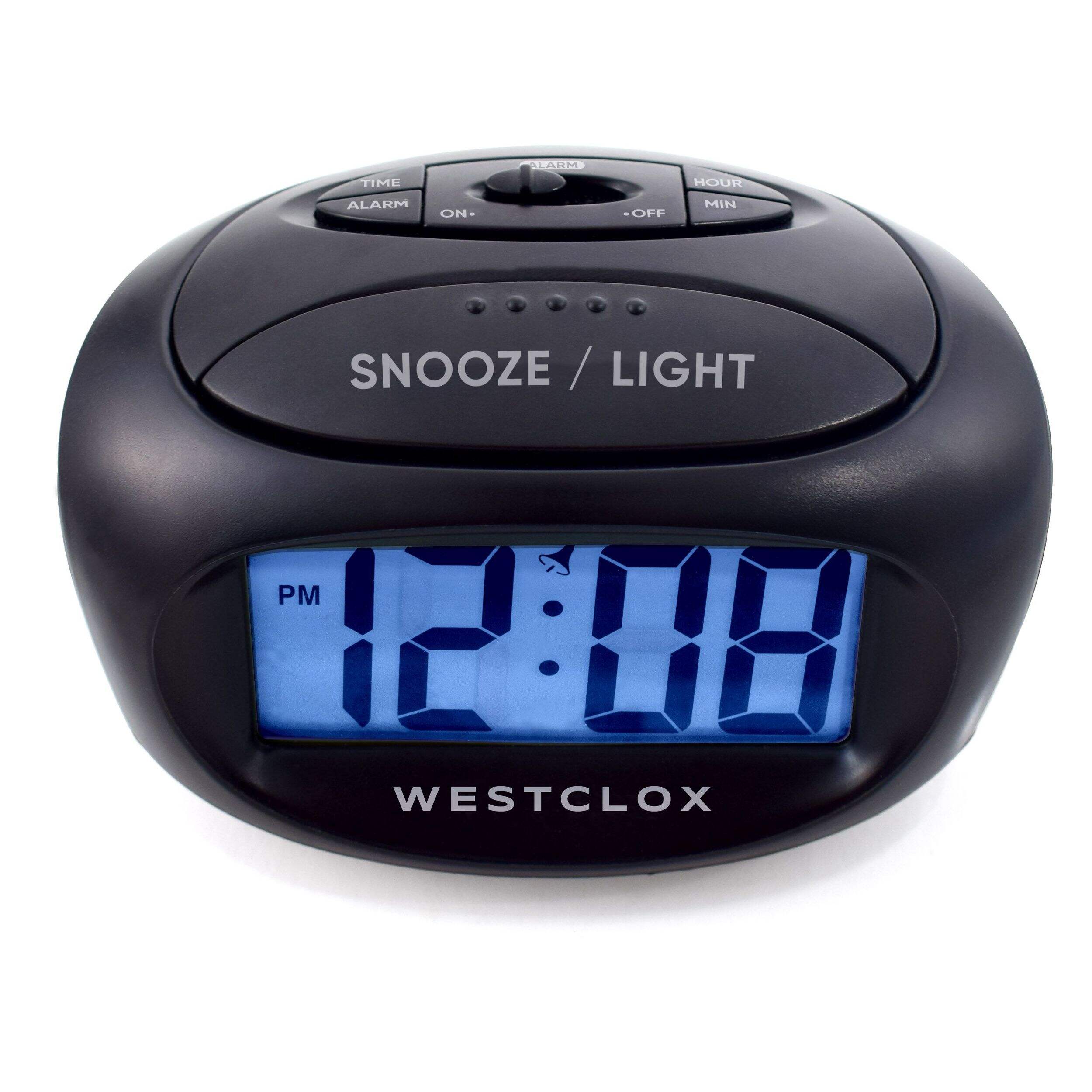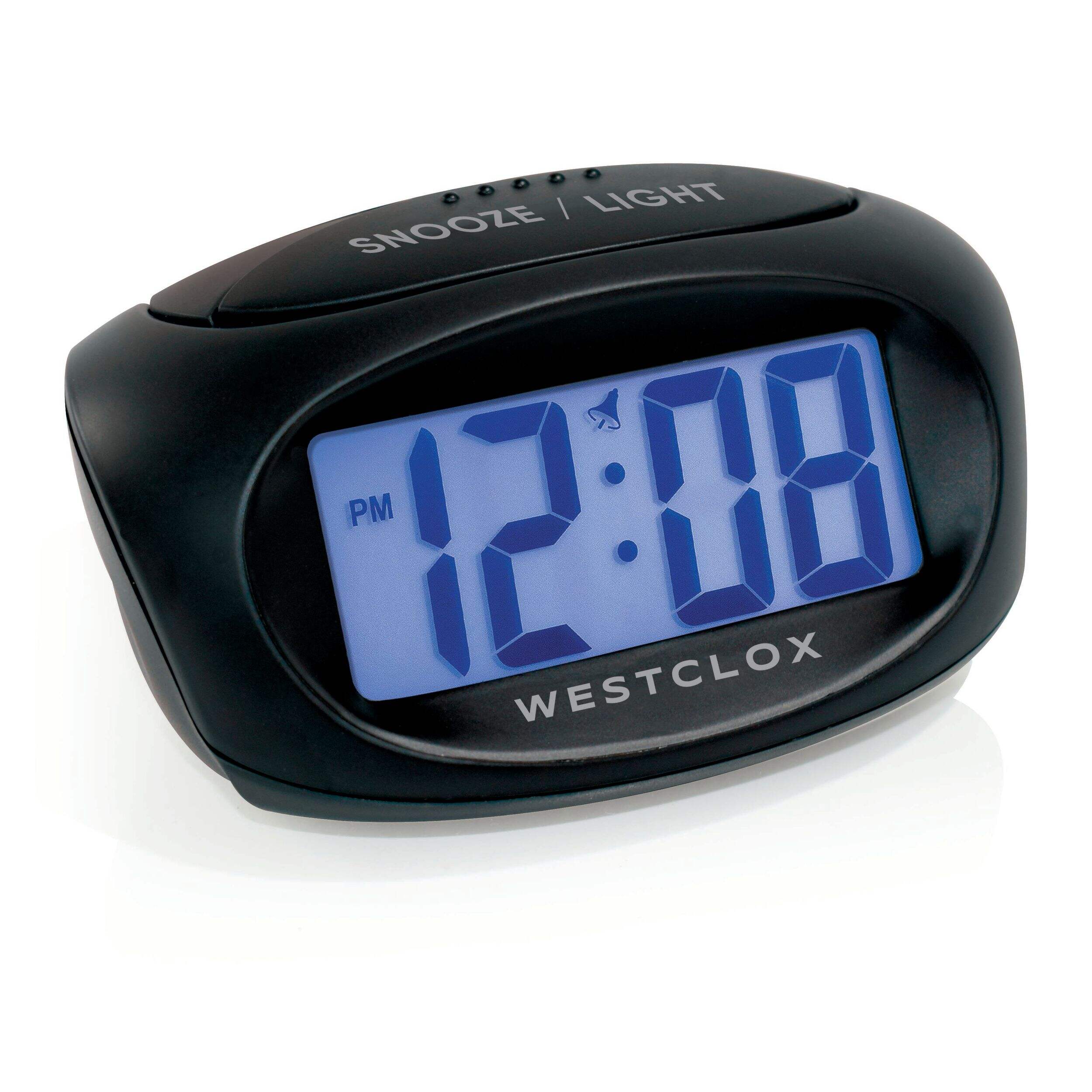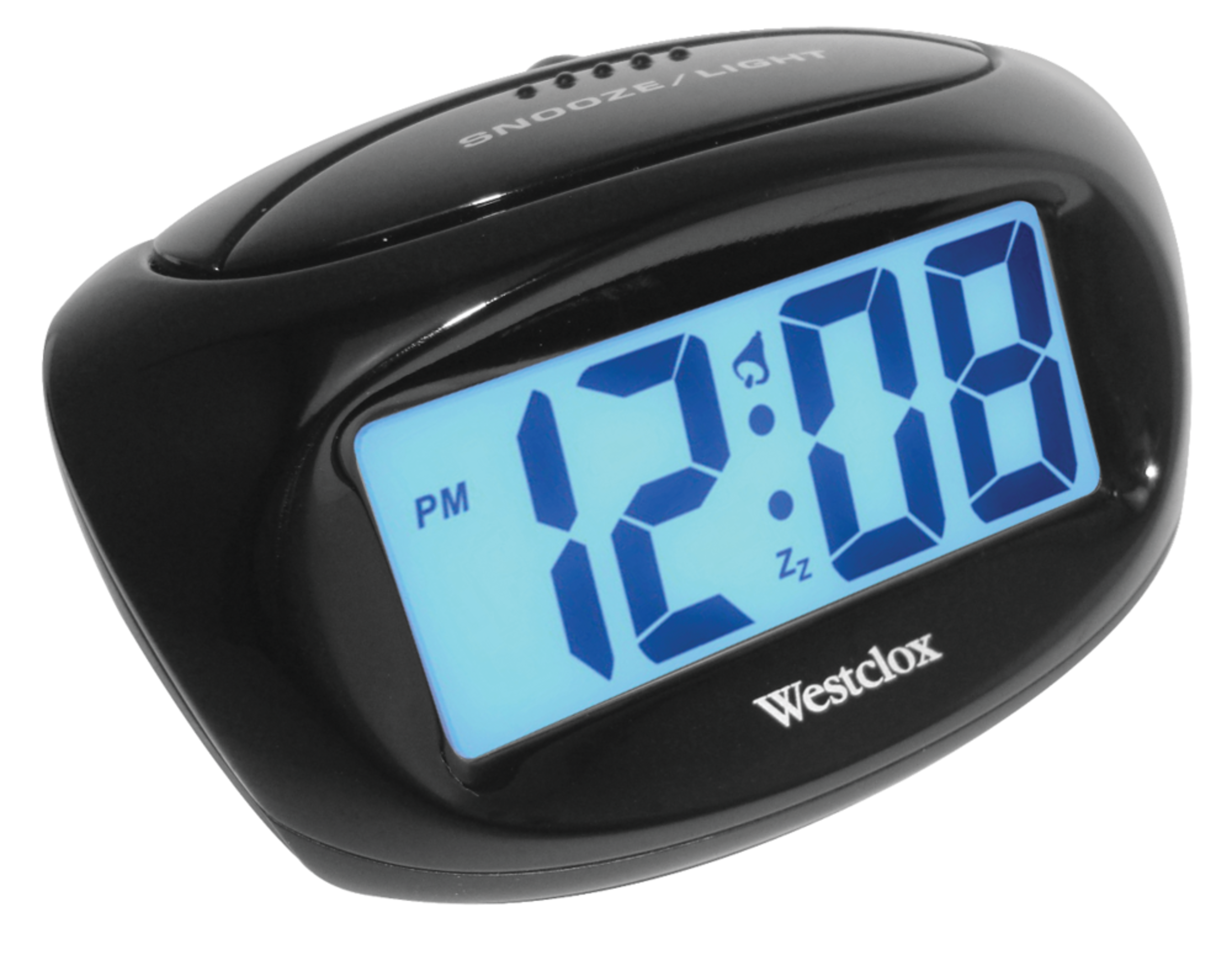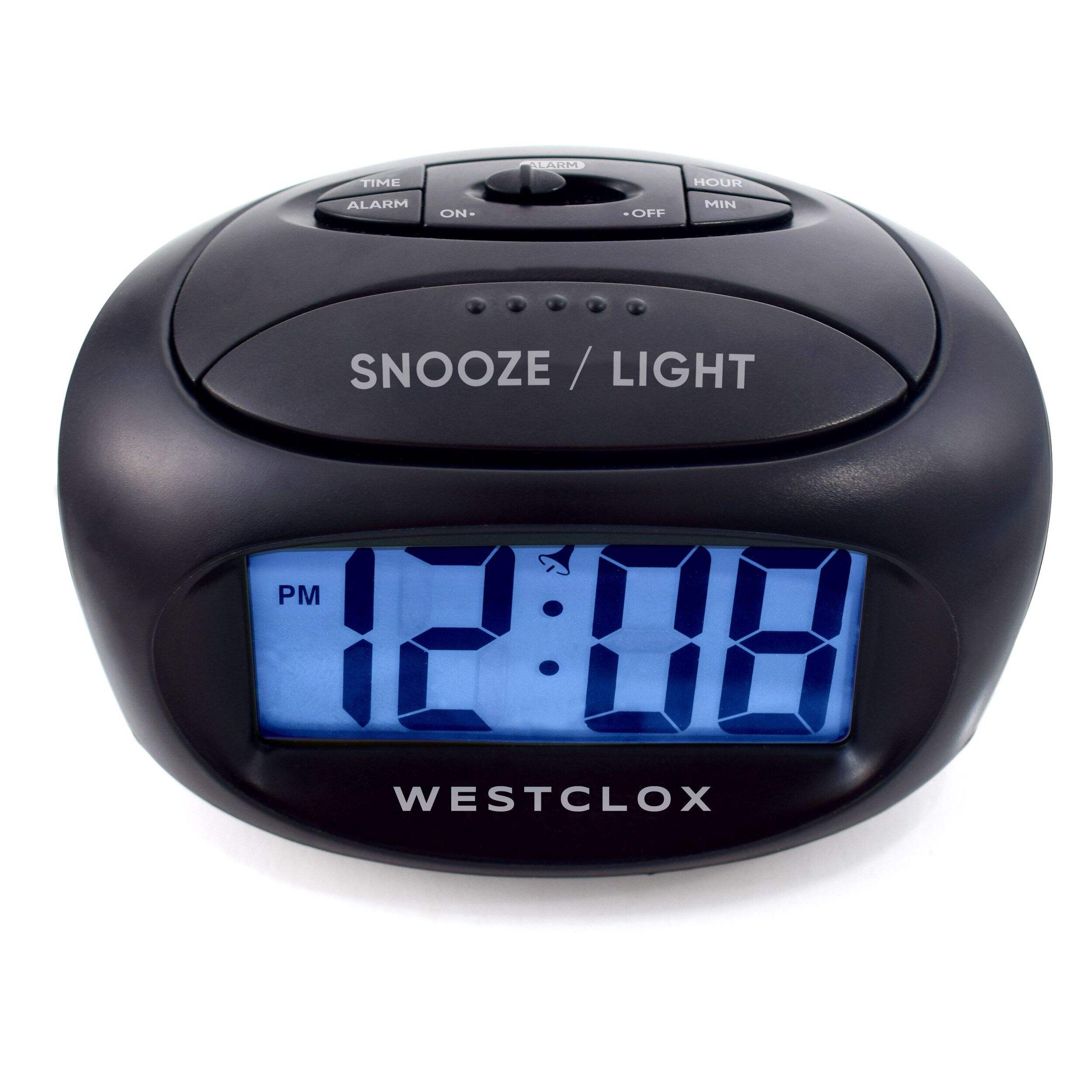
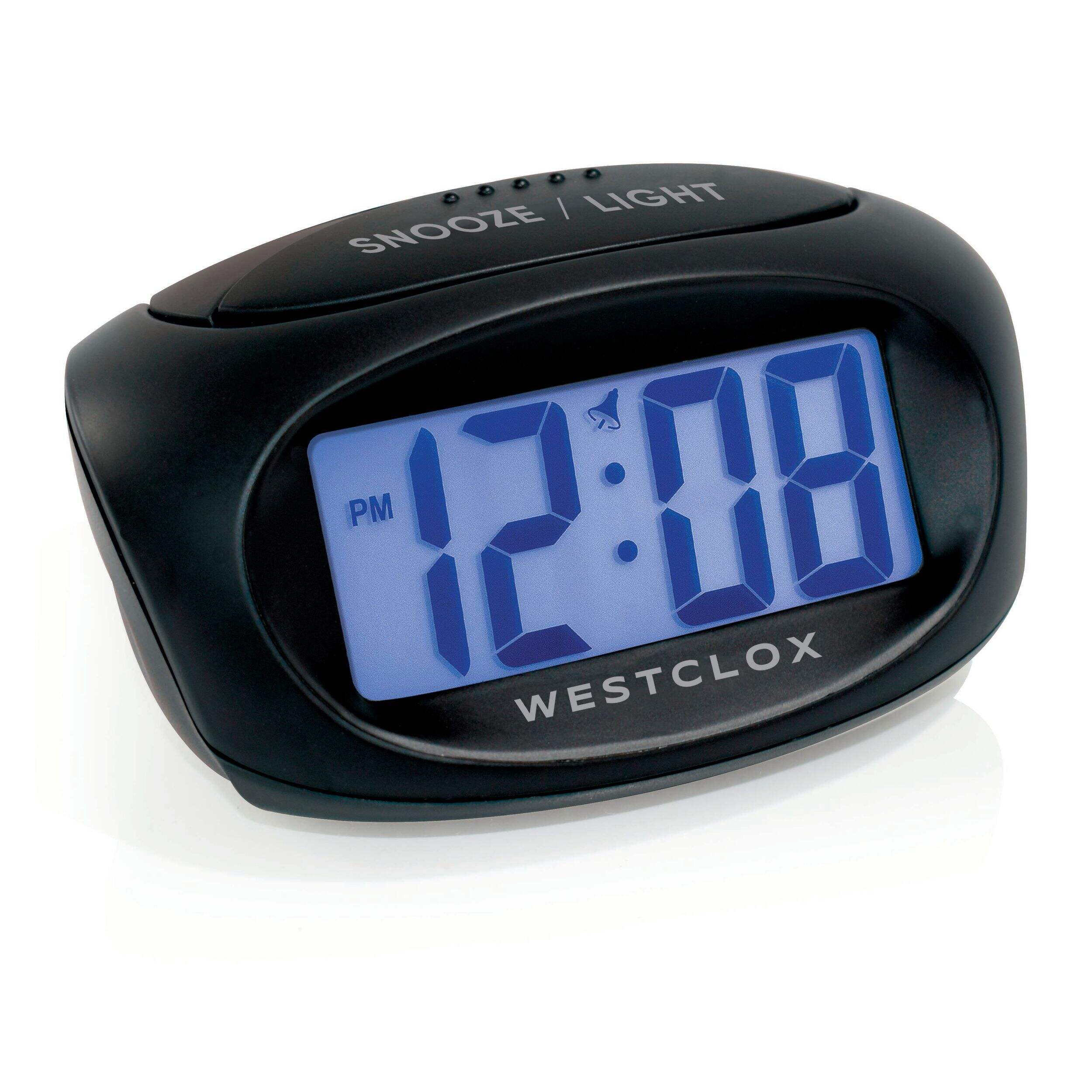
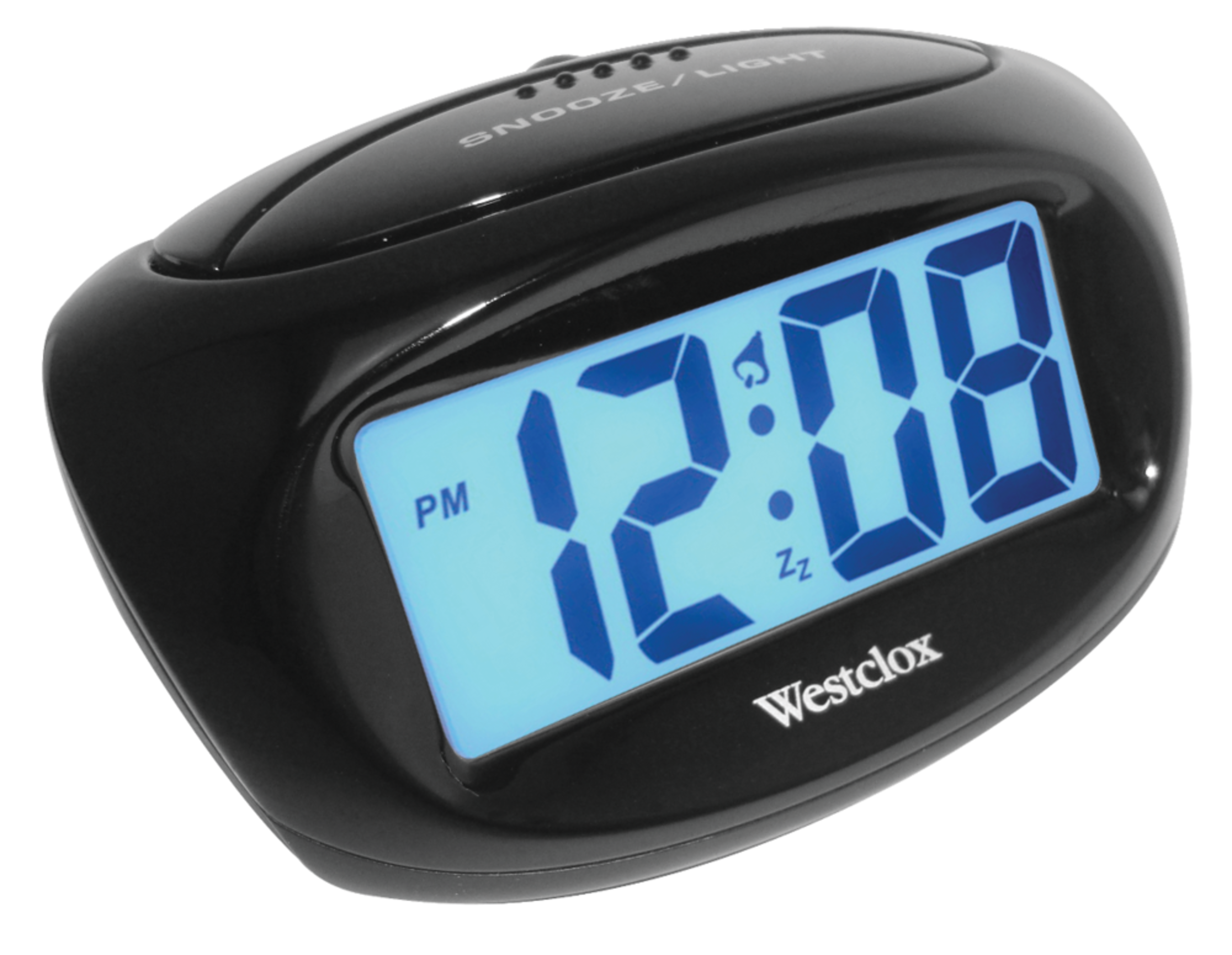


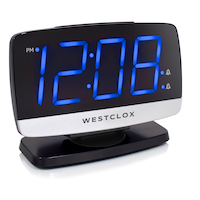
Westclox LCD Backlit Digital Alarm Clock, 1-in Tall Display, Black
- FREEAvailable
- Available
- Available
Pick up available 11:30 a.m., Jan 03


Quebec residents: For information on maintenance and repair click here.
Similar Items



Product Details
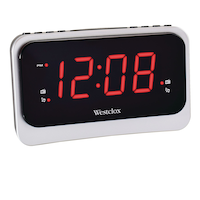
The Westclox LCD Backlit Digital Alarm Clock provides a clear and easy-to-read display, perfect for quick time checks. Its large, conveniently placed snooze button allows for effortless activation, even when half asleep. With a soft blue backlight, the clock ensures visibility even in low-light conditions, making it ideal for nighttime use. As a product of Westclox, a trusted name in the clock industry, this compact clock combines functionality and simplicity for daily use.
Features a 1" LCD display with blue backlight
Large snooze button allows you to easily press for additional sleep
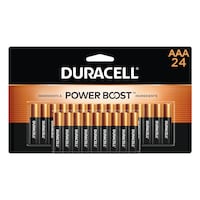
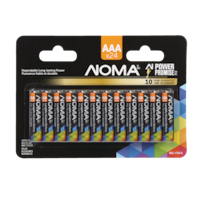
Requires 2 x AAA batteries (not included)
Colour: Black
Dimension: 3.25" x 1.50" (8.25 x 3.81 cm)
Model #: 70043CNC
| Part Number | 70043CN |
|---|---|
| Accessories List | No Accessories Included |
| Advanced Features | Alarm, Large Display |
| Assembled Height (cm) | 11.20 cm |
| Assembled Height (ft) | 0.37 ft |
| Assembled Height (in) | 4.41 in |
| Assembled Length (cm) | 5.84 cm |
| Assembled Length (ft) | 0.19 ft |
| Assembled Length (in) | 2.30 in |
| Assembled Weight (kg) | 0.13 kg |
| Assembled Weight (lb) | 0.29 lb |
|---|---|
| Assembled Width (cm) | 8.71 cm |
| Assembled Width (in) | 3.43 in |
| Assembled Width (mm) | 87.12 mm |
| Batteries Required Quantity | 2 |
| Battery Technology | Alkaline |
| Battery Type/Battery Size | AAA |
| Clock Type | Alarm |
| Colour | Black |
| Display Type | Digital |
| Displays Include | Time |
| Face Colour/Finish | Blue |
| Face Diameter (cm) | 6.35 cm |
| Face Diameter (in) | 2.50 in |
| Face Shape | Rectangle |
| Frame Colour | Black |
| Frame Material | Plastic |
| Frame Type | Framed |
| Lens Material | Glass |
| Movement Type | Automatic |
| Numbers Style | Digital |
| Package Depth (cm) | 11.20 cm |
| Package Depth (in) | 4.41 in |
| Package Height (cm) | 8.70 cm |
| Package Height (in) | 3.43 in |
| Package Weight (kg) | 0.13 kg |
| Package Weight (lb) | 0.29 lb |
| Package Width (cm) | 6.00 cm |
| Package Width (in) | 2.36 in |
| Power Source(s) | Battery Operated |
| Product Use(s) | Indoor |
| Smart System Compatibility | No Smart Technology |
- This product carries a 1 year exchange warranty redeemable at any Canadian Tire store.
- Pick Up is free at most stores (some stores require a minimum order value before tax)
- Shipping fee is based on size and weight of products and distance from address to store
- Same-Day Delivery costs $9.99 per order
- Online Ordering Information
- Most products can be returned or exchanged at any Canadian Tire store within 90 days of purchase
- Some products are non-refundable and non-exchangeable
- The return policy outlined above may not apply to the product you are currently viewing. For complete details and eligibility, please refer to our Return Policy for exceptions.
Compare Similar Products
Only Show Differences | ||||||
| Ratings | ||||||
| Accessories List | No Accessories Included | No Accessories Included | No Accessories Included | No Accessories Included | Batteries Included | |
| Advanced Features | Alarm, Large Display | Alarm, Large Display | Alarm, Large Display, Battery Backup | Alarm, Large Display | Alarm, Large Display, Battery Backup | |
| Assembled Height (cm) | 11.20 cm | 9.70 cm | 6.12 cm | 6.40 cm | 7.60 cm |


Shop Related Products
- Weekly Deals
- Customers Also Viewed
- Top Trending Products
- More From This Brand
Weekly Deals



Review Highlights
Pros
Cons
Reviews
Filter Reviews
- purchase
- batteries
- display
- buttons
- numbers
- small
- brightness
- price
Westcox alarm clock
Replacement alarm clock
Pretty good
Yes, I recommend this product.
cadran
Dead alarm
Questions
Q: Is it nice and loud?
3 years agoA: Yes it is!
3 years agoHelpful?
Q: Comment mettre l'heure sur le cadran, j'ai perdu les informations
4 years ago- Translate with Google
A: Il faut tenir le bouton "time" puis peser sur "hour" pour régler l'heure, puis "min" pour régler les minutes. Attention à AM et PM. :)
4 years agoHelpful?
Q: Is the back light always on? Is the back-lighting always on or only when you push a button?
11 years agoA: Only when you push the button.
11 years agoHelpful?
Q: How can I set the right time? The buttons called Time, Hour or Min don’t react if I press them.
9 years agoA: They have to press TIME set button (and Hold it ) and then press the hour or the minute to adjust as required .
9 years agoHelpful?