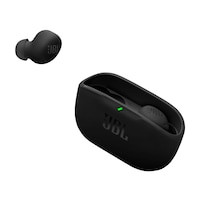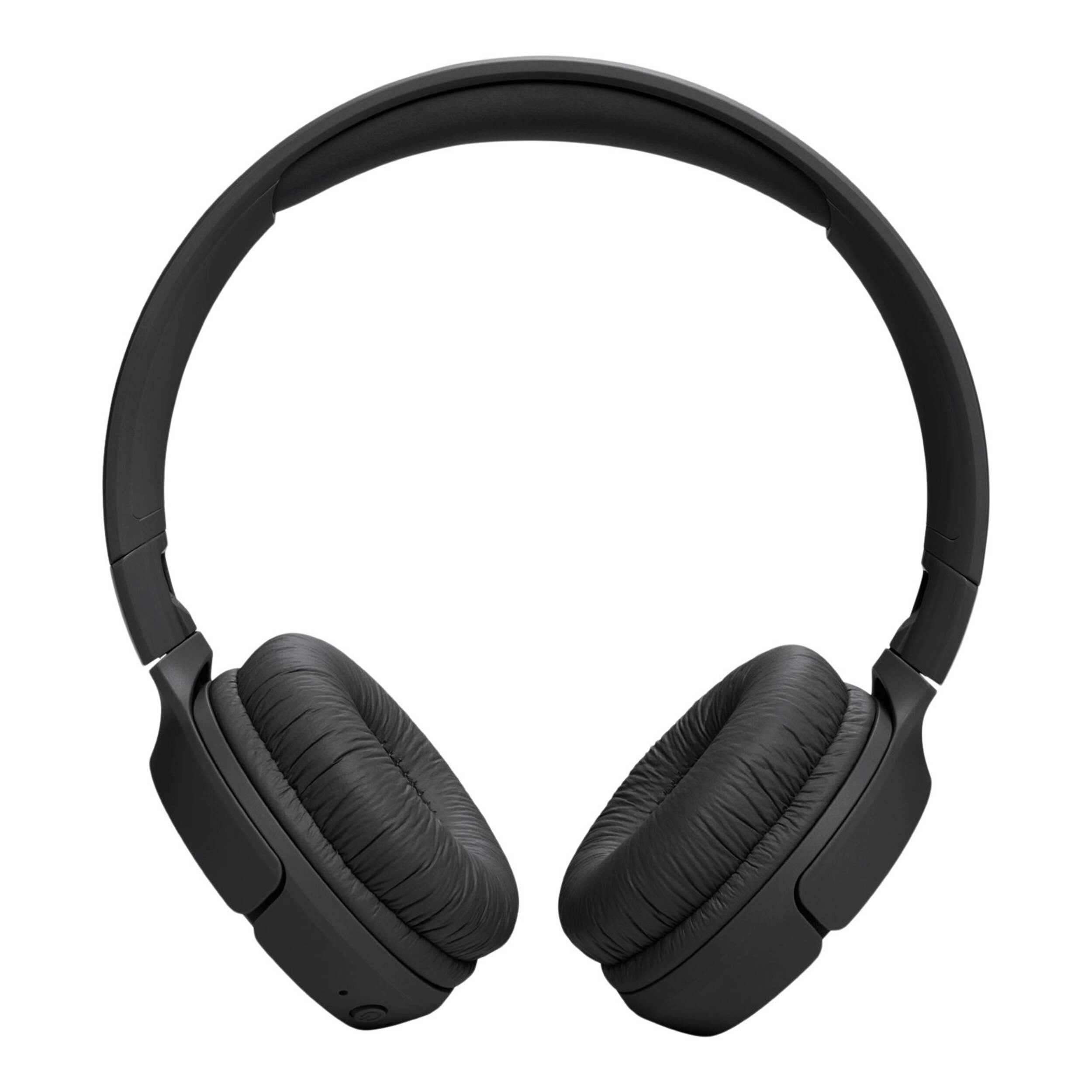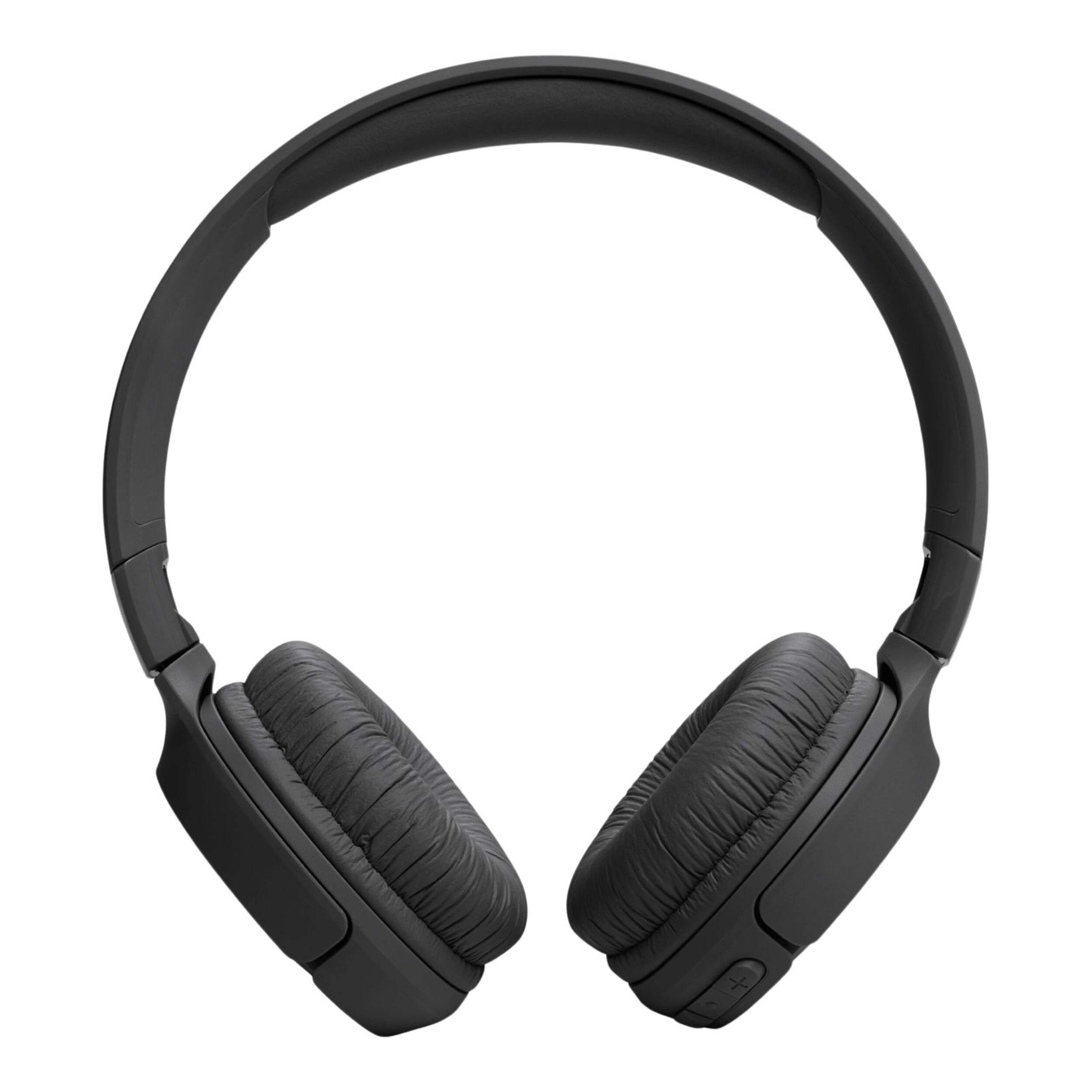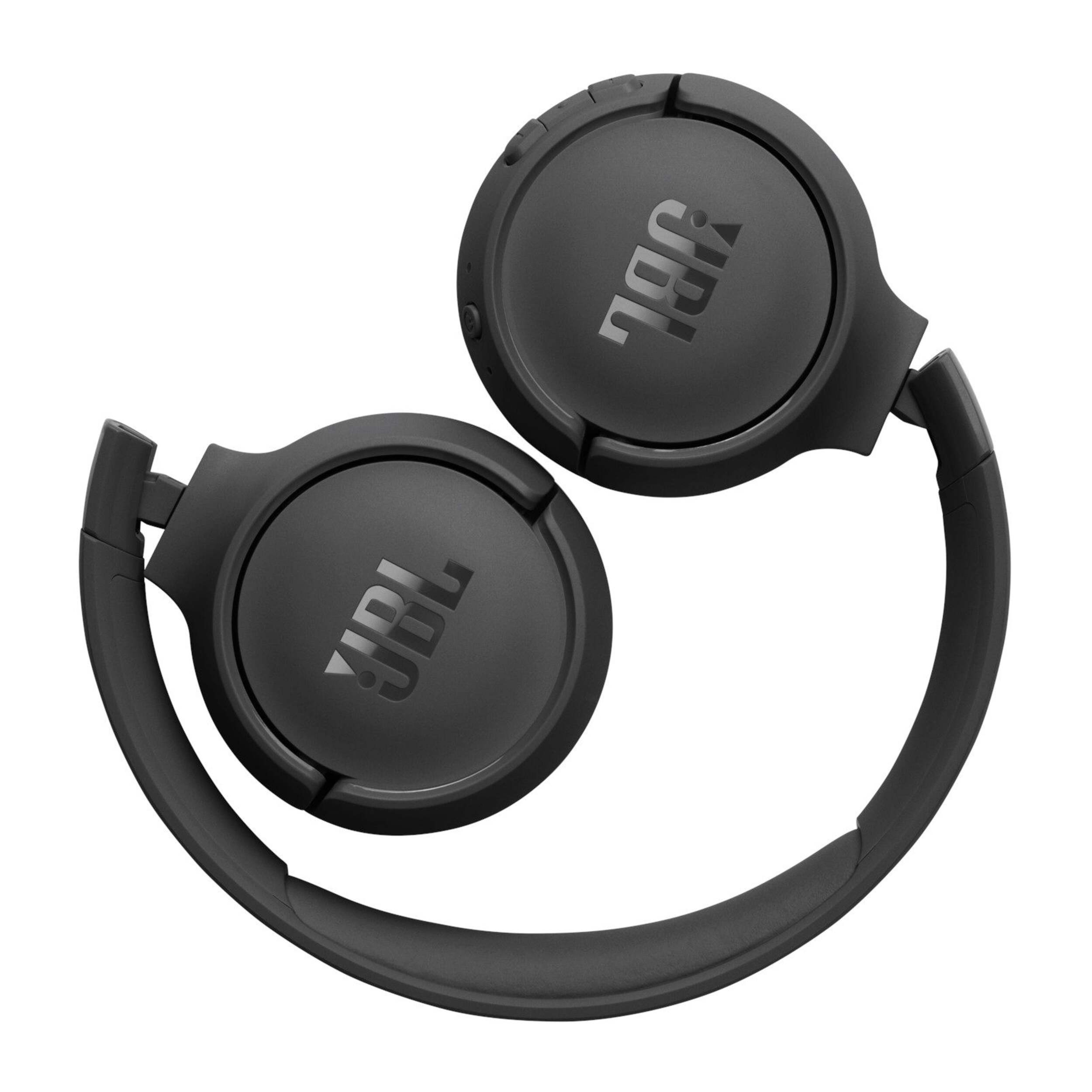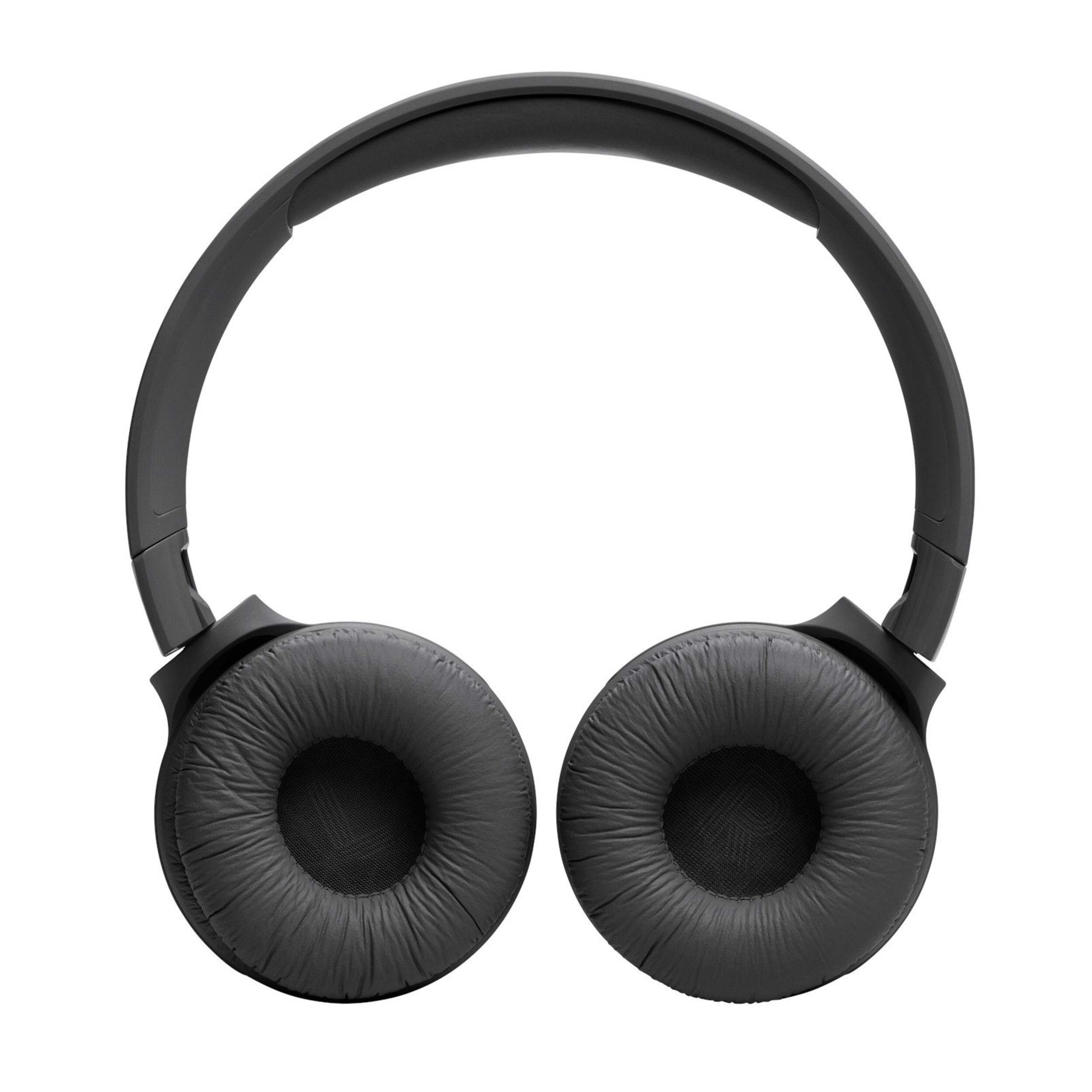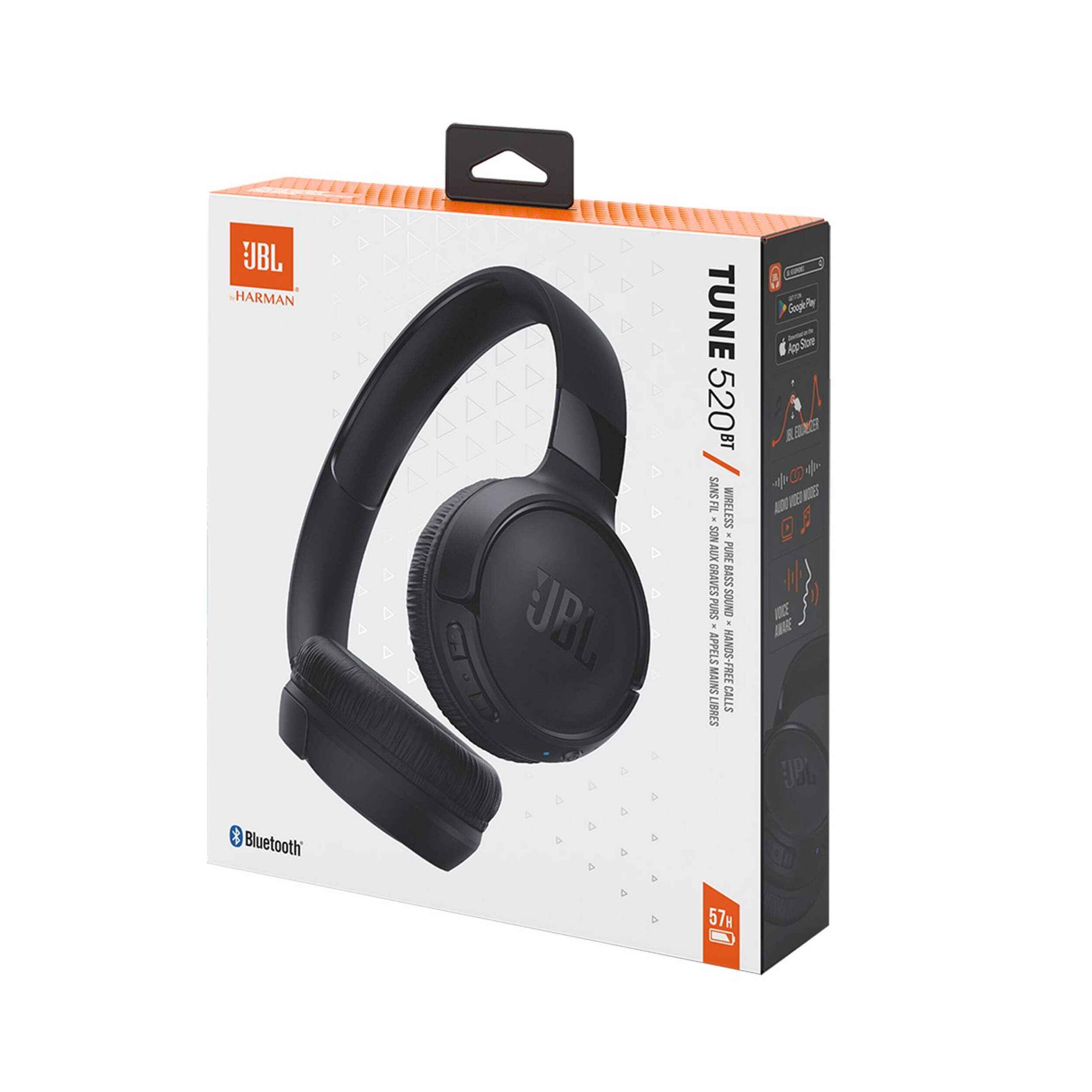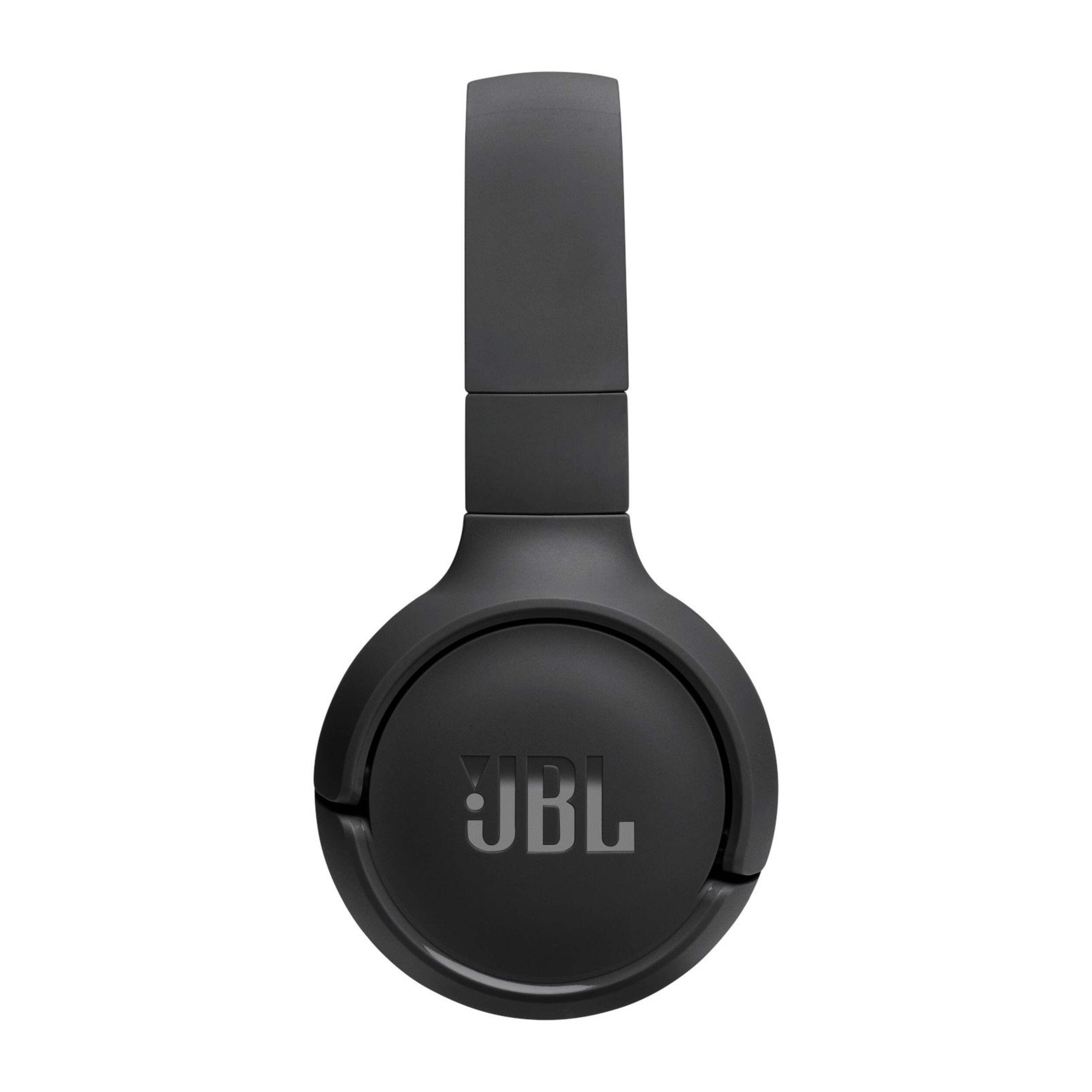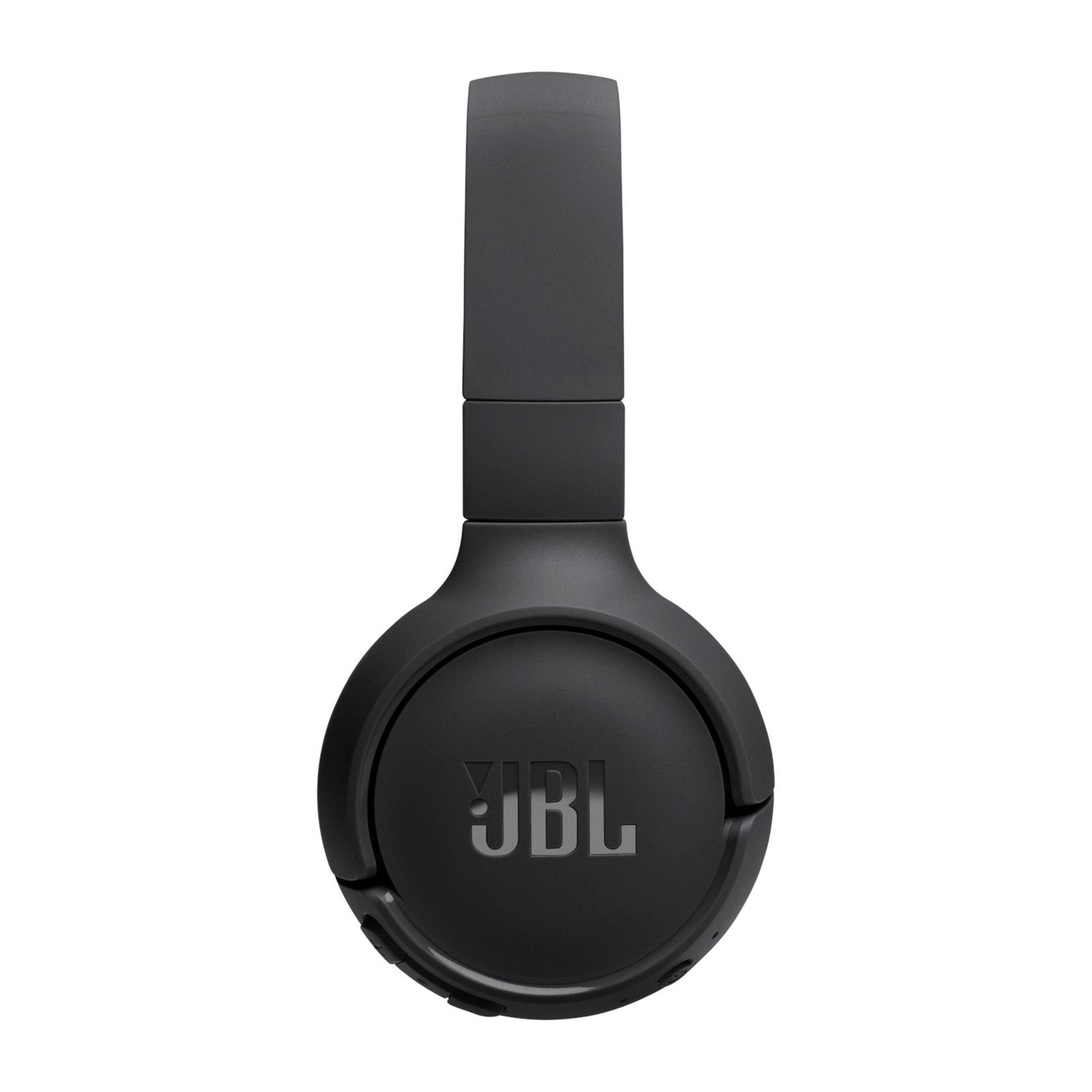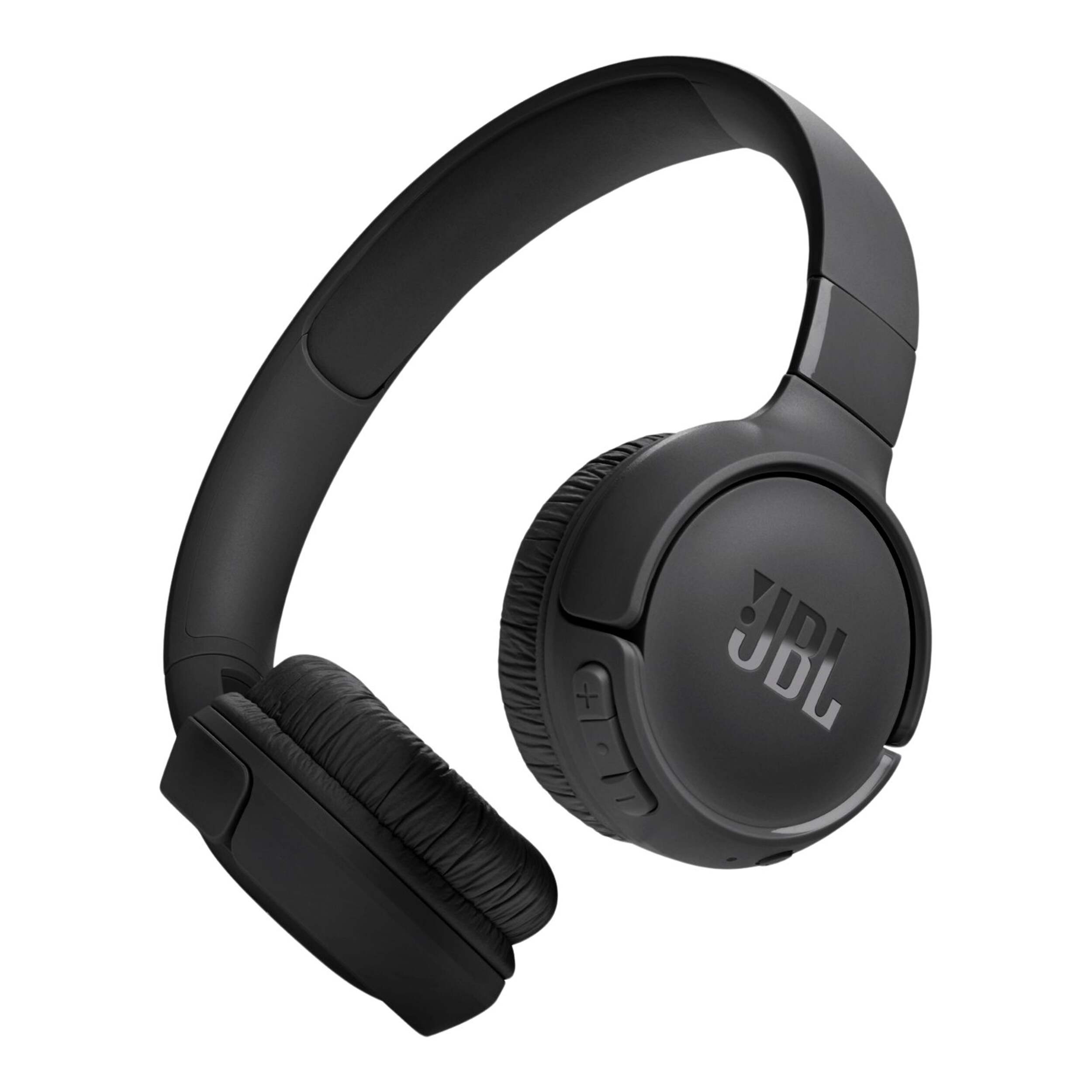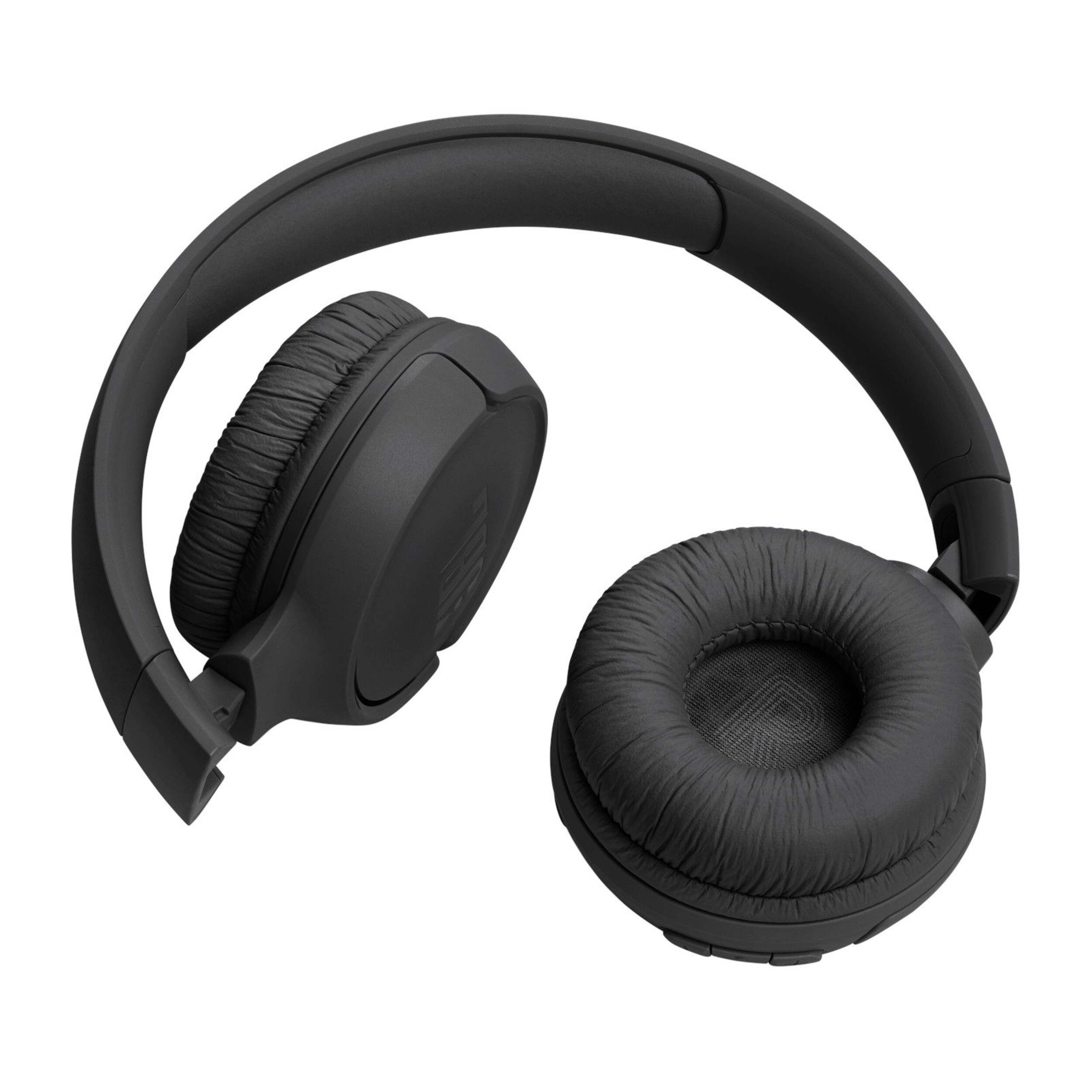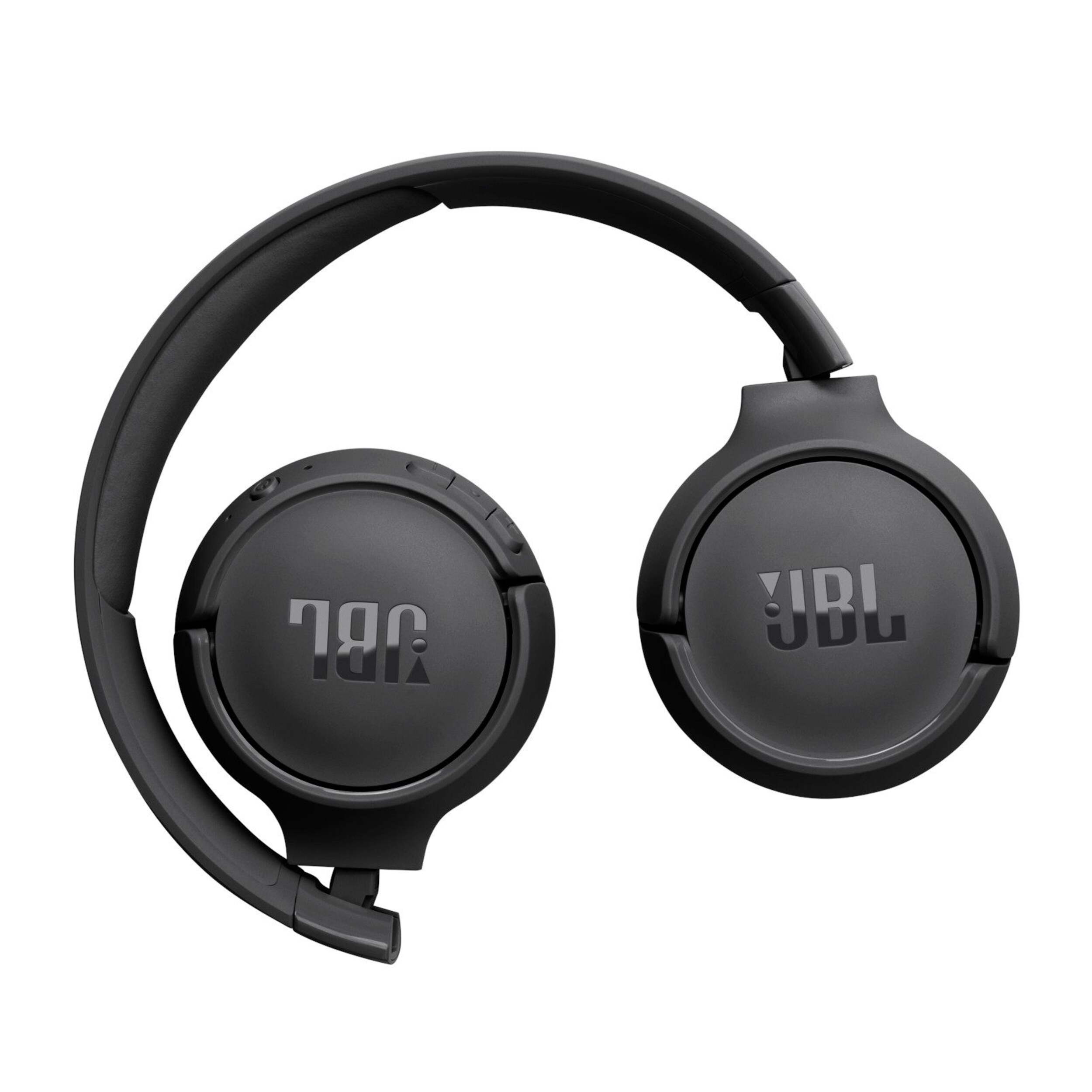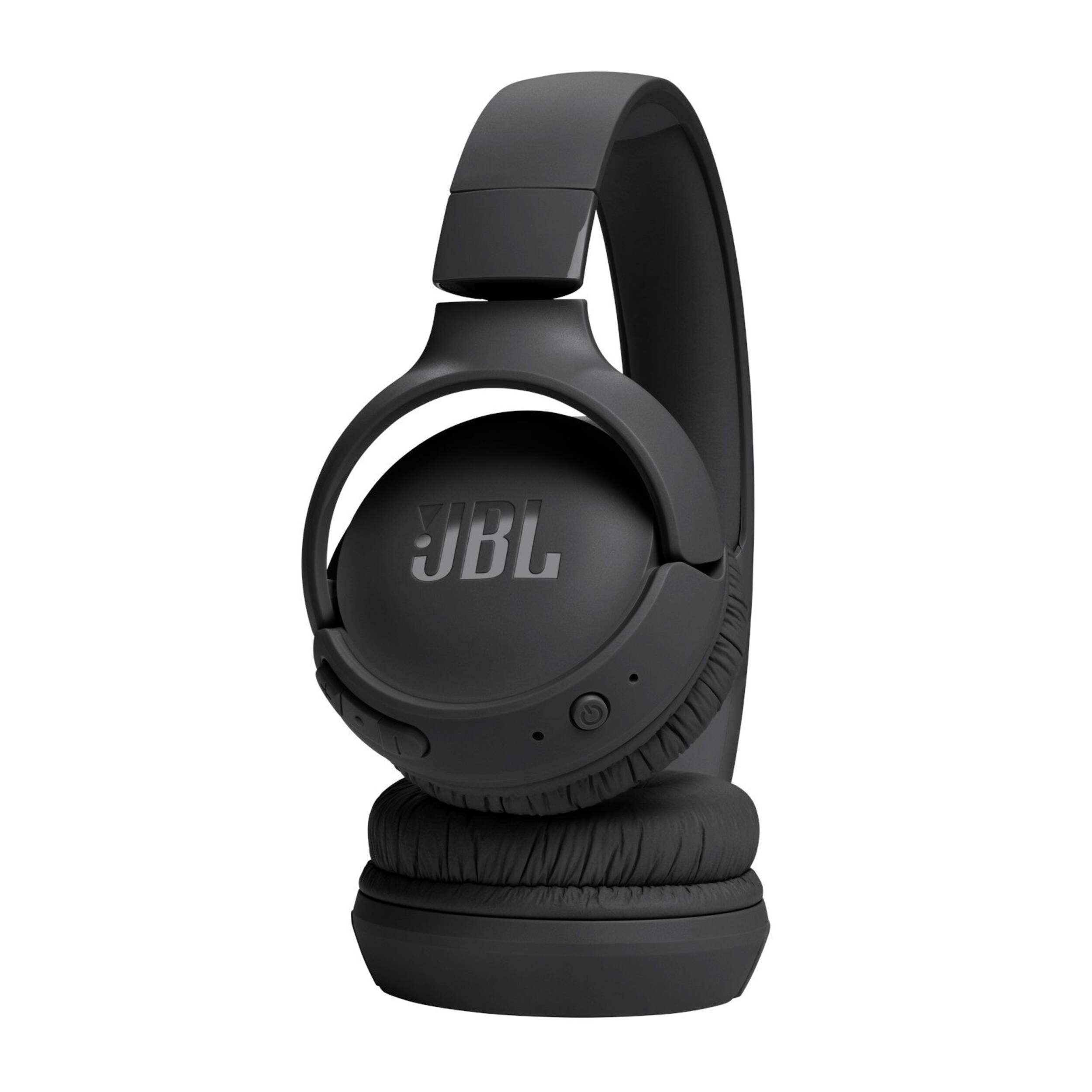

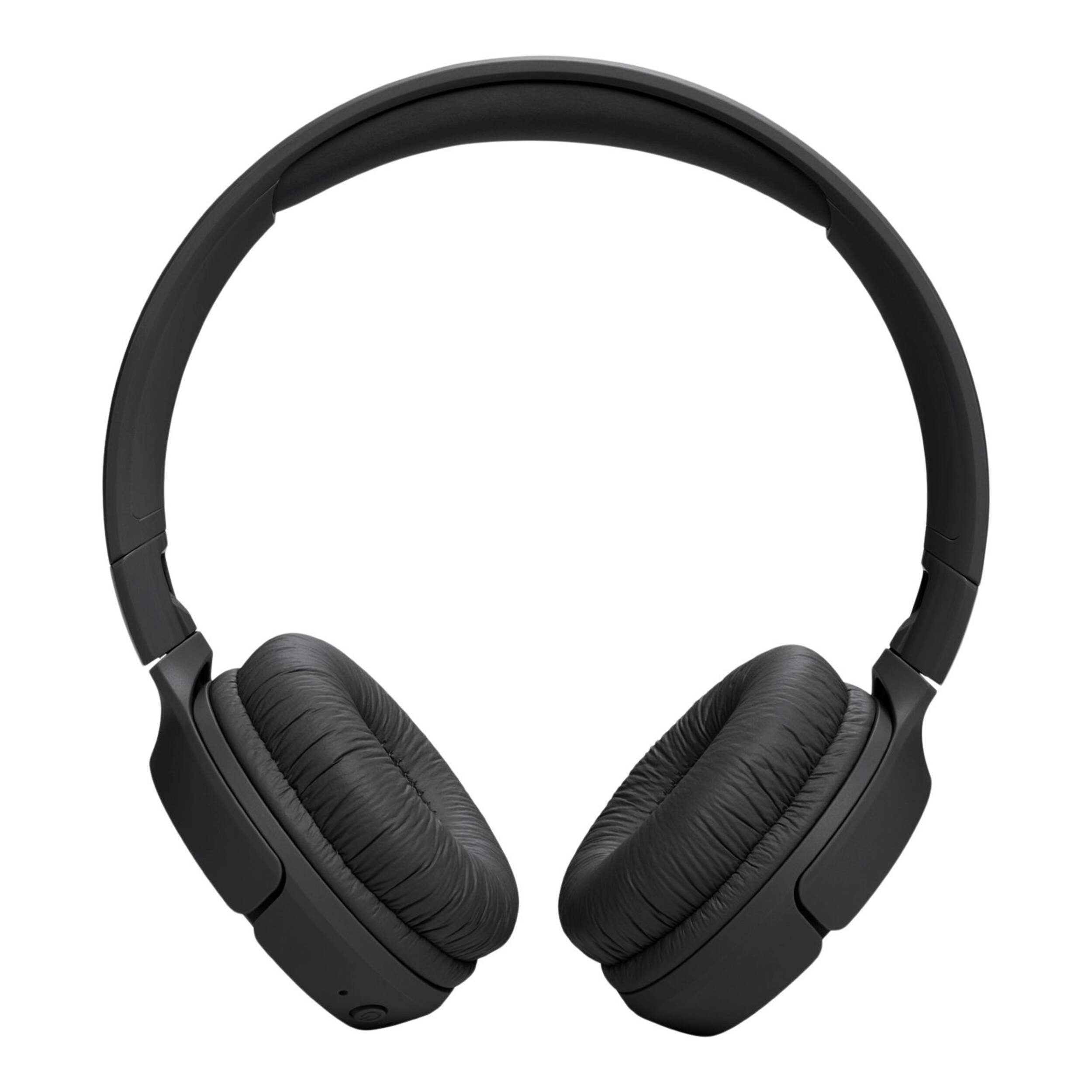
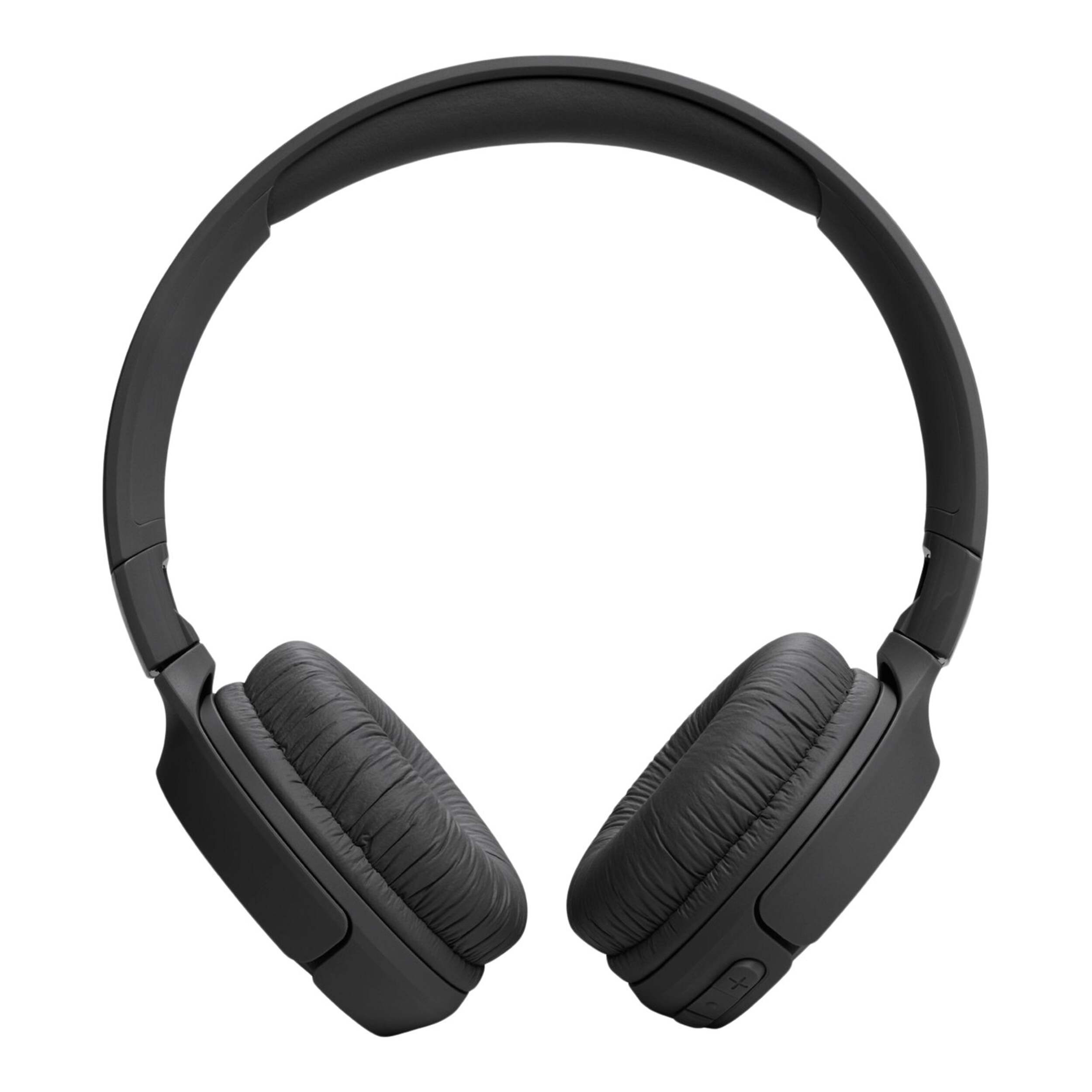
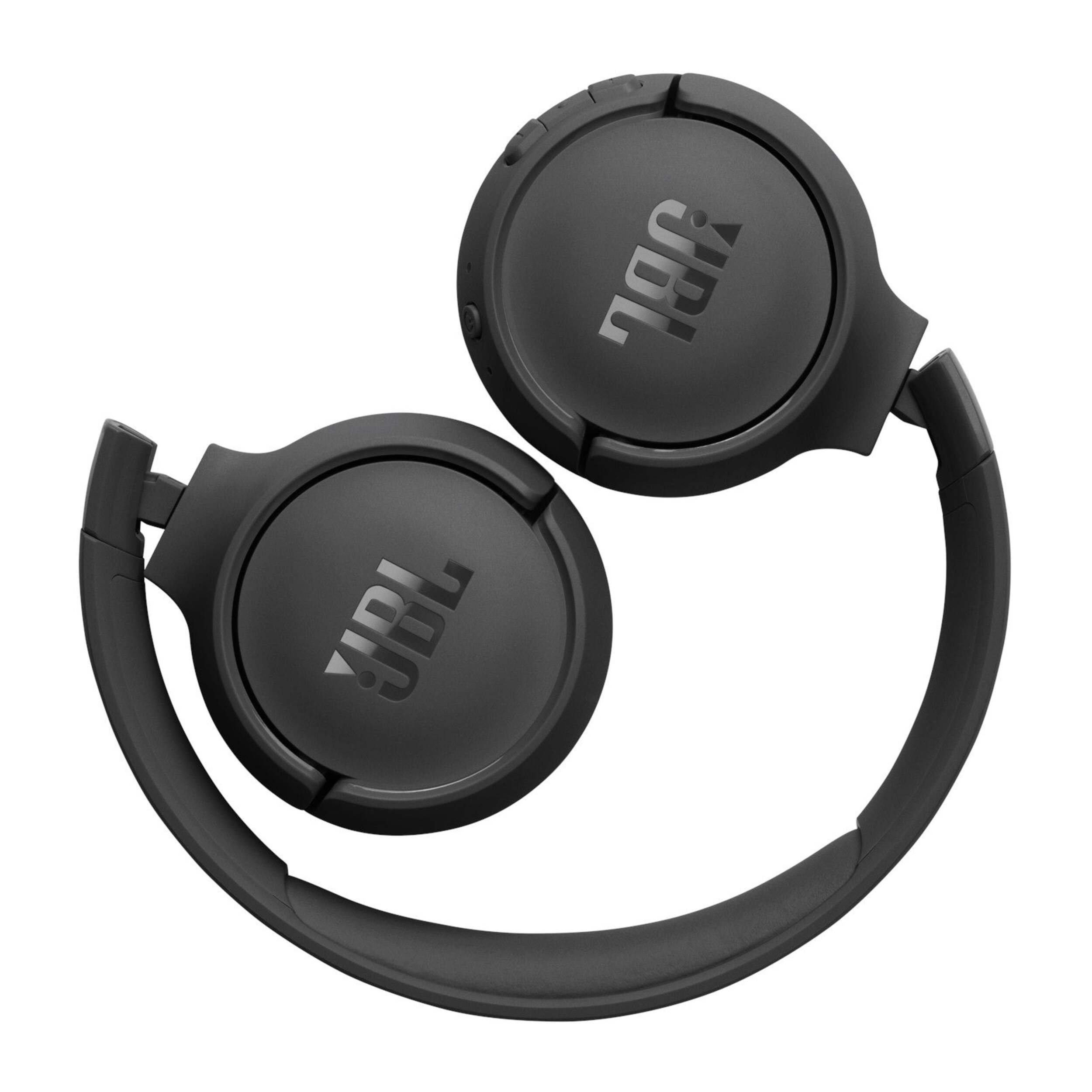
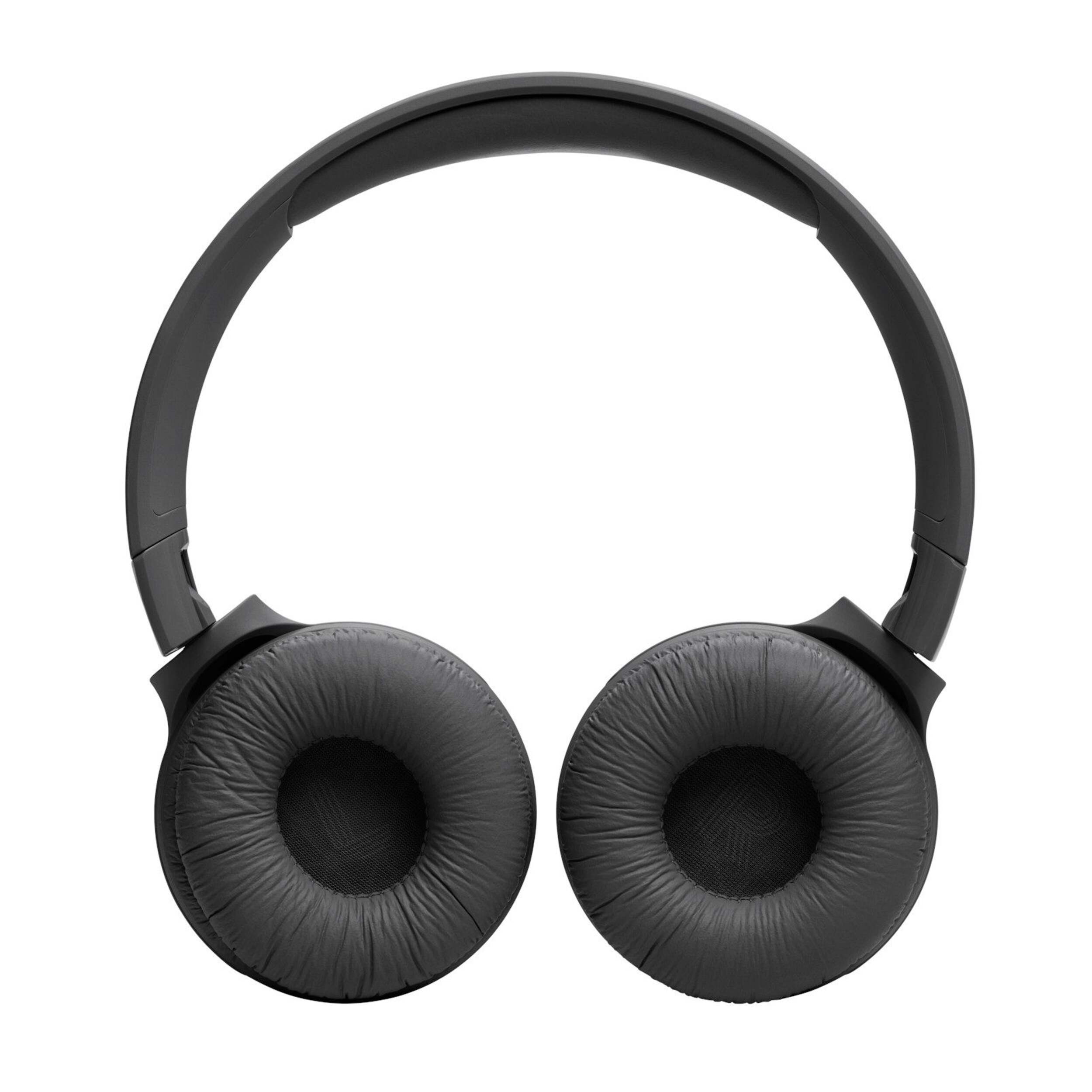
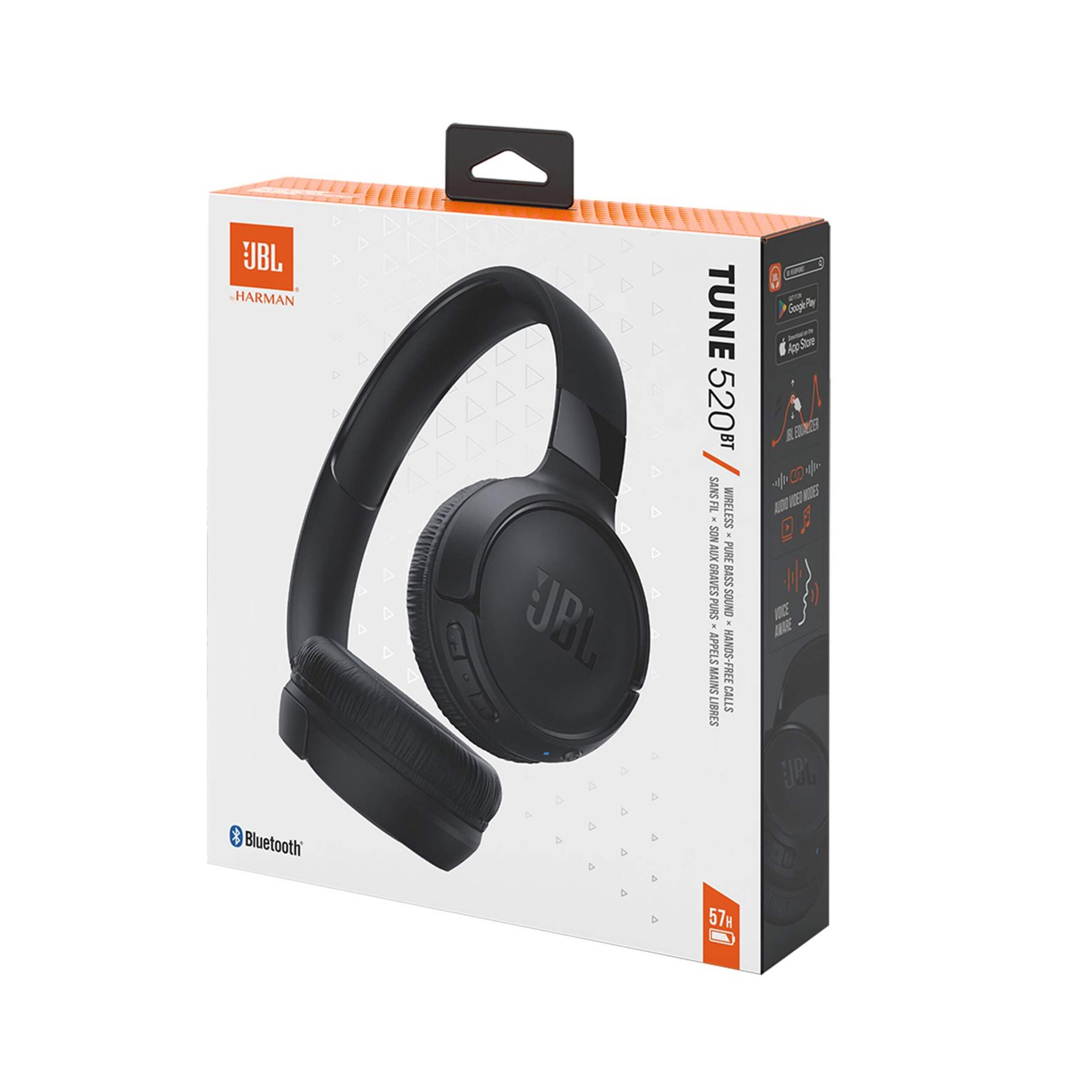
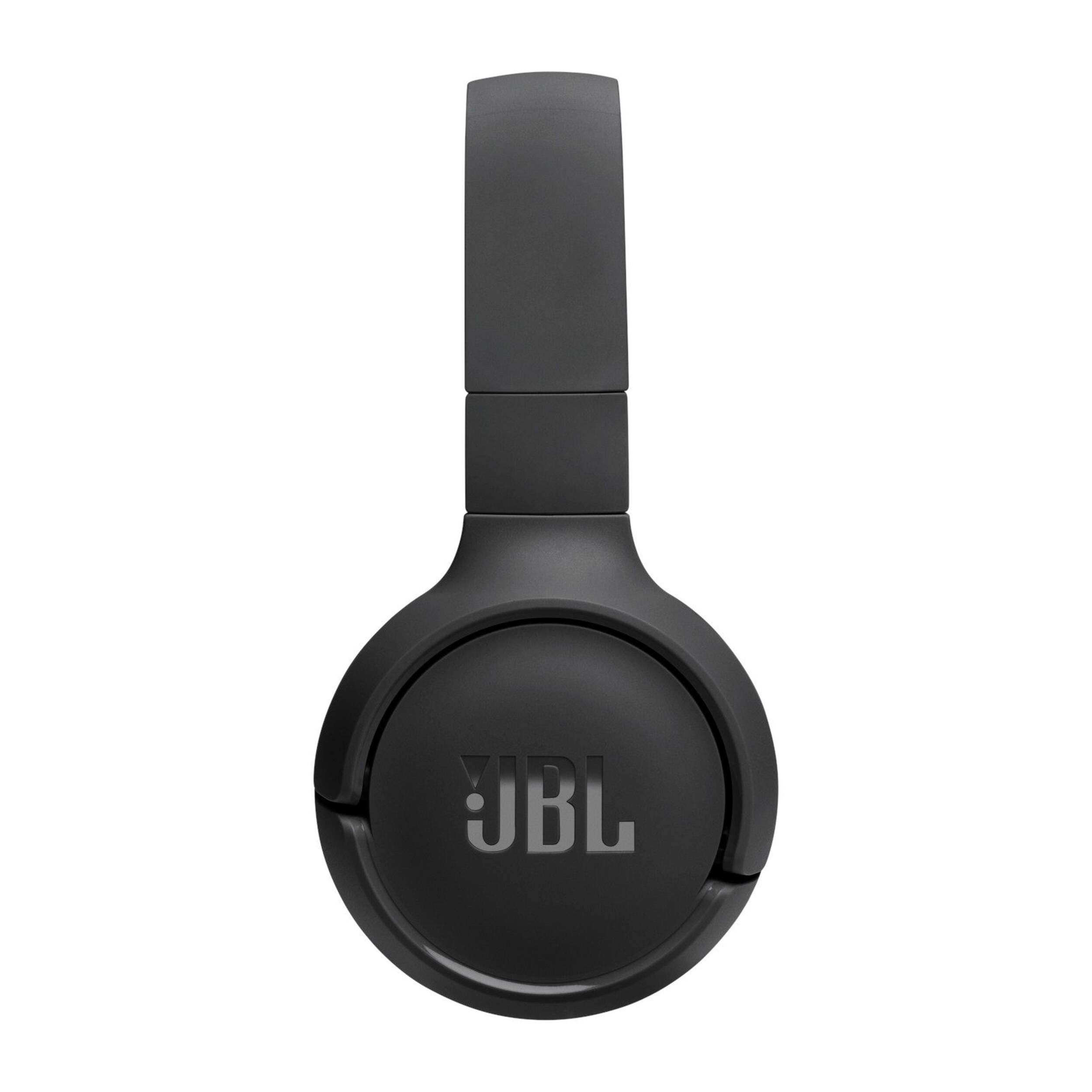
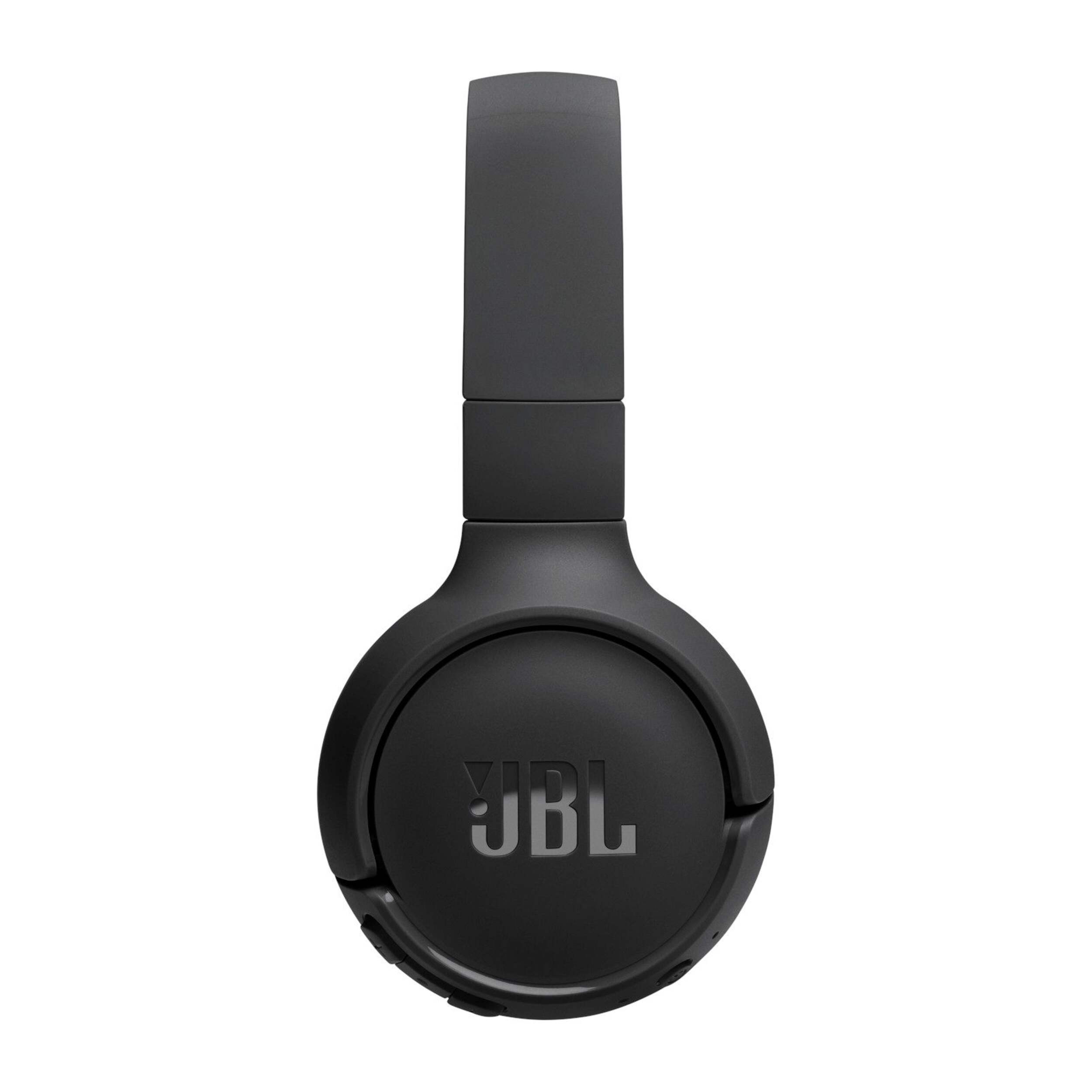
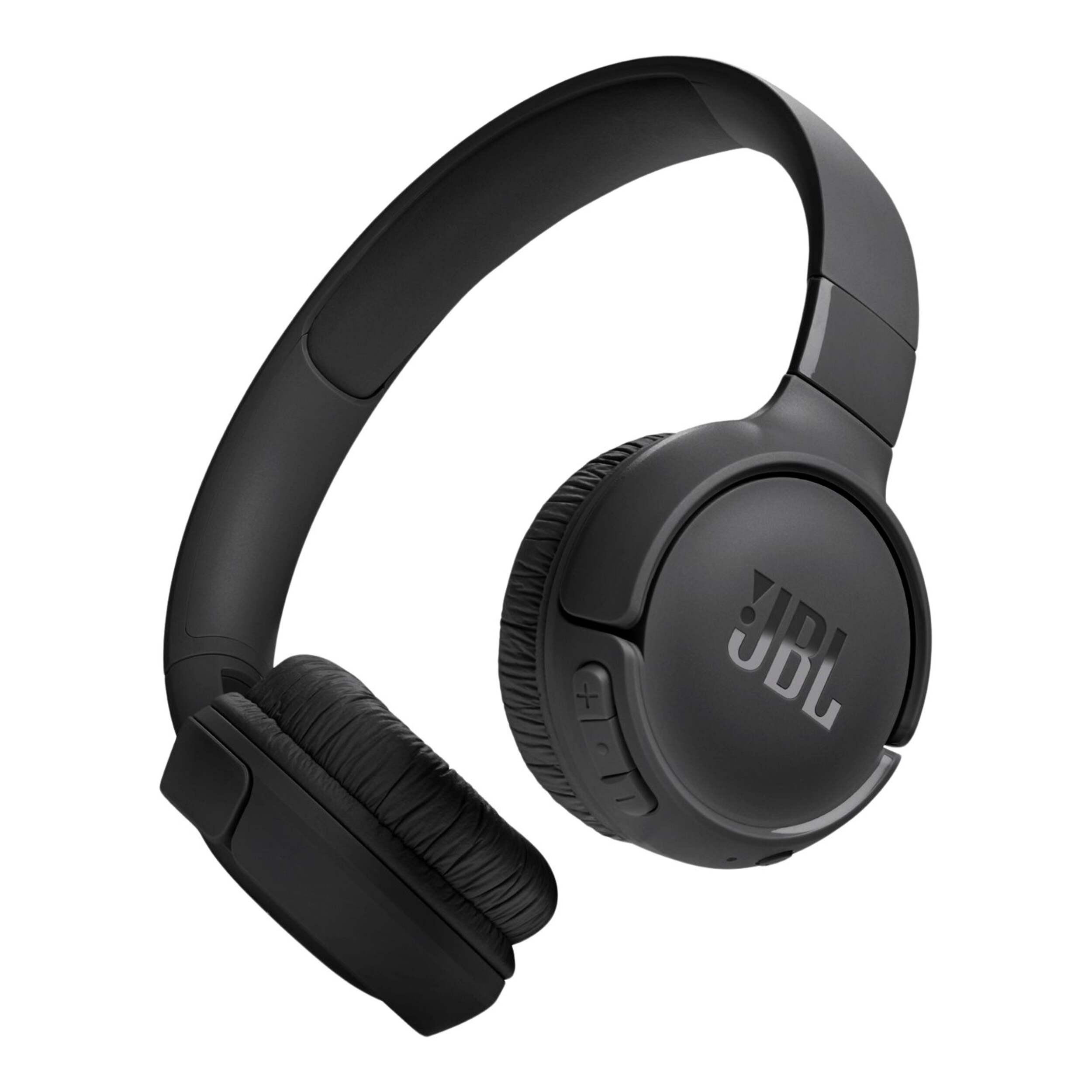

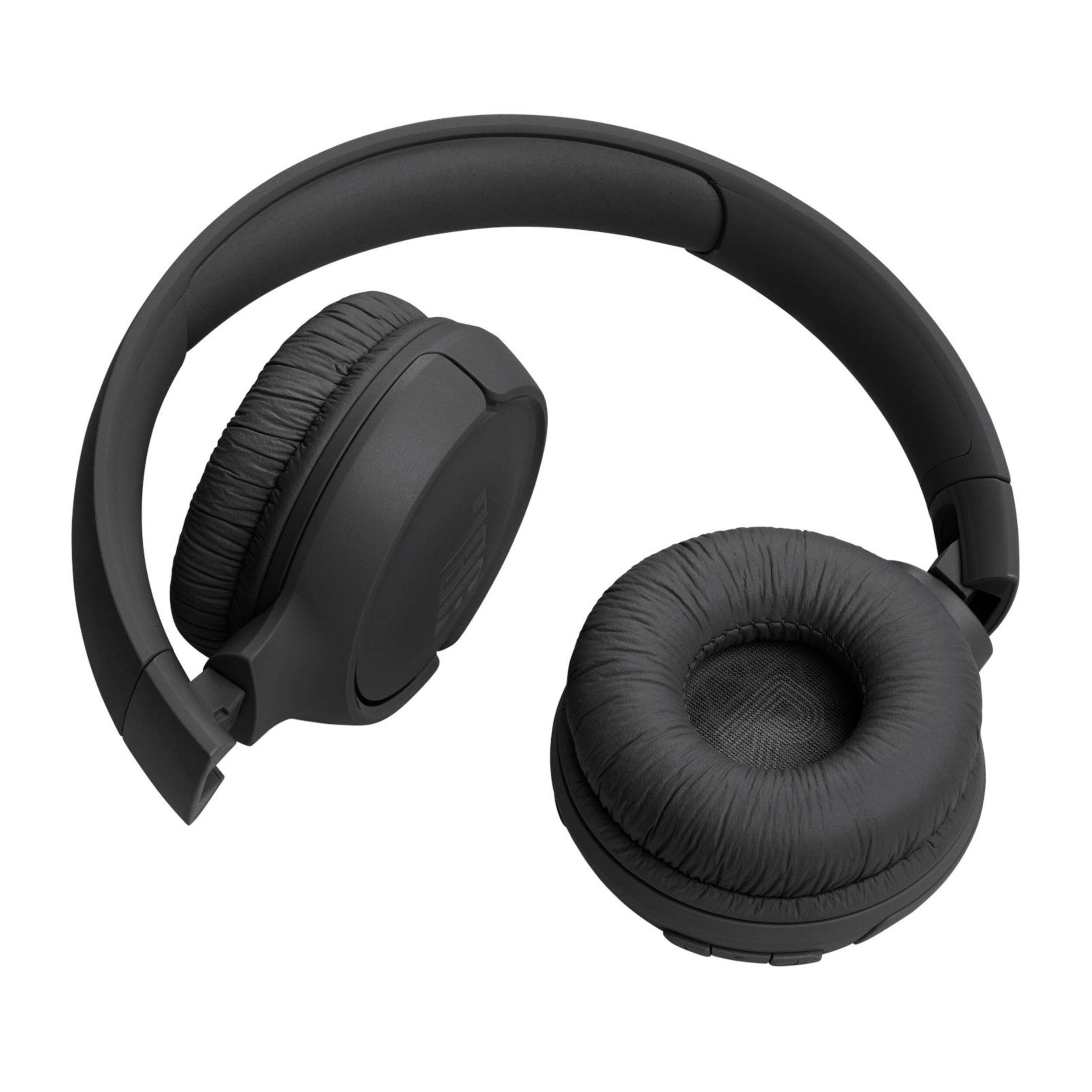
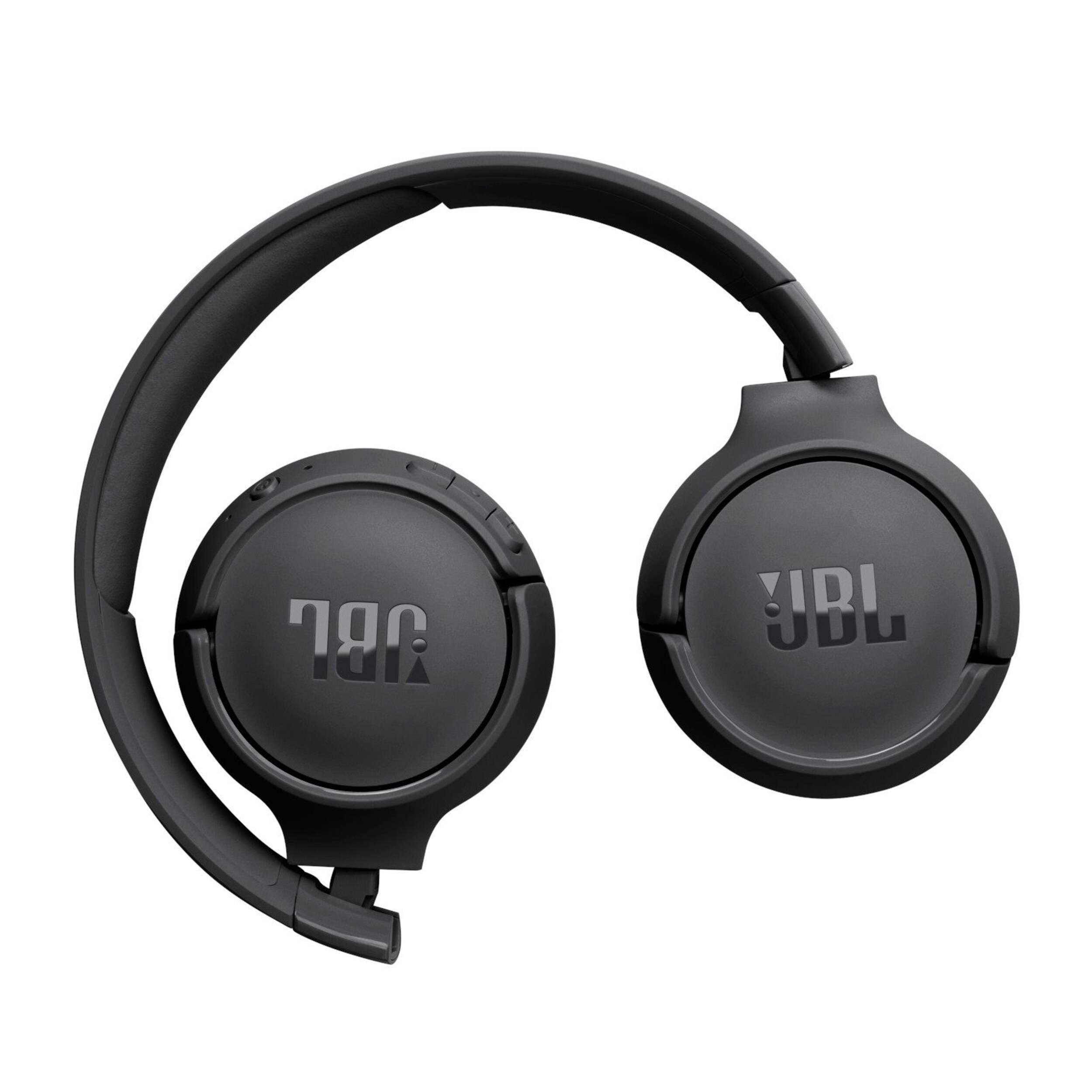
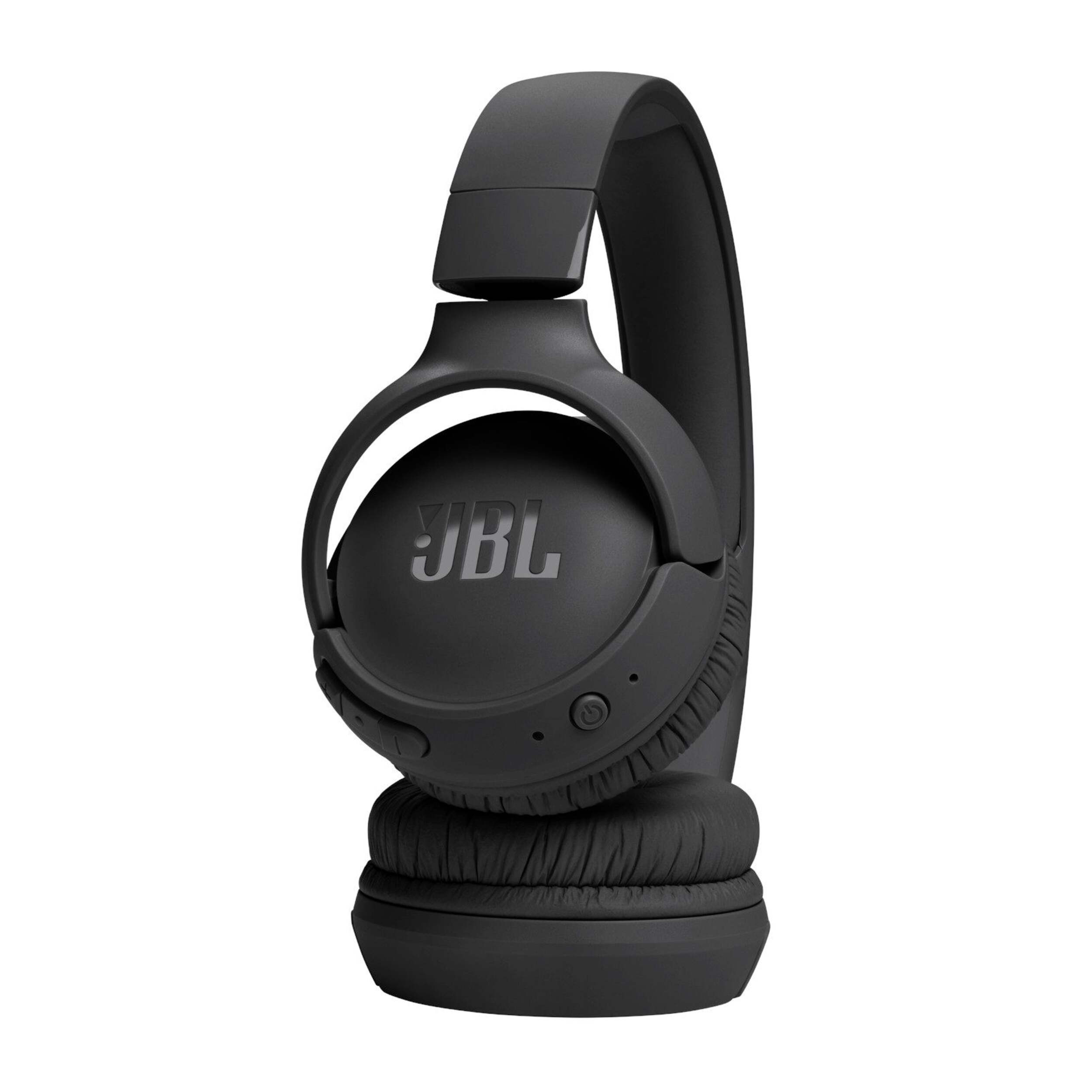


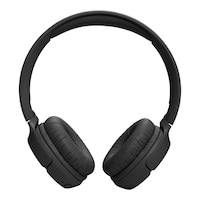
JBL Tune 520BT Wireless On-Ear Bluetooth Headphones with 57-Hour Battery Life & Pure Bass Sound, Black
- FREEAvailable
- Available
- Unavailable
Pick up available 05:30 p.m., Dec 04


Only 6 left
Quebec residents: For information on maintenance and repair click here.
Similar Items



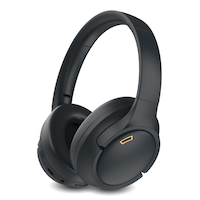
Product Details
Enjoy pure, rich sound with the JBL Tune 520BT Wireless On-Ear Bluetooth Headphones. These easy-to-use headphones provide up to 57-hours of pure sound pleasure and an extra 3 hours of battery with just 5 minutes of charge. The headphones feature button controls so you can manage calls, sound and volume from the earcup, and seamlessly switch to other devices when a voice call comes in. These lightweight headphones are comfortable for long-term wear, and are completely portable so they go everywhere you do.
Enjoy a rich and immersive audio experience with JBL's signature Pure Bass Sound, delivering enhanced clarity and depth across various music genres
Experience seamless and hassle-free wireless connectivity to your devices, providing freedom of movement and convenience
Personalize your audio with adjustable sound settings
Enjoy extended usage with up to 57 hours of battery life
Manage incoming calls, control volume, and switch between tracks using the headphones' controls, keeping your hands free for other tasks with Voice Aware technology
Seamlessly switch between audio sources, making it convenient when using different devices or sharing music with a friend
Experience comfort during long listening sessions with the lightweight and ergonomic design
Foldable design makes them easy to carry and store when not in use
Control your music, get information, or perform tasks using voice assistants like Siri or Hey Google
| Part Number | JBLT520BTBLK |
|---|---|
| Headphone Type | On-Ear |
| Smart System Compatibility | Android, Apple iOS, Bluetooth, Google Assistant, iOS App, IPhone |
| Battery Life (hr) | 57 h |
| Battery Charge Time (hr) | 2 h |
| Colour | Black |
| Advanced Features | Adjustable Head Strap, Bass Boost, Built-in Microphone, Collapsible/Foldable, Compact Design, Decibel Rated, Lightweight, Long Battery Life, Wireless |
| Assembled Length (in) | 1.89 in |
| Assembled Width (in) | 8.07 in |
| Assembled Height (in) | 8.78 in |
| Effective Wireless Range (ft.) | 30.00 ft |
|---|---|
| Power Source | Battery |
| Battery Type/Battery Size | Integrated Rechargeable |
| Cord Length (ft.) | 0.50 ft |
| Cushion Material | Artificial Leather |
| Accessories List | Charging Cable, USB Charging Cable |
| Number of Pieces | 1 |
| Wattage | 1 W |
| Minimum Frequency Range (MHz) | 0.00 MHz |
| Maximum Frequency Range (MHz) | 0.02 MHz |
- This product carries a 1 year exchange warranty redeemable at any Canadian Tire store.
- Pick Up is free at most stores (some stores require a minimum order value before tax)
- Shipping fee is based on size and weight of products and distance from address to store
- Same-Day Delivery costs $9.99 per order
- Online Ordering Information
- Most products can be returned or exchanged at any Canadian Tire store within 90 days of purchase
- Some products are non-refundable and non-exchangeable
- The return policy outlined above may not apply to the product you are currently viewing. For complete details and eligibility, please refer to our Return Policy for exceptions.
Compare Similar Products
Only Show Differences | |||||
| Ratings |

Shop Related Products
- Weekly Deals
- Customers Also Viewed
- Top Trending Products
- More From This Brand
Weekly Deals


Frequently Bought Together
$208.96$294.96
Review Highlights
Pros
Cons
Reviews
Customer Images and Videos
Filter Reviews
- satisfaction
- purchase
- sound quality
- quality
- price
- comfort
- noise level
- connections

Originally posted on jbl.com
Not perfect but the price is reasonable
Perfect
Originally posted on jbl.com
Correct
Écouteur sans fil JBL
Questions
Q: how do i set up blue tooth
7 days agoA: Thanks for your question. To set up the JBL Tune 520BT, press and hold the power button for 5 seconds to turn on the unit and enter pairing mode. Then turn on Bluetooth on your device and find the unit in your list. Click the name 'JBL Tune 520BT' to connect. If you need more help, please contact us at (800) 336-4525.
7 days ago
Q: Can my jbl tune 520bt display charge status on my iPhone
2 months agoA: Thank you for your inquiry. Our JBL Tune 520BT will not show the charge status on your iPhone. The headphones are designed with LED lights that will show steady red when charging and blinking red light when in low battery. However, you may see the battery percentage on your iPhone.
2 months ago
Q: Is it possible that you connect headphones with wire?
a year agoA: Thank you for your question. It is not possible to connect the model JBL Tune 520BT with wire. Some models that have AUX cable port are JBL Tune 720BT and Live 460NC. For further support, we welcome you to contact our JBL Customer Support team: https://support.jbl.com/gb/en/ Thank you.
a year ago
Q: Peut-on changer les coussinets des casques lorsqu'ils s'effritent ?
a year ago- Translate with Google
A: Nous vous remercions de votre commentaire. Vous pouvez changer les coussinets de votre JBL TUNE 520 BT. Voici le lien que je vous invite a copier\coller : https://fr.jbl.com/spare-parts/FGEP0-001037-0-.html?cgid=spare-parts Si vous avez besoin d'aide, nous vous invitons à contacter notre équipe du service clientèle JBL https://support.jbl.com/fr/fr/
a year ago
Q: Je ne peux écouter ma télévision. J'ai activé le bluetooth. Que faut-il faire?
a year ago- Translate with Google
A: Merci pour votre question. Je suis désolé d'apprendre que vous rencontrez un problème de Bluetooth avec votre JBL Tune 510BT. Pour davantage d'assistance, nous vous invitons à contacter notre équipe du service clientèle: https://fr.jbl.com/ https://be.jbl.com/ https://ch.jbl.com/ Merci
a year ago
Q: peut-on brancher une clé USB directement sur le casque?
a year ago- Translate with Google
A: Merci pour votre question. Le port USB-C du casque JBL Tune 520BT sert uniquement pour le chargement. Si vous souhaitez recevoir une assistance personnalisée, nous vous invitons à contacter notre équipe du service clientèle JBL : https://support.jbl.com/fr/fr/ Merci.
a year ago
Q: There are two openings on each side apart from the Type-C port. What are those?
a year agoA: Thank you for your question. For further support, please contact our JBL Customer Support team: https://uk.jbl.com/
a year ago
Q: my headphones are keep disconnecting I use it via bluetooth on my pc whats the reason?
a year agoA: For further support, we welcome you to contact our Customer Support team: https://support.jbl.com/gb/en/ Thank you.
a year ago
Q: Does the built in microphone pick up sound while Bluetooth connected for gaming.
a year agoA: Thank you for contacting Harman Customer Service. It is not possible to game with the Tune 520BT, for example the microphone will not work properly because it was not developed for this The QUANTUM series of headphones has been specifically developed for gaming Yours sincerely, Jeffrey Harman Customer Service
a year ago
Q: Mon casque se désactive tout seul pendant que j'écoute de la musique en disant "power on" alors qu'il est déjà allumé et dit qu'il s'appareil alors qu'il est censé être déjà connecté. Comment puis-je réglé ce problème ?
a year ago- Translate with Google
A: Merci de l'intérêt dont vous portez à notre marque JBL Tune520BT Je suis navré de savoir que votre casque se désactive pendant que vous écoutez de la musique. Ne vous inquiétez pas je vais vous assister: S'il vous plait veuillez essayer ce qui suit: - Appuyez longuement sur volume + et volume - en même temps pendant que l'appareil est allumé. - Assurez-vous que le Bluetooth n'est PAS activé et connecté à un appareil. - Lors de la réinitialisation, la LED clignotera plus rapidement. Je vous invite à nous contacter via notre formulaire en ligne et un de mes collègues sera heureux de vous assister: https://support.harmanaudio.com/fr/fr/contact.html. Cordialement, Richie.
a year ago