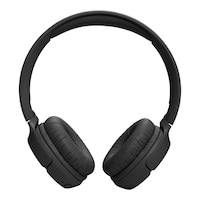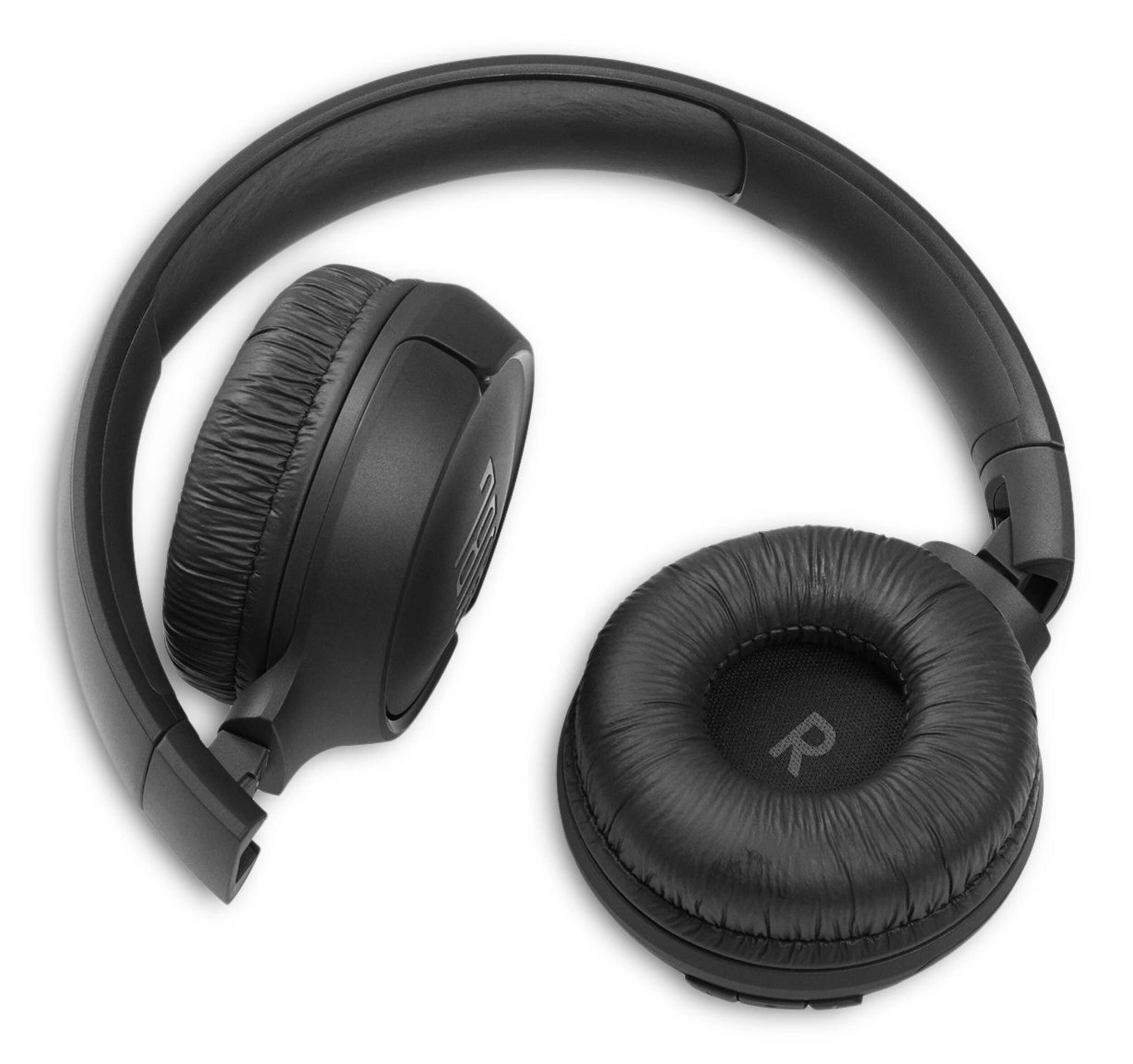


JBL Tune 510BT Lifestyle Wireless On-Ear Headphones
Unfortunately, this product is discontinued in your selected store and nearby stores.
You may be interested in these similar products shown below.Quebec residents: For information on maintenance and repair click here.
Product Details
The JBL Tune 510BT headphones let you stream powerful JBL Pure Bass sound with no strings attached. Easy to use, these headphones provide up to 40 hours of pure pleasure and an extra 2 hours of battery with just 5 minutes of power with the USB-C charging cable. And if a call comes in while you are watching a video on another device, the JBL Tune 510BT seamlessly switches to your mobile. Bluetooth 5. 0 enabled and designed to be comfortable, the JBL Tune 510BT headphones also allow you to connect to Siri or Google without using your mobile device. Available in multiple fresh colors and foldable for easy portability, the JBL Tune 510BT headphones are a grab ‘n go solution that helps you to inject music into every aspect of your busy life.
JBL Tune 510BT Lifestyle Wireless On-Ear Headphones feature the renowned JBL Pure Bass sound, which can be found in the most famous venues all around the world
Up to 40H battery life and speed charge (5mins = 2H) for long-lasting fun
Allows you to effortlessly switch from one Bluetooth device to another
Lightweight materials, and soft ear cushions with a padded headband make the headphones comfortable to wear for extended periods
Activate the voice assistant of your device by pushing the multi-function button
| Part Number | JBLT510BTBLK |
|---|---|
| Headphone Type | On-Ear |
| Smart System Compatibility | Android, Apple iOS, Bluetooth, Google Assistant, iOS App, IPhone |
| Battery Life (hr) | 40 h |
| Battery Charge Time (hr) | 2 h |
| Colour | Black |
| Advanced Features | Adjustable Head Strap, Built-in Microphone, Collapsible/Foldable, Compact Design, Lightweight, Long Battery Life, Sound Isolating, Wireless |
| Assembled Length (in) | 4.72 in |
| Assembled Width (in) | 7.09 in |
| Assembled Height (in) | 6.30 in |
| Effective Wireless Range (ft.) | 30.00 ft |
|---|---|
| Power Source | Battery |
| Battery Type/Battery Size | Integrated Rechargeable |
| Cord Length (ft.) | 0.00 ft |
| Cushion Material | Memory Foam |
| Accessories List | Rechargeable Battery, USB Charging Cable |
| Number of Pieces | 1 |
| Wattage | 1 W |
| Minimum Frequency Range (MHz) | 0.00 MHz |
| Maximum Frequency Range (MHz) | 0.02 MHz |
- This product carries a 1 year exchange warranty redeemable at any Canadian Tire store.
- Pick Up is free at most stores (some stores require a minimum order value before tax)
- Shipping fee is based on size and weight of products and distance from address to store
- Same-Day Delivery costs $9.99 per order
- Online Ordering Information
- Most products can be returned or exchanged at any Canadian Tire store within 90 days of purchase
- Some products are non-refundable and non-exchangeable
- The return policy outlined above may not apply to the product you are currently viewing. For complete details and eligibility, please refer to our Return Policy for exceptions.
Compare Similar Products
Only Show Differences | Currently Viewing | |||||
| Ratings | ||||||
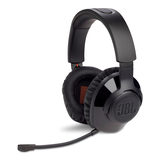
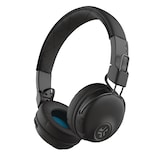
| Headphone Type | On-Ear | On-Ear | Over-Ear | Over-Ear | On-Ear | |
| Smart System Compatibility | Android, Apple iOS, Bluetooth, Google Assistant, iOS App, IPhone | Android, Apple iOS, Bluetooth, Google Assistant, iOS App, IPhone | No Smart Technology | Android, Apple iOS, Bluetooth, Google Assistant, iOS App, IPhone | Android, Apple iOS, Bluetooth, IPhone | |
| Battery Life (hr) | 40 h | 57 h | 22 h | 76 h | 20 h |



Shop Related Products
- Weekly Deals
- Customers Also Viewed
- Top Trending Products
- More From This Brand
Weekly Deals



Review Highlights
Pros
Cons
Reviews
Customer Images and Videos
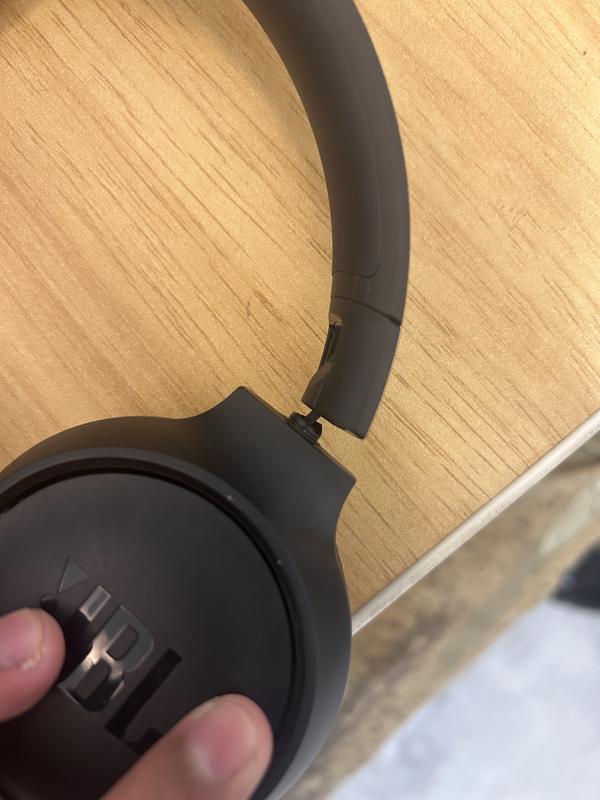
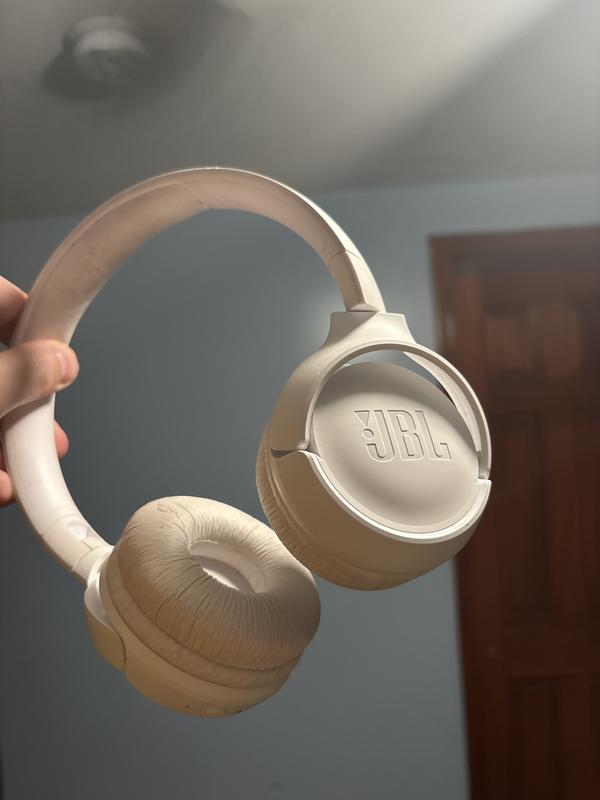
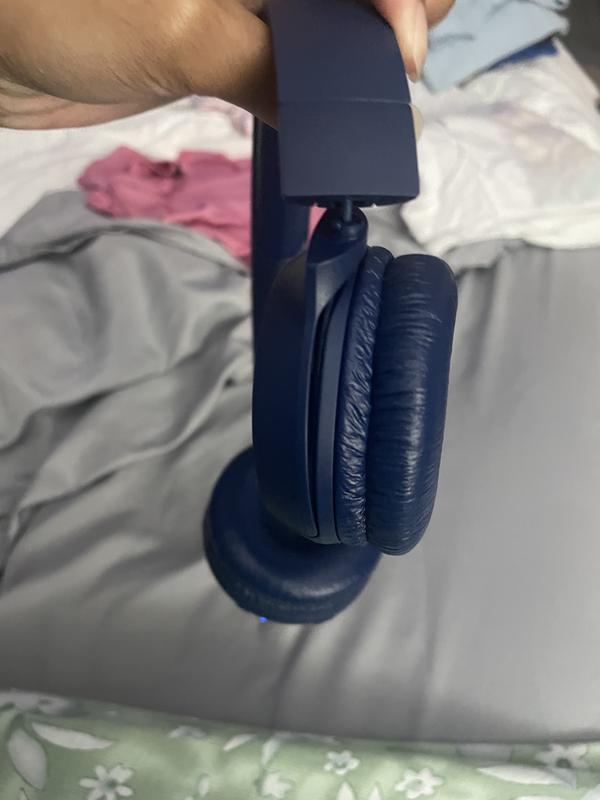
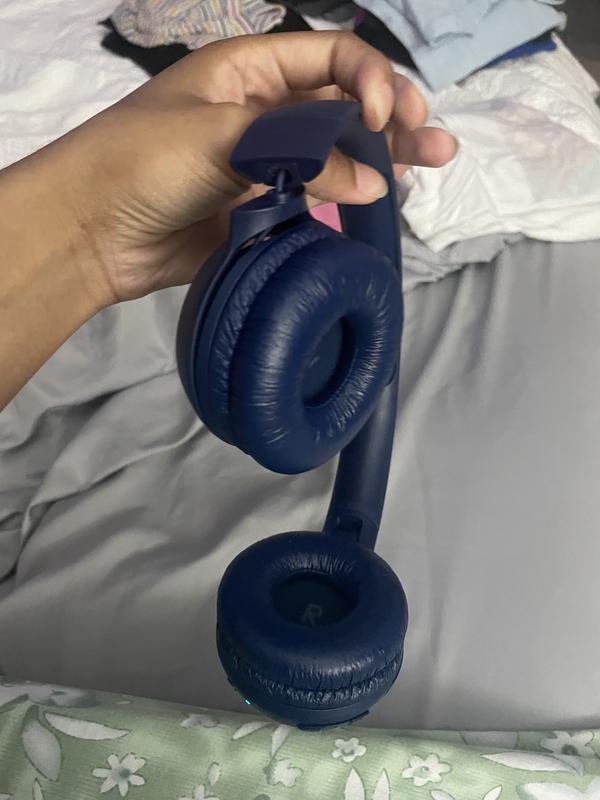
Filter Reviews
- satisfaction
- purchase
- price
- quality
- sound quality
- comfort
- charging
- length
Good Quality

Originally posted on jbl.com
Weak bass, poor volume controls.
Originally posted on jbl.com
great features
Originally posted on jbl.com
Don’t buy!!
Originally posted on jbl.com
Awesome Headphones
Originally posted on jbl.com
Questions
Q: Can you plug a headphone jack in these headphones if the battery dies ??
3 years agoA: The wire that comes in the box is usb c and usb a. How can you connect a usb a to any mobile without buying a lightning adaptor? Oh and that wire is about 6 inches long so u need to carry your phone on your shoulder lol
2 years ago
Q: Can you use these for gaming ?
a month agoA: Thanks for your question. Yes, you can use our JBL Tune 510BT for gaming, but since it’s a Bluetooth headphone, you may experience a slight audio delay in fast-paced games. It works fine for casual gaming, but it was mainly designed for music listening and everyday use. If you’re looking for something optimized for gaming, we recommend checking out our JBL Quantum series.
30 days ago
Q: Are these Tune 510BT noise cancelling?
a month agoA: Thanks for your question. Our JBL Tune 510BT does not have noise-cancelling, it’s a standard Bluetooth headphone without ANC.
30 days ago
Q: How do I know what model I have
a month agoA: Thank you for your inquiry. The model name is usually visible on the original box or on the product itself. If it’s not, we can verify it using the product’s serial number. For further assistance, please contact our customer support.
a month ago
Q: does it connect wired as well
a month agoA: Thank you for your inquiry. The JBL Tune 510BT headphones do not have an audio port for connecting with a wired audio cable. However, you can still enjoy audio using their Bluetooth functionality. Simply pair the headphones with your Bluetooth-enabled device to listen to music or other audio content.
a month ago
Q: How long is charging cable?
a month agoA: Thanks for your question. The charging cable of our JBL Tune 510BT is 0.25m long.
a month ago
Q: How can I set volume to mid range (5) instead of the default (10)
2 months agoA: Thank you for your question. Unfortunately, we cannot modify the mid-range frequencies of our JBL Tune 510BT headphones, as this feature is not supported by our JBL Headphone app. As an alternative, you can download a music player app that includes a built-in equalizer, allowing you to adjust the sound to your preference.
2 months ago
Q: How to reattach the earphone cushions
a year agoA: Thank you for reaching out. We're here to help with your JBL Tune 510BT. Our customer support sent you an email from HCG Customer Support for further assistance with replacing your ear pads.
a year ago
Q: What does a white light on the TUNE510BT mean? I turned on my headphones and all I get is a white light.
a year agoA: Thanks for reaching out. The white light of the JBL Tune 510BT when blinking indicates that the unit is turned on, on the other hand, if it's a solid white, it means the unit is fully charged. To enter into pairing mode for the first time, press the power button for five seconds so you can connect it to your device. It will show a blinking blue light. Make sure that the Bluetooth on your mobile phone is turned on, then look for the name of the headphones on the available devices. Tap JBL Tune 510BT and the blue light should be solid once successfully connected.
a year ago
Q: Are these good for teenagers too
a year agoA: Thank you for your question. Yes, they are good for teenagers. For further support, we welcome you to contact our JBL Customer Support team: https://support.jbl.com/gb/en/
a year ago