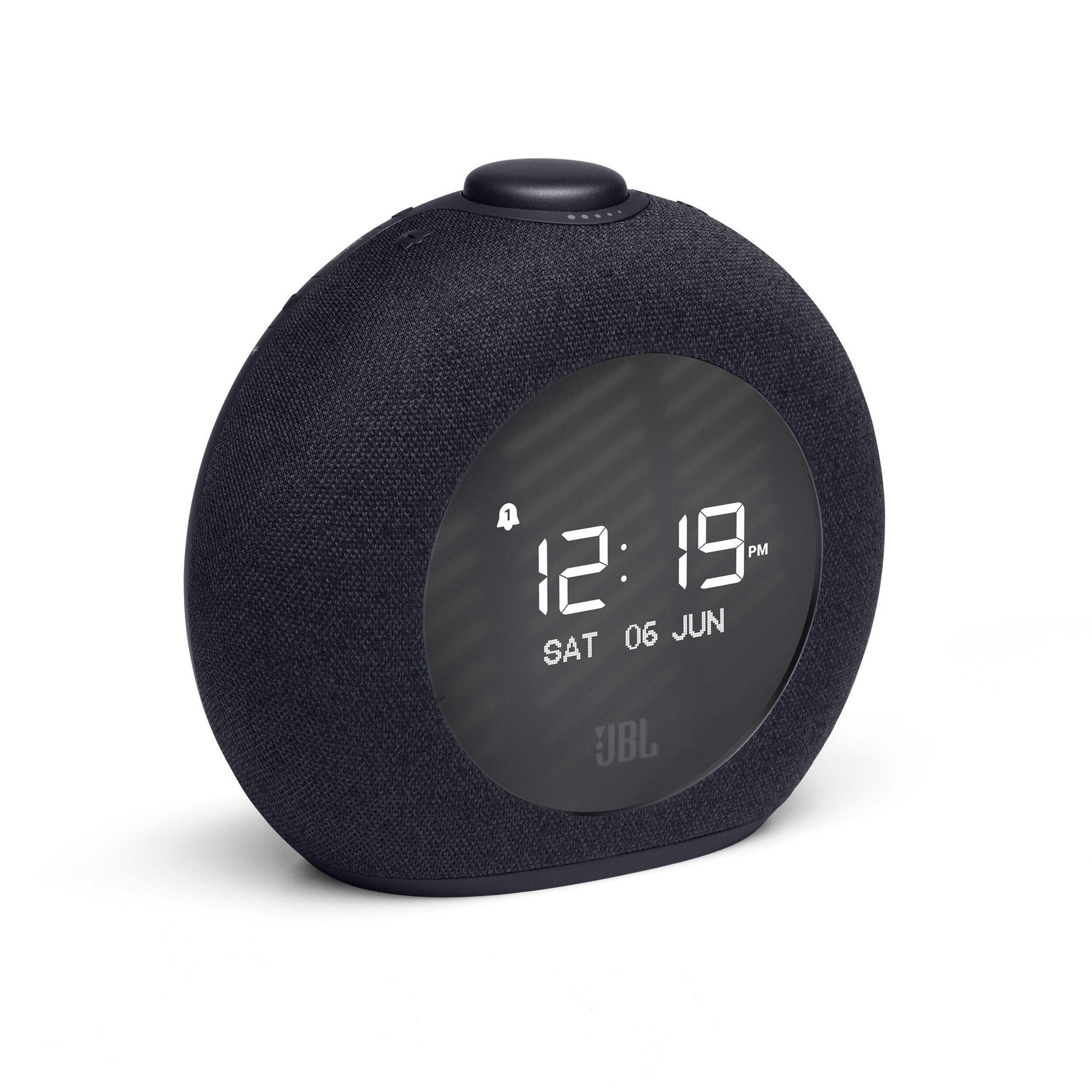
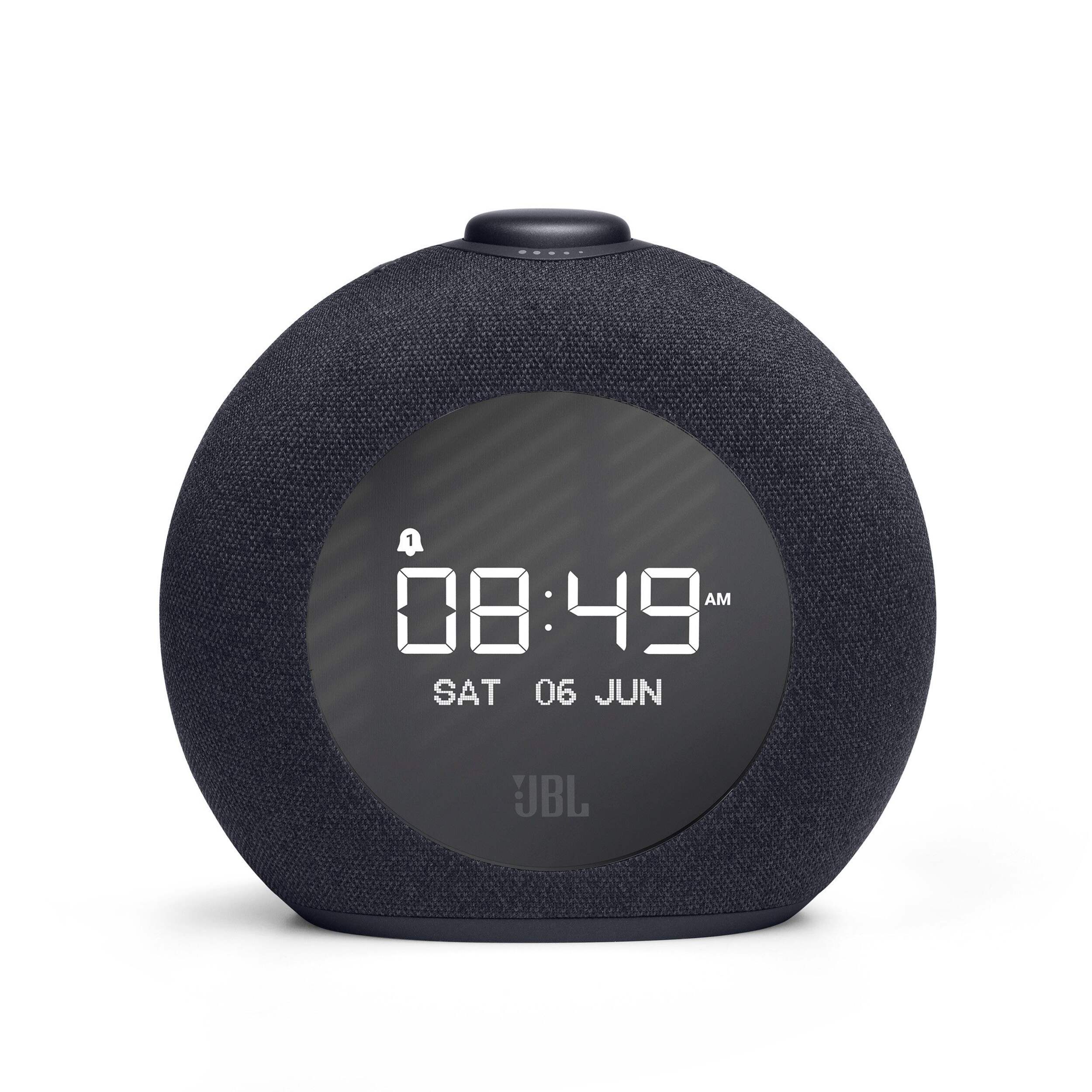
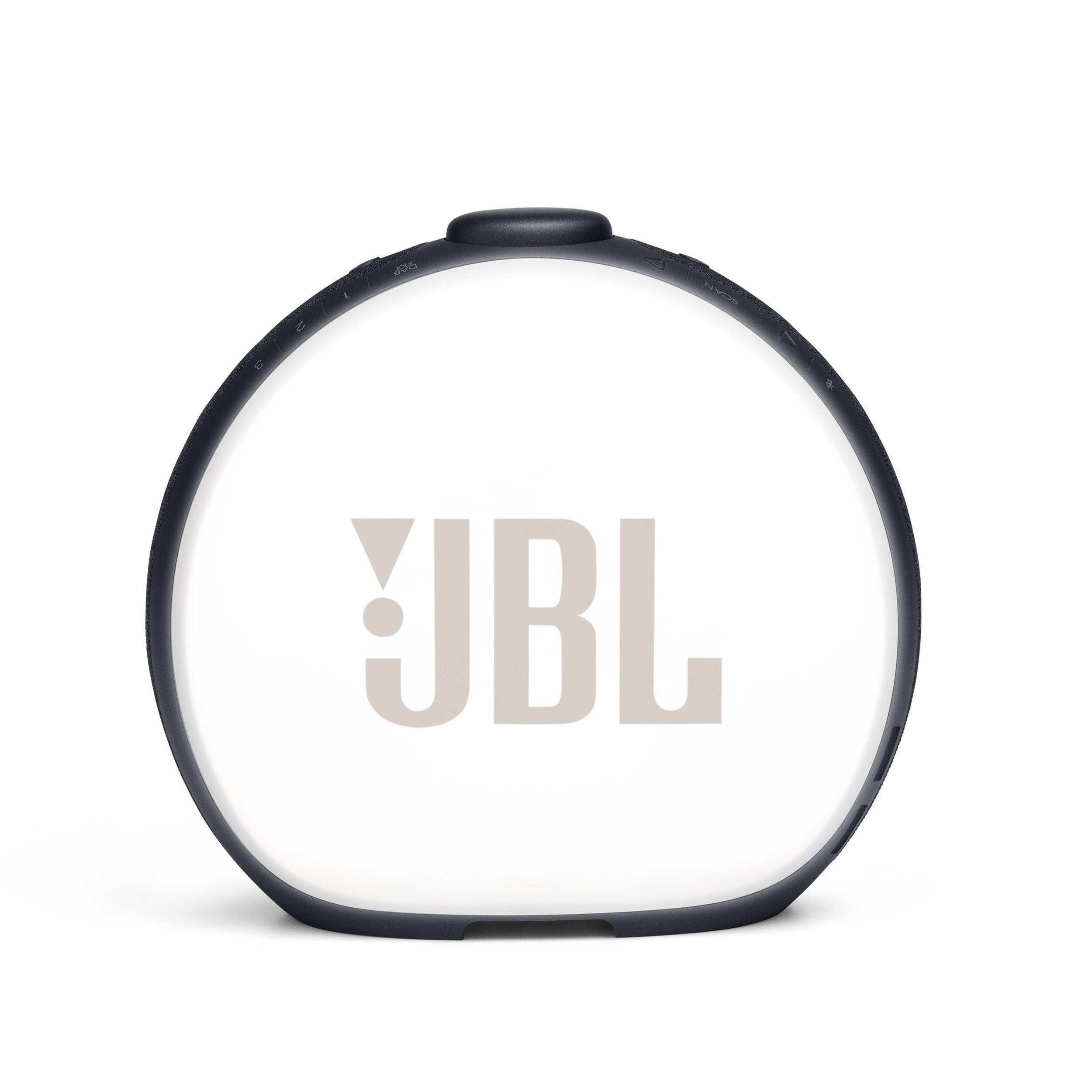
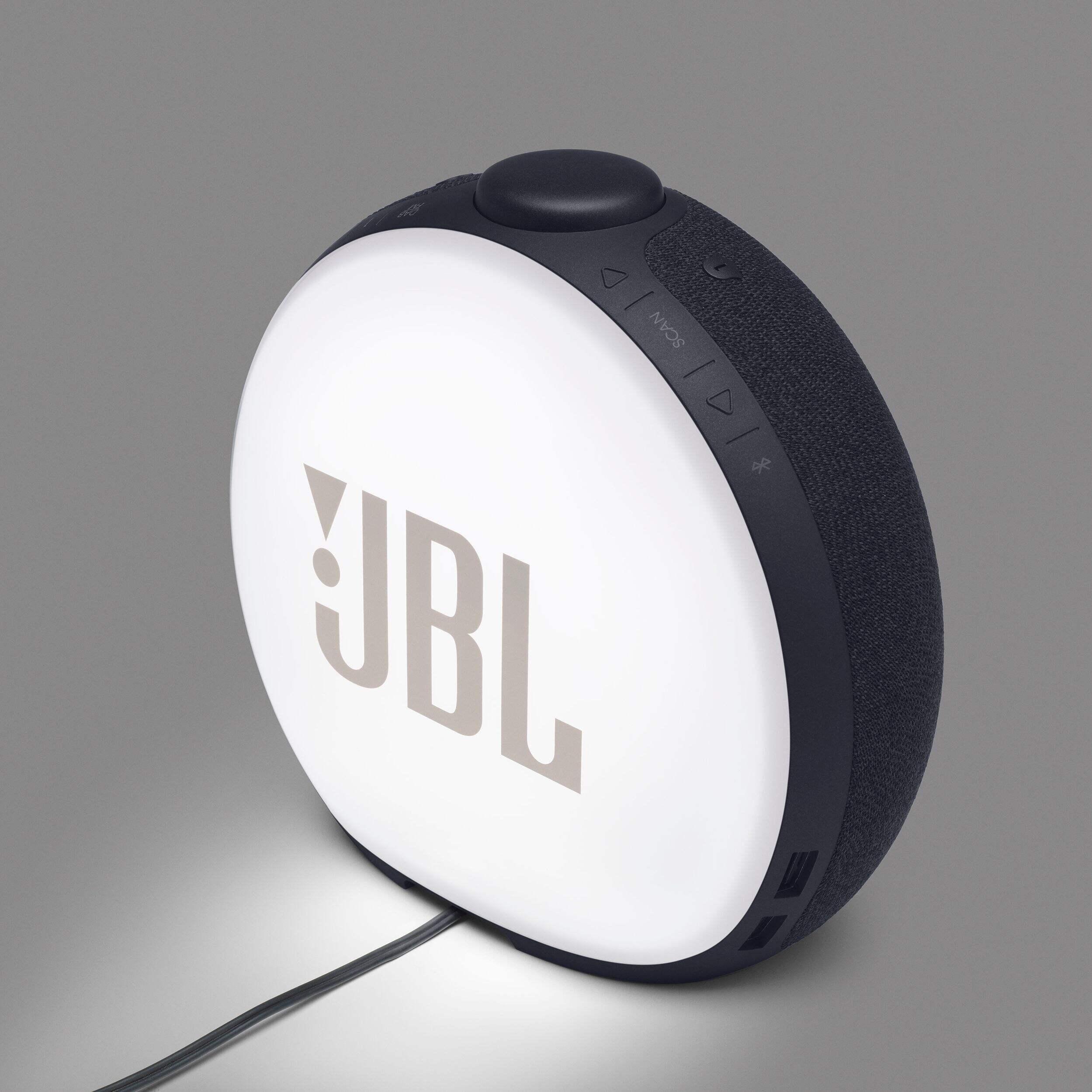
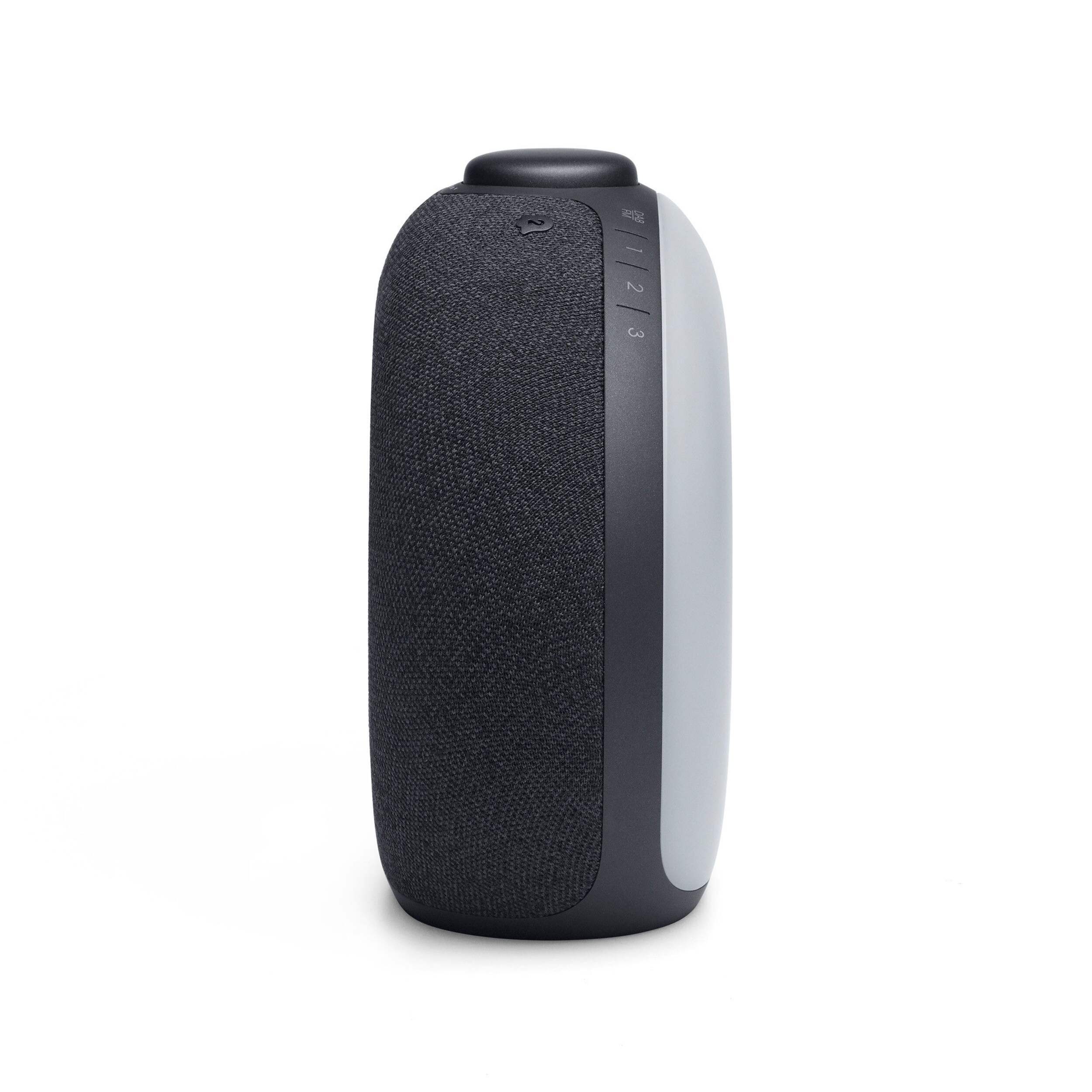
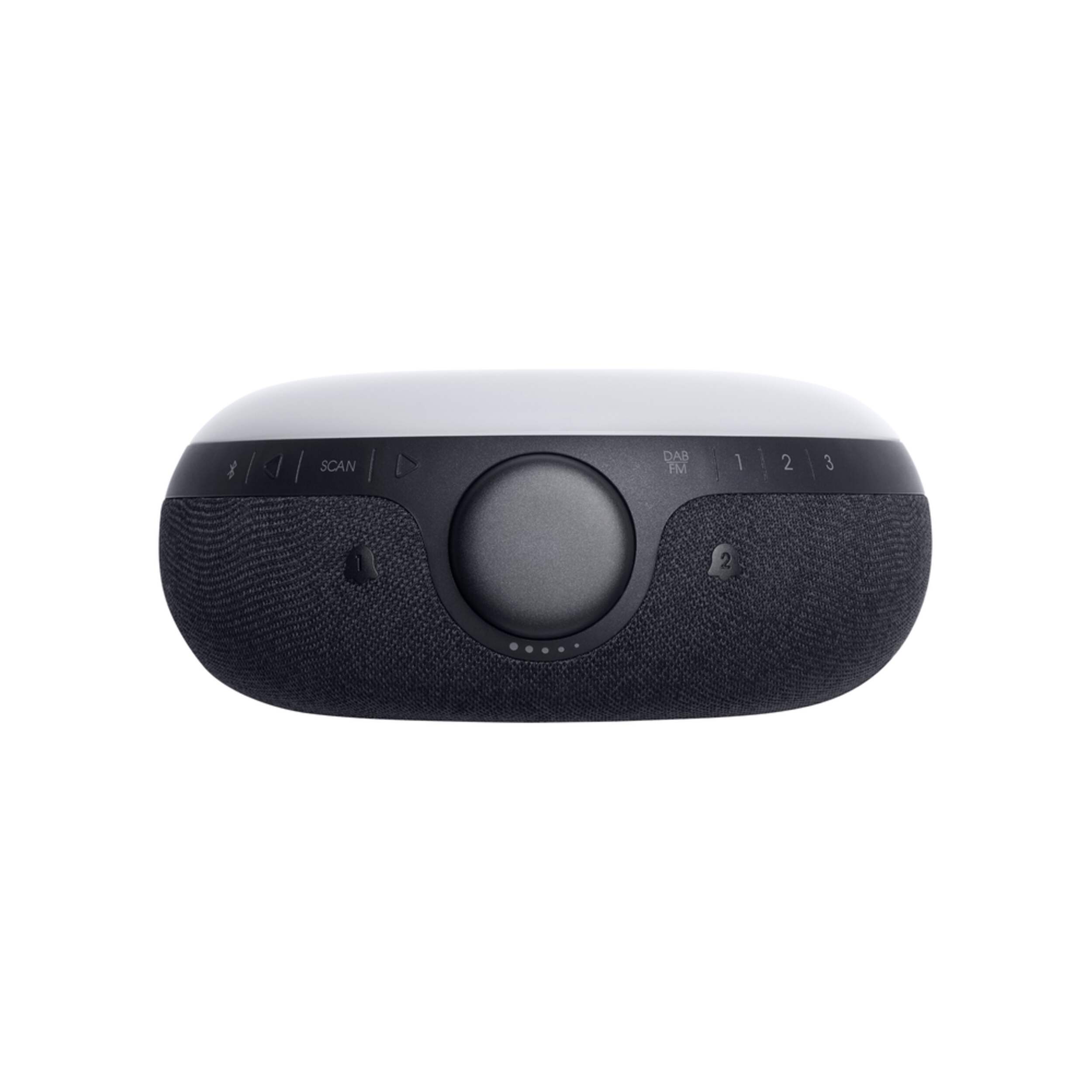
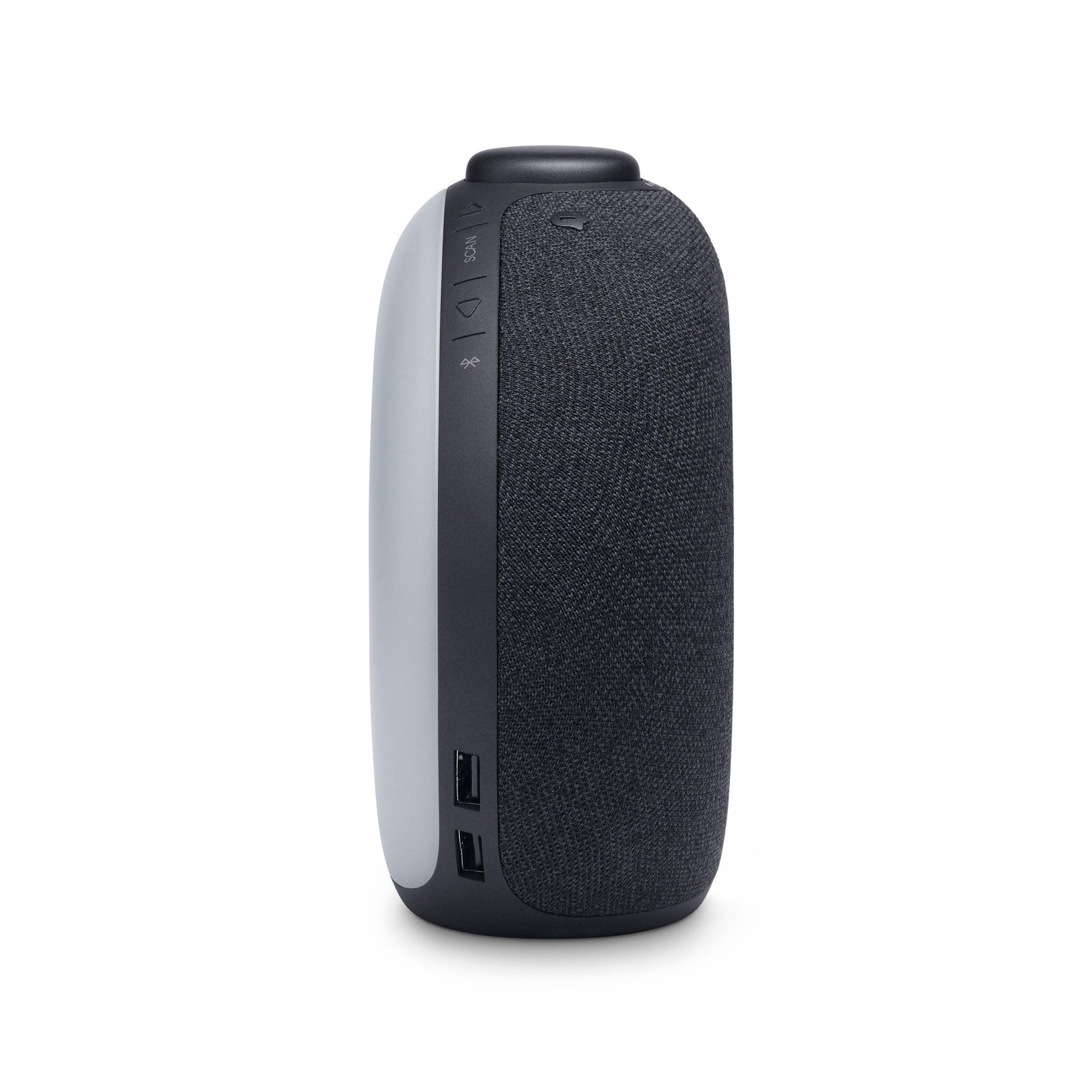
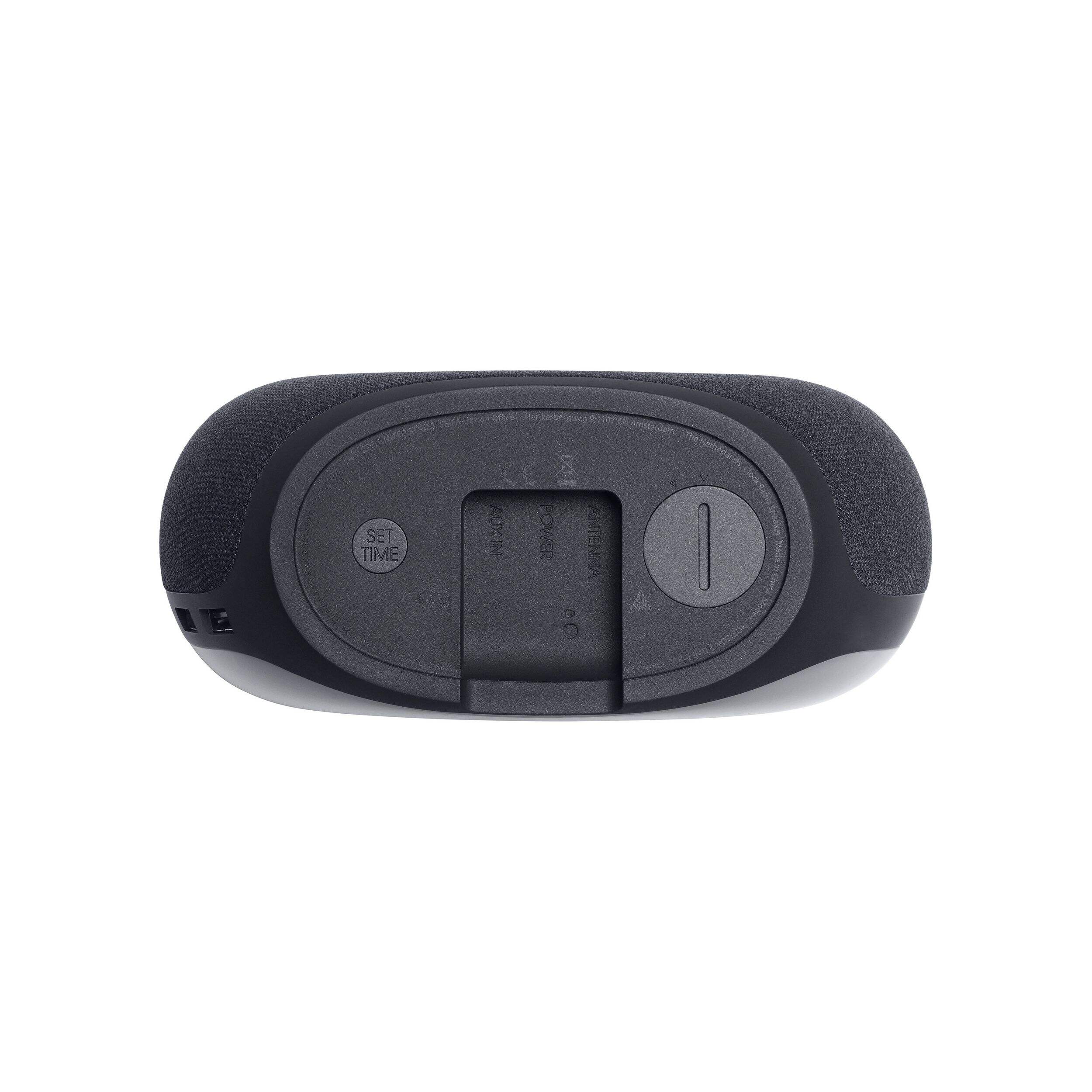
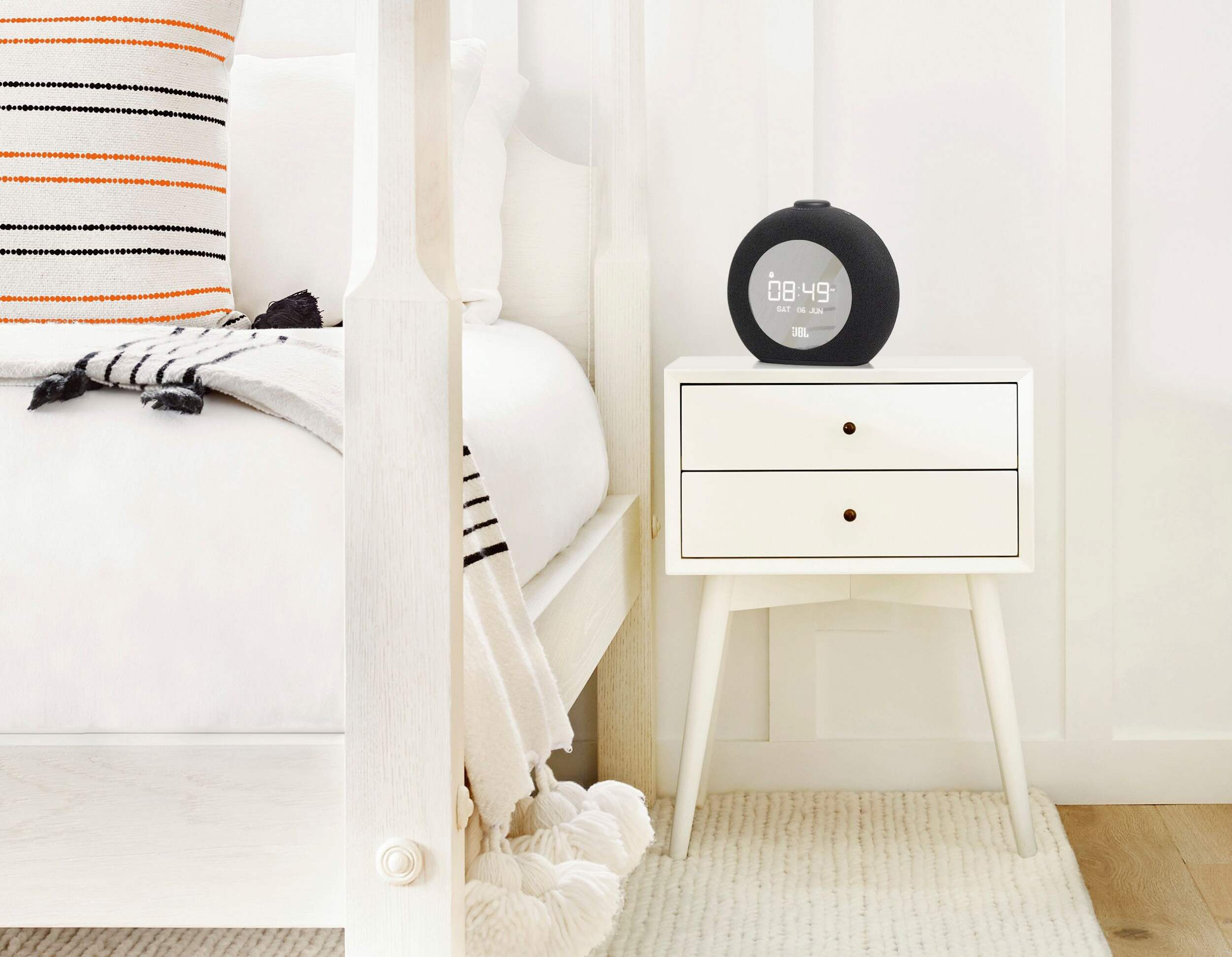


JBL Horizon 2 Bluetooth FM Clock Radio Speaker with 2 USB Charging Ports, Black
Unfortunately, this product is temporarily out of stock in your store and nearby stores.
Sign up to receive a notification when this product is back in stock.Similar Items


Quebec residents: For information on maintenance and repair click here.
Similar Items
Product Details
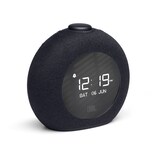
This bedside clock radio speaker livens up any bedroom with pro sound. The round JBL design with fabric-covered body and ambient LED light blends perfectly into any decor. The large LCD display shows time, alarm settings and radio info clearly so you never miss a beat. Wake to your favorite FM radio station or choose from alarm tones. The rotary knob lets you adjust volume, set alarms and snooze easily. Plus, two USB ports charge phones while you sleep so this speaker is the perfect bedside buddy.
Customize your morning alarm - Personalize your alarm with multiple audio choices. Select your favourite radio station or one of built-in digital alarm tones. Set independent alarms for you and your partner
Powerful JBL Pro Sound - Whether you’re streaming music via Bluetooth or listening to your favourite radio station, fill your room with impressive JBL Pro Sound
Tune in to your favourite radio stations - The JBL Horizon 2 clock radio can wake you up – or keep you company – with FM radio stations. Three convenient preset buttons take you directly to your favourite stations
Stream all your music via Bluetooth - Simply connect via Bluetooth and play music from your favourite streaming services or personal playlists
Ambient light - The ambient light makes it an ideal nightlight. It softly illuminates and enhances your bedroom
Two USB ports to charge your devices - Charge your phone and tablet, or any two USB-powered devices, with convenient charging ports
| Part Number | JBLHORIZON2B |
|---|---|
| Accessories List | No Accessories Included |
| Advanced Features | Alarm, FM Radio/MP3 Indicator, Large Display |
| Assembled Height (cm) | 16.20 cm |
| Assembled Height (ft) | 0.53 ft |
| Assembled Height (in) | 6.38 in |
| Assembled Length (cm) | 17.80 cm |
| Assembled Length (ft) | 0.58 ft |
| Assembled Length (in) | 7.01 in |
| Assembled Weight (kg) | 0.81 kg |
| Assembled Weight (lb) | 1.79 lb |
|---|---|
| Assembled Width (cm) | 7.60 cm |
| Assembled Width (in) | 2.99 in |
| Assembled Width (mm) | 76.00 mm |
| Batteries Required Quantity | 0 |
| Clock Type | Alarm |
| Colour | Black |
| Display Type | Digital |
| Displays Include | Date, Day of Week, Day/Date Combination, Time |
| Face Colour/Finish | Black |
| Face Diameter (cm) | 10.00 cm |
| Face Diameter (in) | 3.94 in |
| Face Shape | Round |
| Frame Colour | Black |
| Frame Material | No Frame |
| Frame Type | Frameless |
| Lens Material | Plastic |
| Movement Type | Automatic |
| Numbers Style | Digital |
| Package Depth (cm) | 21.00 cm |
| Package Depth (in) | 8.27 in |
| Package Height (cm) | 19.00 cm |
| Package Height (in) | 7.48 in |
| Package Weight (kg) | 1.39 kg |
| Package Weight (lb) | 3.06 lb |
| Package Width (cm) | 15.00 cm |
| Package Width (in) | 5.91 in |
| Power Source(s) | Electric |
| Product Use(s) | Indoor |
| Smart System Compatibility | No Smart Technology |
- 1 yr repair
- Pick Up is free at most stores (some stores require a minimum order value before tax)
- Shipping fee is based on size and weight of products and distance from address to store
- Same-Day Delivery costs $9.99 per order
- Online Ordering Information
- Most products can be returned or exchanged at any Canadian Tire store within 90 days of purchase
- Some products are non-refundable and non-exchangeable
- The return policy outlined above may not apply to the product you are currently viewing. For complete details and eligibility, please refer to our Return Policy for exceptions.
Compare Similar Products
Only Show Differences | ||||||
| Ratings | ||||||
| Accessories List | No Accessories Included | No Accessories Included | No Accessories Included | No Accessories Included | No Accessories Included | |
| Advanced Features | Alarm, FM Radio/MP3 Indicator, Large Display | Digital Tuner, Dimmable, USB Port | Digital Tuner | Battery Backup | Battery Backup | |
| Assembled Height (cm) | 16.20 cm |


Shop Related Products
- Weekly Deals
- Customers Also Viewed
- Top Trending Products
- More From This Brand
Weekly Deals
Review Highlights
Pros
Cons
Reviews
Customer Images and Videos
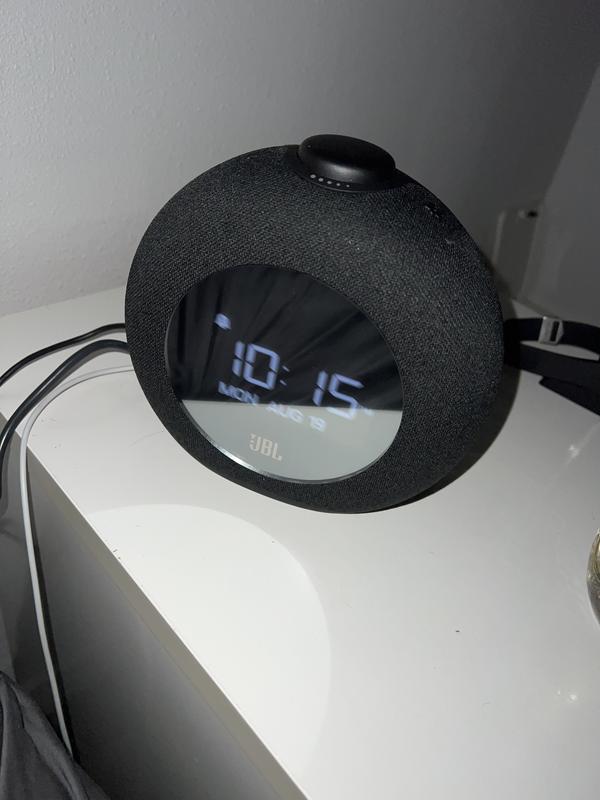
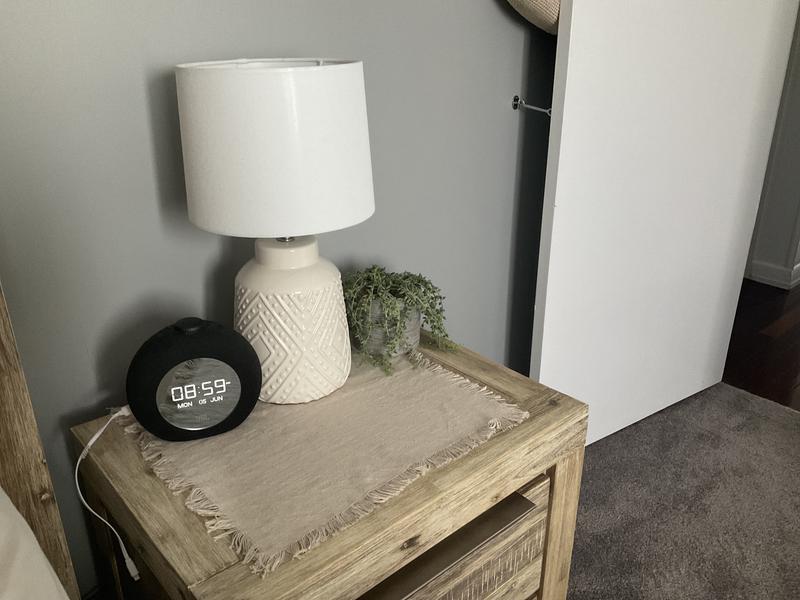
Filter Reviews
- satisfaction
- purchase
- bluetooth
- display
- speaker
- function
- sound quality
- product features
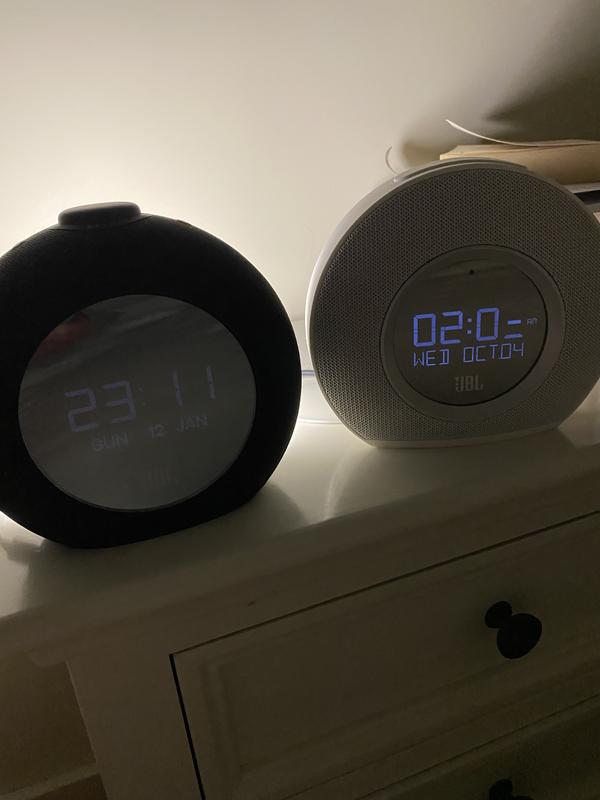
Do Not Buy - Cant read it in the dark.

Originally posted on jbl.com
Dreadful
Originally posted on jbl.com
Originally posted on jbl.com
Great unit, wish there was a wireless travel-size
Originally posted on jbl.com
Great purchase!
Originally posted on jbl.com
Questions
Q: I got my clock for Xmas 2023, set it up no problem but today I unplugged my clock to move it. I thought the back up battery would kick in when unplugged but that didn’t and now it won't turn on at all when plugged back in. Have I missed some trick?
a year agoA: We would like to work with you directly to help us understand the issue you experienced with the speaker and try some troubleshooting steps with you. Please contact our Customer Support via our official website for further assistance
a year ago
Q: Can you pair wireless headphones to the JBL Horizon 2 ?? If so, how?
2 years agoA: Our JBL Horizon 2 FM's Bluetooth feature is designed to pair with a source device to play music. It cannot pair with headphones to work with FM radio.
2 years ago
Q: How do I turn off the radio?
2 years agoA: To turn off the radio of our JBL Horizon 2, you may need to turn off the speaker or connect a Bluetooth device.
2 years ago
Q: How can I get my radio alarm to stay on longer than three minutes? As it starts with low volume and slowly increases by the time I hear it, it goes to snooze for NINE minutes! This crazy. How can I fix this before I'm late for work.
2 years agoA: Thanks for your inquiry. The duration of the ringing alarm on our JBL Horizon 2 can't be adjusted.
2 years ago
Q: Hi. Is this radio portable?
2 years agoA: Our JBL Horizon 2 follows the concept of Battery Back-Up units (BBU's). This is NOT a portable device. Once a power outage happens or if the speaker is unplugged from the wall, the unit then uses the backup emergency power coming from the battery. That being the case, the unit will function normally only when plugged in. When power is lost, and it is on backup power, it will retain the clock with NO display and will give a faint beep for the alarm for a maximum of 30 seconds. The unit needs to be continuously plugged in for it to function as you would expect.
2 years ago
Q: The radio alarm only stays on for 1 minute then turns off for about 20 minutes before turning on again for a couple of minutes. How can this be adjusted so that the radio stays on for at least 10 - 20 minutes before going off?
3 years agoA: That's how our JBL Horizon 2's alarm is designed. The small alarm (1 or 2) button on the matte surface has to be pressed to shut it off completely. If you don't turn off the alarm, Horizon's alarm sounds for 3 minutes, then it shuts off, or rather it goes into snooze, for 9 minutes. Then it sounds the alarm again for 3 minutes, followed by snooze for another 9 minutes. After this final snooze period, it starts playing and keeps on playing until it is manually shut off.
3 years ago
Q: Why does this alarm Clock not have a sleep function? Its a major part of a bedroom clock yet youve left it off the funtions. Very disapointed and taking it back for refund
3 years agoA: Thank you for bringing this to our attention. Our JBL Horizon 2 doesn't have the sleep mode button. A user-friendly rotary control knob has been added to this unit with several convenient functions. Simply rotate the knob to choose your wake-up time. You can also use it to snooze alarms, adjust the volume and turn the ambient light on and off.
3 years ago
Q: Will I receive phone calls through this speaker if it is hooked up?
3 years agoA: Our JBL Horizon 2 is a digital alarm clock with a radio function. It does have Bluetooth for music playing but it doesn't support a speakerphone function for calls.
3 years ago
Q: How can i keep the display light bright.
3 years agoA: There is no way to manually adjust the brightness of our JBL Horizon 2. It would automatically adjust the light depending on the outside lights that it's sensing. If the screen appears dark, try repositioning your Horizon 2 for the light sensor to work to the fullest. In some positions, the unit cannot effectively detect the ambient light level in the room. If you have more questions, please contact us so we can help you. https://bit.ly/3Ol4uxX
3 years ago
Q: Almost totally love the Horizon 2. My only disappointment is the 3 minute alarm/radio and then auto snooze feature. Could this please be removed in the next firmware update?
3 years agoA: The duration of the snooze cannot be changed and is fixed to 9 minutes. The alarm will continue to ring for 3 minutes if not turned off or snoozed, it will automatically snooze after this time. It will automatically snooze for a maximum of 3 times, but if the snooze button is used before this, the alarm can be snoozed an unlimited number of times. As of now, ther is no firmware update available for the Horizon 2.
3 years ago